Best Productivity Tools in 2026: Apps for Focus, Tasks, Automation & Teams
15 best productivity tools for 2026 — task management, focus apps, automation, AI tools, and team collaboration.
TL;DR:
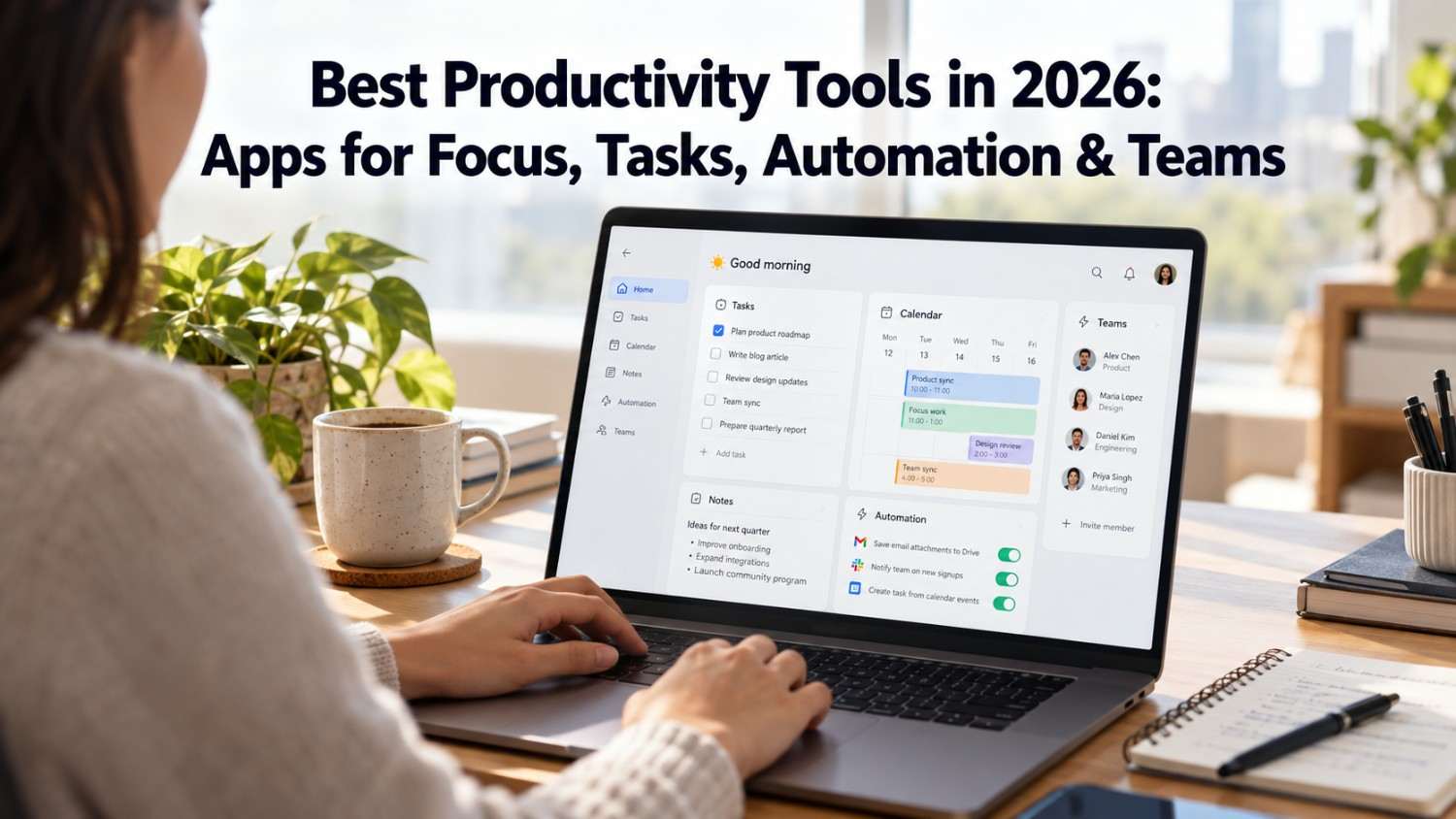
Productivity tools in 2026 look different from a few years ago mostly because of three shifts: AI is now baked into tools people already use instead of living in a separate tab, automation has gotten easier to set up without any code, and team tools have quietly merged tasks, docs, and chat into one place instead of three. For individuals, a solid starting stack is Todoist for tasks, Notion for notes, and Forest for focus. For teams, ClickUp handles project management, Slack handles communication, and Zapier or Make handles the automation between them. The real lesson underneath all of it is simple. The best stack is not the biggest one. It is the smallest one you actually use every day.
Introduction
Open any productivity forum and you will find the same argument repeating itself. Someone asks what tool they should use, twenty people reply with twenty different apps, and the person who asked ends up more confused than when they started. Part of the problem is that most of these tools are genuinely good, which makes the decision harder rather than easier. The other part is that almost nobody talks about the thing that actually matters most, which is using fewer tools well instead of collecting more tools you barely open.
This guide walks through the categories that make up a real productivity stack in 2026: task management, notes, focus, calendars, automation, AI assistants, and team collaboration. Instead of just listing names, each section explains what the tool is actually good at and who it fits, so you can build something that works for how you already operate rather than copying someone else’s setup.

Best Productivity Tools in 2026
The landscape breaks down into a handful of clear categories. For task management, Todoist, ClickUp, Asana, and Trello cover most needs. For notes and knowledge, Notion, Obsidian, and Evernote lead the pack. For focus and time, Forest, Focus@Will, and Toggl Track are the names that keep coming up. For automation, Zapier, IFTTT, and Make connect the rest of your stack together. And for team collaboration, Slack, Microsoft Teams, and Lark keep everyone on the same page.
The advice worth repeating here is the one most people ignore. Choose tools that solve your specific problems, not tools that look impressive in a screenshot. Collecting apps does not make you more productive. Using a small set of them consistently does.
Best Free Productivity Apps
Free tools genuinely cover most needs, and there is rarely a reason to pay before you actually hit a limitation. Todoist’s free plan supports up to five active projects and works cleanly across every platform. Notion’s free plan includes unlimited pages and blocks, which makes it one of the most generous free tiers in the entire category. Trello offers unlimited cards on its free plan, which is plenty for visual Kanban style planning. Google Calendar remains free with full scheduling features and integrates with nearly everything else you might use. Forest is free with optional in app purchases, and its gamified focus timer is enough on its own for a lot of people.
The pattern worth noticing is that free tools tend to work until you hit a specific wall, whether that is more projects, more automation, or more storage. At that point, upgrading makes sense. Paying before that point usually does not.
Best Productivity Tools for Individuals
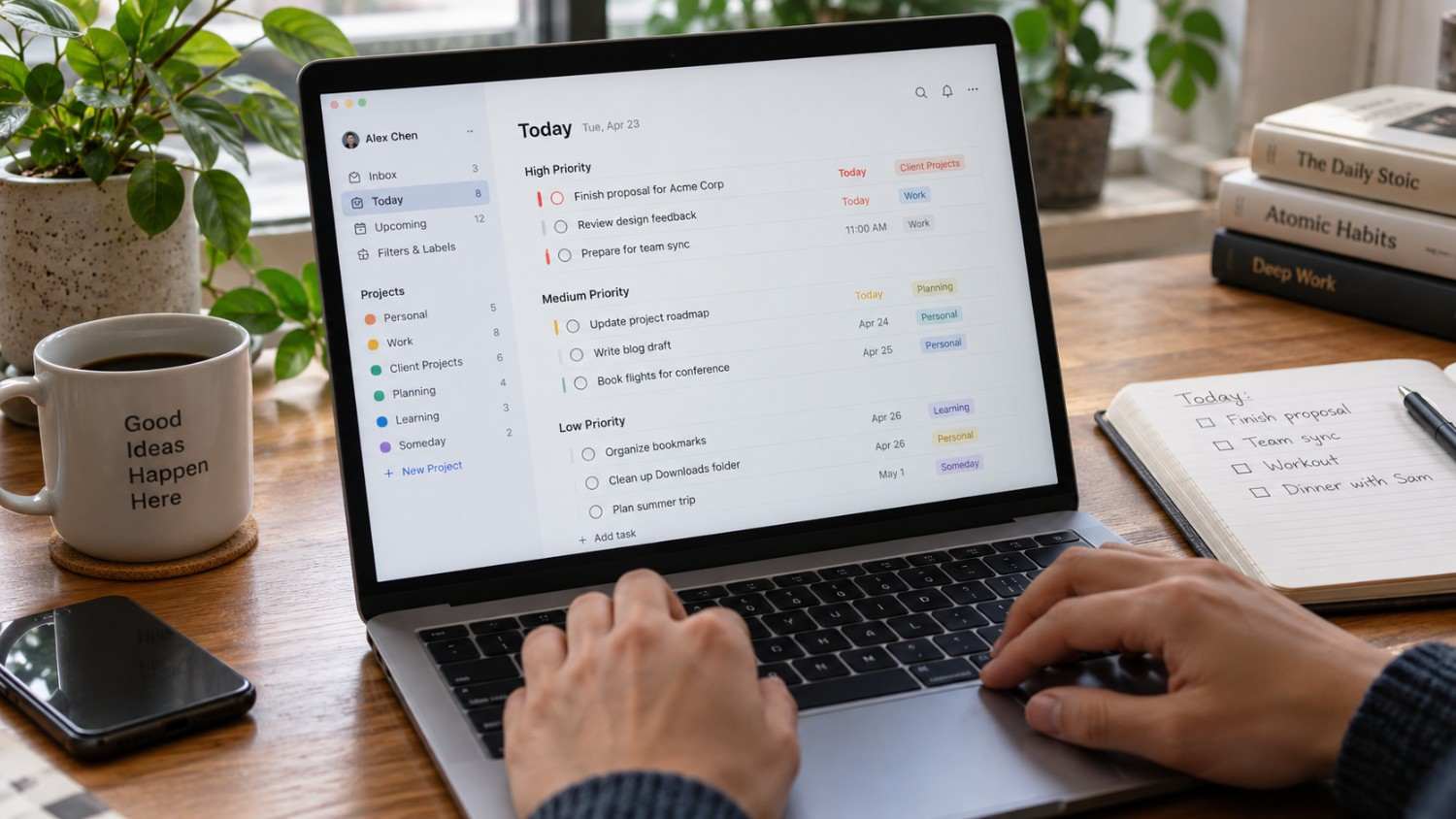
Individuals generally need two things from a productivity stack: a way to manage tasks and a way to stay focused long enough to finish them. Todoist remains the cleanest option for task management, with a simple interface and natural language input that turns “call the dentist tomorrow at 3” into a properly dated task without any manual fiddling. Notion covers notes and knowledge management with a flexibility that scales from a single page of scratch notes to a full personal wiki. Toggl Track handles time tracking well, giving a clear picture of where hours actually go rather than where you assume they go. Forest handles focus through a gamified approach that turns staying off your phone into something closer to a game than a punishment. RescueTime rounds things out with automatic time tracking that runs quietly in the background and reports patterns you would never notice on your own.
Best Task Management and To Do Apps
Task management is arguably the foundation the rest of a personal productivity stack sits on, so it is worth a closer look. Todoist offers a clean interface, natural language input, and reliable syncing across every device you own. ClickUp trades some of that simplicity for depth, offering multiple views including list, board, calendar, and Gantt chart layouts for people who want to see their work from different angles. Asana focuses on workflow management, with dependencies and milestones that suit anyone managing a project with several moving parts rather than a flat list of errands. Trello keeps things visual and simple with Kanban boards that are easy to explain to anyone in about thirty seconds. Microsoft To Do is free with a Microsoft account and, while it lacks the depth of the others, does the basics well without asking anything of you in return.
The advice for all these tools is the same: pick one and stick with it. Splitting tasks across three different apps guarantees you will forget something, usually the thing that mattered most.
https://youtu.be/wrDJ7mqfyaY?si=5q4T-S1pOe9sm44k
Best Productivity Tools for Teams
Teams need something individuals rarely do, which is a shared source of truth that everyone can see and trust. ClickUp works well as an all in one option, combining tasks, docs, and goals in a single workspace so people are not jumping between four different tools to understand a project’s status. Slack remains the standard for team communication, with organized channels, deep integrations, and search that actually finds old messages when you need them. Asana focuses on workflow management with clear task assignments and deadlines, which suits teams that need accountability more than flexibility. Monday.com leans into visual project management with a colorful, intuitive interface that tends to win over teams who find spreadsheets exhausting. Lark bundles docs, sheets, and messaging into one integrated platform, which appeals especially to teams already spread across time zones.
Best Tools for Project Management and Collaboration
Project management tools deserve a closer look of their own, since choosing the wrong one can quietly slow a team down for months. ClickUp remains a strong all in one option that combines tasks, docs, goals, and chat in a single place. Asana handles workflow management with dependencies and milestones that map well onto projects with a clear sequence of steps. Monday.com continues to stand out for visual, colorful project tracking that non technical teams tend to adopt faster than more text heavy tools. Trello keeps things simple with Kanban boards that suit small teams who do not need heavy structure. Basecamp takes a different approach entirely, combining communication and tasks into one straightforward system built around simplicity rather than features.
Best Productivity Apps for Remote Work
Remote teams have their own specific needs that office based teams do not always share. Slack remains central for day to day communication, with channels that keep conversations organized instead of buried in an inbox. Zoom continues to be the reliable choice for video meetings, even with several newer competitors trying to take its place. Loom fills a gap the others cannot, letting people record and share quick asynchronous videos instead of scheduling yet another live call. Calendly removes the back and forth of scheduling across time zones, which becomes a genuine daily annoyance once a team spans more than one region. Toggl Track rounds things out for remote teams that need to track billable hours or simply understand where the day actually went.
What Actually Makes a Team Tool Worth Adopting
The tools above all do roughly what they claim, but adoption tends to hinge on something less obvious: how quickly the least technical person on the team can use it without training. A tool with more features than a team needs often gets abandoned within a month, while a simpler tool everyone actually opens daily quietly wins. Before adding a new team tool, it helps to ask who will resist it and why, since that answer usually predicts whether it survives past the first quarter.
Best Calendar and Time Management Tools
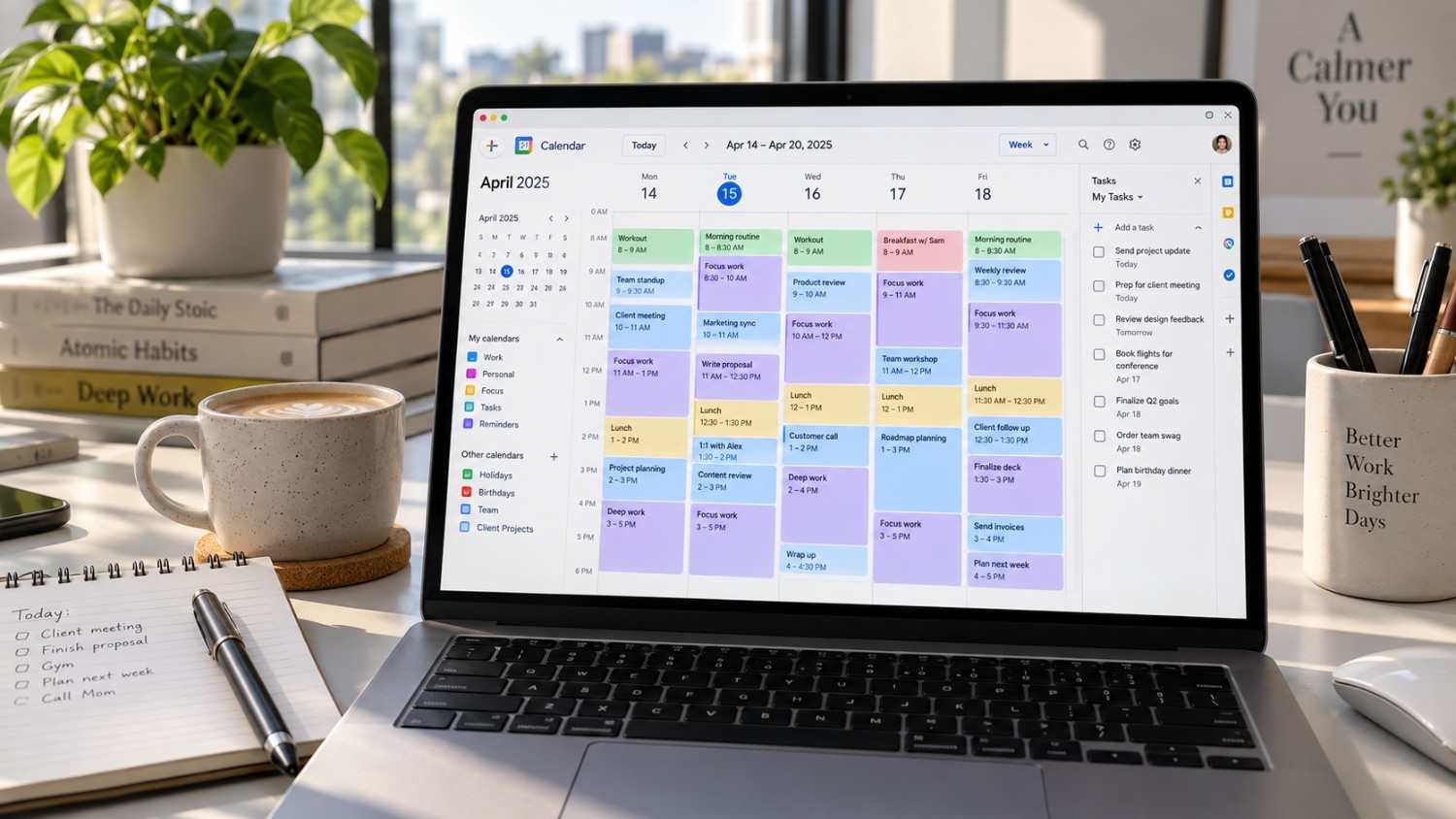
Time management tools often get overlooked in favor of task apps, but they arguably matter just as much. Google Calendar remains the default for most people, free and deeply integrated with almost every other tool worth using. Calendly removes the tedious back and forth of finding a meeting time, and its free tier covers most individual needs. Toggl Track adds reporting on top of basic time tracking, which turns raw hours into something you can actually analyze. Clockify offers free time tracking built specifically for teams, including the ability to track billable hours without paying anything upfront. Reclaim AI takes a more active approach, automatically blocking time on your calendar for tasks and habits so they do not quietly get pushed aside by whatever meeting shows up next.
Why Free Calendars Still Win for Most People
It is worth pausing on why Google Calendar, a free tool, still beats most paid alternatives for the average person. The answer is not features. It is the fact that everyone you need to schedule with already has one, and that compatibility matters more than any extra function a paid tool could add. Paid calendar tools tend to earn their price only once you need something specific, like automated time blocking or branded scheduling pages, rather than just the ability to book a meeting.
Best Note-Taking and Knowledge Management Apps
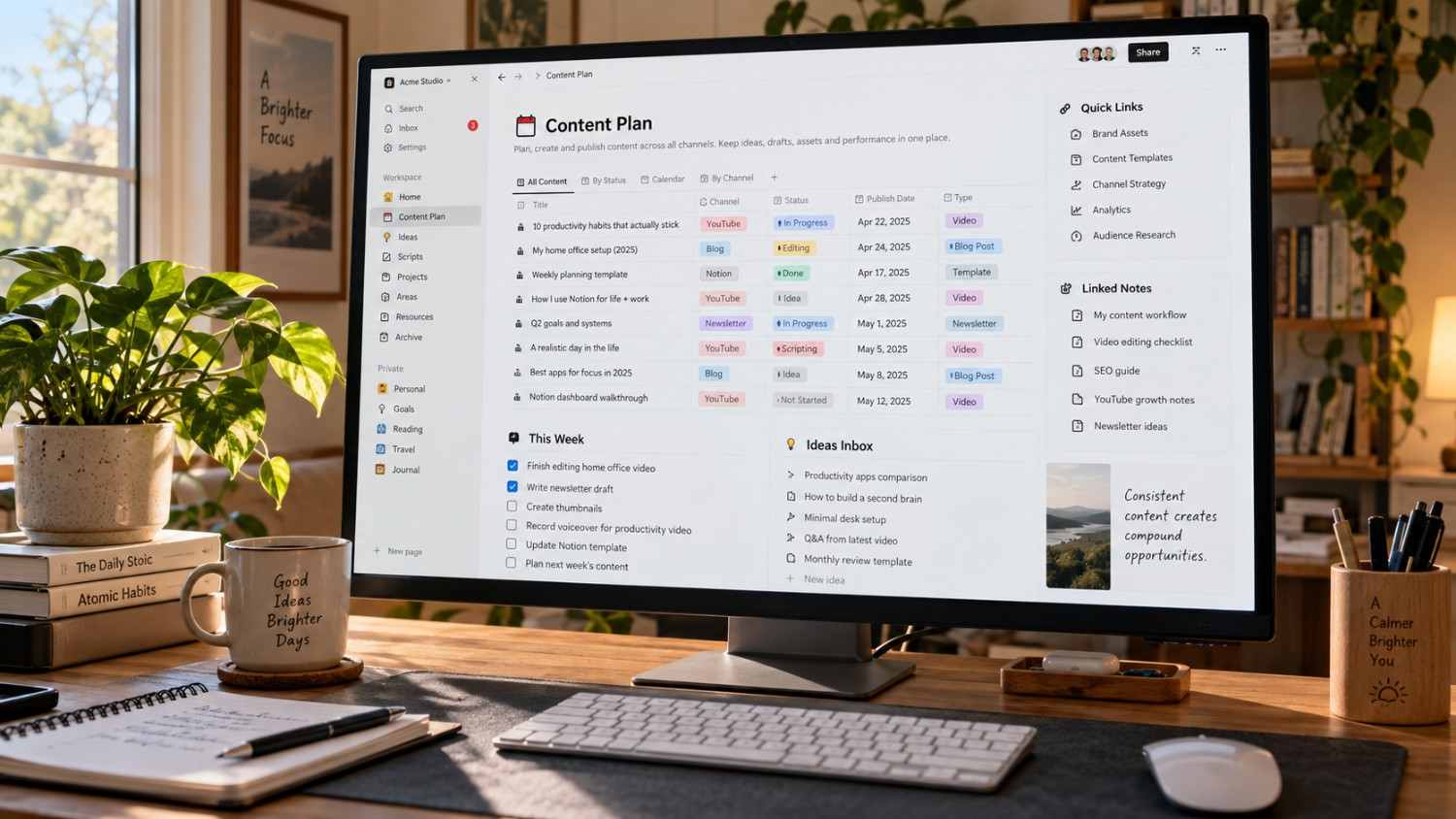
Notes are where ideas actually live before they turn into anything useful, so the choice of tool matters more than it first appears. Notion remains flexible, powerful, and genuinely collaborative, which is why it works equally well for a solo creator and a twenty person team. Obsidian takes a different route entirely, storing everything locally in markdown files, which appeals strongly to anyone who wants full control over their own data. Evernote still holds its own for research heavy work, particularly thanks to its web clipping feature that most competitors have never quite matched. OneNote comes free with a Microsoft account and suits anyone already living inside that ecosystem. Apple Notes stays simple and fast, and its deep integration with the Apple ecosystem makes it hard to beat for quick capture on the go.
Building a Second Brain Without Overcomplicating It
The idea of a second brain, a single place where every note and idea lives, has become popular enough to deserve a word of caution. The system only works if it stays simple enough to maintain. A setup with fifteen nested folders and a dozen tags per entry usually collapses within a few weeks, while a flat structure with a handful of broad categories tends to survive years. Choose the tool you will actually use, then resist building something more elaborate than your habits can support.
Best Focus and Distraction Blocking Tools
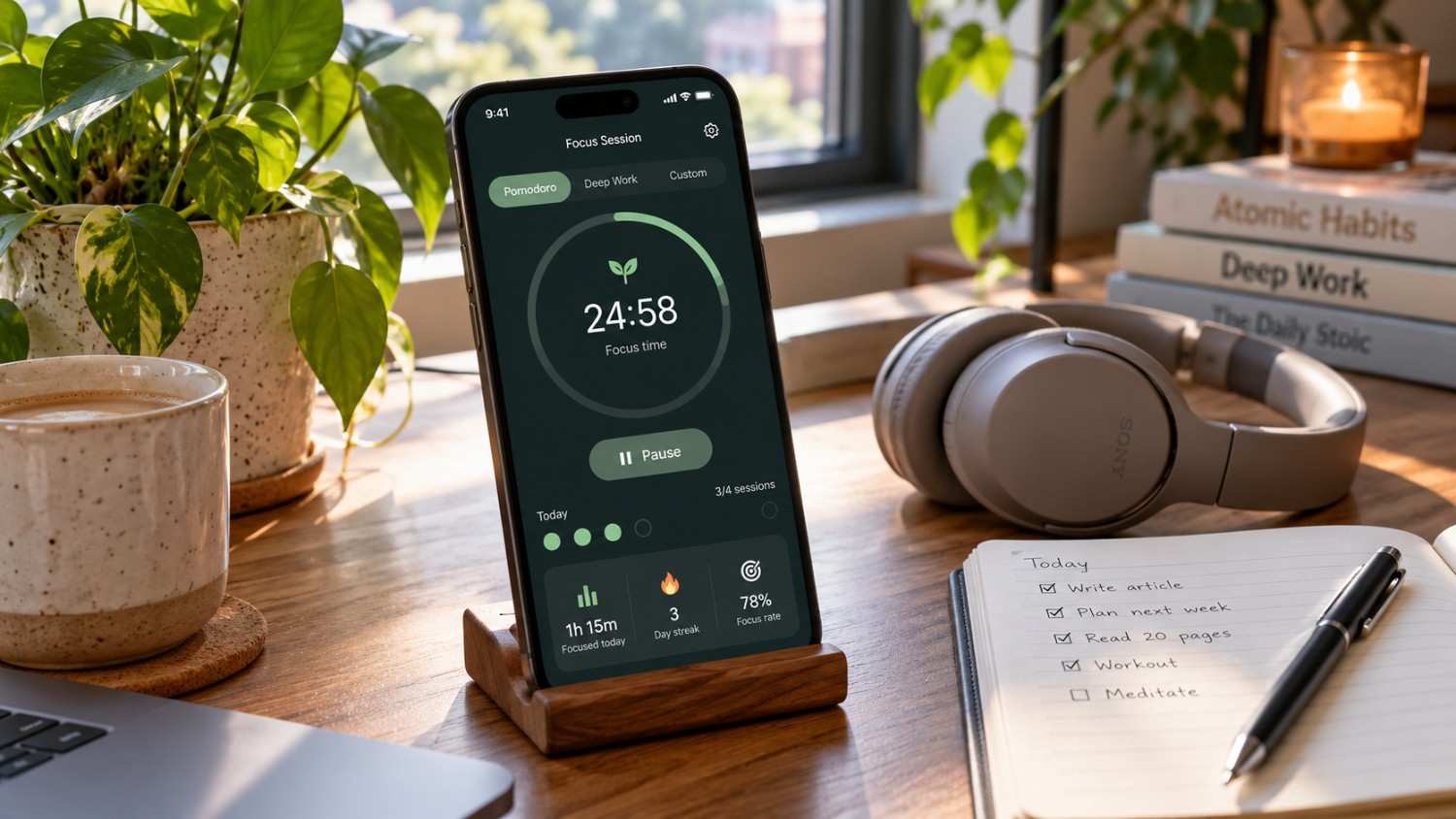
Focus tools exist because willpower alone rarely beats a phone buzzing on the desk. Forest turns focus into a small game, growing a virtual tree while you stay off your phone and letting it wither if you give in early. Freedom blocks distracting websites and apps across every device at once, closing the loophole where someone blocks their phone but keeps scrolling on a laptop instead. Cold Turkey takes an even stricter approach, making its blocks genuinely difficult to override once they are set. Focus@Will offers music specifically designed and tested for concentration rather than just background noise. Toggl Track earns a second mention here for tracking focus sessions specifically, which helps reveal patterns in when your attention is actually strongest during the day.
Why Blocking Apps Work Better Than Willpower
There is a reasonable psychological explanation for why blocking tools outperform sheer willpower for most people. Willpower is a limited resource that depletes over the course of a day, while a blocking app simply removes the decision entirely. Instead of resisting the urge to check a phone forty times an hour, the option is not there to resist in the first place. That small shift, from constant decision making to a single decision made once in advance, is usually why these tools succeed where good intentions alone tend to fail.
Best Automation Tools for Saving Time
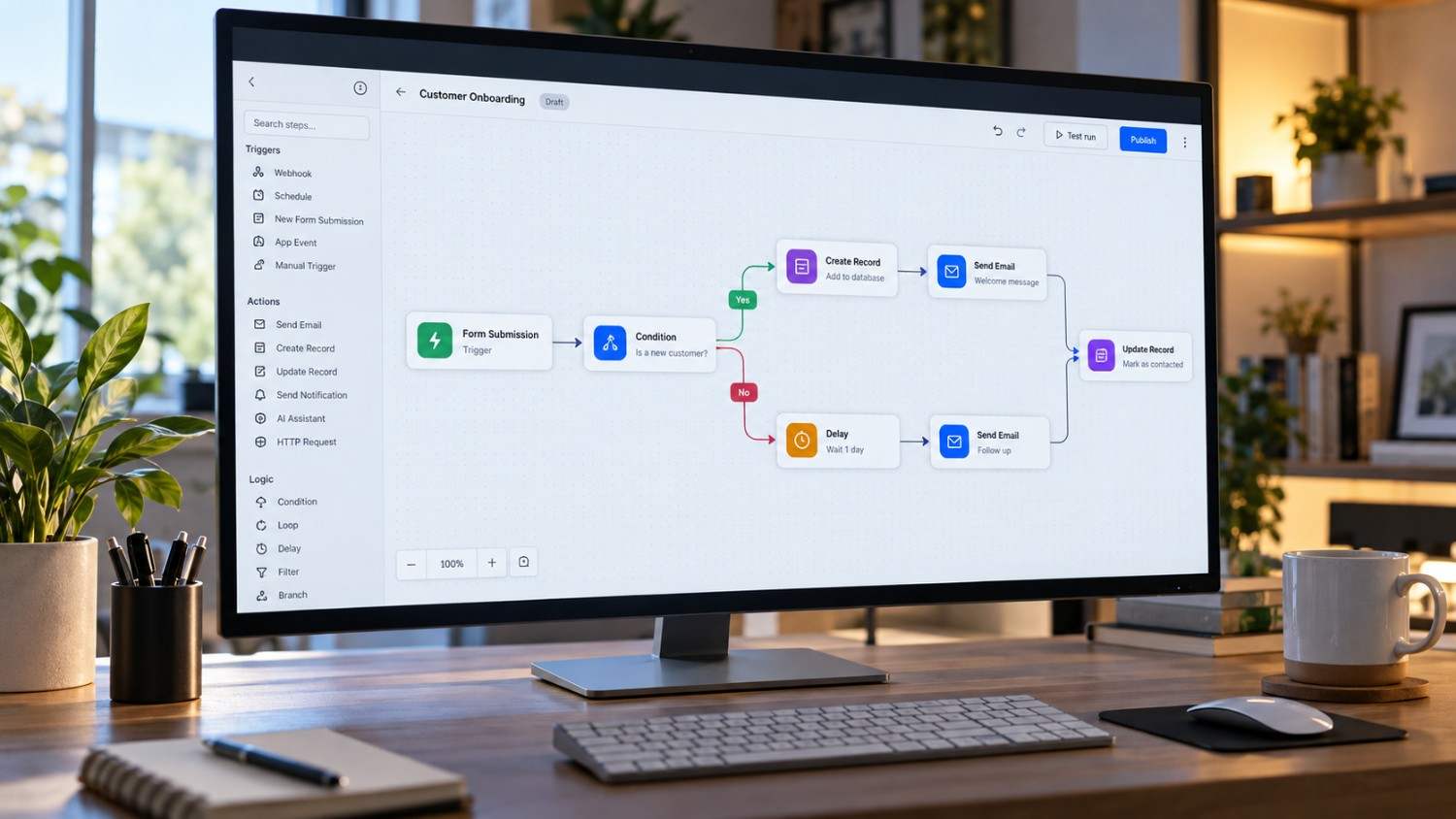
Automation exists to eliminate the repetitive tasks that eat time without requiring any real thought. Zapier connects more than five thousand apps and lets you automate workflows entirely without writing code, which makes it the default choice for most people getting started. IFTTT keeps things simple and is built more for personal automations, with a solid free tier for anyone just dipping a toe in. Make offers a visual automation builder capable of handling far more complex, multi step workflows than IFTTT was ever designed for. Microsoft Power Automate rounds things out for larger organizations already deep inside the Microsoft 365 ecosystem, where its native integrations save real setup time.
The one rule worth remembering here applies across every automation tool: automate the repetitive tasks, not the creative work. A workflow that sorts incoming invoices is a great candidate for automation. A workflow that tries to write your actual ideas for you usually is not.
Where Social by InstantDM Fits In
One category of repetitive work that general automation tools rarely cover well is social media publishing, and that is where a dedicated tool like Social by InstantDM fits into a stack. It is built for planning, scheduling, and publishing posts across platforms including Instagram, Facebook, X, LinkedIn, TikTok, and YouTube from a single calendar, so the work of posting to each network one at a time disappears.
A few details worth knowing. Its best time to post a feature; learn when your own audience is active on each channel rather than relying on generic averages. The composer handles native formatting automatically, from first comment hashtags on Instagram to thread formatting on X, so content does not need reformatting for every platform. Its AI caption writer drafts and rewrites captions in your voice using your own AI key, and bulk scheduling with CSV import lets someone queue a month of posts in one sitting. For teams and agencies, an approval workflow and separate workspaces keep client accounts organized. Like the other automation tools here, it earns its place by removing repetitive manual work, in this case getting content published on time across several networks at once.
Automating Without Losing the Human Touch
Automation tools occasionally earn a bad reputation because people automate the wrong part of a process. The safest rule is to automate delivery, not substance. Scheduling a post you already wrote is a good use of automation. Letting a tool generate the entire idea and caption without a single edit tends to produce content that reads a little hollow.
Best AI Productivity Tools in 2026
AI has moved from a novelty into something genuinely embedded in daily workflows. Notion AI writes, summarizes, and brainstorms directly inside the notes you are already taking, removing the need to copy content into a separate tool. GitHub Copilot has become close to standard for developers, suggesting code as you type and noticeably speeding up routine programming work. ChatGPT continues to serve as a general assistant for answering questions, drafting content, and brainstorming ideas across almost any subject. Grammarly improves writing quality in real time across whatever app you happen to be typing in. Otter.ai transcribes and summarizes meetings automatically, which quietly saves the ten minutes everyone used to spend writing notes after a call ended.
Using AI Without Losing Your Own Voice
The common thread across every AI tool in this list is that they work best as a first draft generator, not a final answer. Content that comes straight out of an AI tool without any editing tends to sound generic, because it is trained on an enormous average of everything ever written rather than your specific voice. The strongest workflow treats AI output as raw material: read it, cut what does not sound like you, and add the one detail only you would know. That extra step is usually the difference between content that reads as authentic and content that reads as obviously generated.
https://youtu.be/tIttdEx_adw?si=P9vBLo9nrgyx-5Xs
How to Build a Productivity Stack Without Using Too Many Apps
Too many tools quietly undermine the productivity they are supposed to create, so building a stack deliberately matters more than picking the flashiest individual app. Start by choosing exactly one tool per category: one task manager, one note app, one calendar. Then integrate them, since tools like Zapier and IFTTT exist specifically to connect separate apps so information flows between them automatically instead of requiring manual copying. Simplify wherever possible, turning off or ignoring features you do not actually need rather than trying to master every corner of a tool. And review the whole stack every few months, removing anything that has quietly gone unused and adding something new only when it solves a problem you can clearly name.
The underlying principle is worth repeating on its own: a simple stack outperforms a complex one almost every time. Fewer tools, used deeply, beats a dozen tools each used at ten percent of their potential.
Signs Your Stack Has Gotten Too Big
A few warning signs tend to show up before a stack becomes unmanageable. If you cannot remember which app a piece of information lives in, the stack has grown past what your memory can track. If setting up a new automation feels like a chore instead of a convenience, the pieces have stopped fitting together cleanly. And if you are paying for a tool you have not opened in a month, that is usually the clearest signal it is time to cut something loose.
Productivity Tools Comparison: Free vs Paid
Here is a quick reference for where the free and paid tiers of common tools actually diverge.
| Category | Free option | Paid option | Why upgrade |
|---|---|---|---|
| Task management | Todoist Free | Todoist Pro ($4/mo) | Labels, filters, reminders |
| Notes | Notion Free | Notion Plus ($8/mo) | More blocks, file uploads |
| Focus | Forest Free | Freedom ($8.99/mo) | Cross device blocking |
| Automation | IFTTT Free | Zapier ($19.99/mo) | More tasks, multi step |
| Calendar | Google Calendar | Calendly Pro ($10/mo) | Group scheduling, branding |
| Time tracking | Clockify Free | Toggl Track ($9/mo) | Reporting, integrations |
| Team chat | Slack Free | Slack Pro ($7.25/mo) | Message history, integrations |
How to Read the Comparison Table
The pattern across nearly every row is the same. Free tiers cover the core function well, and paid tiers add depth around reporting, cross device reach, or team scale rather than unlocking some entirely different product. That means the right moment to upgrade is not when a paid plan looks appealing in the abstract, but when you can point to a specific limitation the free tier is actually causing you.
The Bottom Line
Productivity tools in 2026 have genuinely evolved, mostly through deeper AI integration and collaboration features that finally feel native rather than bolted on. But the best tools still combine the same core ingredients they always have: task management, focus, and automation working together rather than living in separate silos.
The real lesson holds regardless of which specific apps you choose. Pick fewer tools and use them deeply instead of collecting more apps you rarely open. Choose one tool per category, connect them where it makes sense, simplify ruthlessly, and revisit the whole stack every few months. That is how productivity works, and it has little to do with how many apps are on your phone.
Sources for This Guide:
References:
https://zapier.com/blog/best-ai-productivity-tools/