Best Video Editing Software in 2026: Free, AI & Professional Tools Compared
15 best video editing software for 2026: free tools, AI editors, professional suites, and beginner friendly options.
TL;DR
Video editing software in 2026 covers a huge range, from free, professional-grade tools like DaVinci Resolve all the way up to industry-standard suites like Adobe Premiere Pro. AI-powered editors such as CapCut and Descript have changed how a lot of that work actually gets done, cutting hours out of tasks that used to be entirely manual.
The quick version: DaVinci Resolve for free editing, CapCut for beginners, Adobe Premiere Pro or Final Cut Pro for professionals, Descript or CapCut for AI editing, and InShot or VN for quick social media cuts. This guide compares 15 tools across every major use case so you can pick based on what you are actually making, not just what everyone else uses.
Introduction
Choosing a video editor used to be a bigger decision than it needed to be. You picked one, learned its quirks, and stuck with it for years because switching meant relearning everything. That is less true now. Editors have become more specialized, and a lot of creators run two or three tools side by side depending on the project, a free option for quick cuts and a paid one for anything that needs real color work or multicam.
This guide walks through the full landscape for 2026: free tools, beginner picks, professional suites, platform specific options, and the AI features that are genuinely saving people time rather than just adding a gimmick. Wherever a tool has a clear strength, this covers it directly, so you can match the editor to the job instead of guessing.
Best Video Editing Software in 2026
Editing software keeps splitting into more specific categories every year, and knowing the rough map helps before getting into details.
Free: DaVinci Resolve, CapCut, Shotcut, OpenShot.
Professional: Adobe Premiere Pro, Final Cut Pro, DaVinci Resolve Studio.
Beginner: CapCut, iMovie, Filmora, Clipchamp.
AI powered: Descript, CapCut, Opus Clip, Pika.
Online: VEED, Kapwing, Canva Video.
Reading This List the Right Way
The categories above overlap more than they look like they do. DaVinci Resolve, for example, shows up as both a free tool and a professional one, because the free version is missing very little compared to the paid Studio edition. CapCut spans free, beginner and AI powered, because it genuinely fits all three. Rather than picking one bucket and staying there, it is worth asking what you actually need this month, and choosing based on that rather than a label.
The core rule still holds: match the software to your skill level and your actual needs. Paying for a feature set you will never touch is the most common mistake creators make when picking an editor.
https://youtu.be/AgUATWAOaKY?si=t2dz1O9EZjXkuVvI
Best Free Video Editing Software
Free tools have closed most of the gap with paid software, and for a lot of people there is no real reason to pay anymore.
DaVinci Resolve
DaVinci Resolve is the standout here. It is a professional grade editor with no watermarks, no time limits and almost no feature restrictions on the free tier, which is unusual for software this capable. Color grading, audio mixing and visual effects are all included, and it is genuinely used on real film and television productions, not just as a hobbyist tool.
CapCut
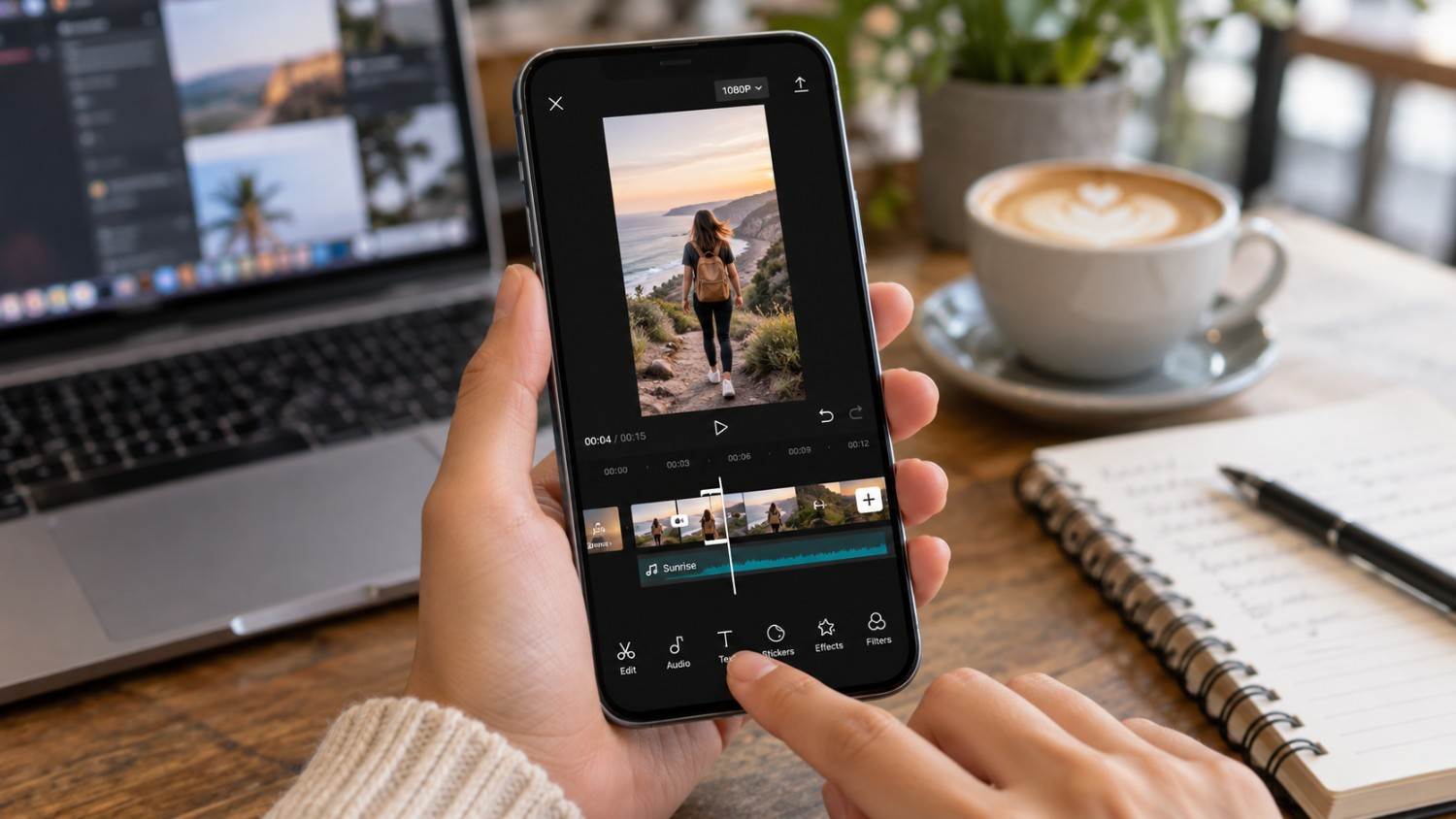
CapCut is free and leans heavily on AI features, including auto captions, ready made templates and quick effects. It has become the default choice for anyone editing primarily for social media, since the export sizes and formats are built around Reels, TikTok and Shorts from the start.
Shotcut
Shotcut is open source and cross platform, with no watermarks on any export. It covers the basics well and suits anyone who wants a straightforward, no cost editor without diving into a steep learning curve.
OpenShot
OpenShot keeps things simple and is also open source, making it a solid starting point for total beginners who just want to trim clips, add basic transitions and export something clean.
iMovie
iMovie comes free with every Mac, and its simplicity is the whole point. It handles basic effects and straightforward cuts well, and most people can figure it out without watching a single tutorial.
The overall pattern holds across all of these: free tools genuinely cover what about 90 percent of creators need. Paying only makes sense once a specific advanced feature becomes a real bottleneck.
Best Video Editing Software for Beginners
Starting out with editing software should not feel like learning a new language, and the tools below were built with that in mind.
CapCut
Free, intuitive and packed with AI features like auto captions and templates, CapCut is usually the fastest way for a total beginner to go from nothing to a finished, polished clip.
iMovie
iMovie is free with a Mac and has a simple interface and basic effects that cover most everyday needs without overwhelming a new editor with options they do not yet understand.
Filmora
Filmora costs about $49.99 a year and sits in a nice middle ground, beginner friendly but with enough advanced features that you will not outgrow it within a month.
Clipchamp
Clipchamp is free with a Microsoft account and runs entirely in the browser, which makes it an easy starting point if you do not want to install anything.
VN
VN is a free mobile editor with a clean interface and no watermarks, and it has become a favorite among creators who do all their editing on a phone rather than a desktop.
The advice for anyone just starting out is simple: begin with a free tool, and only move to something paid once you have hit a real limitation rather than a hypothetical one.
Best Professional Video Editing Software
Professional work demands a different tier of features, particularly around color, audio and collaboration at scale.
Adobe Premiere Pro
At $22.99 a month, Premiere Pro remains the industry standard for creative professionals, and its integration with the rest of the Adobe ecosystem, After Effects included, makes it the default choice for a lot of production studios.
Final Cut Pro
Final Cut Pro is a one time purchase at $299.99 and is built specifically for Mac, taking full advantage of Apple Silicon for genuinely fast rendering. If you already work exclusively on a Mac, it is hard to beat on speed alone.
DaVinci Resolve Studio
DaVinci Resolve Studio, a one time $295 purchase, is the top choice for color grading specifically, and a lot of colorists working in film and television use it as their primary tool regardless of what the rest of the production pipeline runs on.
Avid Media Composer
Avid Media Composer, at $23.99 a month, remains the standard inside film and TV studios, particularly for projects with complex, multi-editor workflows and strict versioning needs.
The honest comparison: Premiere Pro is the most versatile all-around choice, Final Cut Pro is the fastest option specifically on Mac hardware, and DaVinci Resolve is unmatched for colour work.
Best Video Editing Software for YouTube
YouTube has its own set of practical demands, mostly around speed and the specific formats the platform rewards.
DaVinci Resolve
Free and professional grade, DaVinci Resolve is the best overall pick for YouTube specifically, since it handles everything from a rough cut to full color grading without a subscription.
CapCut
Free and AI powered, with auto captions and quick thumbnail creation built in, CapCut removes a lot of the manual work that used to eat up time after the edit was technically done.
Adobe Premiere Pro
For channels running more complex projects, multiple cameras, heavier effects work, Premiere Pro’s professional feature set earns its subscription cost.
Final Cut Pro
Mac based YouTubers benefit from Final Cut Pro’s fast rendering, which matters a lot when you are turning around long form videos on a regular upload schedule.
Filmora
Filmora suits simpler YouTube content well, striking a good balance for creators who do not need the full depth of a professional suite.
The baseline requirement for YouTube editing specifically is auto captions, straightforward thumbnail creation and fast rendering, since upload schedules do not leave much room for slow exports.
https://youtu.be/2dfiRX1HnTo?si=zEt_jg1j4HXVoRfU
Best Video Editors for Reels, TikTok and Shorts
Short form video has its own rhythm, and the tools built for it reflect that with speed and templates over depth.
CapCut
Built specifically with short form in mind, CapCut offers templates, effects and auto captions that make turning a raw clip into a finished Reel or TikTok fast rather than tedious.
InShot
InShot is a free mobile editor aimed at quick edits, and it has stayed popular for exactly that reason, it does not try to be more than it needs to be.
VN
VN’s clean interface and lack of watermarks make it a strong pick here too, particularly for creators who prefer editing entirely on their phone.
VEED
VEED is an online editor with AI features geared toward fast social media edits, useful when you want to work from a browser rather than install anything.
Canva Video
Canva Video offers simple editing with templates, which fits naturally if you are already using Canva for the rest of your visual content.
The requirement across this category is consistent: short form editors need to be fast, mobile friendly and template driven, since the whole point is turning a clip around quickly.
Best AI Video Editing Tools in 2026
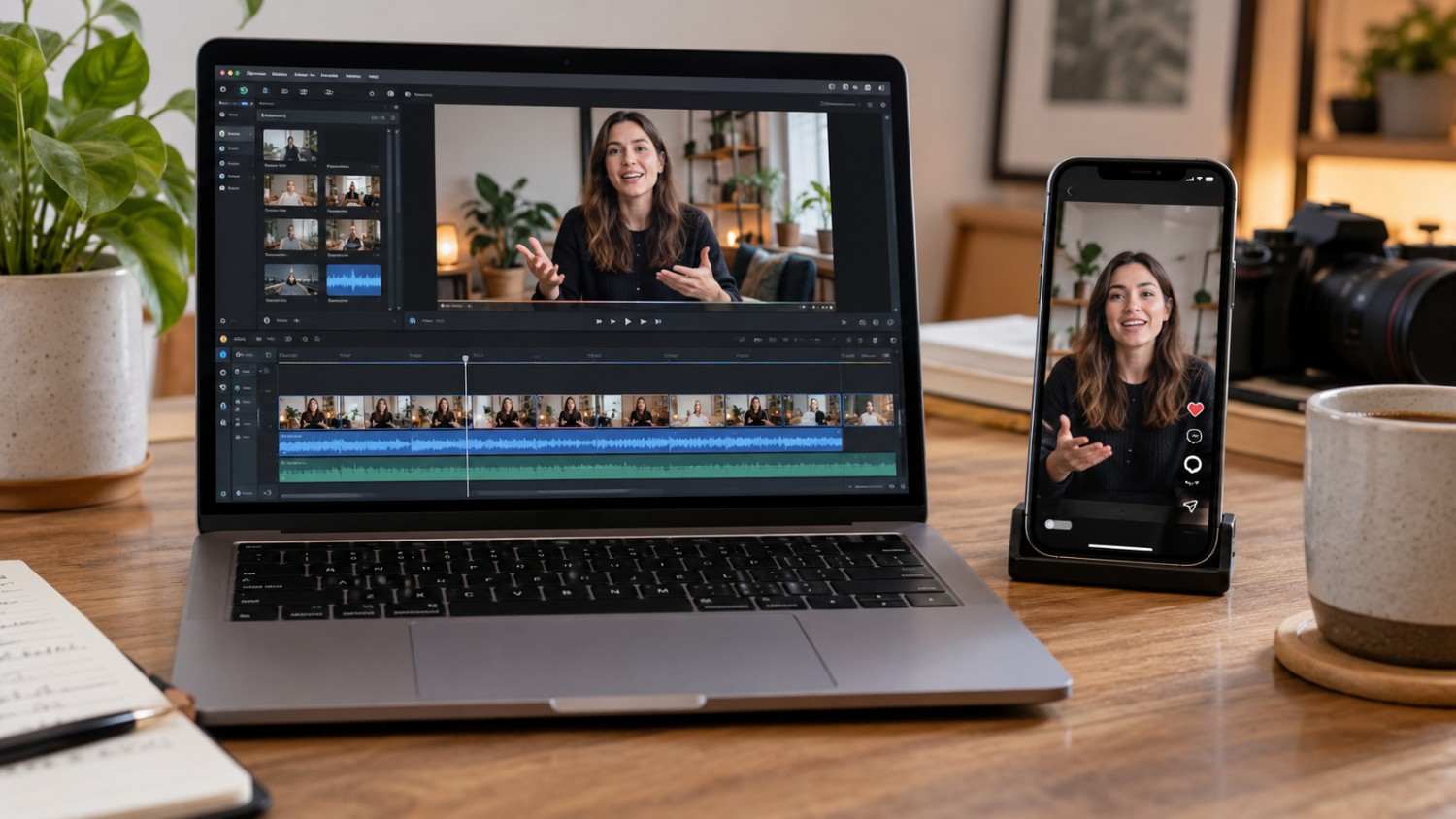
AI has changed editing more than almost any other part of the creative process, and a few tools stand out for genuinely saving time rather than just adding a novelty feature.
Descript
Descript lets you edit video by editing a text transcript, which sounds strange until you try it. Deleting a sentence in the transcript deletes that section of video automatically, and it removes filler words on its own, cutting editing time dramatically for talking head content.
CapCut
CapCut’s AI features, captions, templates, and effects remain among the most reliable in the category, and their free availability is a key reason for the tool’s widespread use.
Opus Clip
Opus Clip specializes in AI powered clip extraction, taking a long video and automatically pulling out the short, shareable moments most likely to perform well as standalone clips.
Pika
Pika generates video directly from text prompts, which is a different category entirely from editing existing footage, but it is worth knowing about for anyone experimenting with fully AI generated visuals.
Adobe Premiere Pro
Premiere Pro has folded AI features into its professional workflow too, including scene edit detection and auto reframe, which adjusts footage automatically for different aspect ratios.
The right way to think about all of this is that AI tools save real time on repetitive tasks. They work best as an assistant that speeds up your editing, not as a replacement for your own judgment about pacing and story.
Best Video Editing Software for Windows
Windows users have a genuinely wide field to choose from, with strong options at every price point.
DaVinci Resolve
Free and professional grade, DaVinci Resolve runs smoothly on Windows and remains the strongest free option for the platform.
Adobe Premiere Pro
The industry standard, with full Windows support and no compromises compared to its Mac version.
Filmora
Beginner-friendly and well suited to Windows users who want something approachable without sacrificing useful features.
Clipchamp
Free with Microsoft and browser-based, Clipchamp integrates naturally into a Windows workflow since it is a Microsoft product itself.
Shotcut
Open source, free and cross-platform, Shotcut runs well on Windows and remains a dependable choice for straightforward editing.
Best Video Editing Software for Mac
Mac users benefit from software built specifically to take advantage of Apple hardware.
Final Cut Pro
Optimized specifically for Apple Silicon, Final Cut Pro delivers genuinely fast rendering that other editors struggle to match on the same hardware.
DaVinci Resolve
DaVinci Resolve is professional-grade and free, and it performs well on Mac too, giving Mac users the same strong free option that Windows users get.
iMovie
Free with every Mac, simple and beginner-friendly, iMovie remains the easiest starting point for anyone new to editing on Apple hardware.
CapCut
Free and fully functional on Mac, with the same AI powered features available across every platform it supports.
Adobe Premiere Pro
Full Mac support with no missing features compared to Windows, making it a safe choice regardless of which operating system a team is standardised on.
The clearest takeaway for Mac specifically is that Final Cut Pro’s speed advantage, thanks to Apple Silicon optimisation, is hard to overstate if rendering time is a real bottleneck for you.
Best Browser-Based and Online Video Editors
Browser editors remove the friction of installation entirely, which matters for quick edits or working across multiple devices.
VEED
VEED is an AI powered online editor with auto captions and effects built in, and it has become a common choice for creators who want speed without opening a desktop application.
Kapwing
Kapwing includes collaboration features that make it useful for small teams working on the same project from different locations.
Canva Video
Canva Video offers simple, template based editing, a natural extension for anyone already producing graphics inside Canva.
Clipchamp
Free with Microsoft and fully browser based, Clipchamp is a dependable choice if you want zero installation and a familiar, simple interface.
FlexClip
FlexClip rounds out the category with its own set of templates and an online editor built for quick turnarounds.
Browser editors shine specifically for quick edits and collaborative work, where installing software on every machine involved would be more trouble than it is worth.
Best Video Editors for Creators and Social Media Teams
Teams need more than just editing power, they need a way to work on the same project without stepping on each other’s changes.
Adobe Premiere Pro
Premiere Pro supports team projects with shared libraries, letting multiple editors work on the same timeline without constantly exporting and reimporting files.
DaVinci Resolve
DaVinci Resolve offers multi user collaboration through Blackmagic Cloud, which brings genuine real time collaborative editing to a tool that is already free at its core.
Frame.io
Frame.io is a review and approval platform that integrates directly with Premiere Pro, making client and team feedback far easier to track than a long email thread of notes.
Descript
Descript’s text based workflow naturally supports collaboration too, since editing a transcript is something multiple team members can contribute to without needing deep video editing skill.
The common need across every team tool here is the same: a shared, trackable way to move a project from a rough cut to a finished, approved video without confusion over which version is current.
Getting Edited Clips Onto Your Platforms
Finishing the edit is not actually the end of the process for most creators and teams. The export still has to be resized for each platform, captioned, and posted at the right time, and that step often takes as long as the edit itself if it is done manually.
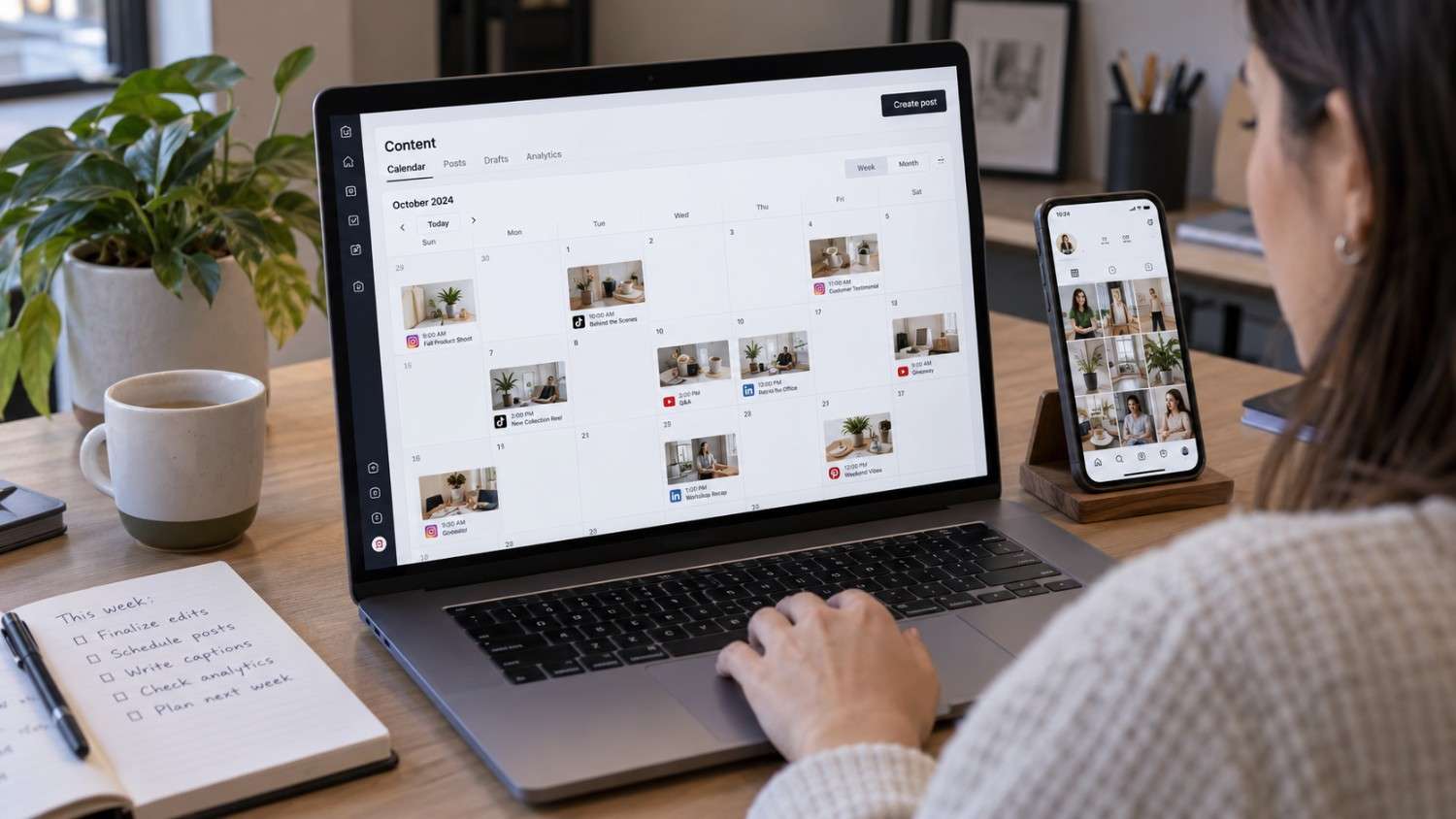
Social by InstantDM is a scheduling and publishing tool, not a video editor, so it picks up exactly where the software above leaves off. Once you have exported a finished clip, you can drop it into the composer, write a caption or draft one with its AI caption writer, and queue it across Instagram, Facebook, X, LinkedIn, TikTok, Pinterest, Threads and YouTube from one calendar, with formatting handled automatically for each platform. It also supports bulk scheduling and CSV import, which helps if you are batching several edited clips at once rather than posting them one at a time. You can look at how it works at https://socialbyidm.com.
Free vs Paid Video Editing Software
For most people, free software is genuinely enough. Paid tools earn their cost in specific situations.
Free options:
DaVinci Resolve, professional grade with no watermarks. CapCut, AI powered and free with a strong feature set. iMovie, simple and free with a Mac. Shotcut, open source and cross platform.
Paid options:
Adobe Premiere Pro at $22.99 a month, the industry standard. Final Cut Pro at $299.99 one time, optimized for Mac. DaVinci Resolve Studio at $295 one time, professional color work. Filmora at $49.99 a year, beginner friendly with room to grow.
The honest answer stays the same across almost every category in this guide: free tools cover roughly 90 percent of what creators actually need. Paying only makes sense once a specific advanced feature, usually color grading, multicam or heavy team collaboration, becomes something you genuinely rely on.
Which Video Editors Support 4K, Multicam and Advanced Color Grading
Advanced features matter most once a project moves beyond a simple, single camera edit.
4K editing: DaVinci Resolve, Adobe Premiere Pro and Final Cut Pro all offer full 4K support, while CapCut limits 4K export to its paid plan.
Multicam editing: Adobe Premiere Pro offers the strongest multicam support in this group, with DaVinci Resolve and Final Cut Pro both close behind.
Color grading: DaVinci Resolve leads clearly here, with an industry reputation built specifically around its color tools, while Premiere Pro and Final Cut Pro both offer solid, if less specialized, color options.
The short version: DaVinci Resolve is the clear leader for color grading specifically, and Premiere Pro leads for multicam projects with several camera angles to manage.
Video Editing Software Comparison
| Software | Price | Best For | AI Features | 4K | Platforms |
|---|---|---|---|---|---|
| DaVinci Resolve | Free/$295 | Color grading, pro editing | Yes | Yes | Win/Mac/Linux |
| CapCut | Free/$7.99/mo | Social media, short form | Yes | Paid | All platforms |
| Adobe Premiere Pro | $22.99/mo | Professional editing | Yes | Yes | Win/Mac |
| Final Cut Pro | $299.99 | Mac optimization | Yes | Yes | Mac only |
| Descript | $24/mo | Text based editing | Yes | Yes | Win/Mac/Web |
| Filmora | $49.99/yr | Beginners | Yes | Yes | Win/Mac |
| InShot | Free/$3.99/mo | Mobile editing | No | Yes | iOS/Android |
The Bottom Line
Video editing software in 2026 spans everything from free, professional-grade tools like DaVinci Resolve to industry-standard suites like Adobe Premiere Pro, and AI-powered editors have genuinely changed how much of that work gets done.
The key picks are DaVinci Resolve for free professional editing, CapCut for social media, Adobe Premiere Pro for professional work, and Descript for AI-powered, text-based editing.
Choose software that matches your actual skill level rather than the one with the longest feature list, learn the basics, and start creating. That is really the whole process, and the tools listed here cover almost every situation you are likely to run into.
Reference:
Frequently asked questions
What is the best free video editing software in 2026?
DaVinci Resolve is the best free option, with no watermarks, time limits or major feature restrictions. CapCut is the better pick specifically for social media, thanks to its AI features.
What is the best video editing software for beginners?
CapCut is the strongest starting point, since it is free, intuitive and includes AI powered features like auto captions and templates. iMovie is also a great fit for Mac beginners.
Is Adobe Premiere Pro worth it in 2026?
For professionals who need its advanced feature set, yes. It remains the industry standard with the most comprehensive toolset available. That said, free alternatives like DaVinci Resolve genuinely cover about 90 percent of everyday needs.
What AI video editing tools are available in 2026?
Descript for text based editing, CapCut for AI captions and effects, Opus Clip for automatic clip extraction from long videos, and Adobe Premiere Pro for AI features like scene edit detection.
What is the best video editor for YouTube?
DaVinci Resolve is the strongest overall pick, since it is free, professional grade and handles everything from editing to color grading. CapCut is the better choice specifically for short-form YouTube content.