Free Social Media Scheduling Tools in 2026: What Each Free Plan Actually Costs You
A researched guide to free social media scheduling in 2026. The real limits on every free plan, the free plans that quietly died, the native tools nobody pays for, and the API bill hiding behind self-hosted 'free'.

Free is a price, not a feature
Every “best free social media scheduling tools” list has the same problem: it treats free as a binary. Tool has a $0 plan, tool goes on the list, next.
That’s not how these plans work. A free plan is a product decision about where the wall goes, and the wall is placed exactly where it will hurt enough to make you pay. Sometimes it’s the number of accounts. Sometimes it’s the platform you actually care about. In one case on this list, the free plan doesn’t let you schedule at all, which is a bold move for a scheduling tool.
So this isn’t a ranked list of twelve logos. It’s a map of the three genuinely different kinds of free, what each one costs you in something other than money, and where each one breaks. I checked every limit below against the vendor’s own pricing page or help documentation in July 2026, because most of what’s written about free plans is two years out of date and confidently wrong. Where I couldn’t verify a number from the vendor, I say so rather than repeat the internet’s guess.
One disclosure before we start: I build Social by InstantDM, which is a paid tool. It does not have a free-forever plan, and I’m not going to pretend otherwise or bury it at the bottom of the list as if it belongs there. It shows up in one section, where the honest comparison is against the cost of staying free, and you can ignore it entirely if free is what you need.
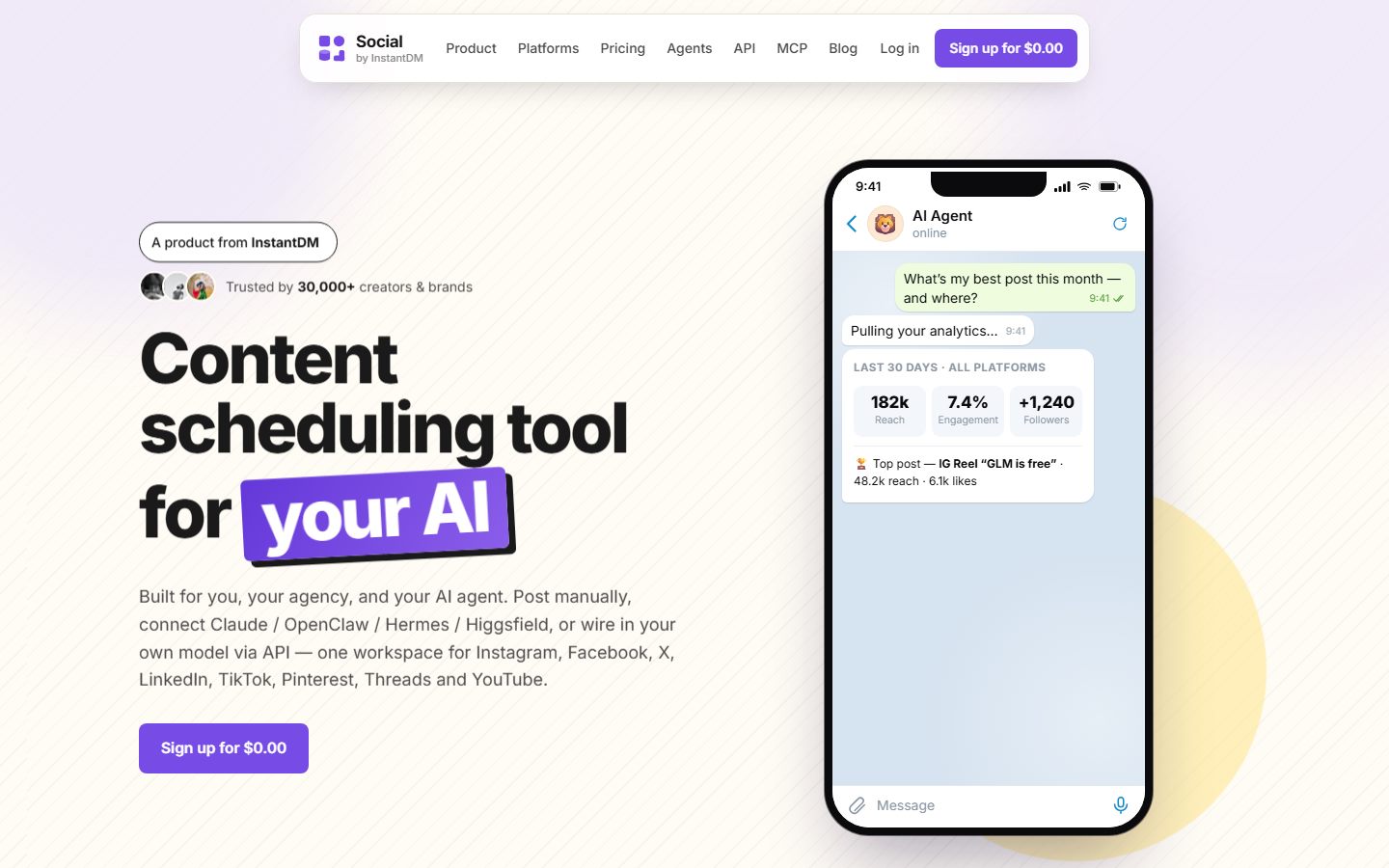 Our own tool. A trial, not a free tier — which is why it’s discussed in one section rather than ranked among the free plans.
The three kinds of free
Almost every tool in this space belongs to one of three categories, and they fail in completely different ways:
- Free-forever tiers from commercial SaaS. Real, usable, deliberately limited. The cost is capacity and the constant awareness of a ceiling.
- Native platform schedulers — Meta Business Suite, LinkedIn, Pinterest, TikTok, YouTube. Genuinely, permanently free with no upsell. The cost is that there are seven of them and they don’t talk to each other.
- Open-source self-hosted tools like Postiz and Mixpost. The software costs nothing. The cost is a server, a weekend, and — since X went pay-per-use — an actual API bill.
Most people should be reading the first or second section. The third is a trap that looks like a bargain, and I’ll show you the arithmetic.
Kind one: free-forever plans that are actually free
I looked at 18 commercial tools. Six have a free plan you can genuinely use for scheduling. That is a much shorter list than the roundups suggest, and the gap is because a lot of articles are still citing free plans that were killed in 2023 and 2024.
The distinction that decides everything: queue cap vs monthly cap
Before the tools, the single most useful thing to understand about free plans — and the thing almost nobody explains — is that “10 posts” means two completely different things depending on the vendor.
A queue cap limits how many posts can be waiting at once. When a post publishes, the slot frees up. Buffer’s 10-per-channel is a queue cap, so you can publish 300 posts a month on the free plan as long as you never have more than 10 pending per channel. You’re being limited on how far ahead you can plan, not on how much you can post.
A monthly cap limits how many posts you can publish, full stop. Metricool’s 20 a month is a hard ceiling. On the 21st post you’re done until the calendar flips, no matter how empty your queue looks.
This one distinction decides whether a free plan survives contact with a real posting schedule:
| Tool | Free limit | Type | What it means in practice |
|---|---|---|---|
| Buffer | 10 posts per channel | Queue | Unlimited monthly volume; refill every ~10 posts |
| Publer | 10 posts per account (30 total) | Queue | Unlimited monthly volume; refill regularly |
| CoSchedule | 15 messages total | Queue | Unlimited volume, one profile only |
| Metricool | 20 posts per month | Monthly | Hard stop. ~5 posts a week, all networks combined |
| Typefully | 15 posts per month | Monthly | Hard stop |
| Planoly | 10 uploads per month | Monthly | Hard stop, and images only |
| Zoho Social | No scheduling on free | — | Publish-now only |
If you post daily, only the top three are viable. Everything else in the free tier is a trial with extra steps.
Buffer: still the best free plan, with a cap nobody mentions
Buffer’s free plan gives you 3 connected channels, 1 user, and 10 posts in the queue per channel. Crucially, no network is locked behind the paywall — Instagram, TikTok, LinkedIn, X, Facebook, YouTube, Threads, Pinterest, Bluesky and Mastodon are all available on $0. Basic analytics with a 30-day window are included, as is the AI Assistant.
The limit that isn’t in any roundup I’ve read is in Buffer’s own plan documentation: free accounts have a lifetime cap of 8 unique channel connections. Disconnected channels still count against it. You cannot quietly rotate through clients or experiment with a dozen accounts on one free login — the eighth connection you ever make is the last one.
What’s locked: the calendar view (yes, really — the free plan is a list, not a calendar), tags and campaigns, approvals, and LinkedIn first-comment.
Where it breaks: the fourth channel. Buffer bills per channel at $6/month, so free-to-paid isn’t a small step if you run five or six accounts — that’s $30 to $36 a month, at which point flat-priced tools are cheaper.
Publer: three accounts, no X
Publer’s free plan is indefinite: 3 social accounts, 10 scheduled posts per account (so 30 in flight), 25 drafts, 1 user.
Two things to know before you commit to it. X/Twitter is excluded from the free plan entirely — not limited, excluded. And published posts are deleted from your Publer history after 24 hours, so the free plan has no meaningful record of what you posted or how it did. That second one is the real wall: it makes the free plan usable as a publisher and useless as a system of record.
Paid starts around $5/month for one account, then roughly $4 per additional account, which is a sane ladder if you’re growing.
Metricool: the analytics play, if you post rarely
Metricool’s free plan is 1 brand, 1 profile per network, and a hard 20 posts per month. It’s the only free plan on this list where the analytics are the point rather than an afterthought — you get a 30-day history and competitor tracking, and the AI assistant is included.
The catches are specific and they matter: LinkedIn is not available on free at all, and X isn’t either — and even on paid plans X costs an extra €5 per account per month as an add-on. That’s not Metricool being greedy; it’s X’s API pricing being passed through, which is a theme you’ll see again below.
Where it breaks: post 21. Five posts a week across all networks combined is a maintenance schedule, not a growth schedule.
CoSchedule: one profile, and the naming is a trap
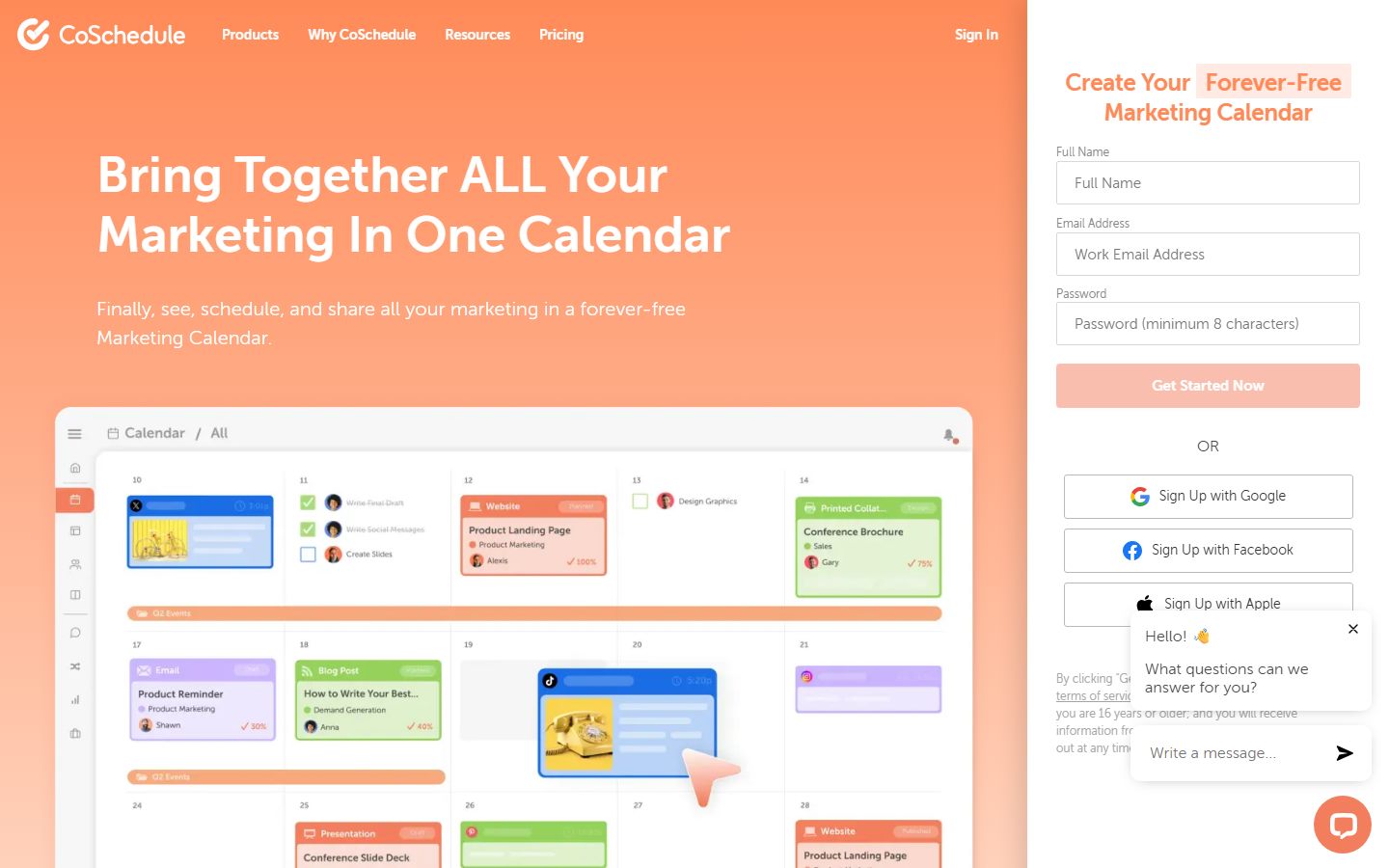
The free tier is the Free Calendar: 1 social profile, 1 user, and a maximum of 15 messages scheduled or drafted at any one time. There are no analytics whatsoever.
The trap is the naming. CoSchedule’s Social Calendar — the one that sounds like the free social product — is the paid tier at $19/user/month annually. A surprising number of articles have these backwards and will tell you CoSchedule’s social product is free. It isn’t; the marketing calendar is.
X is also billed separately on every CoSchedule plan, free included.
Typefully: free, text-first, and quietly the most agent-friendly
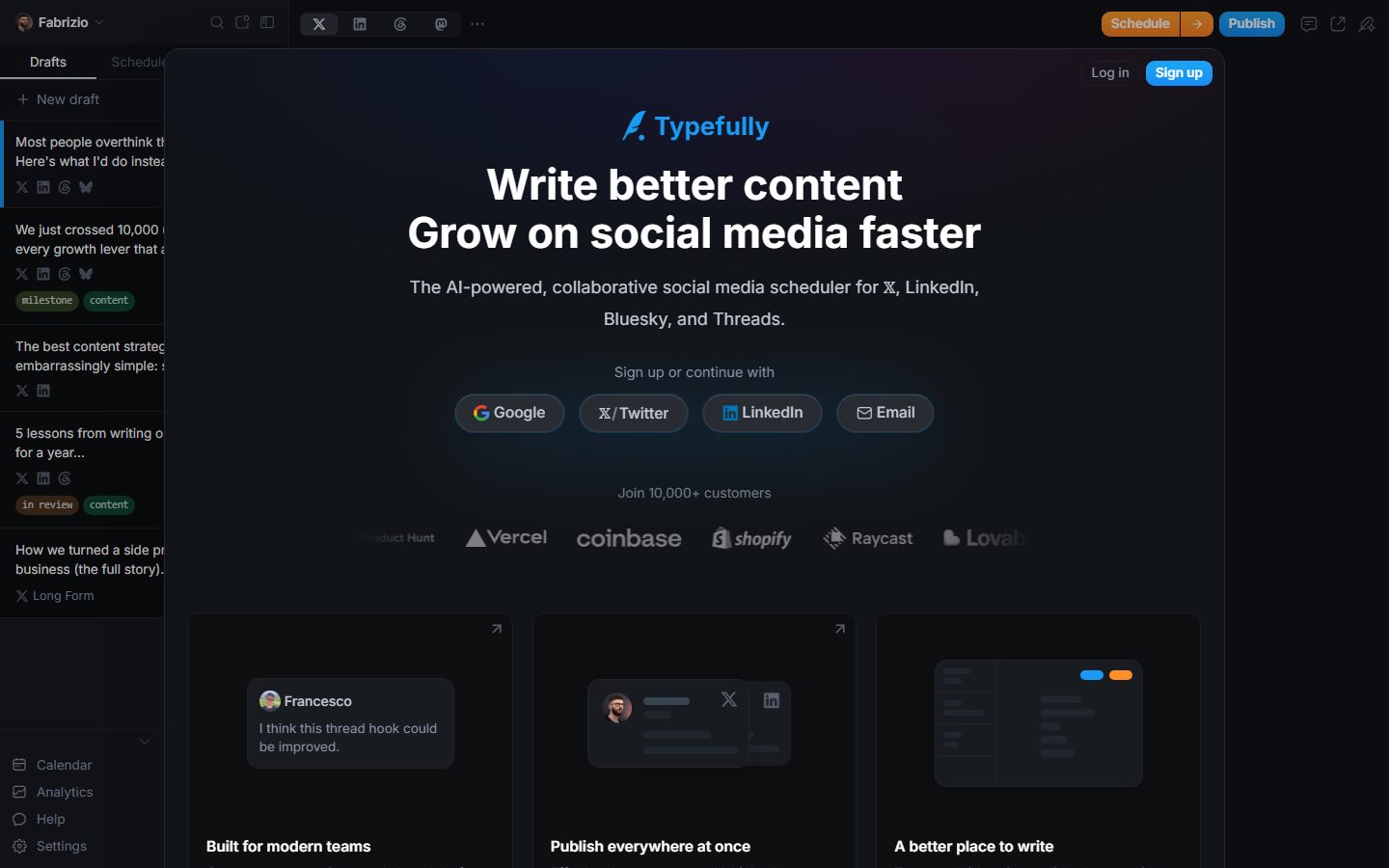
Typefully gives you 15 posts a month free across one “social set” — X, LinkedIn, Bluesky, Threads and Mastodon. There is no Instagram, TikTok, Facebook or YouTube anywhere in the product, so this is for writers, not visual creators.
The genuinely interesting bit, and the reason it’s on this list rather than a footnote: API, MCP and agent access are included on the free tier. Almost nobody does that. If you want an AI agent drafting and queuing your LinkedIn and X posts and you post fewer than 15 times a month, Typefully free is a real option and it costs nothing.
Zoho Social: a free plan that cannot schedule
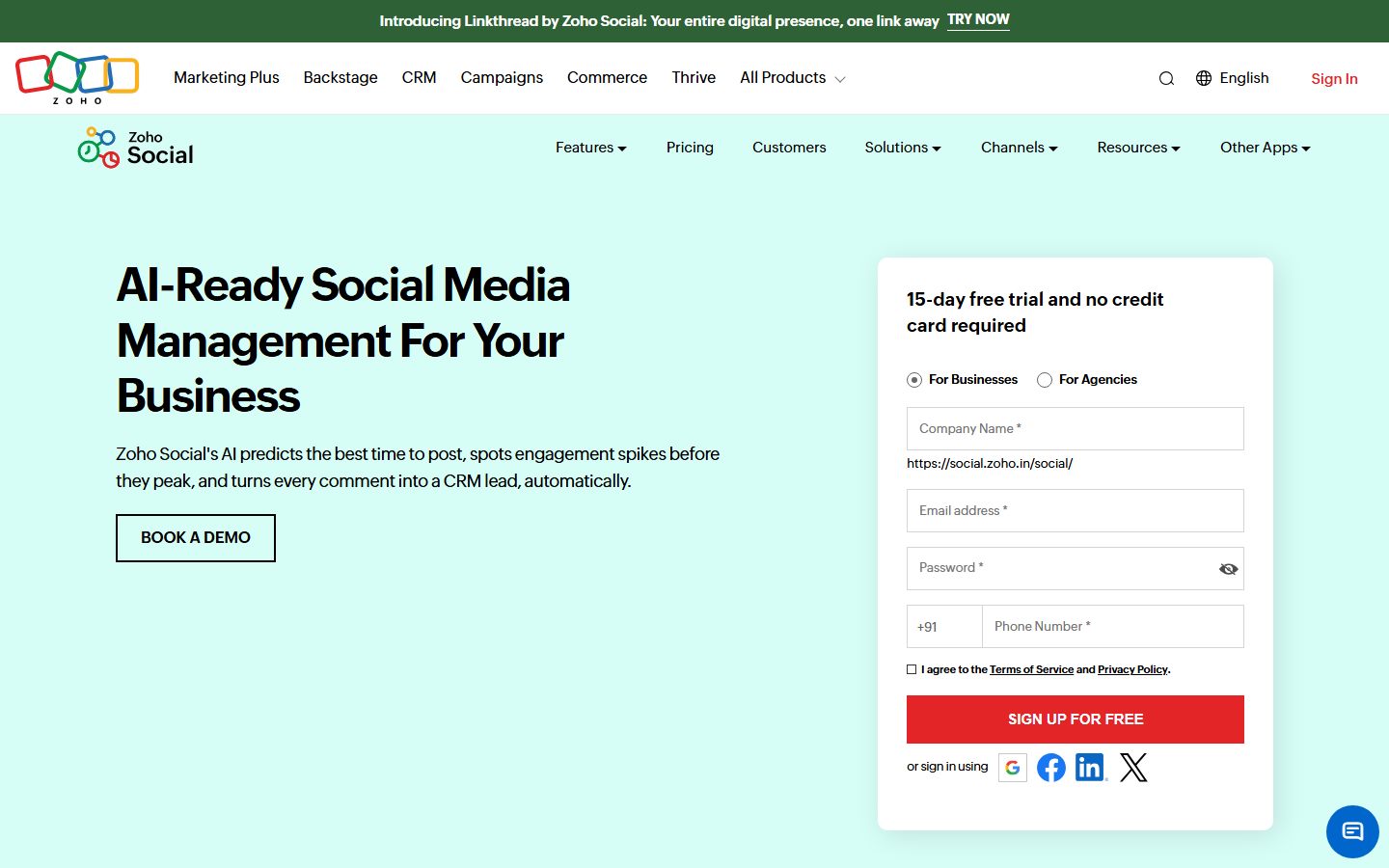
This one deserves its own warning. Zoho Social has a free-forever plan with 6 channels and it appears on every free-scheduling list on the internet.
It cannot schedule posts. Zoho’s own help documentation says so: the free plan doesn’t support scheduling, and the scheduling row is dashed out on their plan-comparison table. You can publish immediately, to 6 channels, with 5 AI credits and no analytics. That’s it.
It’s a perfectly good free plan for a small business that posts live and wants a unified inbox. As a free scheduler, it is zero for one, and every article that ranks it as one is a tell that nobody checked.
The free plans that died (and are still being recommended)
Half the value of doing this research was finding out how much of the published advice is citing plans that no longer exist. If you read a 2026 roundup that includes any of these as free, close the tab:
| Tool | The claim | The reality, July 2026 |
|---|---|---|
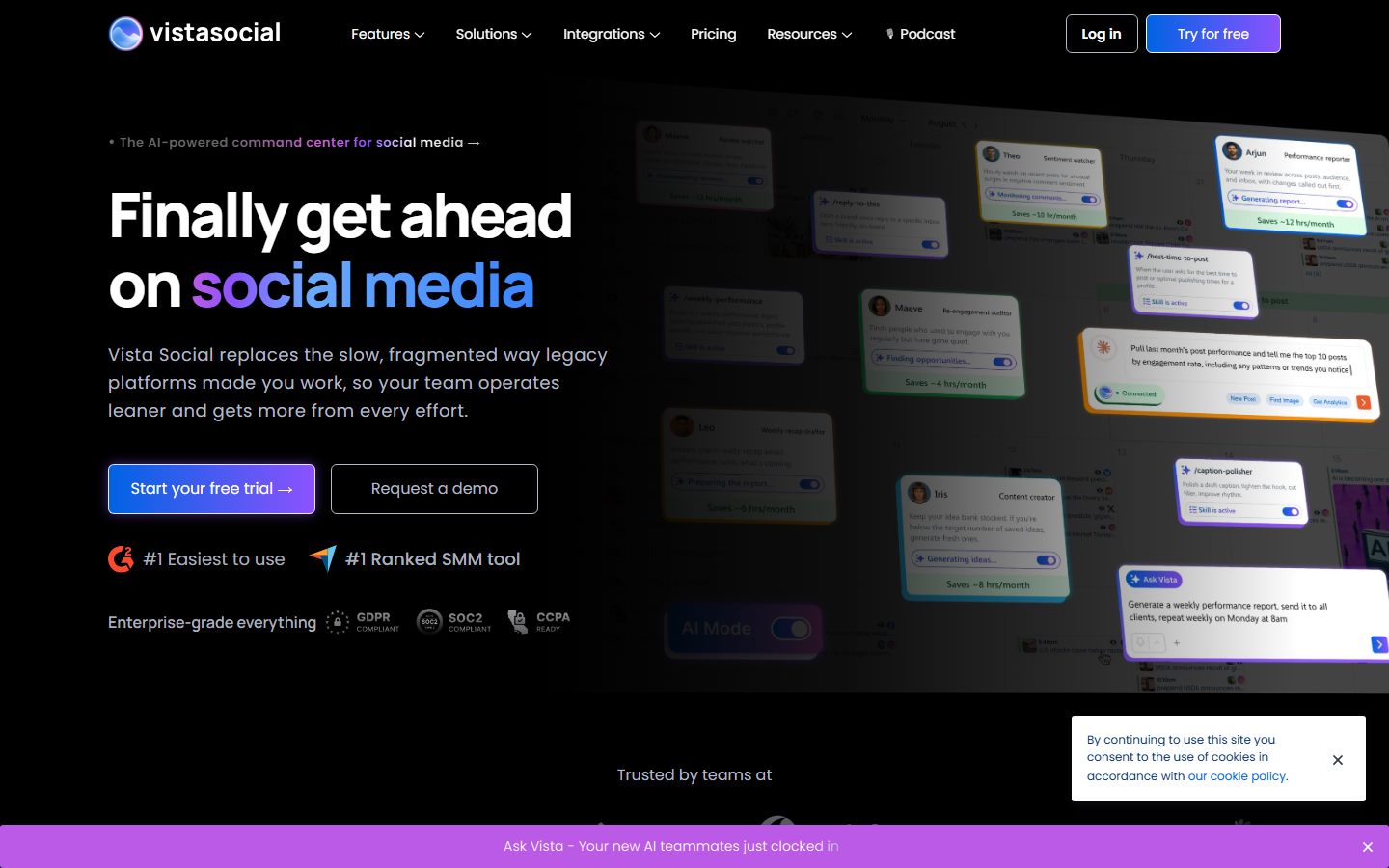
| Vista Social | ”Generous free plan” | No free plan. 14-day trial; paid starts at $79/month (pricing) |
| Crowdfire | ”Free plan, 3 accounts” | The company shut the product down on 15 May 2025. It doesn’t exist |
| Later | ”Free plan for 1 social set” | Discontinued. 14-day trial; paid from $18.75/month (pricing) |
| Hootsuite | ”Free plan, 3 profiles” | Ended 31 March 2023. Paid from $99/user/month (plans) |
| Hypefury | ”Free plan for X” | Removed. Now $6/month per channel |
| Planoly | ”30 uploads/month free” | 10 uploads/month, images only, no video |
The pattern is unmistakable, and it’s worth naming: the free tier in social scheduling is shrinking, and it’s shrinking fastest around X. Publer excludes X from free. Metricool charges for it on every tier. CoSchedule bills it separately on every plan. Later dropped it. That isn’t a coincidence, and the reason is in the self-hosting section below.
Kind two: the native schedulers, which are free forever and always will be
The most under-rated free scheduling stack is the one the platforms give you. Nobody writes about it because there’s no affiliate commission in it, but for a single-brand creator it is often the correct answer.
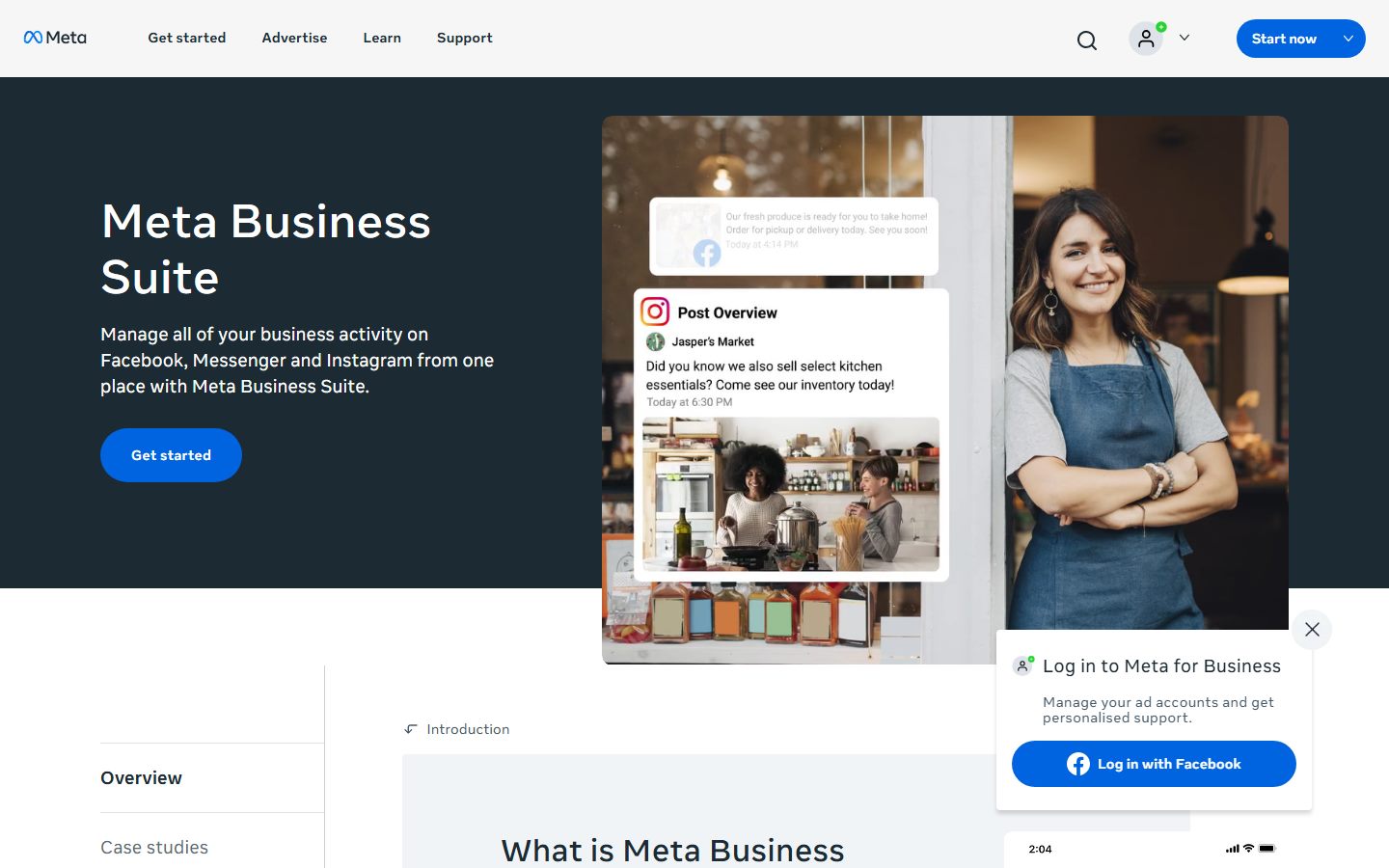
Here’s what you actually get, checked against each platform’s own documentation:
| Platform | Native scheduling | How far ahead | The catch |
|---|---|---|---|
| Facebook + Instagram (Meta Business Suite) | Yes — posts, carousels, Reels, and Stories | Commonly reported as ~75 days; Meta doesn’t document a number | Scheduled Stories lose interactive stickers (polls, questions) |
| Instagram in-app | Yes — feed, carousels, Reels | — | No Stories; professional accounts |
| LinkedIn personal profile | Yes, and you can edit a scheduled post | 10 minutes to 3 months | Can’t schedule Events, Jobs or Services |
| LinkedIn Company Page | Yes | 1 hour to 3 months | No polls, no multi-image posts, no reshares |
| Yes | 30 days | Only 10 pins queued at a time. One at a time to schedule | |
| TikTok (web) | Yes | 10 days, minimum 15 minutes | Video only; you cannot edit after scheduling — delete and re-upload |
| YouTube Studio | Yes, videos and Shorts | Any date | A Community Guidelines strike silently blocks scheduled publishes |
| X | Yes, in the web composer | — | Web only; not in the mobile composer |
| Threads | Yes, since 2024 | — | Original posts only; no calendar, no analytics |
Two details there are worth the price of admission on their own. First, LinkedIn lets you edit scheduled posts — its own help documentation lists “Edit post” on the scheduled-posts view, despite a hundred blogs insisting you can’t. Second, the personal-profile scheduler is more capable than the Company Page one: you can schedule a poll or a multi-image post from your profile, but LinkedIn’s Page documentation explicitly excludes polls, multiple photos and reshares from Page scheduling.
Why the native stack falls apart anyway
Each of these tools is fine. The failure is at the seams, and it’s structural rather than fixable:
- Seven surfaces, no calendar. Meta Planner, LinkedIn’s scheduled drawer, Pinterest’s Pin scheduler, TikTok’s upload page, YouTube Studio, X’s unsent posts, Threads. Nobody can answer “what’s going out on Thursday?” without seven tabs.
- The horizons don’t line up. TikTok stops at 10 days. Pinterest at 30 days and 10 pins. LinkedIn at 3 months. You cannot load a month of content everywhere at once — TikTok alone drags you back in every single week.
- No cross-posting. The same vertical video gets uploaded by hand to TikTok, Reels and Shorts, with the caption retyped three times. Even within Meta, a scheduled Instagram post won’t cross-post to Threads; only a live one will.
- No approvals, ever. None of the native schedulers have a draft → review → approve flow. If a client or a compliance reviewer needs to sign off, your options are handing over the login to the brand account or emailing screenshots.
- No analytics rollup. Six dashboards, six exports, one spreadsheet, every month, by hand.
- Silent failure. A YouTube strike quietly holds your scheduled video. A Meta token expiry quietly drops a Page. Nothing tells you across platforms, because there is no across.
The native stack is genuinely the right answer if: you run one or two brands, you post to two or three platforms, nobody needs to approve anything, and you don’t mind a weekly TikTok top-up. That describes a lot of people, and they should keep their $19.
It stops working the moment you add a third platform, a second person, or a client.
Kind three: self-hosted open source, which is free like a free puppy
This is where the real money is hiding, and it’s the section every roundup skips.
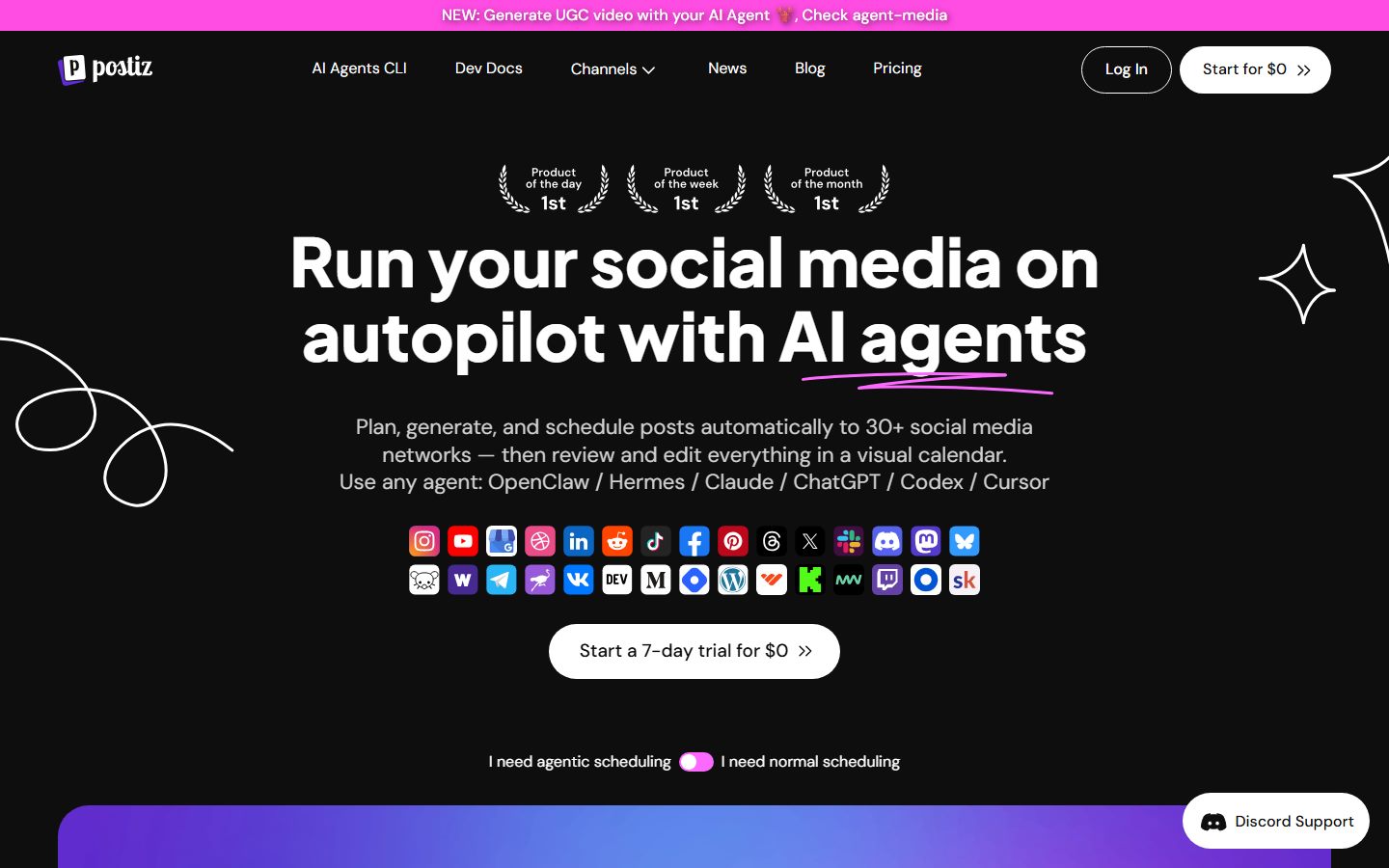
Postiz is the strongest open-source option by a distance: AGPL-3.0, 33k GitHub stars, commits landing daily, Docker Compose install, and support for basically every network. Run it on a $6 VPS and the software genuinely costs you nothing.
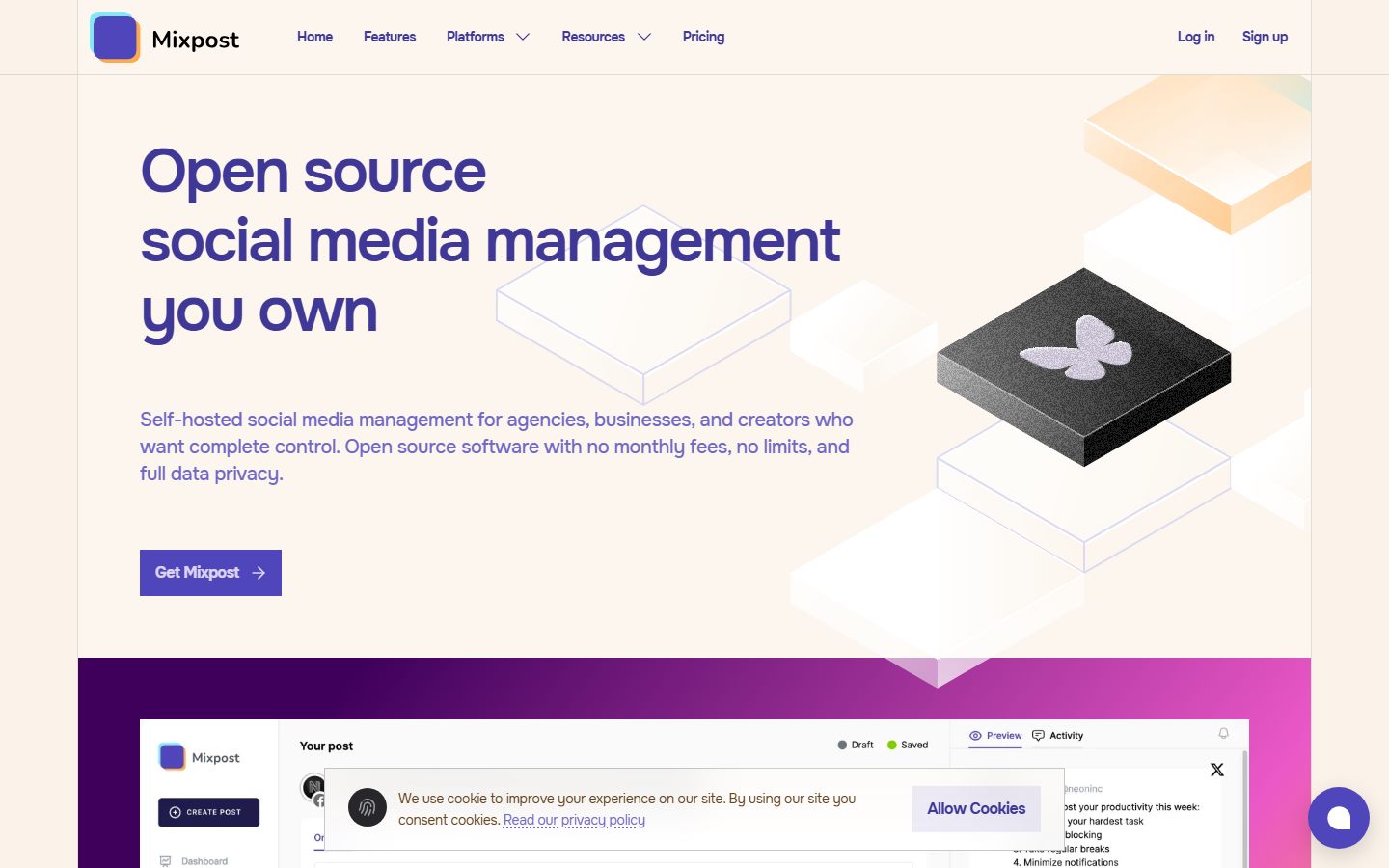
Mixpost is the other name you’ll see, and it needs an asterisk: the free “Lite” edition is open source, but multi-platform publishing, analytics, the AI assistant and API access are Pro features — and Pro is a $299 one-time licence, with a $1,199 Enterprise tier if you want to build a product on it. Calling it a free multi-network scheduler is a stretch; it’s a pay-once scheduler with a free single-network taster.
The bill nobody shows you: bring your own developer apps
Here’s the thing that makes self-hosting fundamentally different from every hosted tool on this page. When you use Buffer, Buffer’s developer apps talk to the platforms. Buffer did the app reviews, passed the audits, and pays the API bills. When you self-host, you are the developer, and you inherit all of it.
Postiz’s own documentation is refreshingly honest about this. Its Facebook setup guide walks you through creating a Meta app, requesting pages_manage_posts and friends, and warns that if you don’t flip the app from Development to Live, your posts will be visible to you and nobody else. Its TikTok guide sends you to the TikTok Developer Console to register an app with terms-of-service and privacy-policy URLs.
What that actually means, platform by platform:
X is the one that costs cash. X’s API pricing is now pay-per-usage, with no free tier listed: $0.015 per post created, and $0.20 per post that contains a URL. Read that second number again. If you’re a marketer posting two links a day to X, that’s roughly $12 a month in API charges alone — more than the server, and more than Buffer’s cheapest paid plan. The “free” self-hosted scheduler is, for a link-heavy X poster, the most expensive option on this page. This is also, incidentally, exactly why X keeps disappearing from everyone else’s free tiers.
TikTok won’t let you publish publicly until you pass an audit. Per TikTok’s content-sharing guidelines, an unaudited API client can only post SELF_ONLY — private — content, capped at five users in 24 hours. To publish publicly you submit a compliance audit with a continuous screen recording of the whole publishing journey, and wait two to four weeks. Until then your beautiful self-hosted scheduler publishes TikToks that literally nobody can see.
LinkedIn Company Pages need a legal entity. Posting to a Page uses LinkedIn’s Community Management API, which is “only available to registered legal organizations for commercial use cases” — legal entity name, registered address, privacy policy, verified business email, and a super admin of the Page verifying your app. If you’re an individual, that’s a wall, not a hurdle. (Personal-profile posting is much easier.)
Meta is friendlier than its reputation — this is the one place the internet overstates the pain. Standard Access covers people with a role on your own app, so a solo self-hoster posting to their own Pages and Instagram accounts can usually skip App Review entirely. The moment you post on behalf of accounts you don’t own — any agency, any client work — you’re into Advanced Access, App Review, business verification, a screencast per permission, and two to four weeks per submission.
The honest total for self-hosting Postiz, solo, in 2026
| Line item | Cost |
|---|---|
| Software (AGPL) | $0 |
| VPS, 2 GB RAM | $5–12/month |
| Domain + TLS | ~$1/month |
| Meta app (own accounts) | $0 |
| Meta app (client accounts) | $0 + 2–4 weeks of app review |
| LinkedIn Page posting | $0, but requires a registered company |
| TikTok public posting | $0, but a compliance audit and 2–4 weeks |
| X posting | $0.015/post, $0.20/post with a link |
| Your time | 1–2 days to stand up, plus a weekend of app registrations, plus ongoing token babysitting |
Self-host if you’re technical, you value data ownership, you’re posting at volume, or you want to modify the thing. Those are all good reasons. Just don’t do it because you think it’s free — for most people it costs more than the $6 to $19 they were trying to avoid, and the currency is weekends.
The maths: when free stops being cheap
At some point free costs more than paid, and the switch happens far earlier than people think. Not because the free tools are bad, but because the workarounds have a time cost and your time isn’t $0.
Here’s the honest accounting for a typical small operator — three platforms, roughly 20 posts a month, one client who likes to approve things:
| Task on a free plan | Time per month |
|---|---|
| Refilling a 10-post queue (roughly 3 times) | 30 min |
| Reposting the same video to TikTok, Reels and Shorts by hand | 60 min |
| Emailing the client screenshots for approval | 30 min |
| Pulling analytics from 3 dashboards into a sheet | 45 min |
| Reconnecting an expired Meta token, again | 15 min |
| Total | ~3 hours |
Three hours a month. If you bill $30 an hour, staying free costs you $90 a month to avoid a $6 to $19 bill. If you bill $75 an hour, you’re burning $225 a month to save $19.
The four triggers that mean you’ve outgrown free, in the order people usually hit them:
- The fourth account. Every free plan on this list caps out at three or fewer.
- X. If X matters to you, the free tier of this entire industry has quietly stopped serving you.
- A second human. Every free plan is single-user. The moment anyone else touches your content, free is over.
- The queue refill becoming a chore. When “top up Buffer” is a recurring calendar entry, the tool is now costing you more than it saves.
Where a paid tool actually earns it (and where mine sits)
This is the part where I’m supposed to pitch. Instead, here’s the honest framing.
I build Social by InstantDM. It does not have a free-forever plan. It has a 4-day free trial and then it’s $19 a month, flat, for up to 15 connected accounts with unlimited team members — priced per workspace rather than per seat or per channel, which is the whole point of it. Eight platforms (Instagram, Facebook, X, LinkedIn, TikTok, Pinterest, Threads, YouTube), AI captions, and a public API plus a hosted MCP server on every plan, so an AI agent like Claude or ChatGPT can schedule and publish for you in plain language.
If you’re a solo creator posting to three accounts and nobody needs to approve anything, you should use Buffer’s free plan and keep your $19. I mean that. Free plans exist for exactly that person and they serve them well.
The point at which a flat-priced tool wins is specific and it’s arithmetic, not vibes: five channels on Buffer is $30/month, because Buffer bills per channel. Five accounts on a per-account tool is $19. Add a teammate and per-seat tools double while flat-priced ones don’t move. Add X and the free tier of the industry stops working at all. That’s the whole argument, and it only applies once you’ve crossed the triggers above.
If you haven’t crossed them, don’t upgrade. Come back when the queue refill lands on your calendar.
A one-week test that actually tells you something
Whatever you pick, don’t evaluate it by reading a comparison table — including this one. Run this instead. It takes a week and it surfaces every problem that only shows up in production:
- Connect the messiest account first. Not your best one — the Instagram Business account with the weird Page connection. If it authenticates cleanly, the rest will.
- Schedule one of every post type you actually publish. A Reel, a carousel, a link post, a PDF if you do LinkedIn documents. Format gaps only appear when you try the format.
- Schedule something 30 days out. This is where you find out that TikTok’s ceiling is 10 days and Pinterest’s queue holds 10 pins.
- Let a post publish while you’re not watching. Then check the live post on the platform, not the tool’s status label. Tools report success more optimistically than the platforms deliver it.
- Try to break the free ceiling on purpose. Queue the 11th post. See whether it warns you clearly or silently drops it.
- Wait for a token to expire. You won’t get this in a week, but note whether the tool tells you proactively when a channel disconnects, or whether you find out from an empty feed.
Whatever survives that week is your tool. Everything else is a landing page.
The short version: if you post to three accounts and you’re on your own, Buffer’s free plan is the best free scheduler in 2026, and Publer is the best free plan if you want three separate accounts and don’t touch X. If you run one brand and don’t mind seven tabs, the native schedulers are free forever and nobody can take them away. If you’re technical and want to own your data, self-host Postiz — with your eyes open about the API bill. And if you’ve crossed the four triggers, stop optimising for $0 and buy back the three hours.
If that last one is you, Social by InstantDM starts with a 4-day free trial: 8 platforms, unlimited team members, $19/month flat after. And if it isn’t you yet, genuinely — bookmark this and go use Buffer.
Frequently asked questions
What is the best free social media scheduling tool in 2026?
Buffer has the strongest genuine free plan: 3 channels, every major network, and a 10-post-per-channel queue that refills as posts publish, so your monthly volume is effectively unlimited. Publer is the best free option if you want three separate accounts and don't post to X. Metricool is best if analytics matter more than volume, but it caps you at 20 posts a month and keeps LinkedIn behind the paywall.
Does Buffer still have a free plan in 2026?
Yes. Buffer's free plan covers 3 connected channels, 1 user and 10 posts in the queue per channel. The limit people miss is the lifetime cap of 8 unique channel connections on free — disconnected channels still count against it, so you can't rotate channels indefinitely.
Is Zoho Social free for scheduling?
No, and this is the most common mistake in free-tool roundups. Zoho Social has a free-forever plan with 6 channels, but its own help documentation states the free plan does not support scheduling posts. You can publish immediately and that's it. Scheduling starts on the Standard plan.
Does Vista Social still have a free plan?
No. As of July 2026 Vista Social's pricing page shows a 14-day trial and paid plans from $79/month, with no $0 tier. Many 2026 articles still list a free Vista Social plan; they're citing stale information.
Is self-hosting an open-source scheduler like Postiz actually free?
The software is free (Postiz is AGPL-3.0), but the platform access isn't. You supply your own developer apps: TikTok requires a compliance audit before your posts are visible to anyone but you, LinkedIn Page posting requires a registered legal entity, and X's API is now pay-per-use at $0.015 per post and $0.20 per post containing a link. Budget a VPS at roughly $5-12/month plus a weekend of paperwork.
How many posts can you schedule for free?
It depends on whether the tool uses a queue cap or a monthly cap. Buffer (10 per channel), Publer (10 per account) and CoSchedule (15 total) cap how many posts sit in the queue at once, so the slot recycles when a post publishes and monthly volume is unlimited. Metricool (20/month), Typefully (15/month) and Planoly (10 uploads/month) cap actual volume. The distinction decides whether a free plan works for daily posting.
When should you stop using a free scheduler?
When the workarounds cost more time than the upgrade costs money. The usual triggers are the fourth connected account, needing X in the mix, needing a second person to review posts, and refilling the queue by hand every few days. At around two hours of admin a month, almost any paid plan is cheaper than staying free.