Best Free Instagram Schedulers to Auto-Publish (2026)
I tested 11 free Instagram schedulers that will actually auto-post. Here are the best picks for 2026.
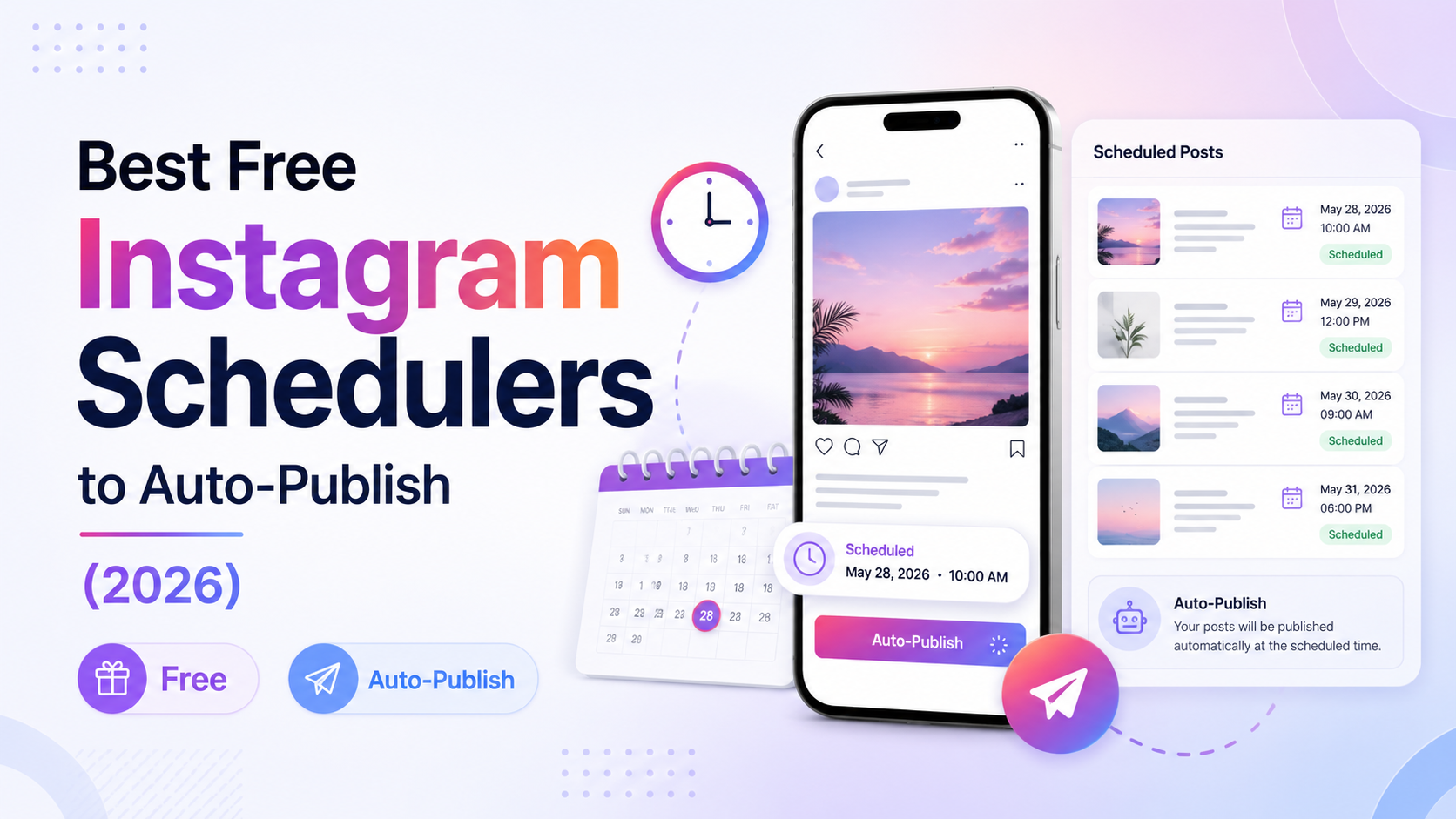
There are free Instagram schedulers that auto-publish, but most free plans only send notifications instead of actually posting for you. The tools that really auto-publish in free plans are Buffer, Metricool, Meta Business Suite and Social by InstantDM. Your selection should depend on whether you require basic scheduling, cross-platform compatibility, or automation with AI features.
What is a free Instagram scheduler that auto-publishes?
Ok let me start with the basics. What is a free Instagram scheduler? A free Instagram scheduler is a free tool that enables you to plan and schedule your Instagram posts. With auto-publish, the tool will actually post your content at the scheduled time — you don’t have to open Instagram and post manually.
Here is the thing that no one tells you. Most “free” schedulers don’t really auto-publish. They notify you at the scheduled time and you still have to open instagram and post the content manually. That’s not auto-publish, that’s just a reminder.
This means the tool is connecting to Instagram’s official API and publishing your post at the scheduled time without any manual interference. You create the content, schedule it and it publishes automatically.
I tried 11 free tools to see if they actually auto-publish. Here’s what I learned.
Why auto-publishing matters more than you think
“The key to growing on Instagram is consistency. The algorithm favours accounts that post frequently. But no one wants to be on their phone every day posting content manually.
Schedulers that auto-publish fix this. You create your content ahead of time, schedule it, and the tool will post it at the best time without you doing anything.
The benefits are obviously clear. You get time. You post frequently. So you can put together week’s worth of content on a Sunday and let the tool do the rest. Post at the best times even when you are busy or asleep.
The downside? There are limitations with some auto-publishing tools. May not work with all types of content. They may have limitations on caption length. They may not work for Stories or Reels.
But for most creators, the benefits far outweigh the downsides.
How I tested these tools
I linked each tool to my Instagram account and attempted to schedule a post. I looked at three things.
Does it really auto-post? Some tools say they auto-publish, but they just send a notification. I confirmed that the posts were published without any manual intervention.
What is the limit of free plan? How many scheduled posts can you have per month on the free level?
How easy is the setup? Some tools require thirty minutes to set up. Others take 5 minutes.
Here’s what I came up with.
What is the best free Instagram scheduler in 2026?
I’ve tested all 11 tools, and my honest answer is: It depends what you want.
For the easiest experience, Buffer wins. The interface is clean, and it takes 10 minutes to set up. The free plan covers 3 channels with 10 scheduled posts each. Auto-publishing on free plan.
Metricool wins if you want the most features for free. 1 brand free plan with scheduling across all platforms. Self-publishing. The analytics are good.
For AI-powered scheduling, Social by InstantDM is the winner. Free plan offers unlimited scheduled posts, 8 platforms, and AI agent integration Write your content idea in simple language and have it automatically written and scheduled.
Meta Business Suite if you want Instagram’s native tool. It’s built-in to Instagram so no need for a third party app. Schedule up to 25 posts in advance for up to 75 days.
The best tool is the one that works for your workflow. Not the most featureful.

How to schedule Instagram posts for free
Yes. There are plenty of free tools you can use to schedule Instagram posts.
Meta Business Suite lets you schedule up to 25 posts at once, up to 75 days in advance. It’s free and built into Instagram.
Buffer’s free plan lets you schedule 10 posts per channel. Self-publishing works.
Metricool allows you to schedule on all platforms with the free plan. Auto-publishing works .
Unlimited scheduling of posts on 8 platforms is available with the free plan of Social by InstantDM. Auto-publishing works.
The catch is that most free plans come with limits. Buffer is limited to 10 posts per channel. Meta Business Suite limits you to a total of 25 posts. Metricool is limited to 1 brand.
If you want more than that, you will have to upgrade to a paid plan. But for most starters, the free plans are sufficient.
What are the best free apps for scheduling Instagram posts and Reels?
Here are the best free apps to schedule Instagram posts and reels:
Meta Business Suite. Schedules posts and reels. Maximum 25 posts. Gratis.
Buffer. It schedules posts, carousels & Reels. 10 posts per channel. Free.
Metricool Schedules push posts, carousels & reels to all platforms. 1 brand. Gratis.
Social by InstantDM. Delivers posts, carousels, Reels, and Stories to 8 platforms. Unlimited posts for Free
Planoly. Carousels and feeds post schedules. 10 uploads a month. Free.
UNUM. Schedule carousels and feed posts. Restricted uploads. No admission charge.
Preview app. Carousels and post feeds. Limited uploads. Free.
The best app depends on what you need. If Instagram is all you need, Meta Business Suite is the simplest. If you need more platforms, Metricool or Social by InstantDM are better options.
Free Instagram scheduler with no limits on posts?
Yeah. Social by InstantDM gives unlimited scheduled posts on the free plan. Free schedulers don’t do that so often.
Most free plans have limits. Buffer only allows 10 posts per channel. Meta Business Suite limits you to a total of 25 posts. On Metricool, you can only have 1 brand.
There are no such limits with InstantDM Social. Schedule unlimited posts to 8 platforms. The free plan has AI agent integration, so you can have content drafted and scheduled automatically.
The only limitation is that you need to set up the AI agent functionality a bit technically. You need to connect to Claude or ChatGPT via their MCP server. But once it’s in place, it will save you hours of work every week.
If you’re looking for free unlimited scheduling, Social by InstantDM is the best option.
What’s the best free Instagram scheduler for creators and small businesses?
For creators I would recommend Buffer or Social by InstantDM
Buffer is the easiest option. “Transparent pricing, clean interface, working free tier.” If you’re looking for the easiest option to schedule posts, Buffer is the way to go.
Social by InstantDM is the most powerful choice. Unlimited Posts 8 Platforms’ AI Agent Integration. Use this tool if you want to automate your content workflow.
For small businesses, I’d recommend Metricool or Meta Business Suite.
Metricool is the most generous free plan with scheduling across all platforms. The analytics are good, and the content calendar is working well.
If you’re just using Instagram and Facebook, Meta Business Suite is the simplest option. It’s free, it’s built into the platform and it auto-publishes.
Which one is best depends on your size and needs. Buffer or Social by InstantDM are good options for solo creators. Metricool or Meta Business Suite work well with small businesses.
11 best free Instagram schedulers that auto post
1. Meta Business Suite
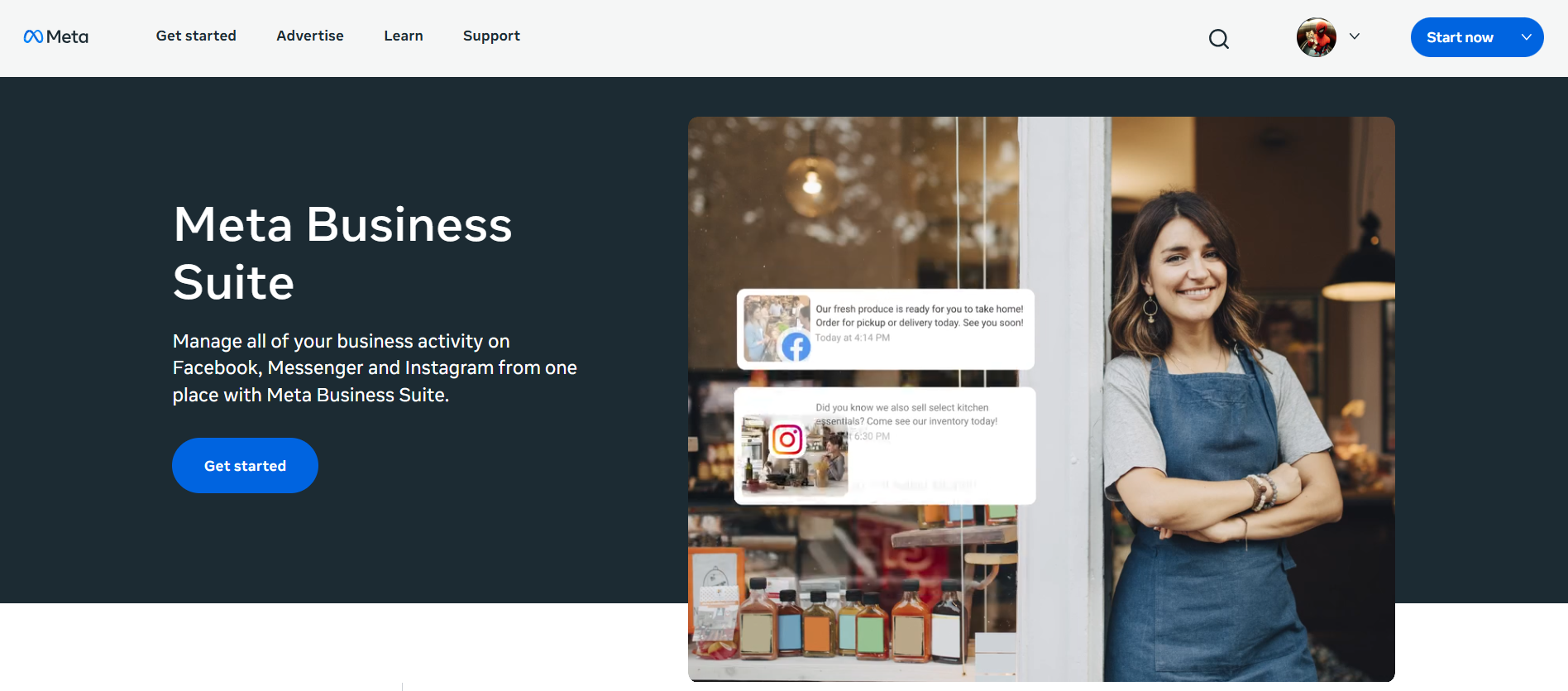
This is Instagram’s built-in scheduling tool. It is built into the platform, so there is no need for a third-party app.
Works for feed posts and Reels. Auto-publishing. You can schedule up to 25 posts at once and up to 75 days in advance.
The only downside is that it only works for Instagram and Facebook. If you want to schedule posts to other platforms, you’ll need a different tool.
Free plan: Yes, max 25 posts, 75 days’ ahead scheduling.
Best for: New users that only post to Instagram and Facebook.
2. Social by InstantDM
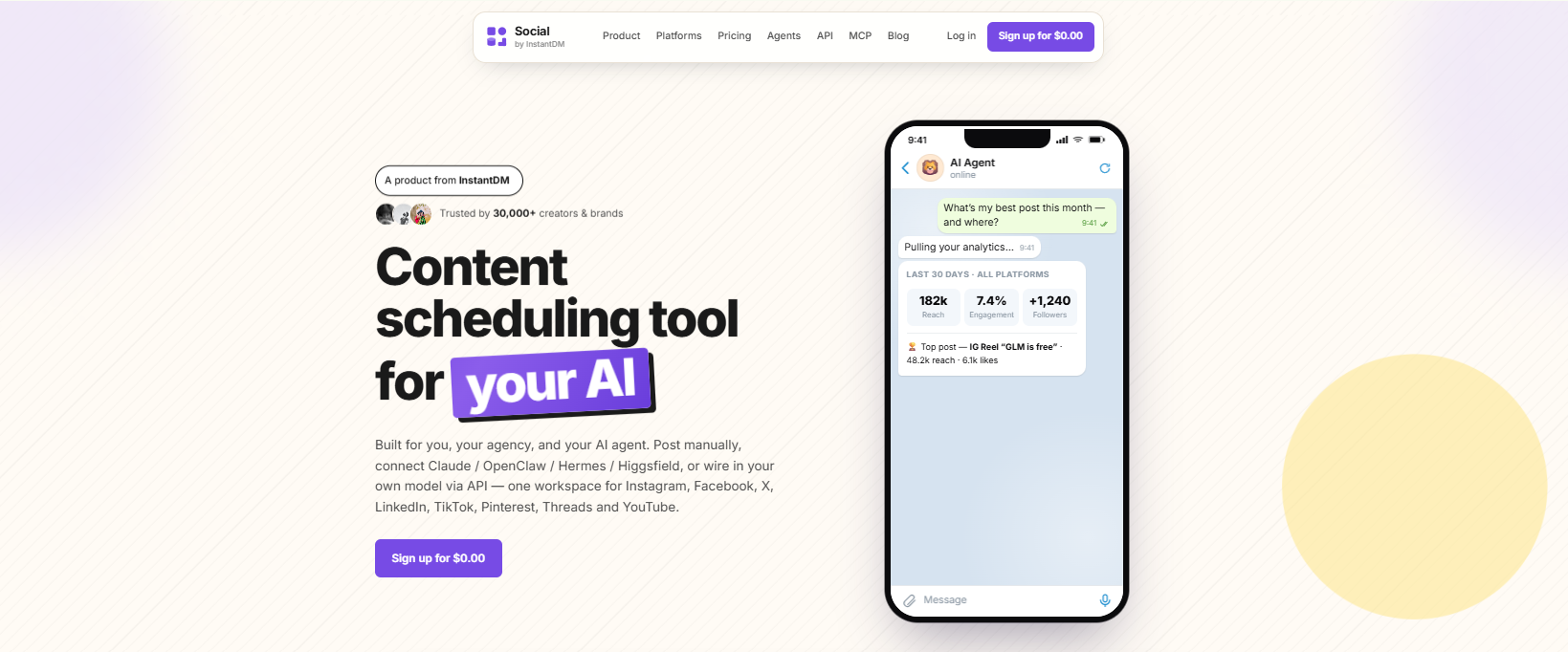
The tool I’ve been using the past few weeks is Social by InstantDM. It’s the only free scheduler I’ve found that lets you auto-publish to 8 platforms: Instagram, Facebook, X, LinkedIn, TikTok, Pinterest, Threads, and YouTube.
Free: The free plan includes unlimited scheduled posts and AI agent integration. Simply describe your content idea, and it will be drafted and scheduled automatically.
I scheduled a week’s worth of posts, and they all went out on time. No manual intervention required.
It has an AI agent feature that is unique. You log into their MCP server, and the AI writes your captions, recommends hashtags, and queues your posts for you.
Yes, it is free. Never-ending posts. 8 - Platforms. AI agent integration
Best for: AI-based scheduling.
3. Buffer
Buffer is the simplest scheduling tool I’ve used. It’s a clean interface. You sync your accounts, upload your content, select a time and you’re done.
Free plan is good for auto-publishing to Instagram. The tool will automatically post your post at the scheduled time without manual intervention.
The free plan allows you to link 3 channels and schedule 10 posts per channel. That should be enough for most beginners.
The catch is that the free plan doesn’t come with analytics or team features.
Free plan: Yes. 3 parts 10 scheduled posts each.
Best for: Simple scheduling for beginners.
4. Metricool
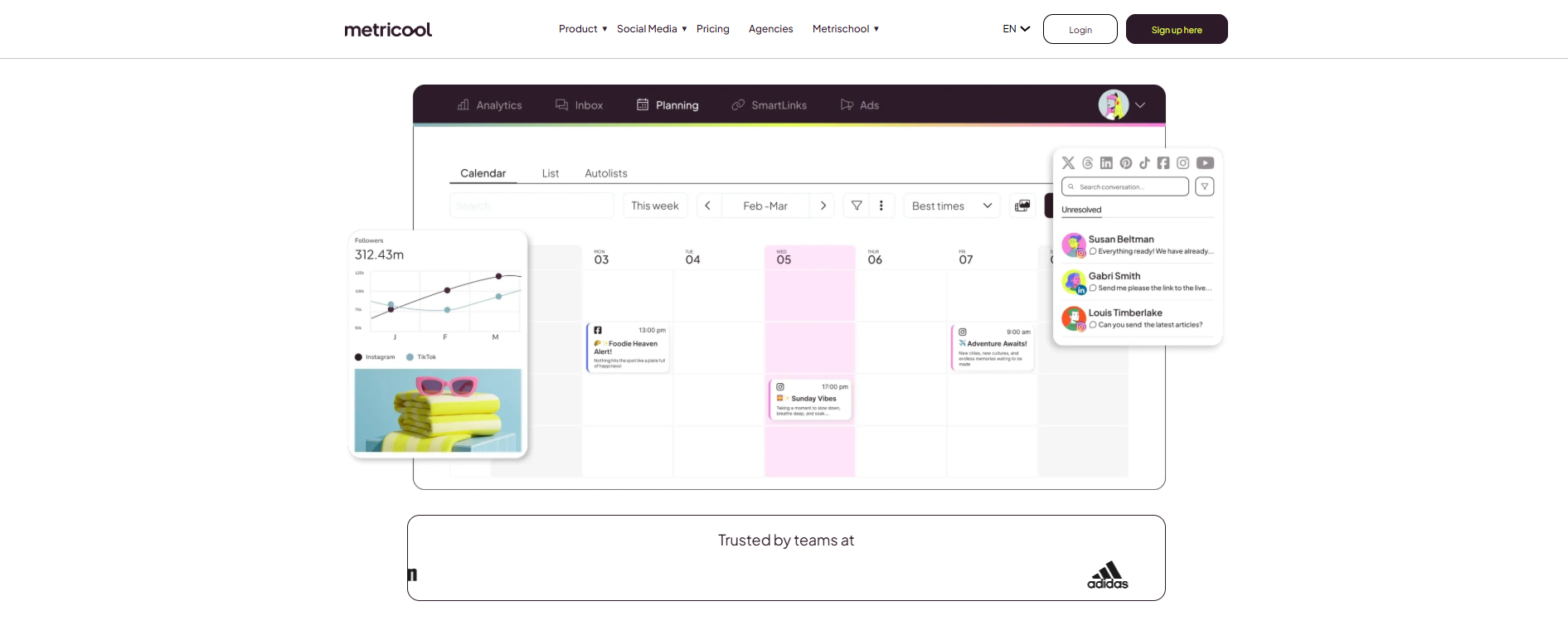
Metricool has the most generous free plan of the tools I tested. 1 brand. Schedule across all platforms.
Auto-publishing is available on the free plan. I set up Instagram posts and they got published automatically.
The interface is a little dated but gets the job done. analytics are decent for a free tool.
The downside of the free plan is that it is limited to 1 brand. You will need to upgrade if you have more than one account.
Free plan: Yes. 1 brand. All platforms.
Best for: Budget builders who want it all.

5. Later
Later is better for scheduling across multiple platforms. Supports 10+ platforms.
Auto-publishing works during free 14 days trial. After the trial you need to move to a paid plan.
nice grid preview. You can see what your Instagram feed is going to look like before you post. It comes with a link-in-bio page.
The bad news is that Later no longer has a permanent free plan.
Free plan: 14-day free trial Paid plans begin from $25/month.
Perfect for: Visual planning for multi-platform creators.
6. Planoly
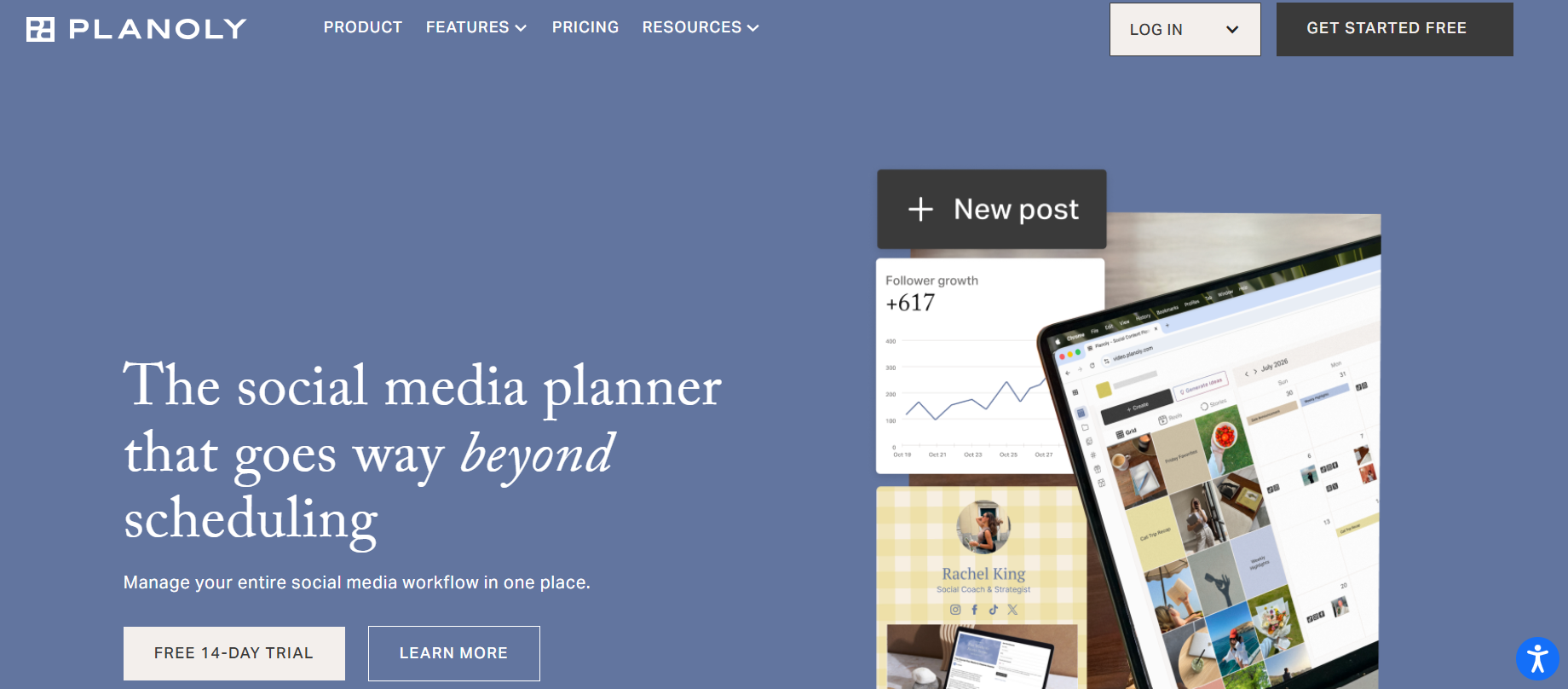
Planoly is the Instagram grid planner. The free plan includes 10 uploads a month.
Auto-publishing is included in the free plan. The grid preview is the most accurate I have tested.
The limitation is 10 uploads per month. If you post more than twice a week, you’ll burn out fast.
Free plan: yes, 10 uploads a month.
Best for: Instagram-first creators who care about their grid aesthetic.
7. UNUM
UNUM is for mobile-first creators. Free plan has grid planning and basic scheduling.
Auto-publishing for Instagram is available on the free plan. The mobile app is very good.
The downside is that the free plan lacks analytics and multi-platform support.
Yes, free plan. Grid planning. Easy scheduling.
Best for: Creators who prioritise mobile
8. App preview
Preview is the simplest of the grid planners. Free plan includes grid preview and basic scheduling.
Auto-publish works on the free plan. The interface is simple and easy to use.
The downside is there’s no analytics or content library features on the free plan.
Free plan: Yes. Grid (Preview) Simple scheduling.
Best For: Creators Who Like To Keep It Simple.
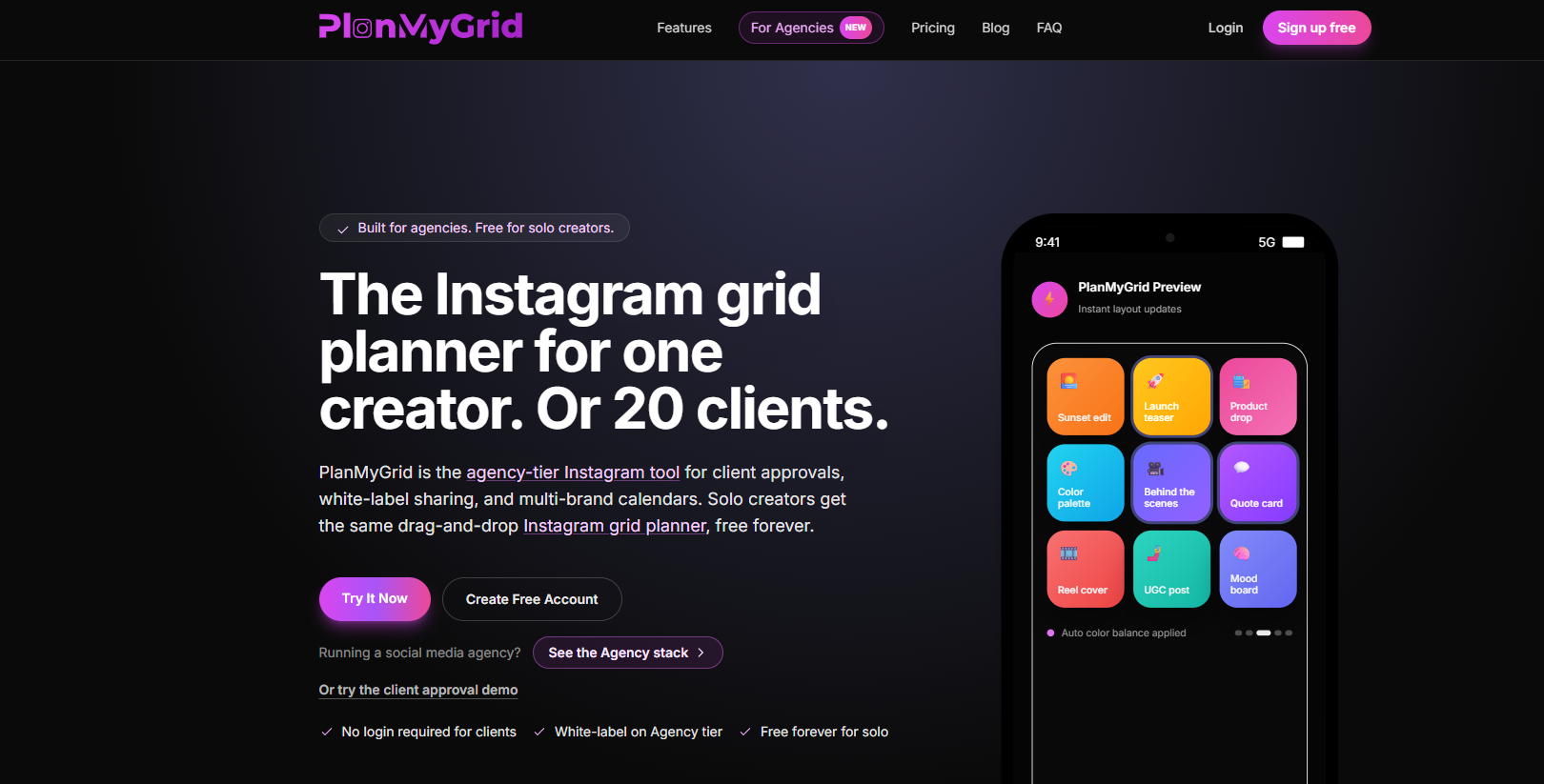
9. PlanMyGrid
PlanMyGrid is a web-based application, that allows you to see a live preview of the grid without an account.
Auto publishing is not an option.” This is a preview tool.
But if you just want to see what your feed will look like before you post, it’s the best free option.
Free plan: Yes No need to register. Preview only.
Best for: Preview the grid without signing up.
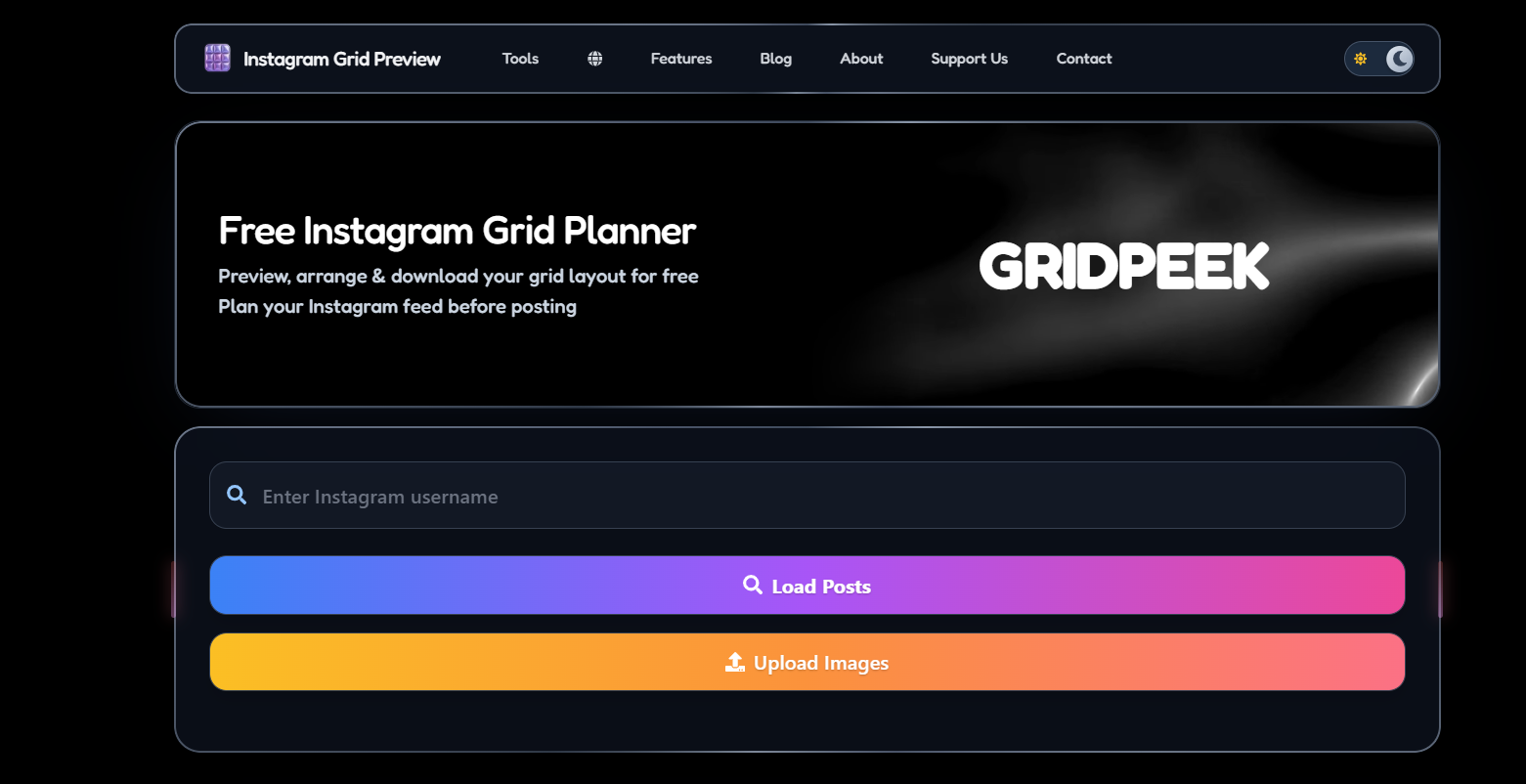
10. GridPeek
The easiest free one is GridPeek. Upload your photos, preview the grid, move them around if you need to.
Auto-posting is not available. This is a trial-only tool.
Free plan: Yes, free registration. Preview only.
Best for: Budget preview
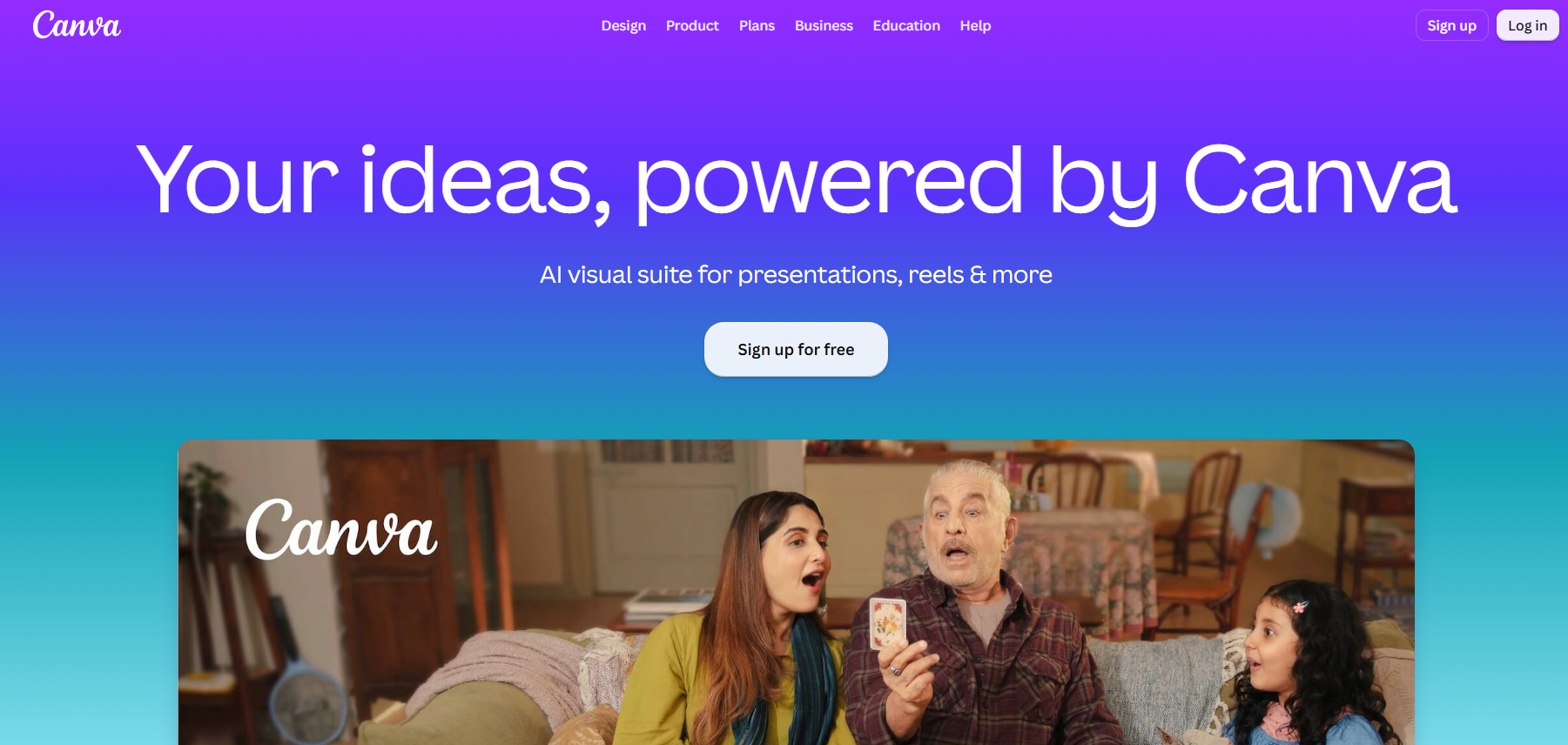
11. Canva
Canva isn’t a scheduler, but its Instagram templates and design tools make it great for creating content.
You can create your posts in Canva and then schedule them for free using a tool like Buffer.
Free Plan: Yes, design tools. No time frame.
Ideal for: Creators who care about design.
How to schedule Instagram stories for auto-posting?
This is the question I receive the most. Can I schedule Instagram Stories to be posted automatically? Yes.
Short answer: yes, but with a catch.
Instagram doesn’t support native scheduling of stories. Within the Instagram app, you can’t schedule a story like you can with feed posts.
But third-party tools can. Here is how.
Social by InstantDM allows you to schedule stories. You write your story, upload it into the tool, and schedule it to be posted at a particular time. The tool will publish it automatically.
Later also offers story scheduling on paid plans. This feature is not available in the free plan.
The flow is easy. Make your story, upload to the scheduling tool, choose the time, and it’ll publish on its own.
The problem is that for story scheduling the tool has to connect via Instagram’s official API. Not all tools provide you this. Choose a tool that explicitly supports story scheduling.
What is the true difference between free and paid
Most of the free plans can be used by beginners. You can schedule a few posts per week and auto-publish them for free.
Paid plans offer more features. Additional scheduled posts More platforms. Analytics. Collaboration. Features of AI.
My suggestion: Begin with a free plan. Reached the limits? Upgrade. Avoid paying for features you don’t need yet.
Instagram scheduler free comparison chart
Here’s a side-by-side comparison to make your decision easier.
| Tool | Auto Publish | Free Plan | Platforms | Best For |
|---|---|---|---|---|
| Meta Business Suite | Yes | 25 posts | Instagram, Facebook | Beginners |
| Buffer | Yes | 3 channels | 10+ | Easy scheduling |
| Metricool | Yes | 1 brand | All | Budget creators |
| Later | Trial only | 14-day trial | 10+ | Multi-platform |
| Planoly | Yes | 10 uploads | Limited | Grid planning |
| UNUM | Yes | Limited | Mobile-first | |
| Preview | Yes | Limited | Easy planning | |
| PlanMyGrid | No | Unlimited | Preview only | |
| GridPeek | No | Unlimited | Budget preview | |
| Canva | No | Design only | N/A | Design |
| Social by InstantDM | Yes | Unlimited | 8 platforms | AI scheduling |
Common Mistakes When Choosing a Free Task Scheduler
I see people do these things all the time.
Selection on the basis of features. The most feature-rich tool is not always the right fit. Choose what works for your workflow.
Ignoring autopublish. If the tool doesn’t actually auto-publish, you’re just using a fancy reminder app. Make sure the tool auto-publishes your content.
Not factoring in future growth. If you have plans to expand to multiple platforms, choose a tool that supports that now. “Later, changing tools is painful.”
Ignoring AI capabilities. AI scheduling will be commonplace by 2026. If you want to automate more of your workflow, consider looking for tools with AI built-in.
Frequently asked questions
Can I schedule Instagram posts for free?
Yes. Buffer, Metricool, Social by InstantDM, and Instagram’s native scheduling all offer free plans with auto-publishing.
How do I schedule Instagram stories for free?
Social by InstantDM offers story scheduling on the free plan. Most other free tools don’t support story scheduling.
What is the best free Instagram scheduler?
Social by InstantDM offers the most generous free plan with unlimited posts, 8 platforms, and AI agent integration. Buffer is the simplest option for beginners.
Do free schedulers actually auto-publish?
Some do. Buffer, Metricool, Social by InstantDM, and Instagram’s native scheduling all auto-publish on the free plan. PlanMyGrid and GridPeek are preview-only.
Can I schedule Reels for free?
Yes. Instagram’s native scheduling supports Reels. Social by InstantDM and Buffer also support Reel scheduling on their free plans.
The Final Word
There are Instagram schedulers that auto-publish for free. Posting consistently doesn’t require a paid scheduling tool.
The best free options are Social by InstantDM for AI-powered scheduling, Buffer for ease, Metricool for budget-friendly creators, and Instagram’s native scheduling for simple needs.
Pick your weapon. Test the free plan. Start booking. That’s the first step to posting regularly.
Frequently asked questions
Can I schedule Instagram posts for free?
Yes. Buffer, Metricool, Social by InstantDM, and Instagram's native scheduling all offer free plans with auto-publishing.
How do I schedule Instagram stories for free?
Social by InstantDM offers story scheduling on the free plan. Most other free tools don't support story scheduling.
What is the best free Instagram scheduler?
Social by InstantDM offers the most generous free plan with unlimited posts, 8 platforms, and AI agent integration. Buffer is the simplest option for beginners.
Do free schedulers actually auto-publish?
Some do. Buffer, Metricool, Social by InstantDM, and Instagram's native scheduling all auto-publish on the free plan. PlanMyGrid and GridPeek are preview-only.
Can I schedule Reels for free?
Yes. Instagram's native scheduling supports Reels. Social by InstantDM and Buffer also support Reel scheduling on their free plans.