Best Reels Editing Apps Creators Actually Use in 2026
10 Reels editing apps creators actually use in 2026. Tested on real content. Find the right one for your workflow.
TL;DR
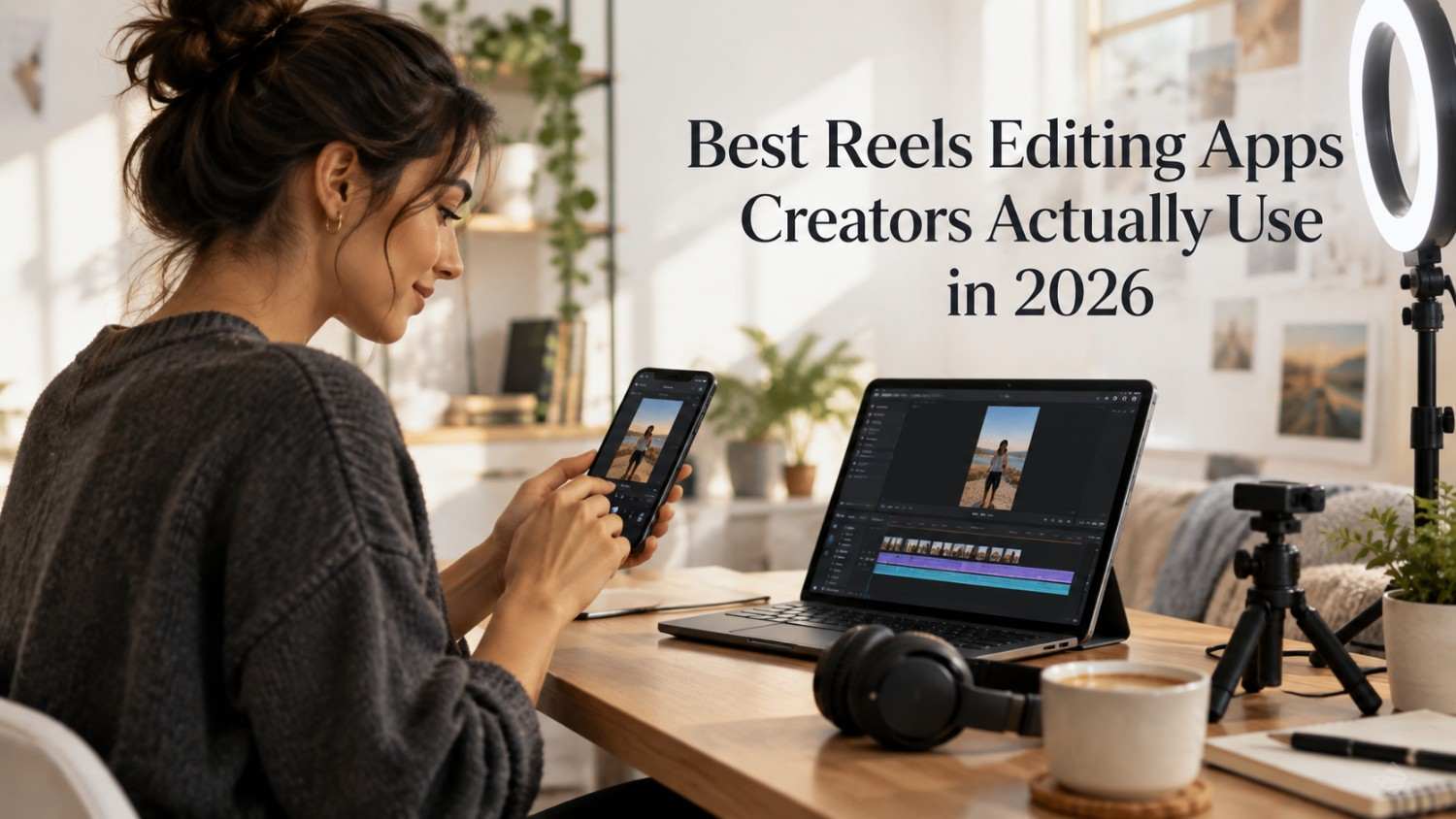
Reels are the highest-performing content format on Instagram in 2026. But the editing app you choose genuinely determines how fast you create, how good your Reels actually look, and how consistently you manage to post over time.
Ten Reels editing apps were tested to find the ones creators genuinely use in practice. The best tools combine fast editing, real AI features, auto captions, and export quality that looks genuinely professional on Instagram.
Quick answer: a scheduler such as Social by InstantDM helps plan and schedule. Reels across platforms once you finish editing. CapCut is the best free editor with professional features built in. InShot is the fastest option for quick edits directly on mobile.
Ultimately, the best Reels editor is the one you will use every day. This guide breaks down the ten apps that real creators rely on in 2026.
Introduction
Ask ten creators what editing app they use and you will get ten confident answers, each one absolutely certain their choice is the right one. The truth is that Reels editing apps have converged more than people realise; most of the serious contenders now offer AI captions, template libraries, and smart cuts in some form. The real differences are in the details: how fast the export is, how natural the AI transitions feel, and whether the interface is easy to use or gets in your way.
This guide covers ten Reels editing apps tested on real content over the past few months, breaking down not just what each one claims to do but what actually held up once put to work on a genuine editing schedule. Whether the priority is speed, AI assistance, or professional-grade control, there is a tool below built around that need.

Best Instagram Reels Editing Apps in 2026
Reels editing has genuinely changed in 2026. AI now handles captions, transitions, and effects that used to take real manual effort. Templates speed up creation considerably. The apps that win are the ones that make editing fast without sacrificing quality along the way.
Here is what mattered most when testing these tools.
Speed. Can you edit a Reel in under ten minutes from start to finish? The strongest apps genuinely streamline the entire workflow rather than adding extra steps.
AI features. Auto captions, AI transitions, and smart cuts all save real hours every single week when they actually work well.
Export quality. Does the exported video look crisp and genuinely professional? Blurry or compressed Reels quietly kill engagement before anyone even watches past the first second.
Template library. Ready-to-use templates for trends, transitions, and effects considerably speed up creation compared to starting from a blank timeline.
Mobile-first design. Most creators genuinely edit on their phones rather than a desktop. The app needs to work smoothly on mobile, not just technically function there.
A tool like Social by InstantDM helps you publish Reels across platforms once you finish editing. The AI generates captions and hashtags for each Reel, while the scheduling ensures consistent posting afterward.
Best Free Video Editors for Instagram Reels
Free tools genuinely handle most Reels editing needs. Here is what turned up during testing.
CapCut
CapCut is the best free option tested overall. Professional features, real AI tools, and a genuinely massive template library, all free of charge. The auto caption feature stands out as the best in the entire industry.
What stood out most during testing was how much of the paid competitor feature set CapCut offers for free, including multi track editing and keyframe animation that other apps reserve for a paid tier entirely.
InShot
InShot is the fastest free editor tested. A simple interface, genuinely quick edits, and export settings already optimized for Instagram specifically. Well suited for creators who need to post fast without overthinking each edit.
The streamlined interface stood out during testing, with fewer menus to dig through compared to CapCut, which matters a lot on the days when speed genuinely outweighs the need for advanced control.
VN Video Editor
VN Video Editor is the most powerful free option tested. Multi-track editing, keyframe animations, and advanced features that genuinely rival several paid apps on this list.
The unlimited export resolution stood out specifically during testing, with no watermark and no artificial cap on output quality, which is not always guaranteed even on some paid competitors.
Canva
Canva’s free plan includes video editing as well. The video editor is basic but genuinely functional for simple Reels that are built around text overlays and background music.
The integration with Canva’s broader design tools stood out during testing, letting a Reel share the same brand kit already set up for graphics and carousels, without having to rebuild that setup from scratch in a separate app.
The honest take is that free tools handle roughly ninety per cent of Reels editing needs on their own. You do not need to pay for a Reels editor unless you genuinely need advanced features or real team collaboration built in.

Best AI-Powered Reels Editing Tools for Creators
AI has genuinely transformed Reels editing in 2026, cutting down the most tedious parts of the process considerably.
CapCut AI
CapCut’s AI features cover auto captions, AI transitions, smart cuts, and background removal together in one place. The AI genuinely handles the tedious parts of editing, freeing up time for the creative decisions that actually matter.
What stood out during testing was how the smart cuts feature identified natural pause points in raw footage automatically, trimming dead air without requiring a manual scrub through the entire timeline first.
InShot AI
InShot’s AI features include background removal, beat sync effects, and smart sky replacement. The AI genuinely makes quick edits look considerably more professional than the time invested would suggest.
The beat sync feature stood out specifically during testing, automatically aligning cuts to the beat of a chosen audio track, which used to require manual waveform analysis before this became automated.
Opus Clip
Opus Clip offers AI powered clip generation specifically. The AI identifies the most engaging moments within longer footage and creates short Reels automatically from that raw material.
The moment detection stood out during testing, consistently flagging the same high energy segments a human editor would have picked manually, which saved real time when working through a long form video for the first time.
Descript
Descript offers AI transcription paired with editing, letting you edit video by editing the text transcript directly. The AI genuinely handles the heavy lifting of syncing cuts to the underlying text.
The text based editing approach stood out during testing, since deleting a rambling sentence from the transcript automatically removed the corresponding video segment, which felt considerably faster than scrubbing a timeline manually.
Predis.ai
Predis.ai offers AI generated Reels built directly from a topic. You describe what you want and the AI creates a full Reel complete with captions and background music.
The topic to video pipeline stood out during testing, turning a single sentence description into a genuinely usable draft Reel within a couple of minutes, useful specifically as a starting point rather than a finished product.
The key insight across all of these tools is that AI does not replace genuine creativity. It handles the tedious parts, captions, transitions, and cuts, so you can focus more of your energy on storytelling itself.
Best Reels Editors for Auto Captions, Transitions & Effects
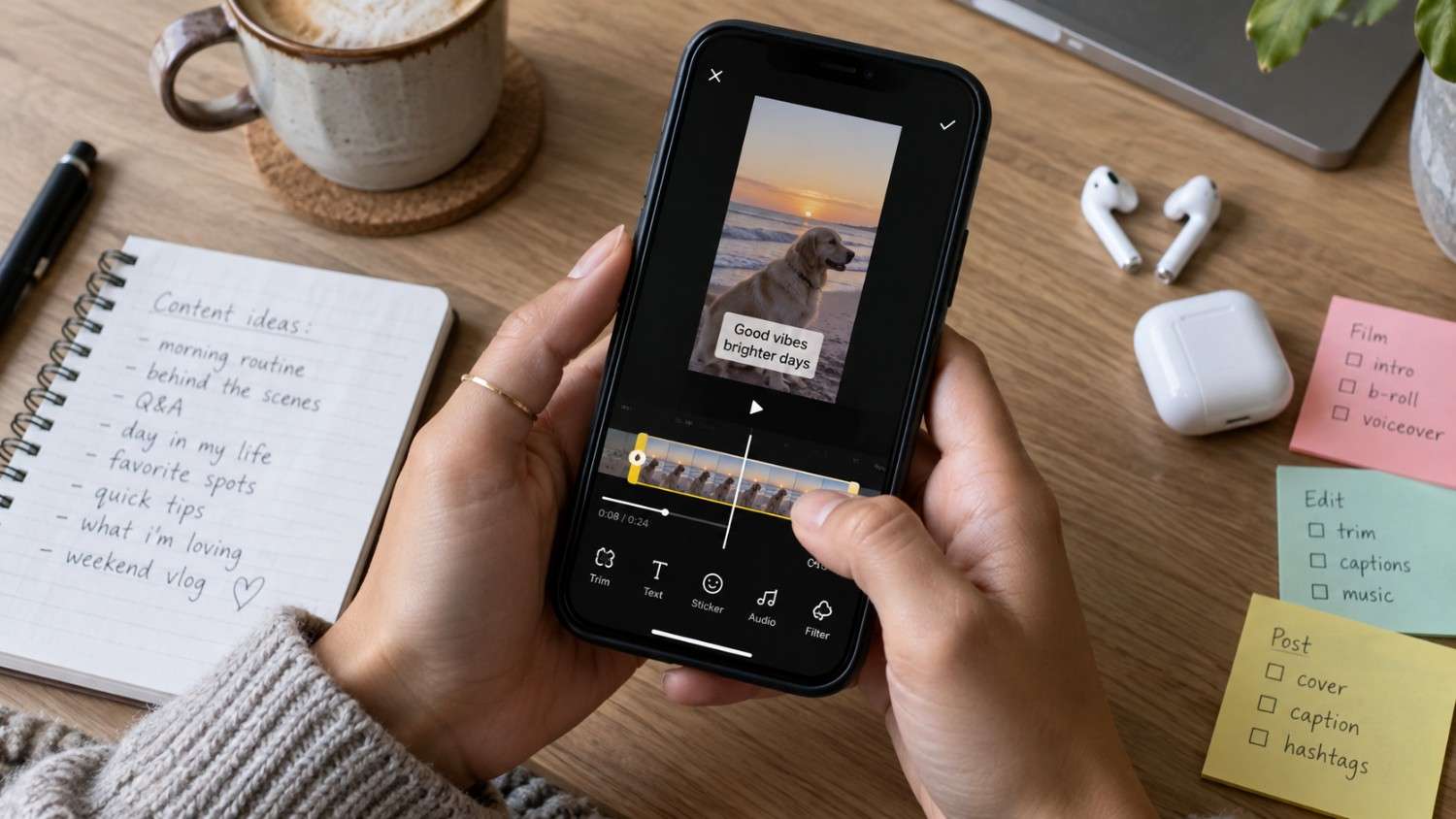
Auto captions are genuinely essential for both accessibility and engagement. Here are the strongest tools tested for this specifically.
CapCut offers the best auto-caption feature tested overall. Accurate, customisable, and genuinely fast, with multiple styles and colours available to match different content types.
InShot offers auto captions with solid style options as well. The captions stay accurate and remain easy to edit afterward if something gets transcribed incorrectly.
The Captations app is a dedicated captioning tool built specifically for this purpose. The AI generates genuinely accurate captions with customisable styles built around readability.
Premiere Rush offers professional captioning powered by Adobe’s own AI. The captions come out precise and genuinely customisable for brands with specific style requirements.
The key point worth remembering is that auto captions increase watch time by roughly forty percent according to platform data. Always add captions to your Reels regardless of which tool you use. The apps above make it genuinely effortless to do so consistently.
How to Edit Instagram Reels Faster Without Losing Quality
Speed genuinely matters here. Here is how to actually edit faster without sacrificing the final result.
Use templates. Start with a template instead of a genuinely blank canvas each time. Customize it with your own content rather than building the structure from scratch every single time.
Batch edit. Edit multiple Reels within one focused session. This builds real momentum and saves considerable time compared to editing one at a time throughout the week.
Save presets. Save your favorite transitions, effects, and caption styles once. Apply them directly to new Reels going forward rather than rebuilding the same look repeatedly.
Use AI features deliberately. Let AI handle captions, transitions, and cuts wherever it genuinely can. Focus your own attention on the creative decisions that actually require a human eye.
Create a genuine workflow. Film, edit, caption, export, schedule, in that order every time. Following the same process consistently tends to shave real time off each individual Reel.
A tool such as Social by InstantDM helps maintain a consistent Reels workflow in practice. The AI generates caption ideas and hashtags after editing is complete, while the scheduling ensures your Reels publish at genuinely optimal times.
Why batching prevents editing fatigue
Editing one Reel at a time throughout the week means paying the mental setup cost of opening the app, remembering your preferred settings, and re-finding your rhythm every single session. Batching removes almost all of that overhead after the first Reel, since the app is already open, the presets are already loaded, and the creative momentum from the first edit tends to carry directly into the second and third. Creators who batch consistently report that editing feels considerably less draining than when they edit one Reel in isolation several times a week.

Best Mobile Reels Editing Apps for iPhone & Android
Mobile editing is where most creators genuinely work. Here are the strongest options tested for phones specifically.
CapCut is available on both iOS and Android. It remains the best free mobile editor tested, with professional features built directly into the mobile app rather than reserved for a desktop version.
InShot stays optimized for mobile specifically. Fast, intuitive, and it produces exports genuinely ready for Instagram without extra formatting steps needed afterward.
VN Video Editor offers powerful mobile editing with real multi track support built in. It works consistently on both major mobile platforms.
KineMaster offers professional mobile editing with advanced features layered on top. The paid version genuinely earns its cost for serious creators editing regularly.
LumaFusion is the most professional mobile editor tested overall. Multi track editing, keyframes, and advanced color grading are all included, though it remains iOS only.
Best Reels Editing Tools for Brands, Agencies & Small Businesses
Brands genuinely need consistency and speed together. Here is what works well for that specific combination.
CapCut stays free while offering professional features. Templates help maintain brand consistency across a whole series of Reels without extra manual work each time.
Adobe Premiere Rush offers professional editing with real brand kit support built in. Colors, fonts, and styles stay consistent across every export automatically.
Canva combines design and video editing within one platform. A brand kit ensures a consistent visual identity across everything produced there.
A tool such as Social by InstantDM helps plan and schedule Reels across platforms once editing wraps up. The AI generates captions and hashtags that genuinely match your brand voice rather than a generic tone applied everywhere.
The key point here is that brands genuinely need tools built around consistency specifically. Templates and brand kits together ensure every Reel looks like it genuinely belongs to the same brand, even when different team members are producing the content.
CapCut Alternatives for Editing Instagram Reels
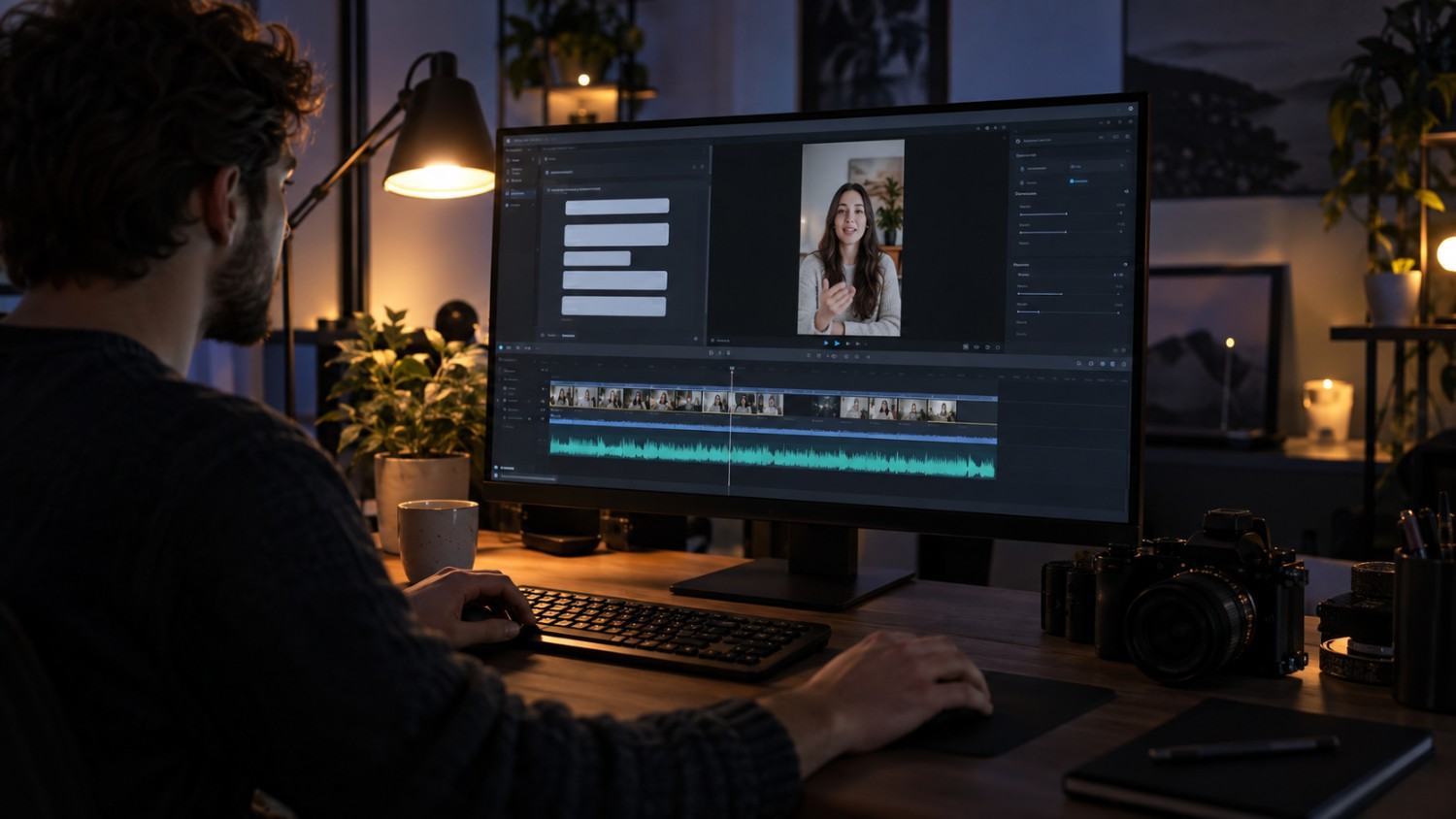
CapCut remains popular, but genuine alternatives exist worth knowing about. Here is who does things differently.
InShot edits faster for quick, simple edits specifically. Fewer overall features, but a genuinely simpler workflow for creators who do not need the full CapCut feature set.
VN Video Editor offers more power for advanced editing work. Multi track support and keyframes give it real depth beyond CapCut’s own capabilities in certain areas.
KineMaster offers professional features specifically built for mobile. Worth the paid upgrade for creators editing seriously on a regular basis.
LumaFusion remains the most professional mobile editor tested. Best suited for iOS users who genuinely need advanced features beyond what CapCut offers.
DaVinci Resolve is a desktop alternative with genuinely professional color grading built in. Free and considerably powerful for creators willing to work outside a purely mobile workflow.
The overall pattern is that CapCut wins for most creators tested. But if you genuinely need more advanced features, VN or KineMaster both stand out as strong alternatives worth considering.
When it’s worth switching away from CapCut
CapCut covers most needs well, but a few specific signals suggest it might be time to look elsewhere. If you find yourself repeatedly hitting a ceiling on multi track complexity, needing more than a couple of overlapping video layers, VN Video Editor is usually the better fit. If color grading has become a genuine priority rather than an afterthought, DaVinci Resolve is worth the shift to a desktop workflow. Switching tools simply because a competitor added a flashy new feature rarely pays off, but switching because your actual editing needs have outgrown the app is a genuinely good reason.
Best Tools for Turning Long Videos Into Short Reels
Repurposing long content into Reels genuinely saves time compared to filming something entirely new. Here’s what works best for this purpose.
Opus Clip offers AI powered clip generation. The AI identifies genuinely engaging moments in longer footage and automatically creates short Reels from them.
Descript lets you edit video by editing the underlying text transcript. Remove filler words, trim silence, and build clips directly from the transcript itself.
CapCut supports manual clip creation with auto caption support layered on top. Extract specific moments from longer footage and add captions in the same workflow.
A tool such as Social by InstantDM helps plan and schedule repurposed Reels across platforms once clips are ready. The AI generates captions for each individual clip pulled from the source video.
The overall process works like this: upload the long video, let AI identify the key moments, edit and add captions to those moments, export as a Reel, and schedule across platforms from there.
Which Instagram Reels Editing App Is Best for Your Workflow?
Here is a decision framework worth running through.
If you want the best free option overall, CapCut delivers professional features, real AI tools, and templates, all without paying anything.
If you want raw speed specifically, InShot offers fast editing, quick exports, and a genuinely mobile-optimised workflow throughout.
If you want strong AI features, CapCut or Opus Clip both let AI handle captions, transitions, and clip generation directly.
If you want professional grade editing, LumaFusion or DaVinci Resolve both offer advanced features built for serious, ongoing creators.
If you want genuine simplicity, Canva combines design and video editing in one platform with brand kit support layered in.
If you want to repurpose existing content, Opus Clip or Descript both let AI turn long videos into short, usable Reels.
If you want to schedule after editing wraps up, a tool such as Social by InstantDM lets you plan, schedule, and publish Reels across platforms with AI generated captions attached.
The Bottom Line
Reels editing does not genuinely have to take hours out of your day. The right app makes the entire process fast, easy, and genuinely professional-looking when exported.
CapCut remains the best free option for most creators we tested. InShot remains the fastest option for quick edits. Opus Clip handles AI-powered clip generation particularly well. Each tool on this list serves a specific workflow rather than trying to be everything at once.
A tool like Social by InstantDM helps you publish Reels across platforms once you finish editing. The AI generates captions and hashtags, and the scheduling ensures consistent posting afterward without extra manual effort.
Start editing today. Pick one app from this list. Create your first Reel. Post it. Then create another. That is genuinely how Reels growth actually works over time.