Best Social Media Tools for Food Bloggers & Recipe Creators in 2026
10 social media tools for food bloggers and recipe creators. Find the right tool for your food content in 2026.
TL;DR
Food bloggers need social media to drive traffic, build an audience, and promote recipes effectively. But creating food content and managing social media at the same time genuinely takes hours every single day if the workflow is not set up well.
The right tools handle scheduling, recipe recycling, Pinterest promotion, and content creation together, letting a food blogger focus on cooking and photographing while the tool handles a meaningful share of the marketing underneath that.
Quick answer: Tailwind excels specifically at Pinterest recipe pin scheduling, which matters enormously for food bloggers given how much traffic Pinterest tends to drive. RecurPost is best suited for recycling evergreen recipe content that stays relevant well past its original publish date.
Bottom line, food blogging genuinely requires tools built around visual content, recipe promotion, and seasonal campaigns rather than generic social scheduling alone. These ten tools deliver on exactly those fronts.
Introduction
Anyone who has spent a Sunday testing a recipe three times, photographing it in fading natural light, and then trying to turn all of that into a blog post, a Reel, a Pinterest pin, and an Instagram carousel before dinner knows exactly how much invisible work sits behind a single recipe post. Cooking and photographing the food is genuinely the fun part. Turning that work into consistent, well-distributed content across five platforms is where most food bloggers quietly burn out.
The tools that actually help are not the ones promising to make cooking easier. They are the ones that handle everything downstream of the kitchen, from scheduling to Pinterest optimisation to recycling a strong recipe long after its original publish date. Get that part of the workflow right and a food blogger can spend far more of their time actually cooking and shooting rather than managing five separate apps every evening.
This guide covers ten tools worth knowing in 2026 for exactly that reason, organised around the specific workflow of a food blogger, from recipe management through to the final Pinterest pin that drives traffic back to a blog post months after it was first published.
Best Tools for Food Bloggers in 2026
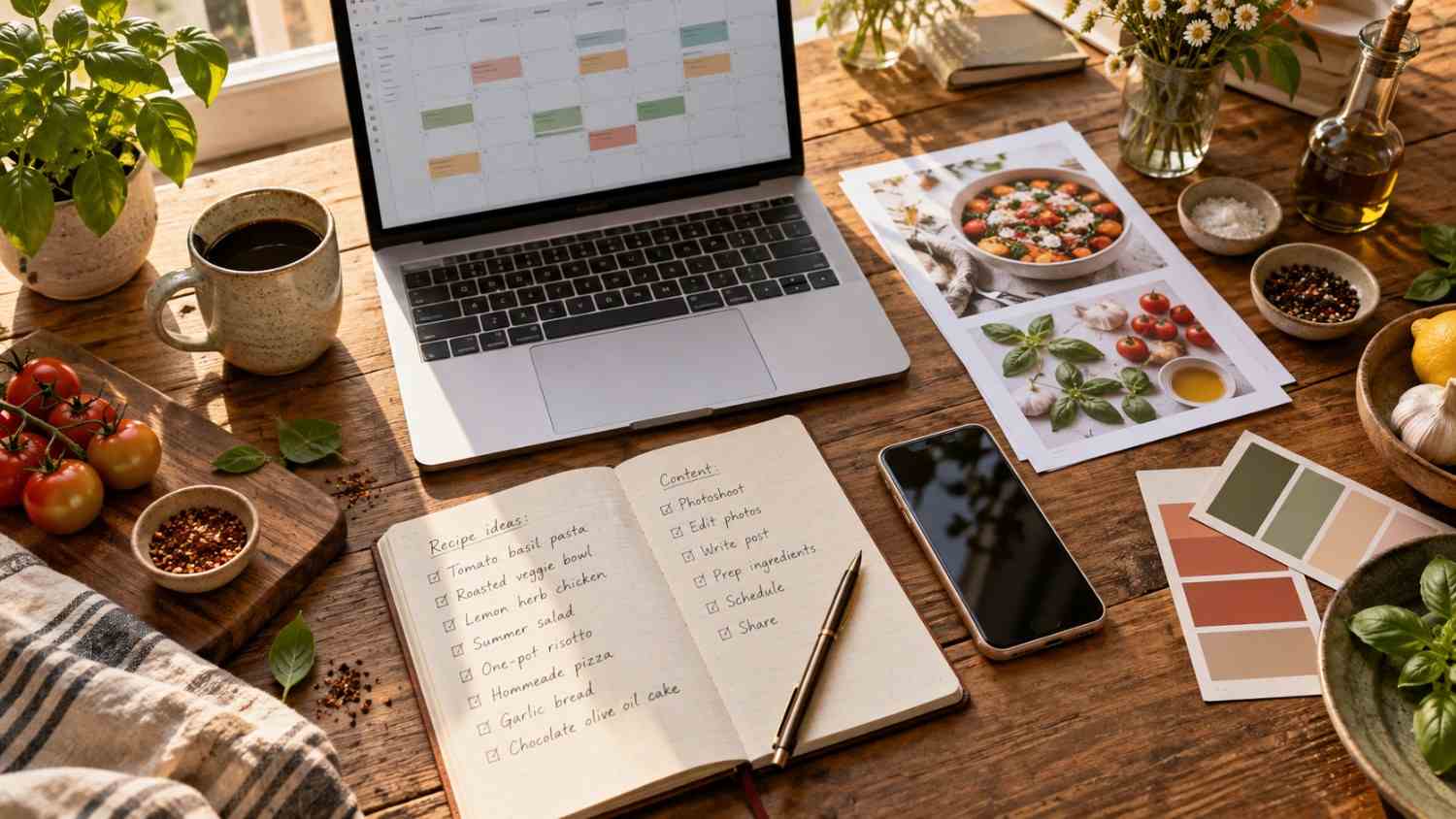
Food bloggers have genuinely unique social media needs compared to most other content creators. You are promoting recipes rather than products; visual content carries enormous weight, Pinterest specifically matters more than it does for almost any other niche, and seasonal timing plays a much bigger role than people outside food blogging tend to realize.
Here is what food bloggers actually need from a social media tool.
Recipe scheduling should let you plan and publish recipe content across platforms without daily manual effort that eats into your actual cooking and shooting time.
Pinterest optimisation matters enormously, as it tends to drive more traffic for food blogs than almost any other platform. A tool needs to handle Pinterest scheduling well rather than treating it as an afterthought.
Visual content creation needs real attention too, since food photography and recipe graphics genuinely need to look appetising rather than merely functional.
Evergreen recycling deserves consideration as well. A food blogger’s best recipes deserve to be promoted repeatedly rather than posted once and forgotten, so a tool that recycles top-performing content well adds real value over time.
Seasonal campaign planning rounds things out, since holiday recipes, seasonal ingredients, and broader food trends all require planning well ahead of the actual season rather than scrambling at the last moment.
Social by InstantDM covers a meaningful share of these needs in one place, with the AI creating recipe ideas and captions specifically tailored for food bloggers rather than generic marketing copy borrowed from an unrelated niche.
https://youtu.be/OIyYAim-U8k?si=AF_s8KE7G5RL9nXg
Best Social Media Scheduling Tools for Food Bloggers
Scheduling genuinely saves time, and a handful of tools stand out specifically for food blogging workflows.
Social by InstantDM offers AI-assisted scheduling with recipe-specific content suggestions, letting a food blogger plan across platforms from a single dashboard rather than juggling separate tools for each network.
Tailwind provides Pinterest scheduling built around its SmartSchedule feature, and it tends to be the strongest overall pick for food bloggers who genuinely rely on Pinterest traffic as a core part of their strategy.
Buffer offers simple scheduling with a clean interface, and its free plan covers basic scheduling needs well for bloggers just starting to formalise their social presence.
Loomly provides structured content calendars paired with campaign workflows, which suits planning seasonal recipe content well in advance of the actual holiday or season it is tied to.
CoSchedule offers a marketing calendar that coordinates blog articles directly with social promotion, making it a strong fit for food bloggers who publish new recipes on a fairly regular schedule.
Best Recipe Testing and Recipe Management Tools
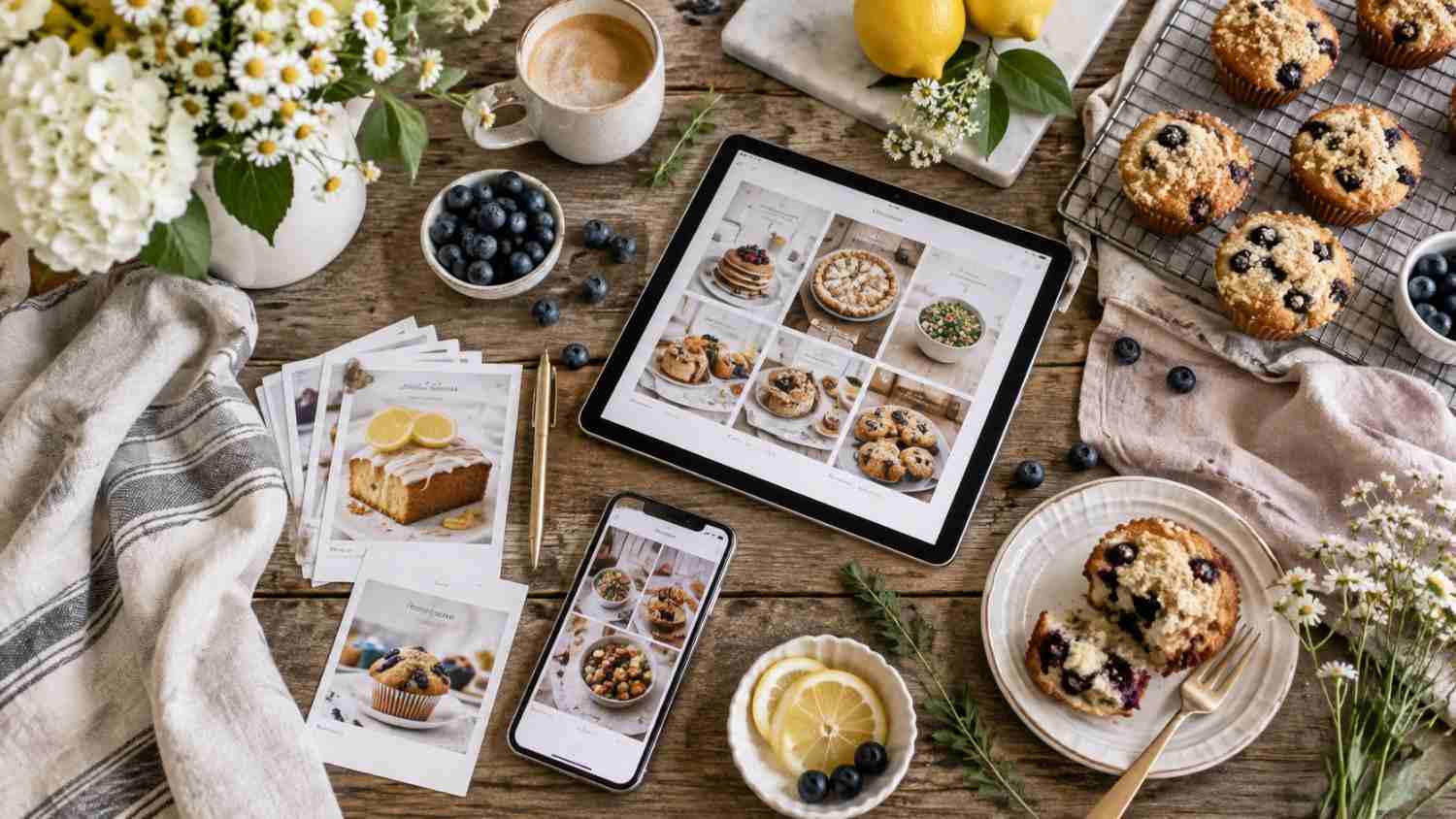
Recipe management is genuinely a different job from social media scheduling, and food bloggers need dedicated tools for this side of the workflow too.
WordPress with recipe plugins
WordPress paired with plugins like WP Recipe Maker or Tasty Recipes handles recipe formatting, schema markup, and nutrition information directly within a blog post. That schema markup in particular matters for SEO, since it is what allows recipes to show up with rich results in search, including star ratings and cook times directly in the search listing.
Google Sheets
Google Sheets offers a simple way to organize recipes, tracking ingredients, instructions, and testing notes across multiple attempts at the same dish. For a blogger who tests a recipe several times before publishing, having a clear record of what changed between versions genuinely helps avoid repeating past mistakes.
Notion
Notion functions as a flexible recipe database with tags and categories, letting a blogger organize recipes by cuisine, diet, or season in whatever structure makes sense for their specific content library. Its flexibility tends to appeal to bloggers who want more customisation than a simple spreadsheet allows.
Airtable
Airtable combines recipe management with visual calendars, helping plan both recipe development and eventual publishing from within the same tool. For a blogger juggling several recipes at different stages of testing and photography, that visual overview tends to prevent things from falling through the cracks.
The key distinction worth remembering is that recipe management tools help develop and organize the recipes themselves, while social media tools help promote them once they are actually ready to publish.
Best Video Editing Tools for Recipe Reels, Shorts and TikToks
Video content has become essential for food bloggers in 2026, and a handful of tools stand out specifically for this format.
CapCut
CapCut remains free and genuinely powerful, with auto captions built in that save real editing time. For most food creators working across Reels, Shorts, and TikTok, it tends to be the strongest overall starting point given how much it offers at no cost.
InShot
InShot offers fast mobile editing paired with recipe specific templates, making quick edits for Reels and TikToks noticeably faster than starting from a completely blank timeline each time.
Adobe Premiere Rush
Adobe Premiere Rush allows quick editing across both mobile and desktop, producing genuinely professional results in a matter of minutes rather than hours, which suits a blogger who wants a bit more polish than a purely mobile app typically provides.
Canva
Canva includes video editing paired with recipe templates, letting a blogger create recipe videos without needing advanced editing skills at all, which matters for anyone who would rather spend their limited time cooking than learning a complex editing timeline.
CapCut in particular can help schedule recipe videos with auto generated captions attached to each one, which cuts down considerably on the manual captioning work that used to eat into a blogger’s evening.
How Food Bloggers Can Plan and Publish Content Faster
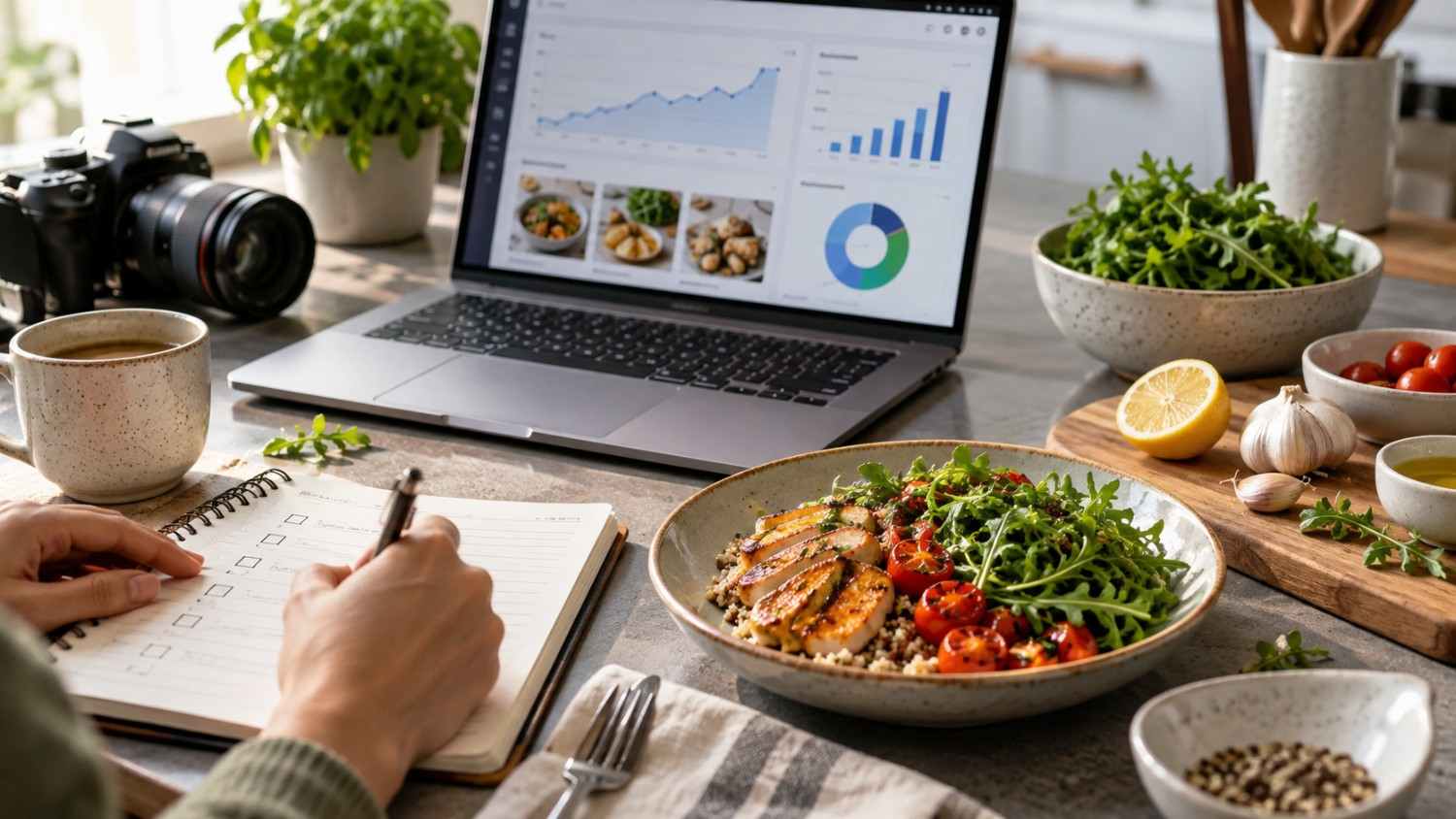
Speed genuinely matters for food bloggers, given how much work sits behind every single recipe. Here is how to actually work faster without sacrificing quality.
Batch photographing multiple recipes in one session saves considerable setup time, since lighting, props, and camera settings only need to be arranged once rather than repeated for every individual recipe.
Batch editing photos and videos together, applying the same presets and templates across the batch, helps maintain visual consistency and saves real time compared to editing each piece individually.
Batch writing captions and blog posts together, rather than switching back and forth between cooking, photographing, and writing throughout the day, tends to produce better writing and takes noticeably less mental energy overall.
Batch scheduling a full week of content in one sitting frees up the rest of the week for cooking and shooting, as a scheduler handles the actual publishing afterward instead of daily posting tasks.
Repurposing everything from a single recipe, turning it into a blog post, a Reel, a TikTok, a Pinterest pin, and a carousel, multiplies the value of every hour spent in the kitchen considerably.
Batch planning tools in general can help with content ideas tailored to each specific recipe, which speeds up the writing and captioning side of this whole process significantly.
Best Tools for Creating Food Photos, Graphics and Pinterest Pins
Visual content genuinely drives food blog traffic more than almost any other factor. Here is what to use to get it right.
Canva
Canva offers food blog templates, Pinterest pin templates, and recipe graphics all in one place, letting a blogger create professional-looking visuals without any real design background required.
Adobe Express
Adobe Express provides quick social media graphics with brand kit support, helping maintain a consistent visual identity across every platform a blogger actually uses rather than each one looking slightly different.
Lightroom Mobile
Lightroom Mobile offers photo editing with food specific presets built in, which makes food photography look genuinely appetizing without requiring deep photo editing knowledge to achieve that result.
Tailwind Create
Tailwind Create focuses specifically on Pinterest pin creation with food templates included, designed to produce pins that actually drive click through traffic rather than just looking nice in isolation.
Later
Later combines visual planning with Pinterest integration, letting a food blogger plan their overall visual content strategy across platforms rather than treating Pinterest as an entirely separate, disconnected effort.
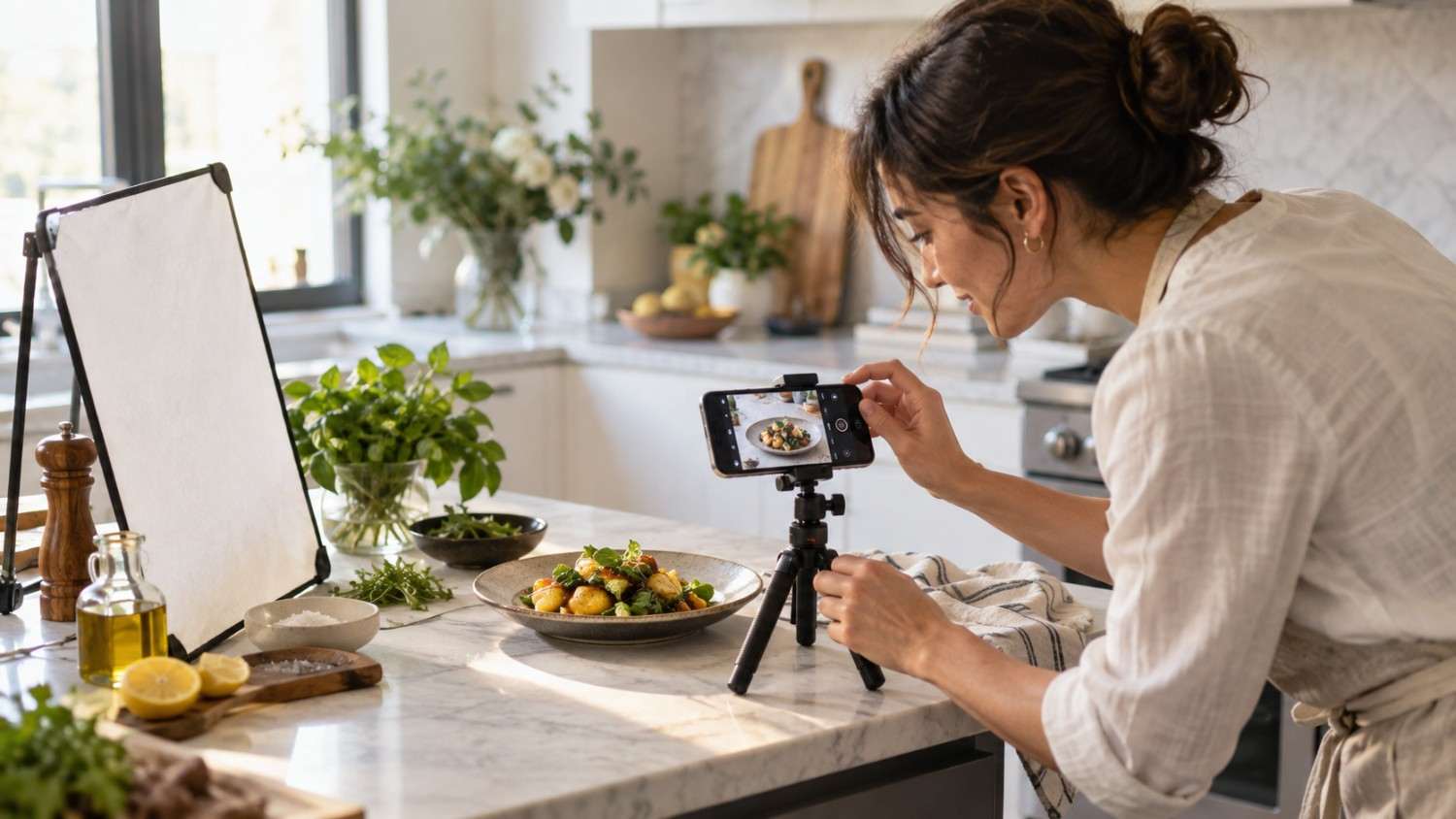
Best AI Tools for Recipe Content, Captions and Social Posts
AI genuinely saves hours every week once it becomes part of a food blogger’s regular workflow. Here is who handles this well.
Social by InstantDM generates AI recipe captions, hashtags, and broader content ideas, adapting that content for each specific platform rather than posting a single generic caption everywhere, regardless of fit.
Predis.ai turns recipe ideas into social graphics and short-form content directly, with the AI creating visuals straight from a recipe description rather than requiring a blogger to design each graphic manually.
Ocoya offers AI-assisted visual food content creation, generating captions while also handling scheduling across platforms from the same dashboard.
FeedHive provides AI-assisted scheduling paired with content suggestions, helping improve posting consistency across channels without requiring constant manual oversight.
The key insight worth remembering is that AI handles captions, hashtags, and content ideas well, freeing a food blogger to focus their actual time on cooking and photographing rather than staring at a blank caption field.
https://youtu.be/4aCunUtKVkE?si=DsdK4tZRa4-ESv0M
How to Turn One Recipe Into Blog, Instagram, Pinterest and YouTube Content
One recipe should genuinely become ten or more pieces of content if approached with a repurposing mindset from the very start.
A blog post covering the full recipe with photos, instructions, and helpful tips functions as the cornerstone piece that everything else eventually points back toward.
An Instagram Reel that runs for roughly 30 to 60 seconds can show the actual cooking process in motion, which tends to perform particularly well for food content.
A TikTok video, kept short and genuinely trend-focused, works well for reaching an audience that might never find the blog post directly on its own.
A Pinterest pin, built as a vertical graphic featuring the title and key ingredients, exists specifically to drive traffic back to the blog itself rather than standing entirely on its own.
A YouTube video offering a full recipe tutorial can show every single step in real detail, suiting viewers who want a more thorough walkthrough than a short-form video can provide.
An Instagram carousel breaking the recipe into step-by-step slides tends to be easy for followers to both follow along with and save for later reference.
An Instagram Story showing behind-the-scenes footage of the actual cooking process in real time adds a more casual, immediate layer on top of the more polished content elsewhere.
Repurposing tools in general can help turn one recipe into tailored content for each of these platforms without requiring a completely separate creative process for every single one.

Best Content Calendars for Food Bloggers and Recipe Creators
Content calendars genuinely keep food bloggers organised, especially when they are juggling several recipes and platforms at once. Here is what works well.
CoSchedule offers a marketing calendar that coordinates blog articles directly with social promotion, suiting bloggers who publish new recipes on a fairly regular, predictable schedule.
Loomly provides structured content calendars paired with campaign workflows, which works particularly well for planning seasonal recipe content well ahead of the actual holiday or season involved.
AI-powered content calendars in general, including recipe-specific content suggestions, can help plan across platforms without requiring a blogger to brainstorm every single idea from scratch.
Notion offers a flexible content calendar built around recipe databases, allowing bloggers to fully customise the structure to fit their particular workflow.
Google Sheets provides a genuinely simple spreadsheet-based calendar option, free and easy to use for anyone who does not need anything more elaborate than a basic grid.
Best Tools for Scheduling Evergreen Recipe Content
Evergreen content genuinely drives long-term traffic for food blogs, often well beyond what a single publish date would suggest. Here is who handles this task well.
RecurPost
RecurPost focuses specifically on recycling evergreen recipes through category-based queues, letting a blogger set the system up once and have it run essentially forever afterward with minimal ongoing maintenance. It also offers AI-assisted content recycling with multi-platform support built in, extending that same recycling logic across more than just a single network.
Tailwind
Tailwind provides Pinterest scheduling paired with its SmartLoop feature, which specifically recycles recipe pins automatically over time rather than requiring manual resharing of older content.
SocialBee
SocialBee offers content recycling built around category-based scheduling, letting a blogger organize recipes by cuisine, diet, or season and then rotate through those categories automatically over time.
FeedHive
FeedHive uses AI-assisted scheduling that specifically identifies high-performing content worth resharing, rather than recycling everything indiscriminately regardless of how well it originally performed.
Food Bloggers Tool Comparison at a Glance
Here is a quick comparison of the tools covered throughout this guide for food bloggers specifically.
| Tool | Best For | Starting Price | AI Features | |
|---|---|---|---|---|
| Social by InstantDM | AI planning, multi platform | Free tier | Yes | Yes |
| Tailwind | Pinterest scheduling | $14.99/mo | Yes | Yes |
| RecurPost | Evergreen recycling | $25/mo | No | Yes |
| Buffer | Simple scheduling | $6/channel/mo | No | Yes |
| Loomly | Content calendars | $32/mo | No | No |
| CoSchedule | Marketing calendar | $29/mo | No | No |
| Predis.ai | AI content creation | $29/mo | No | Yes |
| Ocoya | AI visual content | $19/mo | Yes | Yes |
| FeedHive | AI scheduling | $19/mo | No | Yes |
| Canva | Visual design | Free or $12.99/mo | No | Yes |
The Bottom Line
Food bloggers need social media to drive traffic and build a genuine audience over time. The right tool handles scheduling, recipe recycling, and Pinterest promotion together rather than forcing a blogger to piece together several disconnected tools.
Social by InstantDM stands out as a strong overall pick for food bloggers looking for AI content planning, multi-platform scheduling, and flat-rate pricing all in one place. The blogger focuses on cooking and photographing, while the tool handles a meaningful share of the marketing underneath that.
Start scheduling today. Pick one tool from this list. Plan out a week of recipe content. Schedule it. Watch your traffic grow from there. That is genuinely how food blogging works in practice.
Sources Used for This Guide:
References:
https://sproutsocial.com/insights/bars-restaurants-social-media-guide/
https://ifoodbloggers.com/best-productivity-tools-for-food-bloggers/
Frequently asked questions
What is the best social media tool for food bloggers?
Tailwind tends to be the strongest choice specifically for Pinterest scheduling. Some tools, including Social by InstantDM, offer AI-assisted multi-platform scheduling as well. RecurPost stands out specifically for recycling evergreen recipe content.
How often should food bloggers post on social media?
Three to four times per week is the ideal frequency for most food bloggers. Posting consistently matters more than posting frequently. Quality recipe content genuinely beats daily posts with no real substance behind them.
What content works best for food bloggers on social media?
Recipe videos, strong food photography, behind-the-scenes cooking content, and seasonal recipe promotions all tend to perform well. Visual content specifically performs best on Instagram and Pinterest compared to more text-heavy formats.
How do food bloggers drive traffic from social media to their blogs?
Using Pinterest pins that link directly to a blog post remains one of the strongest methods. Sharing recipe Reels with a link in the bio and a call to action helps too, as does posting carousel recipes that link back to the full blog post. Always including a clear call to action matters regardless of format.
Can I manage multiple recipe categories on social media?
Yes. Using content categories to organise recipes by cuisine, diet, or season can help considerably. Tools like RecurPost and Social by InstantDM both support category-based scheduling well.