Best Social Media Tools for Restaurants: Post While You Run Service
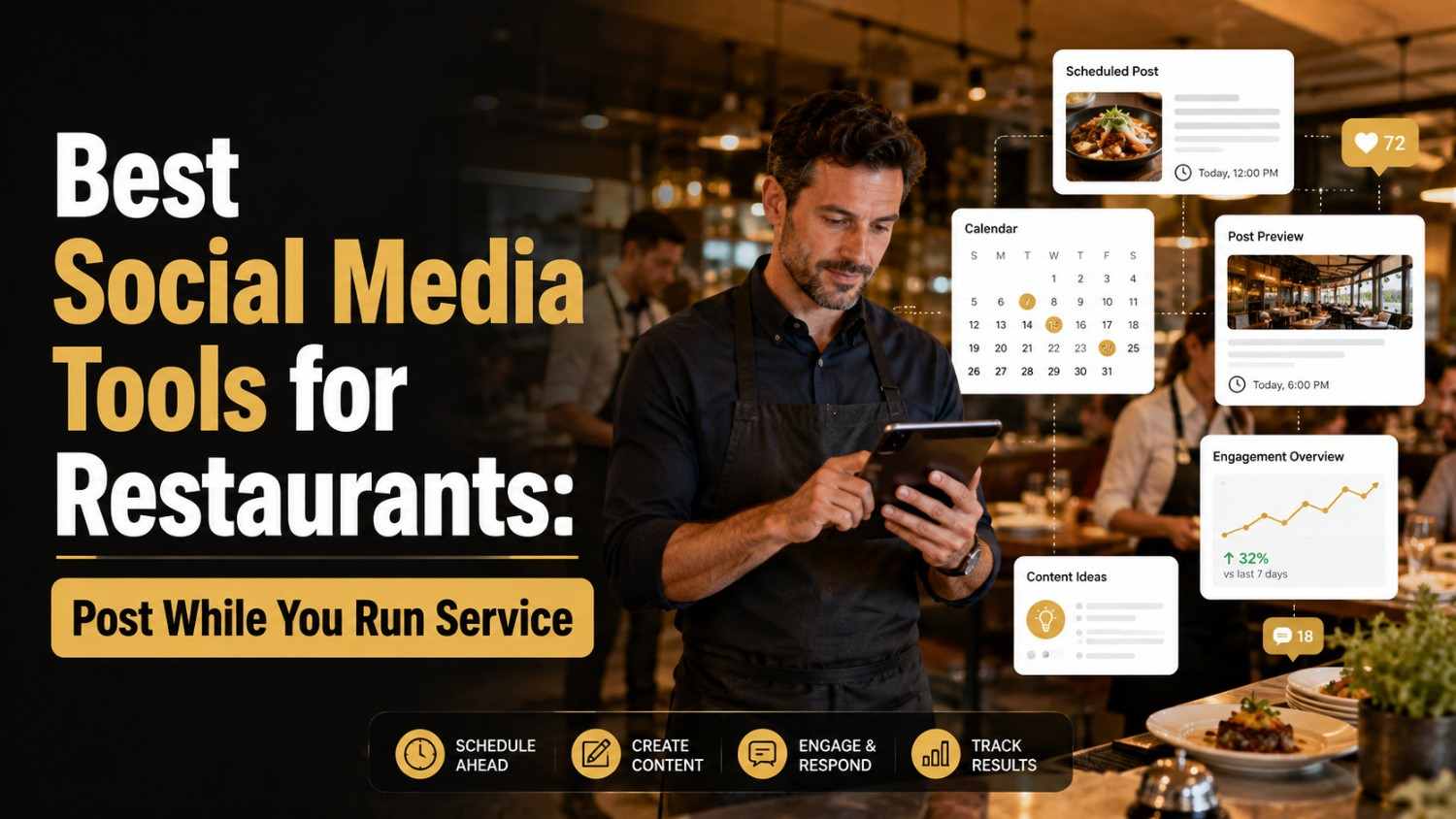
Restaurant owners don't have time to post manually. Here are the best social media tools that let you schedule while you run service.
TL;DR
If you run a restaurant, you already know the real problem isn’t a lack of ideas, it’s a lack of time. You’re cooking, expediting, training a new server, and fielding a reservation call all before noon, and somewhere in there you’re supposed to also be posting on Instagram. In 2026 the answer for most restaurant owners comes down to picking a scheduling tool and batching your posts on a slow afternoon rather than trying to post live during service. Buffer works well if you want something dead simple. Social by InstantDM is the one I’d point to if you want AI doing the heavy lifting on captions. Metricool suits a tight budget. Later suits restaurants that live and die by how their Instagram grid looks. Pick whichever fits your workflow, set aside twenty minutes on a Sunday, and let the tool carry the rest of the week.
Introduction
I’ve spent a fair amount of time talking to restaurant owners about this exact problem, and the pattern is always the same. Nobody’s short on things worth posting. A busy kitchen produces content constantly, a new dish going out, a regular celebrating a birthday, a server cracking a joke while plating dessert. What’s actually missing is the ten minutes it would take to photograph it, write something decent, and hit post, because those ten minutes get eaten by the next ticket that comes in.
So I put together everything I’ve learned about making social media work for a restaurant without it becoming another job on top of the one you already have. That includes which platforms are actually worth your limited time, how often you really need to post, which tools handle the scheduling side well, and how to use AI for the parts that don’t need your personal touch while still keeping the posts that do feel genuinely yours. None of this requires you to become a content creator. It just requires picking the right system once and letting it run.
I’ll say upfront that there’s no single right answer here. A twelve-table neighborhood spot and a three location group have different needs, different budgets, and different amounts of time to spend thinking about any of this. What follows is meant to give you enough of a map that you can pick the pieces that actually apply to your situation and skip the rest without guilt.\
Which social media platforms are best for restaurant marketing?
Not every platform pulls its weight for a restaurant, so let me save you some time and tell you where to actually focus.
Instagram is the clear leader. Restaurants tend to see around a 2.2 percent average engagement rate there, which is solid, and food photography just performs well on a platform built around images. Reels in particular tend to get pushed out to people who’ve never heard of you before, which is exactly the kind of reach a local restaurant needs. If you’re only going to commit to one platform, make it this one.
Facebook still matters more than many people realise. Roughly 93 percent of people use Google and Facebook combined when they’re deciding where to eat locally, and reviews on your Facebook page genuinely sway decisions. Think of your Facebook presence as a second website that happens to update itself with photos and specials.
TikTok is growing quickly in this space. It’s sitting around a 2.5 percent engagement rate for restaurant content, and behind the scenes kitchen footage tends to do especially well there. It also tends to reach a younger crowd that’s actively looking for new places to try, often before they’ve ever searched for you directly.
Google Business Profile isn’t optional, full stop. People type “restaurants near me” every single day, and your listing there, complete with current hours, an up to date menu, and decent photos, is often the very first impression someone gets of your place before they’ve even opened Instagram.
My honest advice is to start with Instagram and Facebook, add TikTok once you’ve got some bandwidth to spare, and never let your Google Business Profile go stale, since that one quietly does more work than people expect.
It’s worth adding that these platforms aren’t competing for the same job. Instagram and TikTok tend to build awareness among people who’ve never eaten at your place, while Facebook and Google Business Profile tend to convert people who are already close to deciding. Treating them all the same, posting identical content everywhere without adjusting for what each one is actually good at, is one of the more common mistakes I see restaurants make.
How can restaurants effectively use social media to attract more customers?
Here’s what I’ve noticed actually moves the needle after watching a lot of restaurants try this.
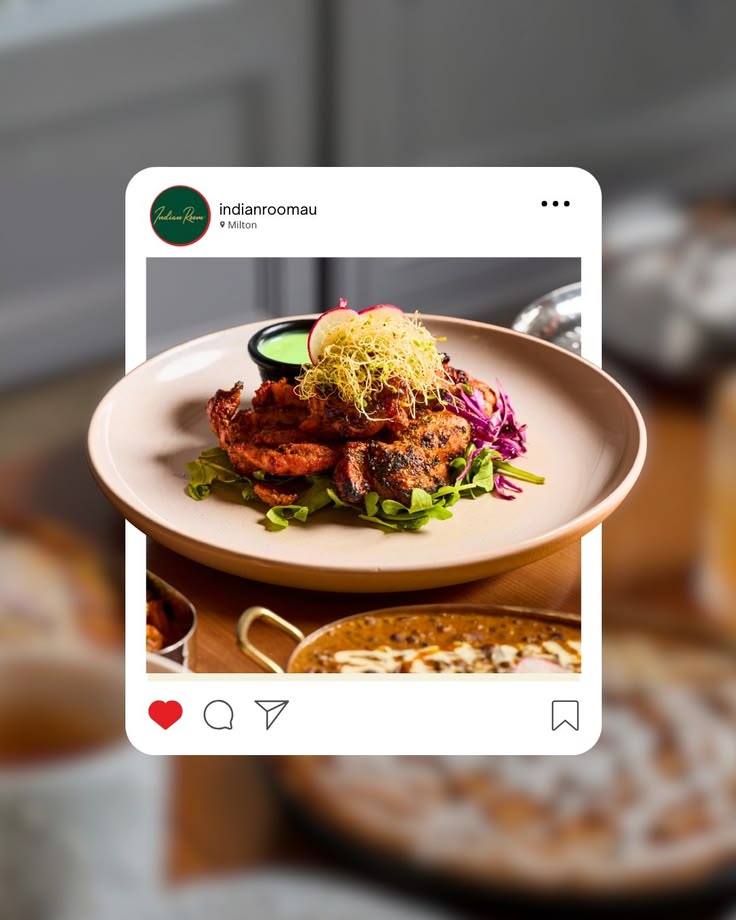
Show the food, plainly and often. It sounds almost too obvious to mention, but I’ve seen plenty of restaurants post about an award they won instead of the dish that’s actually on the plate tonight. People are deciding where to eat based on what they’ll be eating, so give them that.
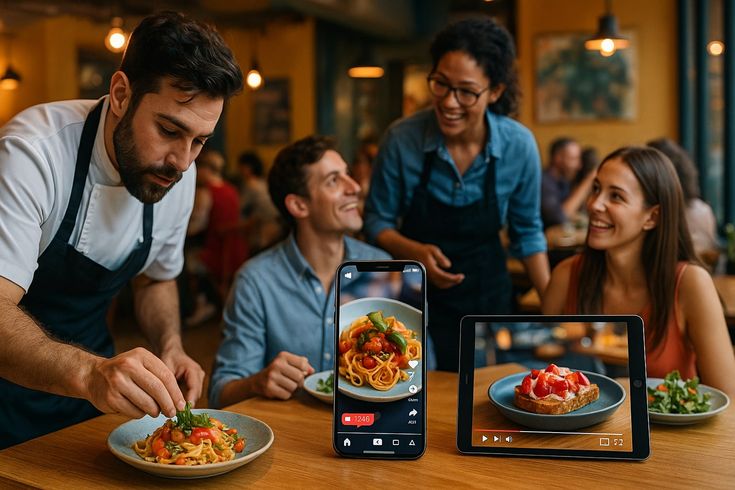
Show the people behind it too. A quick clip of your kitchen team working through a rush, your server laughing with a regular, your chef plating something carefully, all of that builds a connection that a polished food photo alone can’t. People tend to choose places they feel some kind of tie to, even a small one.
Timing genuinely matters more than most restaurants assume. Posting a lunch special around 11 in the morning, a dinner post closer to 5 in the evening, and a weekend brunch post around 9 on Saturday morning tends to catch people while they’re actually deciding what to do next, rather than hours after the decision’s already been made.
Local hashtags do real work too. Something like your city name paired with food, or your neighborhood paired with eats, puts your posts in front of people who are geographically close enough to actually walk through your door.
And don’t skip the engagement piece. When someone comments on a post, reply to them. When someone tags you in their Story, reshare it. That back and forth is a big part of what makes people feel like regulars even before they’ve been in more than once.
A tool like Social by InstantDM makes a lot of this easier to keep up with, since you can schedule across platforms and lean on AI to help draft captions when you’re too slammed to write one yourself.
Best social media platforms for restaurants in 2026
Let me go platform by platform so you know exactly where each one earns its place.
Instagram is your best bet for food photography, Reels, and Stories, and that 2.2 percent engagement rate holds up because the platform’s whole visual format suits food naturally.
Facebook remains strongest for reviews, events, and staying visible within your local community. With around 93 percent of people checking Facebook or Google before choosing a restaurant, treating your page like a second website really is the right mental model.
TikTok is your platform for behind the scenes energy and genuine viral potential. That 2.5 percent engagement figure reflects how well kitchen footage, quick recipe reveals, and staff personality tend to land there.
YouTube suits longer form content if you have the appetite for it. Recipe walkthroughs, a tour of the restaurant, an interview with your chef, all of that takes more effort to produce but tends to build a much deeper connection with the people who watch it.
Google Business Profile is your search visibility engine. When someone types in “best Italian restaurant near me,” it’s your listing there, not your Instagram feed, that decides whether they find you in that moment.
Pinterest is a bit of a sleeper pick, but it’s genuinely useful for recipe and menu inspiration. People plan meals there more than you’d expect, and if your food photographs well, Pinterest can quietly send traffic your way over time.
How often should a restaurant post on social media?
This is honestly the question I get asked more than any other, so let me give you a straight answer.
On Instagram, aim for somewhere between 3 and 5 posts a week, Stories daily if you can manage it, and Reels roughly 2 to 3 times a week.
On Facebook, 3 to 4 posts a week tends to be enough, and anything tied to an event or a special usually pulls in stronger engagement than a routine post.
On TikTok, aim for 3 to 5 videos a week. Staying consistent matters a lot more than pushing for a higher number.
Your Google Business Profile should get a fresh look weekly, mainly to keep your hours, menu, and photos accurate and current.
The real principle underneath all of this is consistency. Posting five times one week and then going quiet the next actually hurts you more than posting a steady three times every single week would. Algorithms tend to reward the predictable rhythm over the occasional burst.
This is exactly where a tool like Social by InstantDM earns its keep. You block out some time on a Sunday, schedule the week’s worth of posts in one sitting, and the tool quietly handles the rest while you’re focused on running service.
Best social media tools for restaurants and cafes
I went through a handful of these tools myself, and here’s where each one actually stands out.
Buffer runs around $6 per channel each month and is about as straightforward as scheduling gets. Clean layout, pricing that’s easy to understand, and a free plan covering three channels if you want to try it first. If you just want basic scheduling without a learning curve, Buffer is the easy answer.
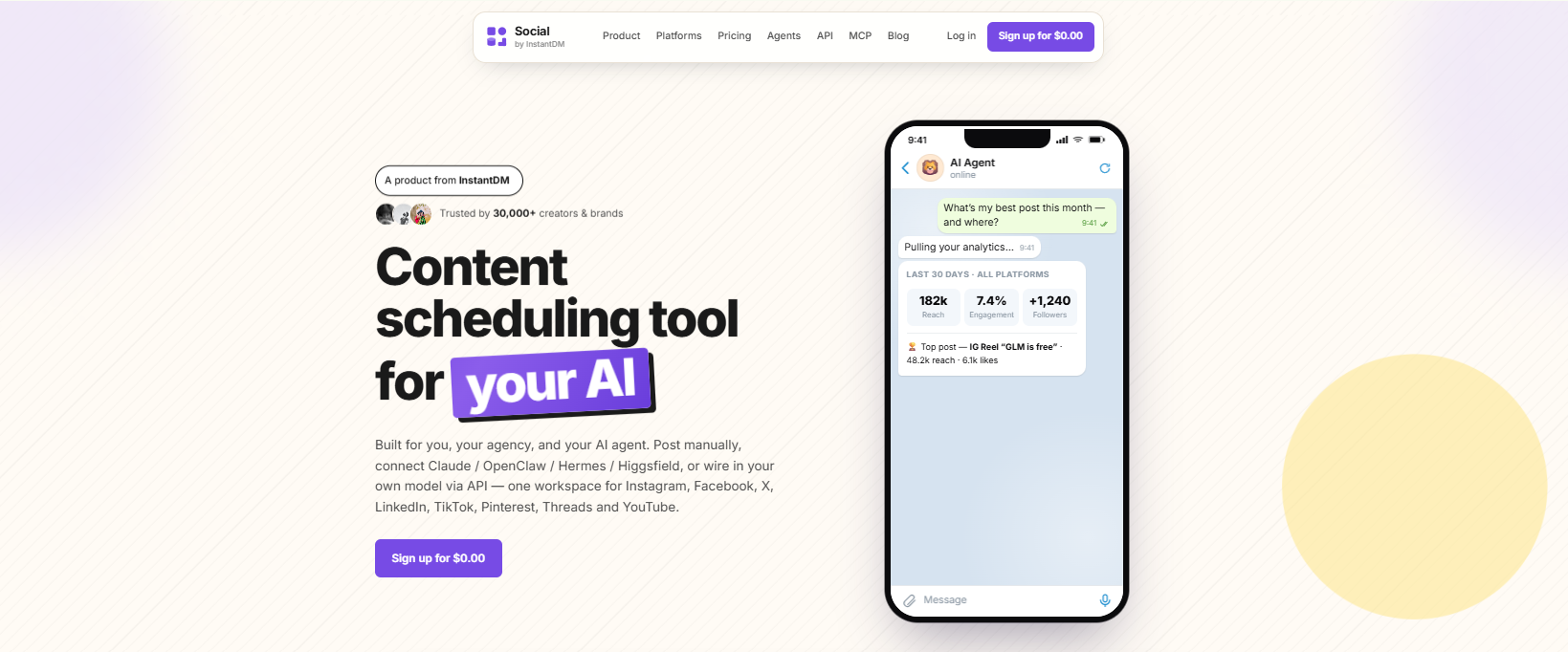
Social by InstantDM is the AI powered option, and it’s the one I keep recommending to busy restaurant owners specifically. It has a genuinely free plan with unlimited scheduled posts, coverage across eight platforms, and AI agent features that let you describe a dish in plain language and have a caption drafted and scheduled automatically. For someone who barely has ten spare minutes between tickets, that’s a real difference.
Metricool sits around $22 a month and works well for anyone watching their budget closely. The free plan covers one brand across every platform it supports, and the analytics hold up reasonably well considering the price.
Later runs about $25 a month and leans into visual planning. The grid preview lets you see how your whole Instagram feed will look before anything goes live, which matters if your restaurant’s aesthetic is part of the draw.
Hootsuite sits at the top around $99 a month and makes the most sense for restaurant groups running multiple locations, since it includes approval workflows and deeper analytics built for teams rather than solo owners.
Vista Social is worth a mention too, mainly because it folds review management for Google and Yelp in alongside the regular scheduling features, which is handy if keeping an eye on reviews is eating into your time separately.
If I had to point a single busy owner toward one tool without knowing anything else about their situation, I’d lean toward Social by InstantDM simply because the combination of a real free plan and AI drafted captions removes the two biggest friction points at once, cost and the blank page problem that shows up every time you sit down to write yet another caption.
AI tools for creating restaurant photos, reels, captions & posts
AI has genuinely changed how much a small restaurant team can produce without hiring anyone new, so here’s what’s actually worth using.
Canva AI is solid for generating food imagery, building Instagram templates, and putting together menu designs. The AI features cut down on a lot of the fiddly design work you’d otherwise spend an hour on.
ChatGPT is useful for writing captions, brainstorming content ideas, and drafting menu descriptions. Give it the name of tonight’s special and you can have a caption ready to post within a minute or two.
Jasper is built more specifically for marketing content generation, covering social posts, email campaigns, and ad copy if you’re running any paid promotion alongside your organic posting.
FoodShot AI is aimed squarely at restaurant marketing, generating food imagery and helping put together menu content and promotional material without needing a professional photographer on call.
Social by InstantDM rounds this out nicely, since its AI agent integration lets you describe an idea in plain language, whether that’s a dish, a promotion, or a behind the scenes moment, and have it drafted and scheduled without you having to sit down and write it out yourself. It handles the caption, suggests hashtags, and slots it into your schedule in one pass.
My honest take is that AI is best used for the heavy lifting, the caption drafts and the scheduling logistics, while you still layer in your own voice and real photos on top. That combination saves the most time without making your feed feel generic.
Restaurant content ideas: what to post every week
Here’s a simple weekly rhythm that keeps things fresh without requiring much thought once it’s set up.
Monday works well for a menu highlight, featuring one dish with a strong photo and a short description of what makes it worth ordering.
Tuesday is a good day for behind the scenes content, showing your team prepping, cooking, or plating in the middle of service.
Wednesday can be a customer spotlight, reshared from a photo or review someone posted themselves.
Thursday suits a special announcement, whether that’s a new menu item, an upcoming event, or a limited time promotion.
Friday is a natural fit for weekend energy, food shots and atmosphere images that get people excited for the next couple of days.
Saturday can return to behind the scenes footage, capturing the energy of a genuinely busy night.
Sunday works nicely for something more personal, a bit about your team, your story, or what your restaurant actually stands for.
That rotation keeps your feed varied while still feeling recognizably like you week after week.
How to build a 30-day restaurant social media calendar
Stretching that weekly rhythm out over a full month gives you something like this.
Week 1 can focus on the menu itself, highlighting signature dishes, anything new you’ve added, and the items regulars keep coming back for.
Week 2 shifts the focus to people, putting your chef, your servers, and even your regulars in the spotlight to show the human side of the place.
Week 3 leans into behind the scenes content, the prep work, the daily rhythm of the kitchen, the parts customers rarely get to see but genuinely enjoy watching.
Week 4 wraps up with promotions and events, highlighting whatever specials or gatherings are coming up next.
A tool like Social by InstantDM makes it realistic to actually schedule an entire month like this in one sitting rather than trying to remember to post fresh content every single day. Create it once, and it publishes everywhere it needs to.
How to automate restaurant social media without losing the human touch
Automation genuinely helps, but it can’t replace what makes your restaurant feel like your restaurant, so here’s how I’d balance the two.
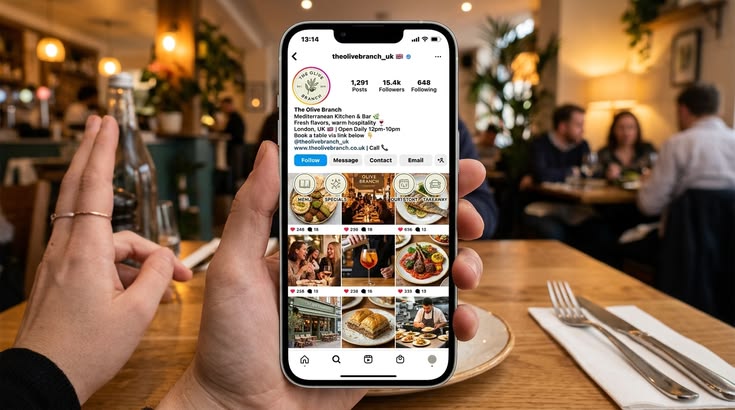
Schedule the predictable stuff. Your menu highlights, your behind the scenes posts, your regular promotions, all of that can run through a scheduling tool and cover roughly 80 percent of your weekly content without you thinking about it daily.
Save the spontaneous moments for real time posting. When a dish sells out unexpectedly, when a customer says something that makes your whole team laugh, when something genuinely special happens, post it live. That immediacy is exactly what makes it feel authentic rather than manufactured.
Let AI handle captions, not photography. AI can draft a caption and suggest hashtags perfectly well, but the photos should always be real shots of your actual food and your actual team. Stock imagery tends to feel hollow the moment someone notices it isn’t really your restaurant.
Keep your replies personal too. When someone comments on a post, respond like a person, not a template. Automated replies tend to feel exactly as automated as they are, and people notice.
Social by InstantDM makes this split easy to maintain in practice, handling the routine scheduling so you can save your actual attention for the moments that deserve it.
Frequently asked questions
What is the best social media platform for restaurants?
Instagram leads the pack in 2026, with a 2.2 percent average engagement rate and food content that performs exceptionally well there. Facebook comes in second, mainly for reviews and local visibility.
How often should a restaurant post on social media?
Somewhere around 3 to 5 times a week on Instagram, 3 to 4 times on Facebook, and 3 to 5 times on TikTok, with consistency mattering more than raw volume.
What tools do restaurants use for social media?
Buffer, Social by InstantDM, Metricool, Later, and Hootsuite are the most common picks. Social by InstantDM stands out for offering AI features on a genuinely free plan.
Can restaurants use AI for social media?
Yes, and quite effectively. Tools like ChatGPT, Canva AI, and Social by InstantDM can draft captions, generate content ideas, and handle scheduling automatically.
How do restaurants get more followers on social media?
Posting consistently, using local hashtags, sharing behind the scenes content, replying to comments, and teaming up with local influencers all tend to help build a following over time.
Should a restaurant hire someone to manage social media?
It depends on your size and how much time you genuinely have left after service. For a single location with a manageable posting schedule, a good scheduling tool and an hour a week is usually enough. Once you’re running multiple locations or trying to post daily across four or five platforms, bringing on someone part time, even just to shoot photos and write captions for the AI to schedule, tends to pay for itself pretty quickly.
The bottom line
Restaurant owners simply don’t have the spare time to post manually every single day, and honestly, they shouldn’t have to. The right tool in 2026 handles that side of things while you stay focused on running service.
Set aside a bit of time on a Sunday, let AI help draft your captions, and let your scheduling tool publish everything while you’re busy elsewhere in the building. That workflow is the one that actually holds up week after week.
Buffer if you want simplicity above everything else. Social by InstantDM if you want AI to carry out the caption writing and scheduling for you. Metricool if you’re watching your budget. Later if your feed’s visual look is a big part of your brand.
Pick one, get your first week scheduled, and let it run. Your food deserves to be seen, even on the nights when you’re too buried in service to post it yourself.