Instagram Highlights: Covers, Names & a Strategy That Converts in 2026
Instagram Highlights convert profile visitors into followers. Here is the exact strategy for covers, names, and organization.
TL;DR
Instagram Highlights are saved Stories that stay permanently on your profile. They are the first thing visitors see when they land on your page, and they decide within about three seconds whether to follow you or scroll away.
In 2026, highlights matter more than ever. Instagram’s algorithm rewards active, updated profiles, and Highlights signal that your account is current and valuable. They also organise your content so visitors can find exactly what they are looking for without digging through old posts.
Here is the quick version. Use five to seven Highlights maximum. Give them clear, keyword rich names. Design custom covers that match your brand. Organize them so your best content comes first. Update them regularly instead of letting them sit untouched for months. Social by InstantDM can help plan and schedule content for Highlights, with the AI generating content ideas, captions, and hashtags meant to pull profile visitors into tapping through.
If your Instagram Highlights are cluttered, outdated, or missing entirely, you are losing followers you never even knew visited your profile. This guide breaks down exactly how to set up Highlights that convert.
Introduction
Someone lands on your Instagram profile for the first time, and before they read a single caption or scroll through your grid, their eyes go straight to the row of circles sitting just under your bio. That row is your highlights, and whether you’ve thought about it strategically or not, it’s quietly doing one of the most important jobs on your profile. It answers the question every new visitor is silently asking: should I follow this account?
Most people treat Highlights as an afterthought. They save a few random Stories, slap a default icon on top, and move on. Meanwhile, the accounts that convert visitors into followers and customers treat Highlights as a small, permanent homepage that sits right on their profile, organised with the same intention as a website’s navigation menu. The difference between the two approaches shows up directly in follow rates, and it costs almost nothing to fix.
This guide walks through everything that goes into a Highlights strategy that actually converts, from the basic mechanics of adding one to naming conventions, cover design, organisation, and the specific flow that turns a curious visitor into a follower or a customer.
How to Add Instagram Highlights Step by Step in 2026
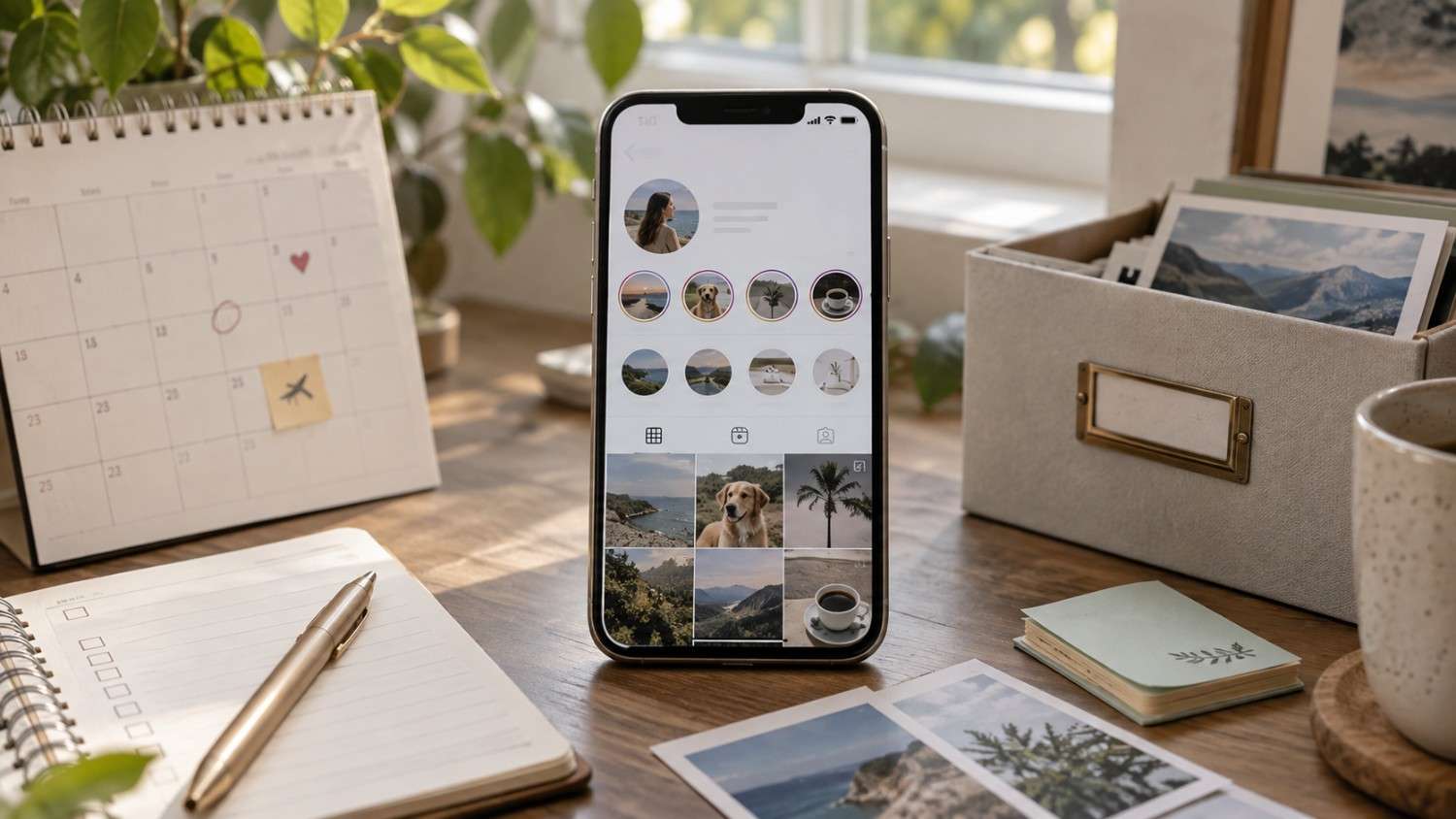
Adding a highlight is genuinely straightforward once you know the sequence. Here is the exact process.
Step 1: Post a Story. You can only add existing Stories to a Highlight, so post one first if you have not already.
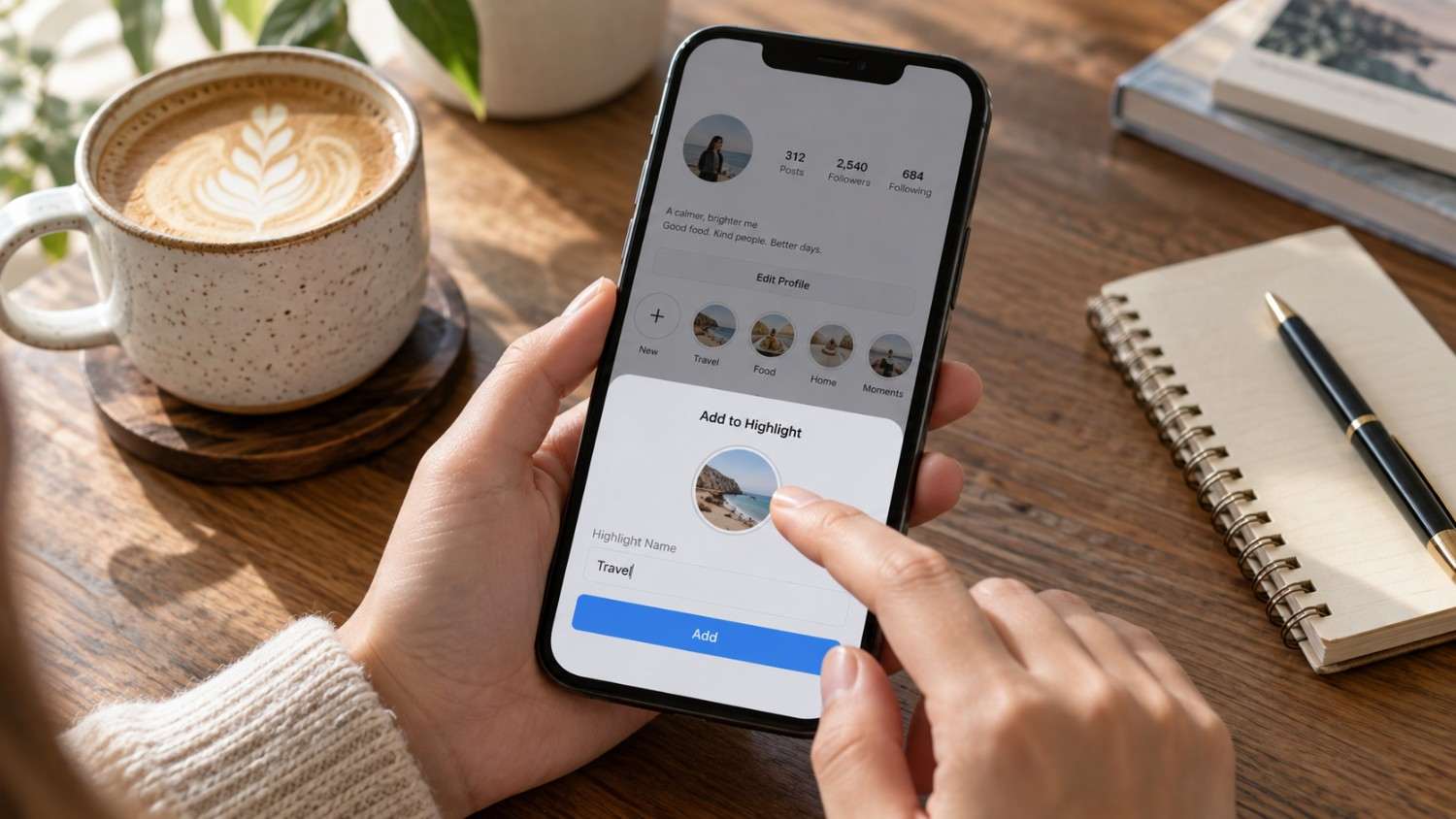
Step 2: Tap your profile picture. Open your Story and tap Highlight at the bottom of the screen.
Step 3: Choose an existing Highlight or create a new one. If you are creating a new one, give it a name right away rather than leaving it blank.
Step 4: Add the Story to the Highlight. Select which Stories you want included, and feel free to select more than one at a time.
Step 5: Edit the Highlight. Tap and hold the Highlight on your profile, then select Edit Highlight to change the cover, the name, or the Stories included.
Step 6: Design your cover. Upload a custom cover image. Use 1080 by 1920 pixels, which is a 9 by 16 aspect ratio, for the best results across devices.
Step 7: Repeat for each Highlight. Build out your full set of Highlights with organized, relevant content rather than adding them one at a time whenever you remember.
The key thing to understand is that you can add any existing Story to a Highlight, even Stories that have already expired from the twenty four hour window. That means you can go back through your Story archive and retroactively organize months of content into Highlights, which is a faster way to build out a full set than waiting for new Stories one at a time.
Best Instagram Highlight Ideas for Brands, Creators & Small Businesses
Here are the Highlight ideas that actually convert, broken down by the type of account running them.
For brands
About Us: Company story, mission, values
Products: Product showcases, features, demos
Reviews: Customer testimonials and feedback
FAQ: Common questions and answers
Offers: Current promotions and discounts
A brand account benefits most from Highlights that reduce friction before a purchase. Someone who lands on a brand’s profile is often already considering buying something, so the job of these Highlights is to remove doubt quickly rather than build a relationship slowly.
For creators
About Me: Personal introduction and background
Tips: Quick tips and advice in your niche
Behind the Scenes: Your creative process
Favorites: Products, tools, or resources you recommend
Collabs: Partnerships and collaborations
Creator accounts tend to convert on personality and trust rather than product specs, so these Highlights should feel more personal and less like a catalog. The goal is helping a visitor decide they like you enough to stick around.
For small businesses
Services: What you offer and how it works
Process: How customers work with you
Portfolio: Your best work and case studies
Location: Your physical location and hours
Contact: How to reach you
Small businesses, especially local ones, need Highlights that answer practical questions fast. A visitor deciding between three similar businesses in their area is often just looking for whichever profile makes the next step obvious.
The common thread across all three account types is that every Highlight should answer a question visitors already have. What do you do. Why should I follow you. How do I buy. If a Highlight does not answer one of those questions, it is probably not earning its spot.
How to Organize Instagram Highlights for Better Profile Navigation
Organization matters just as much as the content inside each Highlight. Here is how to structure them well.
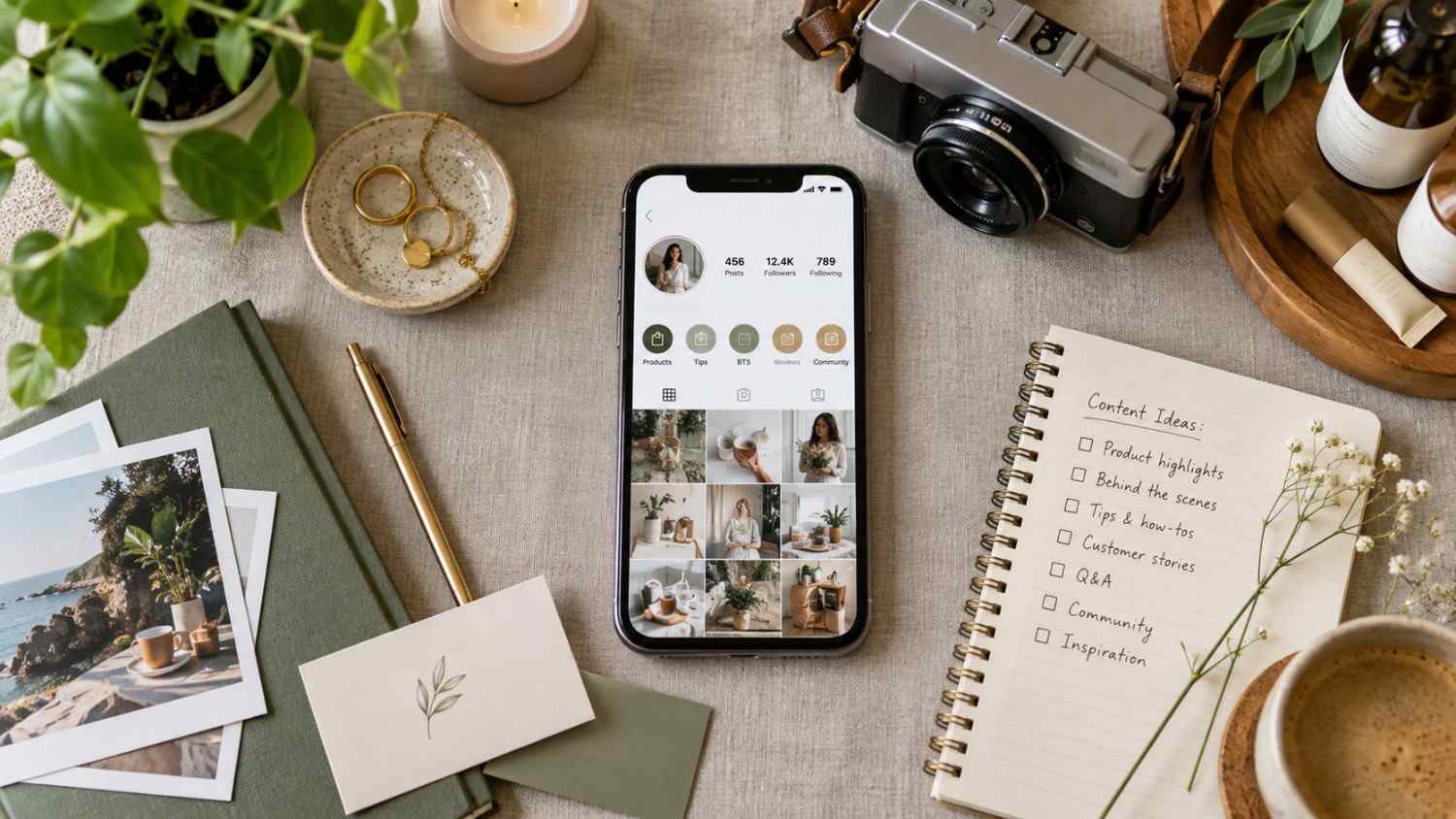
Order by importance. Your most important Highlight should come first, since visitors see it before they scroll through the rest. Put your About or Services Highlight at the front of the row rather than burying it at the end.
Group related content. Do not scatter similar content across multiple Highlights. Group all product content into one Highlight, and keep all FAQ content in another rather than splitting it across three or four loosely related ones.
Use clear names. Visitors should know exactly what each Highlight contains without having to tap it first. Products is a stronger name than Stuff. FAQ is stronger than Questions.
Limit the number. Five to seven Highlights is the sweet spot for most accounts. More than seven starts to create clutter, and fewer than five usually does not give visitors enough information to make a decision.
Keep them updated. Remove outdated content as it stops being relevant. Add new content regularly instead of letting the same slides sit there for a year. Active Highlights signal a current, valuable account, and Instagram tends to reward that signal.
Best Instagram Highlight Categories for Business Accounts
Business accounts need specific Highlight categories that go slightly beyond what a personal creator profile might use. Here is what works.
Essential categories:
About Us: Your story and mission
Products and Services: What you actually sell
Reviews: Social proof from real customers
FAQ: Common questions answered up front
Contact: How to reach you directly
Optional categories:
Team: Meet the people behind the brand
Process: How you work with customers
Location: Where you are located
Offers: Current promotions
Events: Upcoming or past events
The key rule here is to start with the essential categories and add optional ones only as the business grows and there is genuinely more to say. Do not create Highlights just to have them, since an empty or thin Highlight does more harm than not having one at all. Every Highlight should serve a clear purpose, or it is just adding clutter to the row.
How to Design Instagram Highlight Covers That Match Your Brand
Covers are your first visual impression, often before a visitor has read a word of your bio. Here is how to design them well.
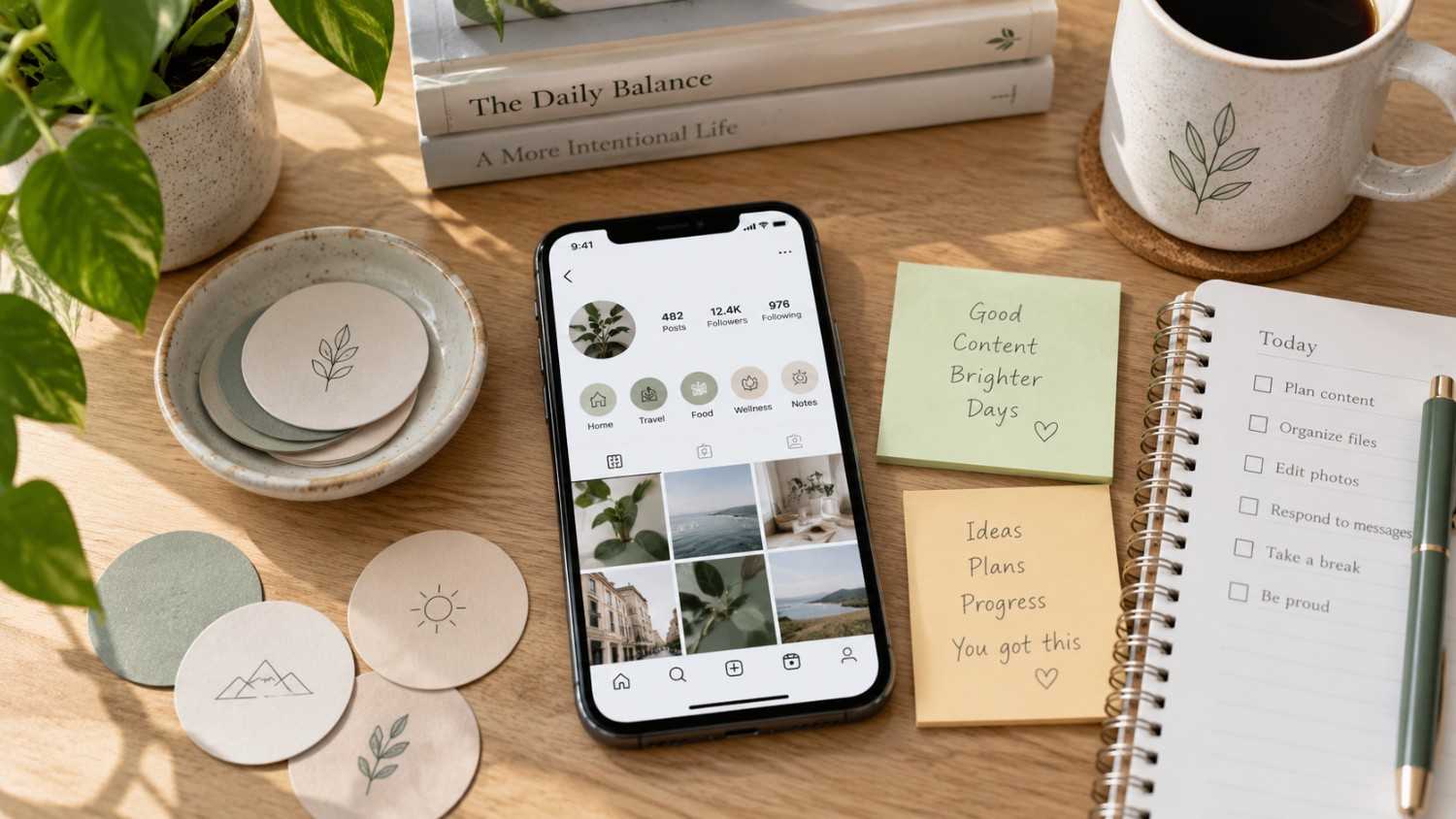
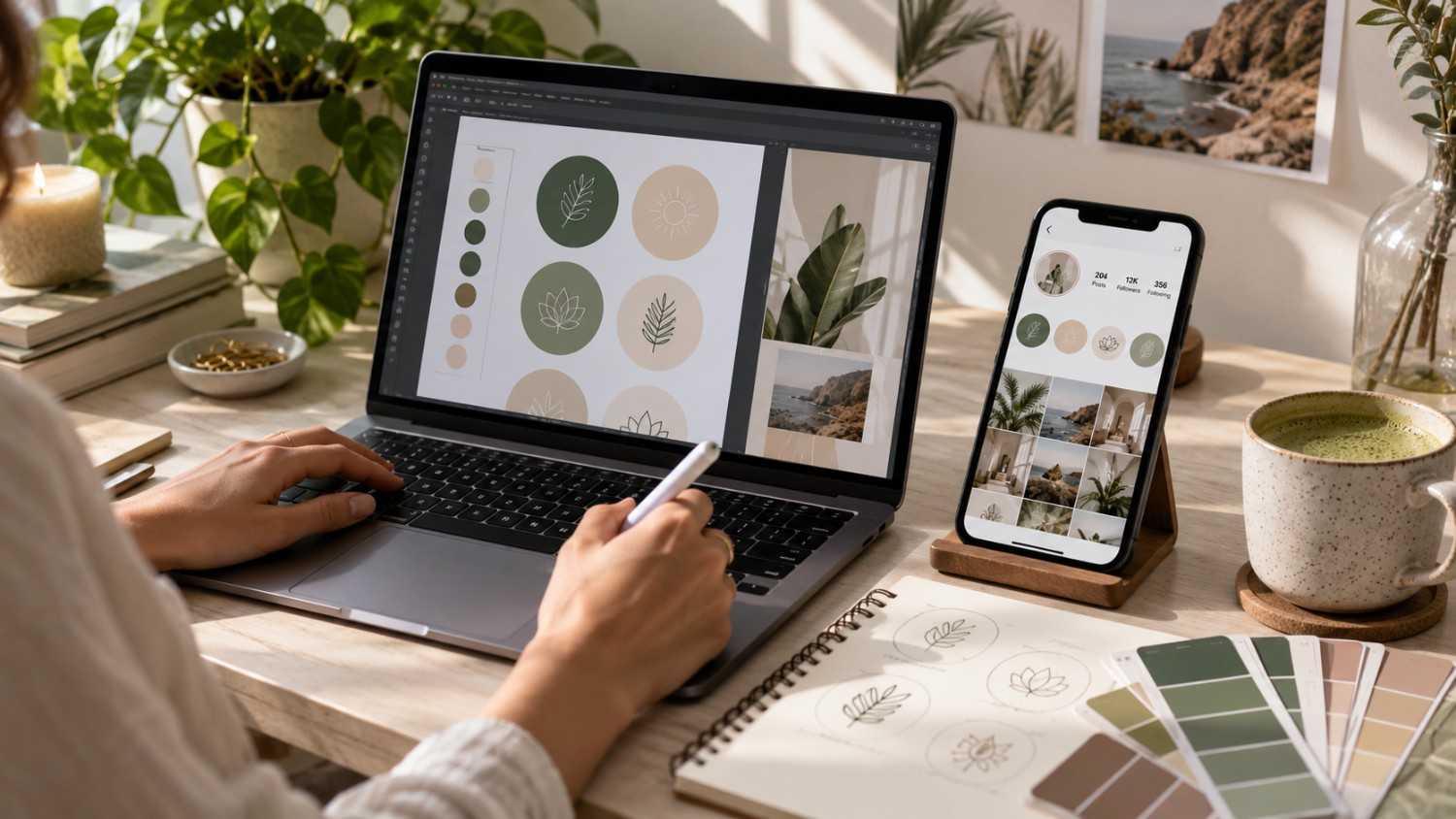
Consistency is key. Use the same color palette, font, and overall style across every cover. This creates a cohesive, professional look that reads as intentional rather than thrown together.
Keep it simple. Clean, minimal designs work best. Avoid cluttered covers packed with too many elements, since a Highlight cover is viewed at a tiny size and detail gets lost fast.
Use icons or text. Icons represent topics visually, while text labels communicate more directly. Pick one approach and stick with it across the whole set rather than mixing styles.
Match your brand. Your covers should look like they belong to your brand specifically, not like a generic template pulled from the internet. Use your actual brand colors, fonts, and aesthetic.
Size correctly. Design covers at 1080 by 1920 pixels, a 9 by 16 aspect ratio, so they display correctly across every device rather than getting cropped awkwardly on some screens.
Tools to use
Canva
Canva offers hundreds of Highlight cover templates covering nearly every style and niche, from minimal line icons to bold colorful sets. Because it is drag and drop, you can build a full set of consistent covers in under an hour even with no design background. The brand kit feature also lets you save your exact colors and fonts once so every future cover matches automatically.
Adobe Express
Adobe Express provides professional templates with brand kit support, similar to Canva but with a slightly more polished, editorial feel to the default designs. It tends to suit brands that want their profile to feel a notch more premium without hiring a designer for something as small as a set of icons.
Figma
Figma is the choice for anyone who wants full custom design control, particularly designers who already work in it for other projects. Building Highlight covers in Figma takes more effort than a template based tool, but it allows for precise, fully original icon sets that no other account will have, which matters for brands that care deeply about visual differentiation.
Social by InstantDM
Social by InstantDM is less about the cover design itself and more about planning what goes inside each Highlight and keeping it updated over time. It helps schedule. Highlight content across platforms so the underlying Stories feeding your Highlights stay fresh, rather than the covers looking nice while the content behind them quietly goes stale.
Instagram Stories vs Highlights: What Is the Difference?
People constantly confuse these two features, so here is the clear distinction.
Instagram Stories:
Disappear after twenty-four hours.
Visible to all followers during that window
Support images, videos, text, stickers, and links
Drive daily engagement.
Function as ephemeral content
Instagram Highlights:
Permanent, until you choose to remove them
Visible on your profile to everyone, including people who do not follow you yet
Organized by topic rather than posted in chronological order
Drive profile navigation
Function as evergreen content
The relationship between the two is simple. Stories are temporary, and Highlights save your best Stories permanently. You post a Story, and if it turns out to be valuable enough, you add it to a Highlight so it keeps working long after the twenty four hour window closes.
In 2026, Highlights matter more than they used to because they signal ongoing profile activity even when you are not posting fresh content every single day. Active, updated Highlights tell Instagram that your profile is current, and that tends to improve algorithm visibility across the rest of your content too.

How Brands Can Use Highlights for Products, FAQs, Reviews & Offers
Highlights are conversion tools, not just an archive. Here is how to use them with that in mind.
Products
Create a Highlight for each product category rather than mixing everything into one generic Products folder. Include product demos, features, and real use cases so a visitor can see the product in action rather than just a static photo. Add links in the Stories feeding the Highlight to drive traffic directly, and update it with new products regularly so it never feels outdated.
FAQs
Answer common questions inside Stories as they come up naturally, then save the useful ones to a dedicated FAQ Highlight. Update it as new questions arise from comments or DMs, since a good FAQ Highlight genuinely reduces support inquiries by answering things before someone has to ask directly.
Reviews
Share customer testimonials inside Stories and save the strongest ones to a Reviews Highlight. Include before and after results where relevant, since visual proof tends to convince faster than a written quote alone. This Highlight is one of the most direct ways to build social proof without asking a visitor to trust your word alone.
Offers
Announce promotions inside Stories and save them to an Offers Highlight so visitors who land on your profile mid campaign can still find the deal. Update it with current offers only, removing expired ones promptly, and use limited time framing where honest to create genuine urgency rather than a false sense of scarcity.
Social by InstantDM can help plan content for each of these Highlight categories, with the AI generating content ideas, captions, and hashtags aimed at pulling profile visitors into tapping through rather than scrolling past.
How Many Instagram Highlights Should You Have?
The right number depends on your goals and how much genuine content you have to organize. Here is the guidance.
Five to seven Highlights is the sweet spot for most accounts. It is enough to organize your content meaningfully without creating clutter across the top of your profile.
Three to four Highlights is the minimum worth having for most business accounts, typically covering About, Products, Reviews, and Contact at a bare minimum.
Eight to ten Highlights can work for larger brands with multiple product lines or service categories, though this starts to require more discipline to keep every one of them updated.
One to two Highlights is generally too few. It does not give a visitor enough information to make a confident decision about whether to follow or buy.
The underlying rule is that every Highlight should serve a clear purpose. If a Highlight does not answer a visitor’s question or drive some kind of action, it is probably worth removing rather than leaving it there out of habit.
Common Instagram Highlight Mistakes That Make Profiles Look Cluttered
These mistakes quietly hurt a profile’s effectiveness, often without the account owner realizing why visitors are not converting.
Mistake 1: Too many Highlights. More than seven creates visual clutter, and visitors genuinely do not know where to look first.
Mistake 2: Vague names. Things I Love does not tell visitors what is actually inside. Skincare Routine does, and specificity almost always outperforms cleverness here.
Mistake 3: No custom covers. Default covers look unprofessional and generic. Custom covers that match your brand take relatively little effort for a noticeable improvement.
Mistake 4: Outdated content. A 2024 Goals Highlight still sitting there in 2026 signals an inactive, neglected account. Remove or update outdated Highlights before they undercut everything else on the profile.
Mistake 5: Inconsistent design. Mixing different cover styles, colors, or fonts creates visual chaos rather than a cohesive first impression. Keep every cover consistent with the others.
Mistake 6: No organization. Random content sitting in random order confuses visitors rather than guiding them. Organize by topic first, then by importance within each topic.
Mistake 7: Not updating regularly. Highlights that never change signal neglect over time, even if the content was good when it was first added. Add new content on some kind of regular schedule, even monthly, rather than never touching them again.
How to Use Instagram Highlights to Turn Profile Visitors Into Followers or Customers
Highlights are conversion tools when they are built with intention. Here is the strategy that tends to work.
First Highlight: Your best content. The first Highlight a visitor sees should showcase your strongest material, whether that is your most impressive result, your clearest explanation of what you do, or your most compelling story. Put your strongest content here, since this is effectively your first impression after the bio itself.
Middle Highlights: Supporting content. Products, services, reviews, and FAQ all belong here. These exist to answer the questions a visitor forms after the first Highlight convinces them to keep exploring.
Last Highlight: Call to action. Contact Us, Shop Now, or Book a Call all work well as a closing Highlight. This is where you drive the actual conversion once a visitor has already been convinced by everything before it.
The flow follows a simple logic. Value, then information, then action. Visitors see your best content first, learn about what you actually offer next, and then take the next step once they already trust you enough to act.
Social by InstantDM can help plan this flow specifically, with the AI generating content ideas for each Highlight so the whole sequence moves a visitor progressively closer to following or buying rather than leaving them to figure out the order themselves.
The Bottom Line
Instagram Highlights are one of the most underused features on the entire platform. They organise your content. They answer visitor questions before those visitors even have to ask. They quietly drive followers and customers every single day without you having to post anything new.
In 2026, Highlights matter more than ever. The algorithm rewards active, updated profiles, and Highlights signal that your account is current and worth someone’s attention. They also convert profile visitors into followers and customers far more reliably than most creators give them credit for.
Social by InstantDM can help plan and schedule content for Highlights, generating content ideas, captions, and hashtags aimed at pulling profile visitors into tapping through your Highlights rather than scrolling past.
Start optimising your Highlights today. Review what you currently have. Remove outdated content. Add fresh content where it is missing. Design custom covers that actually match your brand. Organise everything by importance. That is how Highlights actually work.