12 Best Content Calendar Apps for Social Media Teams in 2026
12 content calendar apps for social media teams tested and compared. Find the right tool for your workflow in 2026.

TL;DR:
A content calendar app is what turns a chaotic posting schedule into an actual system. Instead of writing a caption at 11 pm because you forgot to post today, you sit down once a week or once a month and map everything out in advance. I spent three months testing 12 different content calendar tools, comparing how they handle visual planning, approval workflows, multi-platform scheduling, and AI-assisted content ideas. My quick answer: Social by InstantDM is a strong pick if you want AI content suggestions bundled with scheduling, ContentStudio is great for teams that also want content discovery, and Loomly is hard to beat if visual approval flows are your main concern. Keep reading for the full breakdown of all 12 tools, how to build a calendar from scratch, and how to pick the right one for your workflow.
Introduction
I used to run my content calendar out of a Google Doc with dates typed in bold. It worked, sort of, until the week I posted the wrong campaign graphic to the wrong client account because I lost track of which tab I was in. That was the moment I decided to actually test proper content calendar software instead of duct taping spreadsheets together.
Over the following three months I signed up for trial accounts, dug through pricing pages, and used each tool for real client work rather than just clicking around a demo for ten minutes. Some of these apps I already knew from prior projects, others I had heard about from marketers in Slack groups and Reddit threads. A few surprised me, a couple disappointed me. This guide is the result of that testing, organized so you can quickly find the tool that matches your workflow, whether you are a solo creator, a small team, or an agency juggling a dozen client accounts.

Best Social Media Content Calendar Tools in 2026
Content calendars have changed a lot even in the last couple of years. They used to just be a grid with dates on it. Now the better tools combine visual planning, AI content suggestions, approval workflows, and multi platform scheduling all in one dashboard.
Here is what I actually looked for while testing these tools.
Visual planning. Can you see your content laid out on a calendar at a glance? Visual planning is what makes it easy to spot the gaps in your schedule before they turn into a week of silence on your feed.
Approval workflows. Can team members or clients review and sign off on content before it goes live? This single feature has saved me from more than one embarrassing typo.
Multi platform support. Does the tool cover Instagram, TikTok, Facebook, LinkedIn, X, and whatever else your audience actually uses? You want one calendar for everything, not five separate logins.
AI features. Does the tool suggest content ideas, optimal posting times, or caption improvements? Good AI features can save real hours every week, especially when you are staring at a blank content pillar and need a starting point.
Team collaboration. Can more than one person work on the calendar at the same time without stepping on each other’s toes? Role based access and comments matter more than people expect until they are missing.
Social by InstantDM combines most of these pieces in one place. The AI helps generate content ideas, suggests posting times, and adapts drafts for each platform, and the calendar view lays out your entire plan so you are not guessing what is scheduled and what is still a draft.
Content Calendar Tools at a Glance
Here is a quick comparison of all 12 tools so you can scan before diving into the details below.
| Tool | Best For | Starting Price | AI Features | Approval Workflows | Free Plan |
|---|---|---|---|---|---|
| Social by InstantDM | AI content generation plus scheduling | Free tier available | Yes | Yes | Yes |
| ContentStudio | Content discovery plus teams | $19/mo | Yes | Yes | No |
| Loomly | Visual planning plus approvals | $32/mo for 2 users | No | Yes | No |
| Buffer | Simple scheduling | $6/channel/mo | No | Yes | Yes (3 channels) |
| HeyOrca | Client approvals for agencies | $59/mo per user | No | Yes | No |
| Sendible | Agency client management | $29/mo | No | Yes | No |
| CoSchedule | Marketing calendar integration | $29/mo | Yes | Yes | No |
| Metricool | Analytics plus scheduling | $25/mo | Yes | No | Yes |
| Vista Social | Modern multi platform | $39/mo | No | Yes | No |
| Notion | Flexible custom templates | Free (paid from $10/mo) | No | No | Yes |
| Airtable | Low code databases | Free (paid from $20/mo) | No | No | Yes |
| Trello | Visual project management | Free (paid from $5/mo) | No | No | Yes |
The table shows the basics, but numbers on a chart never tell the whole story. Each tool has different strengths depending on your team size and how you actually like to work. Keep scrolling for the detailed breakdown of each one.
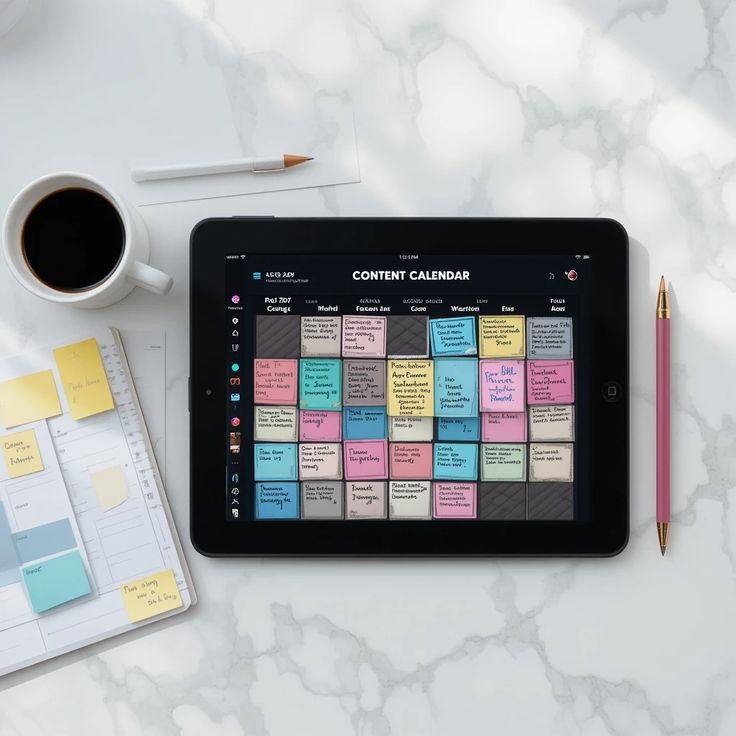
How to Build a Social Media Content Calendar Step by Step
Here is the exact process I use, whether I am planning for my own accounts or for a client.
Step 1: Set your goals. Brand awareness, lead generation, sales, community building. Your goal shapes everything else, so do not skip this part.
Step 2: Choose your platforms. Do not spread yourself thin trying to be everywhere. Pick two or three platforms where your audience genuinely spends time.
Step 3: Plan your content pillars. Pick three to five themes that connect back to your goals, such as educational content, behind the scenes, promotional posts, user generated content, and industry news.
Step 4: Map out your posting schedule. Decide how often you will post on each platform. Consistency beats frequency almost every time I have tested this.
Step 5: Create content in batches. Write a week of captions in one sitting. Film several Reels back to back on the same afternoon.
Step 6: Load everything into your calendar. Schedule posts for the times your audience is most active, and add approval steps if your team or client requires them.
Step 7: Monitor and adjust. Track which posts perform and which fall flat, and let that data shape next month’s plan.
A good calendar tool fits into this process at the scheduling and idea generation stage. AI features can suggest content ideas for whatever pillar you are stuck on, and the calendar keeps everything organized so the plan does not live in three different apps at once.
Best Content Calendar Tools for Creators, Teams & Agencies
Different users need genuinely different things from a calendar tool, and I think this is where a lot of “best of” lists fall short by treating every reader the same.
For Solo Creators
Solo creators mostly need simplicity. A clean calendar, easy scheduling, and basic analytics cover most of what you need day to day. You are not managing approvals from three stakeholders, so an enterprise grade tool with a dozen permission settings is often more friction than help.
Social by InstantDM works well here because the AI can generate content ideas when you are out of them, the calendar stays uncluttered, and scheduling does not require a learning curve.
Buffer offers a simple calendar paired with scheduling, and its interface is genuinely one of the cleanest in the whole category.
Later provides visual planning with a drag and drop calendar, which makes it a favorite among creators who post Instagram first and want to see their grid before they publish.
For Teams
Teams need collaboration features that actually hold up when three or four people are touching the same calendar in the same week. Multiple people creating, reviewing, and approving content requires real structure, not just a shared login.
ContentStudio offers strong team features with approval workflows, plus multiple views including calendar, list, and grid depending on how your team likes to see the work.
Loomly provides content calendars with built in approval workflows, and the visual preview lets teams see exactly what a post will look like before it goes live, which cuts down on last minute surprises.
For Agencies
Agencies need client management above almost everything else. Multiple clients means multiple calendars and multiple approval chains, sometimes all running at the same time.
Sendible offers client portals with approval features and white label reporting built for agency clients who want to see results without seeing the backend.
HeyOrca is built specifically for agencies, and its client collaboration tools are genuinely some of the best I tested in this category, with each client able to get their own workspace without the data getting mixed together.
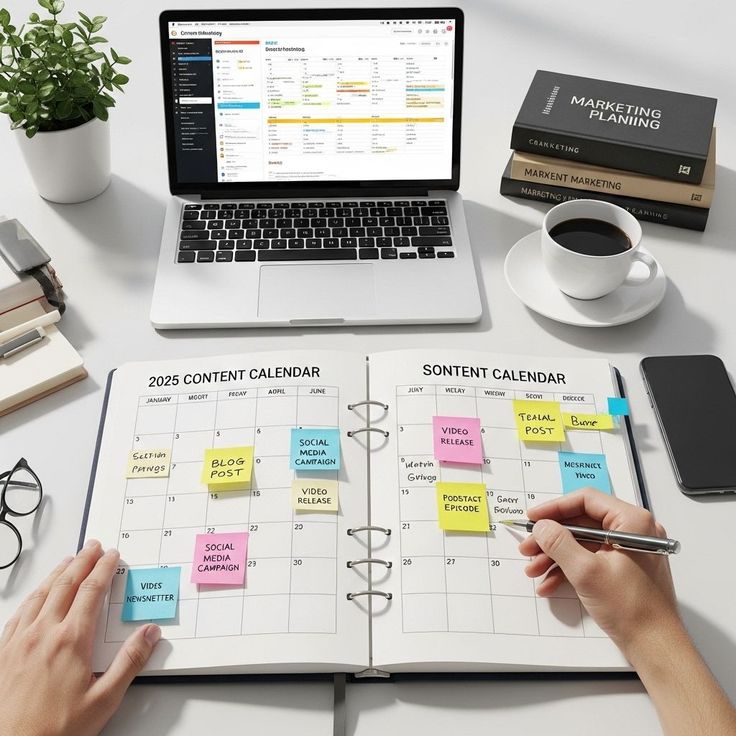
Free vs Paid Social Media Calendar Tools
Free tools are fine for basic planning. Paid tools give you depth once your needs grow past the basics.
Free Options Worth Trying
Social by InstantDM offers a free tier with AI content suggestions and basic scheduling built in, which is a solid starting point if you are not ready to commit to a paid plan yet.
Buffer’s free plan covers three channels and ten posts per channel, which is enough for someone testing the waters with a new brand.
Notion is free and comes with content calendar templates that a lot of small teams use as their first real system.
Google Sheets is free too, and while it takes manual setup, plenty of people still run their entire calendar out of a spreadsheet, myself included for the first year I did this work.
When Paid Plans Make Sense
ContentStudio starts at $19 per month and adds content discovery on top of scheduling, which is useful once you are regularly hunting for content ideas across the web.
Loomly starts at $32 per month for two users and brings in approval workflows that free tools generally do not offer.
CoSchedule starts at $29 per month and adds marketing calendar features that go beyond just social media.
The honest answer here is that free tools work fine until they do not. The moment you need approval workflows, AI content generation, or scheduling across five platforms at once, paid tools start to earn their price tag.
Best Content Calendars for Multi Platform Scheduling
Multi platform scheduling sounds simple until you realize every platform has its own quirks, character limits, and image requirements.
A few tools in this category cover Instagram, TikTok, Facebook, LinkedIn, X, and Pinterest, with AI features that adapt your content to fit each platform’s format and audience rather than posting the exact same caption everywhere.
ContentStudio handles multiple platforms alongside its content discovery tools, so you can find and share relevant content across networks without leaving the dashboard.
Metricool provides scheduling across platforms along with analytics, which makes it easy to compare how the same content performed on different networks.
Vista Social offers modern multi platform management with a clean interface and scheduling that has stayed reliable every time I have used it.
CoSchedule combines social scheduling with a full marketing calendar, so you can see your social posts sitting right alongside blog posts, emails, and other marketing activities in one view.
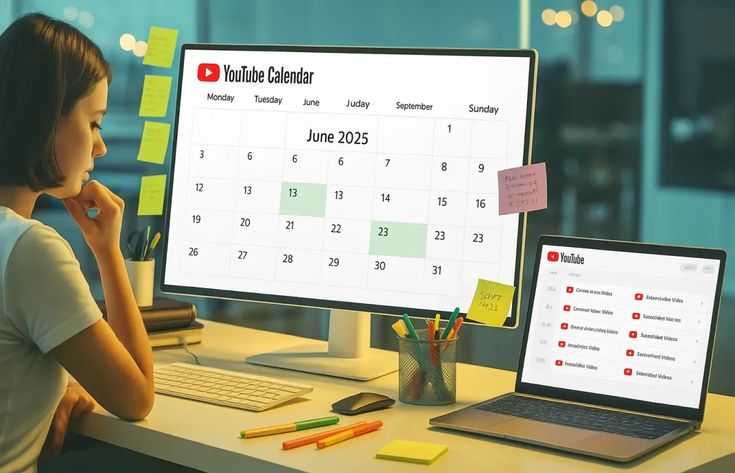
How to Plan a Month of Social Media Content in Advance
Here is the monthly planning process I have settled into after a lot of trial and error.
Week 1: Review last month’s performance. What performed well, what fell flat, and let that data inform the coming month’s strategy.
Week 2: Plan content pillars for next month, then map them to specific dates on the calendar.
Week 3: Create the content. Write captions, film videos, design graphics, and batch as much of it as you can.
Week 4: Load everything into your calendar, schedule the posts, set up any approval steps, and confirm publishing dates before the month starts.
The key insight I keep coming back to is this: plan one month ahead, but create one week ahead. That gap gives you flexibility to adjust when something changes without throwing off the whole schedule, especially once AI generated content suggestions let you build out a full month of ideas in one sitting instead of stretching the planning process across several disconnected sessions.
Best Tools for Content Approvals, Collaboration & Scheduling
Approvals matter a lot once more than one person touches the content before it goes live. Here is what actually works well.
One click approvals paired with AI content suggestions keep the review step fast instead of turning into its own bottleneck, which is a combination I did not expect to like as much as I did.
Loomly uses visual approval workflows with content previews, so clients see exactly what they are approving rather than reading a caption in isolation.
HeyOrca was built specifically for client approvals, and the collaboration tools reflect that focus better than almost anything else I tested.
ContentStudio offers multi tier approval workflows with status tags, giving clear visibility into where each post sits in the review process at any given moment.
Sendible provides client portals with approval features, letting clients approve content without needing full access to the rest of the platform.
Social Media Calendar vs Social Media Scheduler: What’s the Difference?
People mix these terms up constantly, so here is the actual distinction.
A social media calendar is a visual planning tool. It shows your content laid out across dates and helps with strategy and organization, and it may or may not include scheduling on top of that.
A social media scheduler is a publishing tool. It automatically posts your content at set times and handles multi platform publishing behind the scenes, and it may or may not include a calendar view.
Most modern tools combine both functions now. You plan on the calendar and schedule from the same interface, and the best tools make that transition feel seamless rather than like switching between two separate apps.
The tools that get this right combine calendar planning with scheduling in one place, so you can see the full content plan and then push it live across platforms without exporting anything or copying dates by hand.
How to Organize Reels, Posts, Stories & Campaigns in One Calendar
Different content types need different organization or your calendar turns into a wall of identical looking blocks.
Color coding. Assign colors to content types, blue for Reels, green for posts, yellow for Stories, red for campaigns. This alone makes a calendar easier to scan at a glance.
Labels or tags. Use labels to categorize content, educational, promotional, behind the scenes, user generated. Filtering by label lets you check whether you are actually hitting your content pillar mix or leaning too hard on one type.
Content type columns. If your calendar uses a list view instead of a grid, add columns for content type, platform, status, and publish date so nothing gets lost in a wall of text.
Campaign grouping. Group all the content for a single campaign together so you can see the full run of posts in one view instead of hunting across random dates.
Labels and filters built for organizing content types let Reels, posts, Stories, and campaigns all sit in one calendar without turning into visual noise.

Which Social Media Content Calendar Tool Is Best for Your Workflow?
Here is my decision framework, based on what I actually valued most while testing each tool.
If you want AI content generation, look at Social by InstantDM. The AI suggests content ideas, captions, and posting times so you are not starting from a blank page every session.
If you want visual planning above everything else, Loomly or Later are strong picks, both offering drag and drop calendars that make the plan easy to see.
If you want team collaboration, ContentStudio or HeyOrca cover approval workflows and multi user support well.
If you want agency features specifically, Sendible or HeyOrca bring client portals and white label reporting to the table.
If you want simplicity above all else, Buffer offers a clean interface and scheduling that does not require a manual.
If you want marketing calendar integration, CoSchedule lets you see social posts sitting alongside blog posts, emails, and campaigns in one shared view.
Why I Chose These Tools for This Blog
I did not pick these tools randomly. I tested each one specifically for content calendar performance over the past three months, using real accounts rather than demo data.
Social by InstantDM
This one earned a spot because it combines AI content generation with calendar planning and multi platform scheduling in a way that felt genuinely useful rather than bolted on. The AI suggests content ideas, optimal posting times, and platform specific adaptations, and the calendar view stayed clean even once I had a full month of posts loaded into it. The free tier also meant I could test the core functionality before deciding whether the paid plan was worth it for a client project.
ContentStudio and Loomly
ContentStudio made the list because pairing content discovery with calendar planning creates a genuinely complete workflow, cutting down on the tab switching that used to eat up my mornings. Loomly earned its spot because visual planning matters more than people give it credit for. Once you can see your content laid out on a calendar, gaps and overlaps become obvious in a way a spreadsheet never quite manages.
Buffer and the Simplicity Crowd
Buffer made the cut because simplicity matters, and not every team needs a dozen advanced features to get the job done. Some teams just need to plan and schedule without fighting the interface, and Buffer nails that basic job better than most.
HeyOrca and Sendible for Agencies
HeyOrca is included because client approvals are essential once you are managing more than a couple of accounts, and its collaboration features are built specifically around agency workflows rather than adapted from a general tool. Sendible made the cut because client management requires more than just an approval button. White label reporting and dedicated client portals matter once you are answering to multiple stakeholders at once.
CoSchedule and Metricool
CoSchedule is here because marketing calendar integration matters more than most social specific tools admit. Seeing posts alongside blog content and email campaigns gives a bigger picture. Metricool earned its place because analytics matter just as much as planning, since scheduling content without tracking how it performs just leaves you guessing next month too.
Notion, Airtable and Trello
Notion made the list because flexibility matters for teams who want to build their own system rather than adapt to someone else’s template. Airtable is here because low code platforms offer close to unlimited customization if you are willing to put in the setup time. Trello earned its spot because kanban boards genuinely work for content planning, helping teams track an idea from rough draft through to publication.
The Bottom Line
A content calendar is not optional for a social media team in 2026, not anymore. Scrambling for last minute posts is stressful and it shows in the inconsistency of the output. Planning ahead saves time and, in my experience, it improves results almost every time a team actually sticks with it.
Start by picking one tool from this list. Map out next month’s content. Create it in batches rather than piecing it together day by day. Schedule it for the times your audience is actually online. That is how consistent social media actually gets built, one properly planned month at a time.