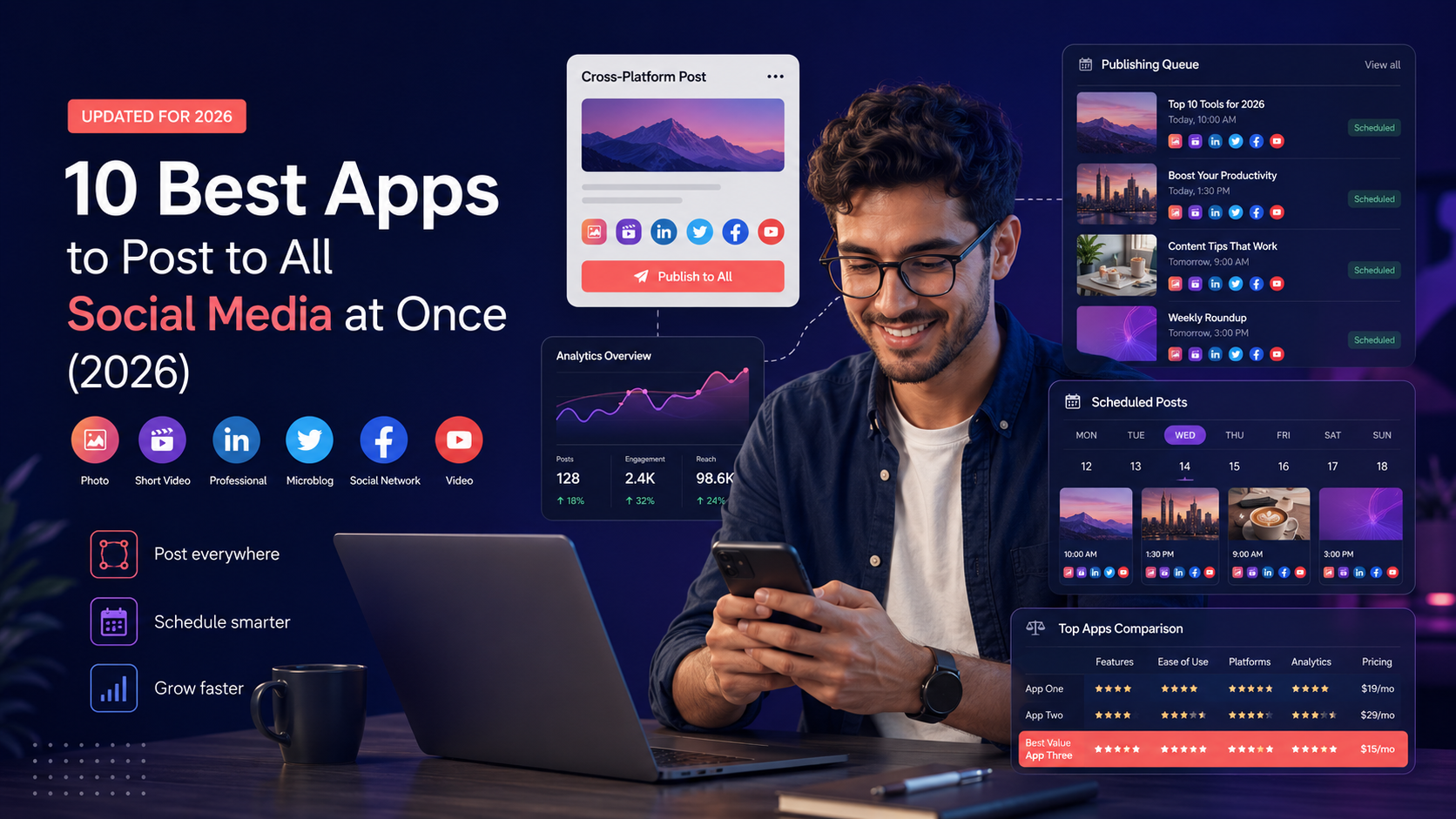
10 Best Apps to Post to All Social Media at Once (2026)
I tried 10 apps that post to all social media at once. Here are the best free and paid choices for 2026.
TL;DR
posting to all social media at once saves hours a week Best Apps in 2026 Buffer for Simplicity Social by InstantDM for AI-Powered Scheduling Metricool for Budget Creators Hootsuite for Enterprise Teams It is contingent upon how many platforms you use, how much you want to pay and whether you want AI features.
What are the best platforms for social media posting services?
Okay so here’s the deal. If you’re posting separately to Instagram, TikTok, LinkedIn, X, Facebook, Pinterest, Threads, and YouTube, you’re wasting hours every week. That’s the reality.
Social media posting services let you create one piece of content and publish it across multiple platforms from a single dashboard. You write the caption once, upload the media once, and the tool handles the rest — publishing to each platform at the optimal time.
But not all tools are equal. Some support 8 platforms. Some support only 3. Some auto-publish. Some just send notifications. Some have AI features. Some are manual.
I tested 10 apps to find which ones actually let you post to all social media at once. Here’s what I found.
Are there tools that can automate social media posting?
Yes, and the good ones actually work. Here’s how automation works with social media posting tools.
You create your content in the tool’s composer. You select which platforms to post to. You customize the caption for each platform if you want — or just use the same caption everywhere. You set the time or let the tool pick the optimal time. The tool publishes your post automatically at the scheduled time.
The automation varies by tool. Some tools auto-publish on the free plan. Some require a paid plan. Some don’t auto-publish at all — they just send you a notification and you have to post manually.
The tools that truly automate posting are Buffer, Metricool, Social by InstantDM, Later, Hootsuite, and Publer. The tools that don’t auto-publish on free plans are Planoly, UNUM, and Preview.
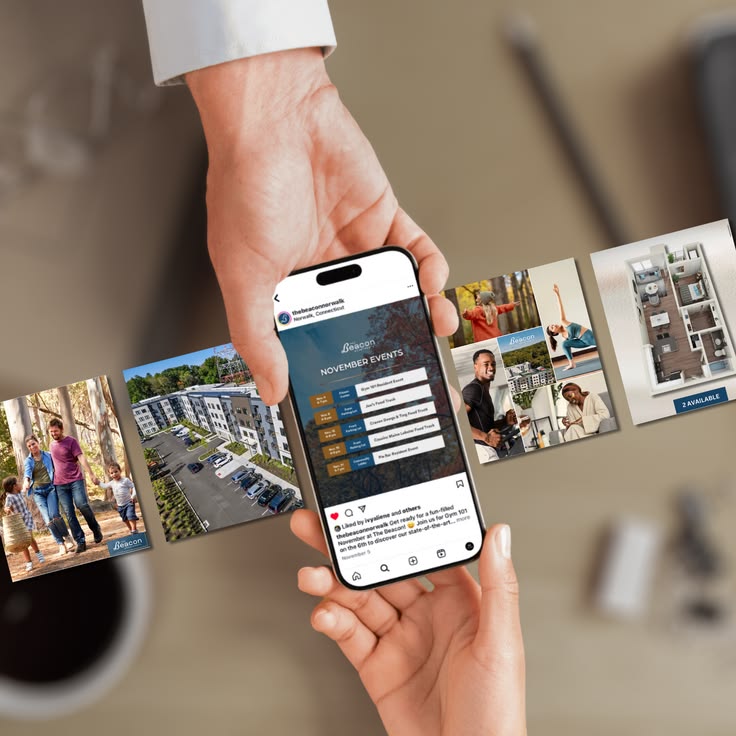
How can I improve my social media posting schedule?
Here’s what I’ve learned about scheduling across multiple platforms.
Batch your content. Instead of creating one post at a time, sit down once a week and create a week’s worth of content. This is way more efficient.
Post at optimal times. Each platform has different peak times. Instagram is best at 11 AM and 7 PM. LinkedIn is best at 8 AM and 12 PM. TikTok is best at 7 PM and 9 PM. A good scheduling tool lets you set different times for each platform.
Customize for each platform. What works on Instagram doesn’t always work on LinkedIn. A casual caption might be perfect for TikTok but too informal for LinkedIn. Most tools let you customize captions per platform.
Use content pillars. If you know what topics you’re posting about, scheduling becomes easier. Pick 3 to 5 content pillars and rotate through them each week.
Track your results. Check your analytics weekly. See which platforms drive the most engagement. Double down on what works.
Social Media Posting Services
Social media posting services are tools that let you manage multiple social media accounts from one place. They handle scheduling, publishing, analytics, and sometimes content creation.
The main types of social media posting services are scheduling tools (Buffer, Later, Metricool), all-in-one platforms (Hootsuite, Sprout Social), AI-powered tools (Social by InstantDM), and free options (Meta Business Suite, Buffer free plan).
The best service depends on your needs. If you want simplicity, Buffer. If you want AI features, Social by InstantDM. If you want enterprise features, Hootsuite. If you want budget-friendly, Metricool.

The 10 best apps to post to all social media at once
1. Buffer
Buffer is the simplest scheduling tool I’ve used. The interface is clean. You connect your accounts, upload your content, pick a time, and you’re done.
It supports 10+ platforms including Instagram, Facebook, X, LinkedIn, TikTok, Pinterest, YouTube, and Threads. The free plan gives you 3 channels with 10 scheduled posts each. Auto-publishing works on the free plan.
The paid plan starts at $6 per channel per month. The analytics are basic but functional.
Best for: Beginners who want simple scheduling.
2. Social by InstantDM
Social by InstantDM (https://socialbyidm.com) is the tool I’ve been using for the past few weeks. It’s the only scheduler I tested that offers AI-powered posting across 8 platforms — Instagram, Facebook, X, LinkedIn, TikTok, Pinterest, Threads, and YouTube.
The free plan includes unlimited scheduled posts and AI agent integration. You can describe your content idea in plain language and have it drafted and scheduled automatically.
The AI agent feature is what sets it apart. You connect Claude or ChatGPT through their MCP server and the AI drafts captions, suggests hashtags, and schedules posts for you. The whole process takes about 30 seconds.
The free plan is the most generous I tested. Unlimited posts. 8 platforms. AI agent integration.
Best for: AI-powered scheduling across multiple platforms.
3. Metricool
Metricool is the budget option. The free plan covers 1 brand with scheduling across all platforms. That’s more generous than Buffer’s free plan.
The analytics are decent. The content calendar works well. The interface feels a little dated, but it gets the job done.
The paid plan starts at $22 per month. That’s cheaper than Later and Hootsuite.
Best for: Budget creators who want full features.
4. Later
Later is better for visual brands. The grid preview lets you see how your Instagram feed will look before you post. The link-in-bio page is built in.
It supports 10+ platforms. The analytics are more detailed than Buffer. The paid plan starts at $25 per month.
The free plan is limited — Later doesn’t offer a permanent free plan anymore. They offer a 14-day free trial instead.
Best for: Visual brands and Instagram-first creators.
5.. hootsuite
Hootsuite is the enterprise option. It’s the most established social media management platform. If you manage multiple clients and need approval workflows, deep analytics, and team collaboration, this is the tool.
The pricing starts at $99 per user per month. That’s expensive for individual creators. But for agencies and teams, the features justify the cost.
Hootsuite is overkill for most people. But if you need enterprise-level features, it’s the standard.
Best for: Enterprise teams and agencies.
6. Publer
Publer is all about bulk scheduling. Upload CSVs or use the content library to queue weeks of content all at once. It supports 8 platforms including Instagram, Facebook, X, LinkedIn, TikTok, Pinterest, YouTube, and Threads.
The free plan gives you 3 accounts with 10 scheduled messages. The paid plan starts at $12 per month.
The content recycling feature is nice — you can set posts to repeat on a schedule.
Best for: Bulk scheduling and content recycling.
7. SocialBee
SocialBee lets you organize your content into categories — educational, promotional, entertaining — and schedule from each category on a rotation. This keeps your content mix balanced.
It supports 8 platforms. The free plan is limited. The paid plan starts at $29 per month.
The category system is unique — it ensures you’re not posting the same type of content over and over.
Best for: Content categorization and balanced posting.
8. Sendible
Sendible is designed for agencies with multiple clients. It has client approval workflows and white-label options.
It supports 10+ platforms. The paid plan starts at $29 per month. The interface feels a little old-fashioned, but the features are solid.
Best for: Agencies managing multiple clients.
9. Planable
Planable is made for teams that want to collaborate on content before it goes live. The visual approval workflow shows everyone exactly how the posts will look.
It supports 8 platforms. The free plan gives you 1 workspace with 50 posts per month. The paid plan starts at $33 per month.
Best for: Team collaboration and content approval.
10. Meta Business Suite
Meta Business Suite is Instagram’s own scheduling tool. It’s free and built into the platform. You can schedule up to 25 posts for Instagram and Facebook, up to 75 days in advance.
The limitation is that it only works for Instagram and Facebook. If you need to post to other platforms, you’ll need a different tool.
Best for: Beginners who only use Instagram and Facebook.

Posting services comparison table
Here’s a side-by-side comparison to help you choose.
| Tool | Platforms | Free Plan | Auto-Publish | AI Features | Price |
|---|---|---|---|---|---|
| Buffer | 10+ | Yes, 3 channels | Yes | Limited | $6/channel/month |
| Social by InstantDM | 8 | Yes, unlimited | Yes | Yes | Free / Paid |
| Metricool | All | Yes, 1 brand | Yes | Limited | $22/month |
| Later | 10+ | Trial only | Yes | Limited | $25/month |
| Hootsuite | 10+ | No | Yes | Limited | $99/user/month |
| Publer | 8 | Yes, 3 accounts | Yes | Limited | $12/month |
| SocialBee | 8 | Limited | Yes | Limited | $29/month |
| Sendible | 10+ | No | Yes | No | $29/month |
| Planable | 8 | Yes, 50 posts | Yes | No | $33/month |
| Meta Business Suite | 2 | Yes, 25 posts | Yes | No | Free |
Common mistakes when choosing a posting service
I see people constantly make these mistakes.
Choosing based on features alone. The tool with the most features isn’t always the best choice. Pick the one that fits your workflow.
Ignoring auto-publishing. If the tool doesn’t actually auto-publish, you’re just using a fancy reminder app. Make sure the tool publishes your content automatically.
Not considering platform support. If you need to post to 8 platforms, don’t pick a tool that only supports 3. Check platform support before you commit.
Overlooking AI features. In 2026, AI posting is becoming standard. If you want to automate more of your workflow, look for tools that support AI integration.
Skipping the analytics. If you’re not tracking what works, you’re guessing. Make sure your tool has decent analytics.
The tool I actually use
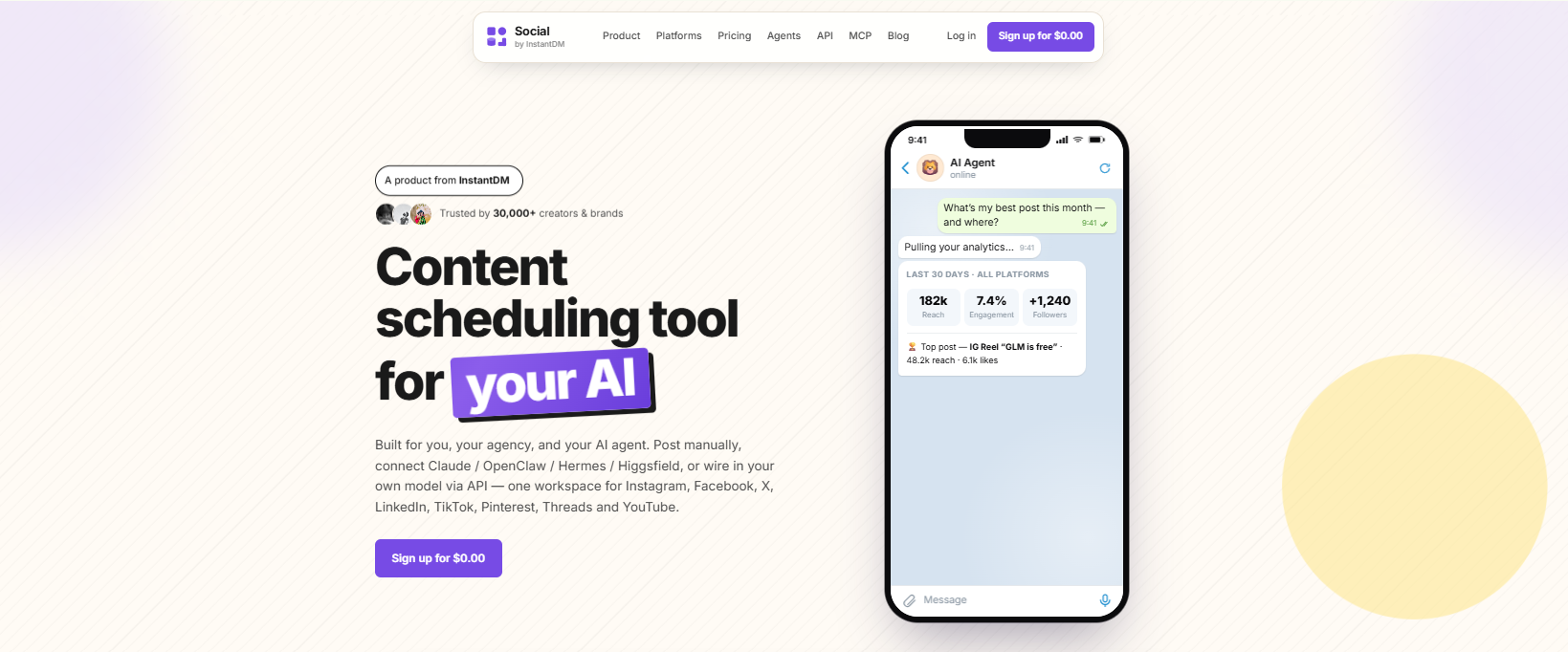
I’ve been using Social by InstantDM (https://socialbyidm.com) for the past few weeks. Here’s why.
The free plan is the most generous I tested. Unlimited scheduled posts. 8 platforms. AI agent integration.
The auto-publishing actually works. I schedule posts and they go live at the scheduled time without any manual intervention.
The AI agent feature saves me hours. I describe my content idea, the AI drafts the caption, and schedules it. The whole process takes about 30 seconds.
If you want to check it out, the link is in the description. Social by InstantDM dot com.
Frequently asked questions
What is the best app to post to all social media at once? Social by InstantDM offers the most generous free plan with unlimited posts, 8 platforms, and AI agent integration. Buffer is the simplest option for beginners.
Can I post to all social media for free? Yes. Buffer, Metricool, Social by InstantDM, and Meta Business Suite all offer free plans with auto-publishing.
How many platforms should I post to? Most creators post to 3 to 5 platforms. If you’re just starting out, focus on 2 or 3 platforms where your audience is most active.
What is the best free social media posting tool? Social by InstantDM has the most generous free plan with unlimited posts and AI features. Buffer is the simplest free option with 3 channels.
Do I need AI features for social media posting? Not necessarily, but AI features save time. Tools like Social by InstantDM let you describe your content idea and have it drafted and scheduled automatically.
The bottom line
Posting to all social media at once saves hours every week. The best apps in 2026 handle scheduling, auto-publishing, and analytics across multiple platforms.
The right tool depends on your needs. Buffer for simplicity. Social by InstantDM is for AI-powered scheduling. Metricool for budget creators. Later for visual brands. Hootsuite for enterprise teams.
Pick one. Try the free plan. Start posting across multiple platforms. That’s the first step to a more efficient workflow.
Frequently asked questions
What is the best app to post to all social media at once?
Social by InstantDM offers the most generous free plan with unlimited posts, 8 platforms, and AI agent integration. Buffer is the simplest option for beginners.
Can I post to all social media for free?
Yes. Buffer, Metricool, Social by InstantDM, and Meta Business Suite all offer free plans with auto-publishing.
How many platforms should I post to?
Most creators post to 3 to 5 platforms. If you're just starting out, focus on 2 or 3 platforms where your audience is most active.
What is the best free social media posting tool?
Social by InstantDM has the most generous free plan with unlimited posts and AI features. Buffer is the simplest free option with 3 channels.
Do I need AI features for social media posting?
Not necessarily, but AI features save time. Tools like Social by InstantDM let you describe your content idea and have it drafted and scheduled automatically.