Buffer Pricing 2026: Free Plan Limits & Paid Tier Analysis
Buffer's free plan has 3 channels and 10 posts each. Paid plans start at $6/month. Here's what you actually get in 2026.

TL;DR
Buffer’s free plan still holds up reasonably well in 2026, giving you three channels with ten scheduled posts on each, but that post cap is genuinely tighter than it sounds once you’re posting daily. Paid plans start at $6 a month per channel for Essentials and climb to $12 a month per channel for Team, and the one thing that genuinely surprised me is that the AI Assistant is free across every single tier, including the free plan, with no usage cap attached. If unlimited posting without a price tag matters more to you than Buffer’s particular interface, Social by InstantDM offers a free plan with unlimited scheduled posts across eight platforms instead of just three.
Introduction
I’ve used Buffer on and off for years at this point, long enough to remember when its free plan looked noticeably different than it does now. So when I sat down recently to actually map out what you get at each pricing tier in 2026, I wanted real numbers rather than relying on my memory of how things used to work.
What follows is a full breakdown of Buffer’s current pricing, exactly what the free plan includes and where it stops short, what actually changes once you upgrade, how the cost scales as you add more channels, and how Buffer stacks up against a handful of genuine alternatives if the free tier ends up too limiting for what you’re trying to do.
I should say upfront that pricing pages have a habit of making every tier sound reasonable in isolation, and it’s only once you actually map your own posting habits against the numbers that the real picture comes into focus. That’s really the exercise I went through here, and I’d encourage you to do the same with your own numbers rather than just taking any tier’s marketing copy at face value.
There’s also a broader trend worth noting across this whole category of tools, which is that free tiers have generally gotten more generous over the past couple of years rather than less, largely because competition among schedulers has intensified. Buffer holding steady with a genuinely usable free plan, rather than gutting it the way some competitors have done to their own free tiers, is part of why it’s stayed relevant this long. Whether that continues is anyone’s guess, but it’s worth appreciating while it lasts.

Buffer pricing in 2026: plans, limits & what you actually get
Let me start with the basics. Buffer remains one of the more popular [social media scheduling tools](/15-best-social-media-scheduling-tools-2026/) out there, known mainly for being simple, clean, and reasonably priced. But what does that actually translate to in terms of real features in 2026?
Buffer currently runs three main plans, Free, Essentials, and Team, plus a separate Agency plan aimed at larger organizations managing multiple clients at once.
The Free plan gives you three channels with ten scheduled posts on each, which covers most people just getting started reasonably well. It’s genuinely meant as a real starting point rather than a stripped down trial designed to nudge you toward paying within the first week, which is a distinction worth appreciating given how some competitors approach their own entry tier.
The Essentials plan starts at $6 a month per channel, and it removes the post cap entirely while adding more detailed analytics on top.
The Team plan starts at $12 a month per channel, adding unlimited user seats along with proper collaboration tools.
The Agency plan runs $100 a month and is built specifically for organizations juggling multiple client accounts under one roof.
Here’s what genuinely surprised me while looking into all this. The AI Assistant is free across every single plan, the free tier included, with no usage limits attached at all. That’s a genuinely rare thing to see included without a paywall somewhere behind it.
Most tools in this space treat AI features as the thing that specifically justifies an upgrade, so seeing Buffer give it away entirely, even to someone who’s never paid them a cent, stood out as a genuinely different approach. It suggests they’re betting on AI becoming table stakes rather than a premium add on, which tracks with where a lot of this industry seems to be heading anyway.
Is Buffer’s free plan still worth using in 2026?
The short answer is yes, though with some real limitations worth knowing about.
The free plan remains one of the stronger options in this category overall. Three channels, ten scheduled posts per channel, and the AI Assistant together cover what most solo creators genuinely need to get moving.
Here’s the catch though. That ten post limit is tighter than it first appears. If you’re posting daily across all three channels, your queue fills up within ten days, and from there you’re stuck manually adding new posts before the older ones even publish.
The free plan also caps how much analytics you can actually see. Basic engagement numbers are there, but anything more detailed sits behind a paid plan.
So is it genuinely worth using? If you’re just starting out and three channels covers everything you need, the free plan holds up fine. If you need more channels or a higher posting volume, upgrading becomes necessary fairly quickly.
I’d also point out that the free plan is a genuinely good way to test whether Buffer’s actual interface and workflow suit you before spending anything. A lot of people get hung up comparing feature lists across tools without ever actually using one day to day, and the free tier here removes that risk entirely. Spend a couple of weeks on it, see whether the rhythm of scheduling feels natural to you, and only then decide whether upgrading or switching to something else makes more sense.
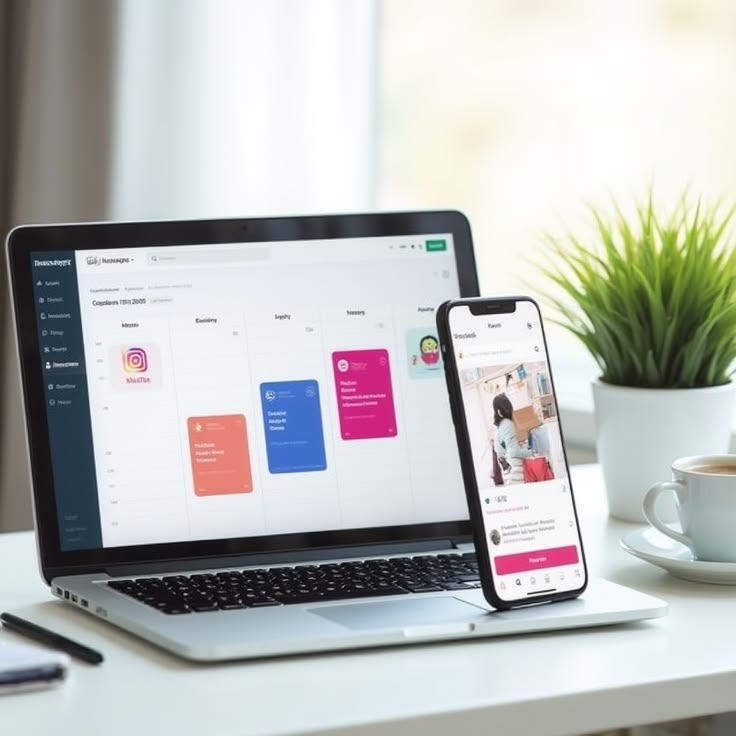
Buffer free plan limits: channels, scheduled posts & features
Here’s the complete breakdown of what you get and what stays locked behind a paid tier.
What’s included on the free plan covers three channels, which can be any combination of Instagram, Facebook, X, LinkedIn, TikTok, Pinterest, YouTube, Threads, Mastodon, Bluesky, or Google Business Profile, along with ten scheduled posts per channel, the AI Assistant with genuinely unlimited usage, basic analytics, a link in bio page, and a content calendar.
What stays locked includes anything beyond three channels, more than ten scheduled posts per channel, detailed analytics, team collaboration features, custom reporting, and priority support.
That ten post limit is really the main constraint worth understanding upfront. If you’re posting more than ten times a month on any single channel, you’ll bump into it and need to upgrade.
It’s worth doing the actual math on your own posting habits before assuming the free plan will or won’t work for you. Someone posting twice a week per channel sits comfortably under that ten post ceiling with room to spare, while someone posting daily blows past it within the first third of the month. There’s no universal answer here, it genuinely comes down to your specific cadence across each individual channel.
Buffer free vs paid plans: what changes when you upgrade?
Here’s exactly what shifts as you move from Free up through Essentials and then Team.
Moving from Free to Essentials at $6 a month per channel gets you unlimited scheduled posts instead of that ten post cap, a longer analytics history to look back through, custom posting times you can set yourself, a more customizable link in bio page, and the same AI Assistant you already had on the free tier, since that piece doesn’t actually change.
Moving from Essentials to Team at $12 a month per channel adds unlimited user seats, real team collaboration tools, approval workflows, custom reporting, and priority support.
The single biggest shift here is that post limit. Going from ten posts a month to genuinely unlimited posting is really the main reason most people decide to upgrade in the first place.
If you’re posting daily across three channels, that works out to roughly 90 posts a month total. The free plan only gives you 30 across all three combined. That gap in the math is really what pushes most people toward paying.
Worth noting too that this jump isn’t purely about volume. The extended analytics history and custom posting times bundled into Essentials are genuinely useful on their own, even for someone who wouldn’t otherwise hit the post cap. If you’re already considering the upgrade for the unlimited posting, those extra features essentially come along for free rather than requiring a separate purchase.

How much does Buffer cost for multiple social media accounts?
Here’s how the pricing plays out across a few different scenarios.
For a single channel, you’re looking at either the free plan with ten posts, or $6 a month for unlimited posting on that one channel.
For three channels, it’s either free with ten posts on each, or $18 a month total for unlimited posting across all three.
For five channels, unlimited posting runs $30 a month.
For ten channels, that climbs to $60 a month.
And for 25 channels, you’re looking at $150 a month.
The pricing scales in a straight line at $6 a month per channel, with no volume discount kicking in as you add more.
Worth flagging that this linear structure is genuinely unusual compared to how a lot of software pricing works elsewhere. Most tools introduce some kind of volume discount once you’re paying for enough seats or channels that a bulk rate makes sense for both sides. Buffer simply hasn’t built that into its structure, which keeps the math predictable and easy to calculate, but it also means there’s no reward for scaling up within their own ecosystem the way there might be with a competitor offering tiered volume pricing instead.
For agencies specifically, the Agency plan at $100 a month unlocks every feature Buffer offers, though you’re still paying per channel on top of that base price.
That combination is worth sitting with for a moment, since it means the Agency plan functions less like a flat rate and more like an unlock fee layered on top of your existing per channel costs. An agency running 15 client channels would be looking at the $100 base plus $90 more in per channel charges, landing at $190 a month total, which is a meaningfully different number than the headline $100 figure alone might suggest at first glance.
If a cheaper option with genuinely unlimited posting matters more to you, Social by InstantDM offers a free plan with unlimited scheduled posts spread across eight platforms instead.
It’s worth running the numbers on your specific situation before assuming Buffer’s linear per channel pricing is your only path forward. Someone managing ten channels facing a $60 a month bill on Buffer might find that Social by InstantDM’s free tier genuinely covers the same workload at no cost at all, simply because it isn’t charging per channel in the same way. The right choice really depends on whether you specifically need something Buffer offers that a free alternative doesn’t.
Best Buffer alternatives if the free plan isn’t enough
If Buffer’s free tier ends up too limiting, here’s where I’d point you instead.
Social by InstantDM has a free plan with unlimited scheduled posts, coverage across eight platforms, and genuine AI agent integration built in. This is really the strongest alternative if you want more capability without paying anything at all.
Buffer itself remains a solid paid option once you’ve outgrown the free tier. Clean interface, pricing that’s easy to follow, and if more posting volume is really all you need, the Essentials plan covers that well.
Metricool runs $22 a month and works nicely as a budget conscious pick, with a free plan that covers one brand across every platform it supports.
Later runs $25 a month and leans into visual planning, with a genuinely strong grid preview and calendar if aesthetics matter to your brand.
Hootsuite runs $99 per user a month and fits the enterprise end of things, with approval workflows and deep analytics built for larger teams.
Which alternative actually makes sense depends entirely on what you need. Social by InstantDM if unlimited free posting is the priority. Buffer if you just want more room within a tool you already know. Metricool if budget matters most. Later if the visual side of things genuinely matters to your brand.
I’d add that switching tools entirely isn’t always the right call just because a cheaper option exists on paper. If you’ve already built a workflow around Buffer’s interface and it genuinely works for your team, the time cost of migrating everything over to a new tool might outweigh whatever you’d save on the subscription itself. Weigh the actual switching cost honestly rather than chasing the lowest number on a pricing page alone.

What are the benefits of upgrading to premium or plus plans?
Here’s what you actually gain once you move up from the free tier.
Unlimited scheduled posts is really the headline benefit. You can queue up as much content as you want without ever bumping into that ten post ceiling again.
Extended analytics gives you a longer window to look back through your performance data rather than just a recent snapshot.
Custom posting times let you set specific windows for each channel individually rather than relying on Buffer’s own suggested defaults.
Team collaboration opens the door for multiple people to manage your accounts from a single shared setup, with approval workflows helping keep everyone aligned on what actually goes out.
Priority support gets you faster responses whenever something actually needs troubleshooting.
The real question is whether you genuinely need any of this. If you’re a solo creator working with three channels, the free plan might genuinely be enough as is. When you manage several accounts or require real team features, it becomes much clearer why upgrading is worthwhile.
I’d frame the decision less around what’s technically available at each tier and more around what’s actually slowing you down right now. If manually re adding posts every ten days is eating up real time each month, that alone probably justifies the $6 a channel jump to Essentials. If you’re not hitting that limit at all, none of the other Essentials features are likely to feel urgent enough to justify paying before you actually need them.
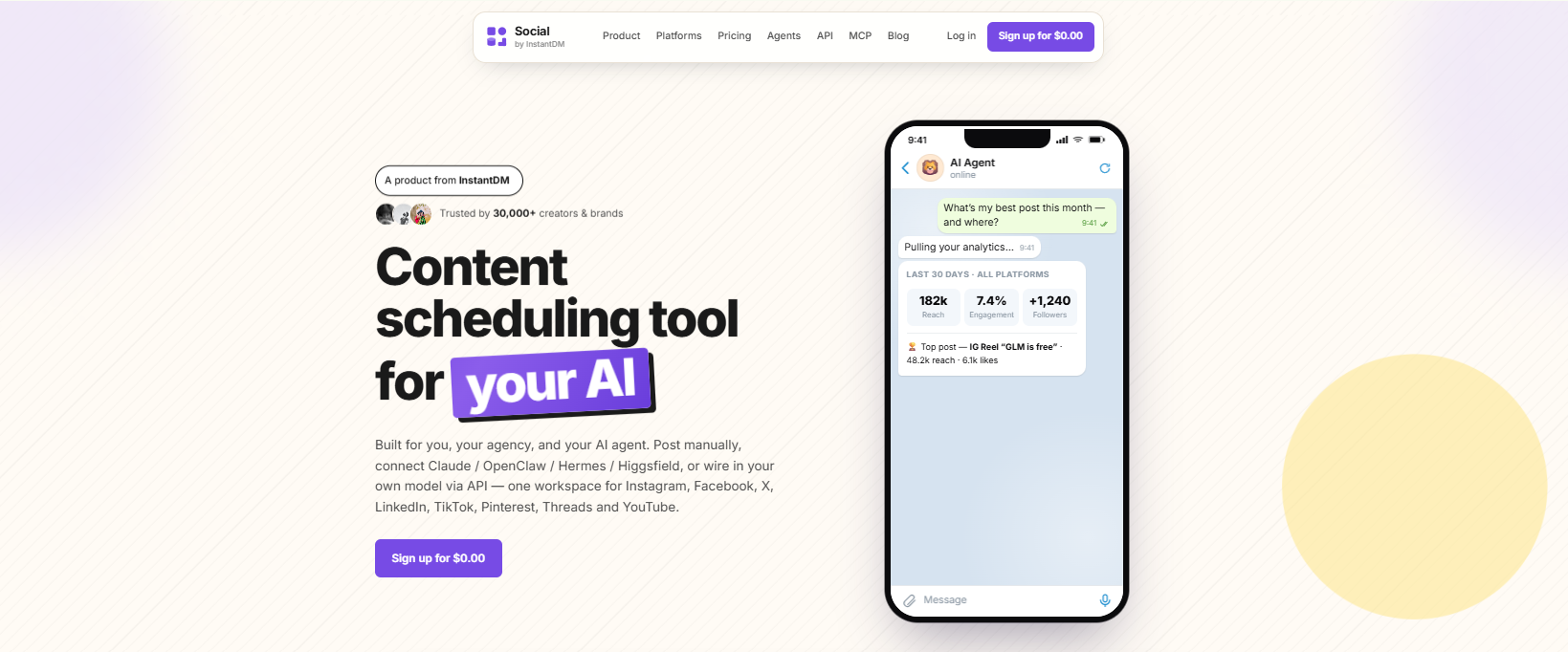
Buffer pricing comparison with alternatives
Here’s a direct comparison against a couple of genuine alternatives.
| Feature | Buffer Free | Social by InstantDM Free | Metricool Free |
|---|---|---|---|
| Channels | 3 | 8 | 1 |
| Scheduled Posts | 10 per channel | Unlimited | 50/month |
| AI Features | Yes, unlimited | Yes, AI agent | Limited |
| Free Plan | Yes | Yes | Yes |
That table pretty much tells the story on its own. Buffer’s free plan is genuinely good, but Social by InstantDM’s free plan edges it out on nearly every measure, unlimited posts, more platform coverage, and a fuller AI feature set all included at no cost.
It’s worth being fair to Buffer here though, since a side by side table like this doesn’t capture everything that goes into choosing a tool. Buffer’s interface has years of polish, and its genuinely large user base has shaped its feature set through real feedback over time. Social by InstantDM is newer and moves faster on features like AI integration precisely because it doesn’t have as much legacy design weighing it down. Neither of those things shows up in a simple comparison table, but both are worth factoring into your own decision.
Frequently asked questions
How much does Buffer cost in 2026? The free plan remains free indefinitely. Paid plans start at $6 a month per channel for Essentials and climb to $12 a month per channel for Team.
What are Buffer’s free plan limits? Three channels, ten scheduled posts per channel, and basic analytics. The AI Assistant comes included with no usage cap attached.
Is Buffer’s free plan worth it? Yes, genuinely, as long as three channels covers your needs and you’re posting fewer than ten times a month per channel. Once you need more than that, upgrading becomes necessary.
What’s the cheapest Buffer alternative? Social by InstantDM offers a free plan with unlimited scheduled posts, eight platforms, and AI agent integration built in. Nothing else really comes close to that combination at no cost.
Does Buffer have AI features? Yes. The AI Assistant is free across every single plan, the free tier included, and it drafts, rewrites, and repurposes text without any usage limit attached.
The bottom line
Buffer’s free plan genuinely remains one of the stronger options available in 2026. Three channels, ten scheduled posts, and a completely free AI Assistant together cover what most solo creators actually need to get started.
That ten post limit is tighter than it looks though. Posting daily across all three channels means you’ll hit that ceiling within about ten days, and upgrading to Essentials at $6 a month per channel is really the only way to remove it.
If unlimited posting without any price tag attached matters more to you, Social by InstantDM offers a free plan with unlimited scheduled posts across eight platforms, which is genuinely hard to beat on pure value.
Pick whichever tool actually fits how you work day to day. There’s no reason to pay for features you never use.
The honest exercise worth doing before committing to anything is tracking your actual posting habits for a couple of weeks first: how many channels you’re really active on, how often you post to each, and whether team features or deep analytics genuinely factor into your day-to-day work. Once you have that picture in front of you, the choice between Buffer’s tiers and the alternatives out there tends to become a lot more obvious than any single comparison article, this one included, could ever make it on its own.