Instagram Photo Dump: What It Is + 30 Ideas That Get Saves (2026)
An Instagram photo dump is a carousel of casual, unfiltered photos. Here are 30 ideas that actually get saves in 2026.

TL;DR:
An Instagram photo dump is a carousel of casual, unfiltered photos that feel authentic and relatable. Unlike polished grid posts, photo dumps are messy, real, and personal. They get saves because people relate to the vibe. The best photo dumps mix candid moments, aesthetic shots, and random details that tell a story. Use tools like Social by InstantDM to schedule your photo dumps across multiple platforms.
What Does “Photo Dump” Mean on Instagram and TikTok?
Okay so let me start with the basics. A photo dump is a carousel post — usually 5 to 10 photos — that feels casual, unfiltered, and intentionally imperfect. It’s the opposite of a curated grid post. Instead of one perfect photo, you’re sharing a bunch of random moments from your life.
On Instagram, photo dumps show up as carousels. You swipe through them like a mini photo album. On TikTok, photo dumps are slideshows set to music — same concept, different format.
The whole point is authenticity. People are tired of seeing perfect, polished content all the time. Photo dumps feel real. They feel like you’re looking through someone’s camera roll. That’s why they get saves — people relate to the vibe.
I started posting photo dumps about six months ago. Before that, every post on my grid was carefully planned. Perfect lighting, perfect angle, perfect caption. It looked great but it felt fake. My audience wasn’t engaging because the content felt distant.
Then I posted my first photo dump — a random collection of moments from a weekend trip. Nothing special. Just me at a coffee shop, a blurry sunset, a funny sign I saw on the street. That post got three times more saves than any of my “perfect” posts. That’s when I realized the power of photo dumps.
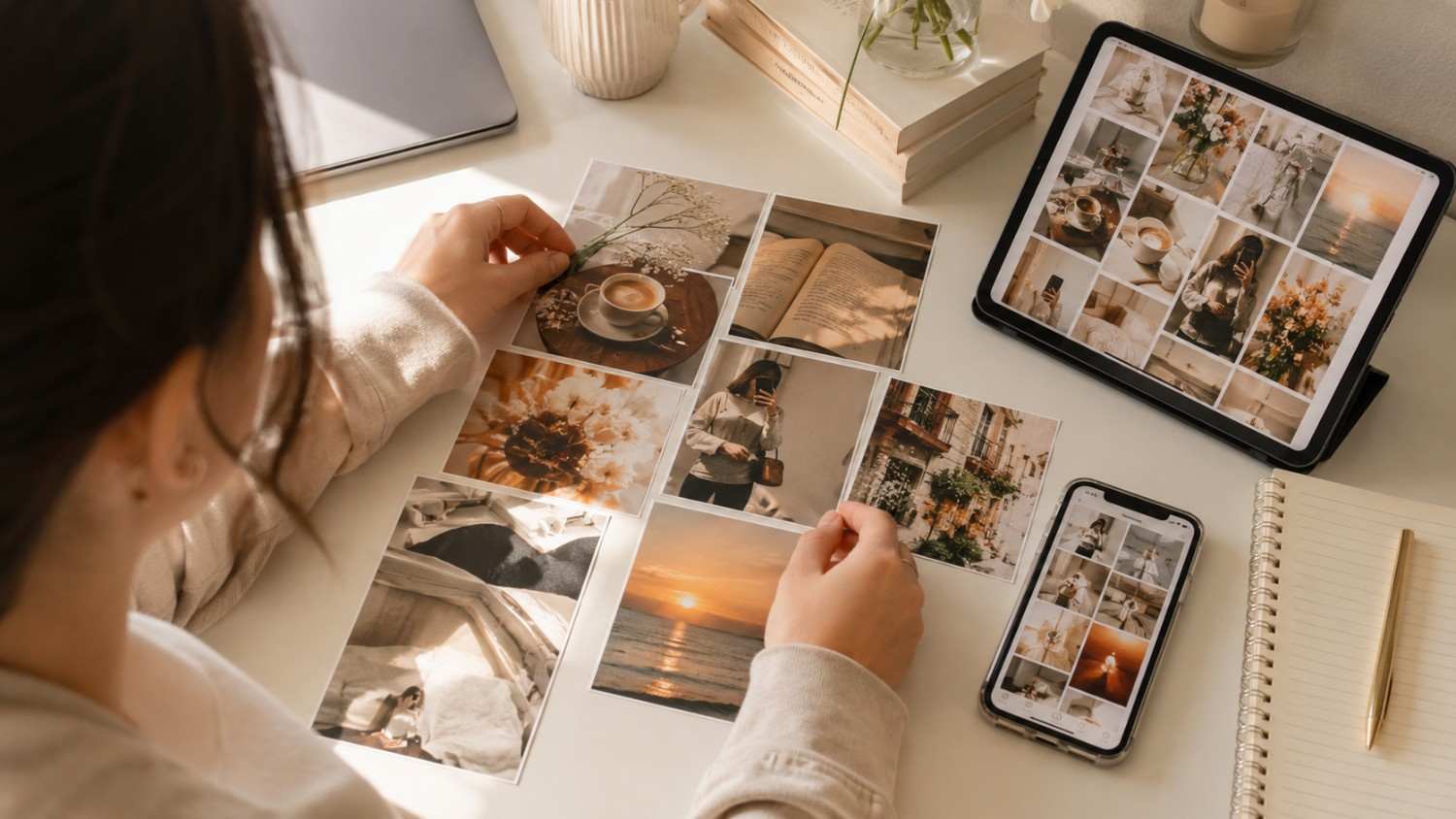
Why photo dumps get more saves than regular posts
I noticed something interesting when I started posting photo dumps. They consistently get more saves than my regular single-photo posts. Here’s why.
Relatability. When someone sees a photo dump with a messy room, a coffee cup, and a sunset, they think “that’s me.” People save content they relate to. They want to come back to it later because it makes them feel something.
Storytelling. A single photo tells one story. A photo dump tells a whole narrative. People save it because it feels like a mini movie they can revisit. Each photo is a chapter in a tiny story.
Aesthetic appeal. A well-designed photo dump feels like flipping through a magazine. The visual variety keeps people swiping and saving. It’s satisfying to look at.
Low pressure. Photo dumps don’t have to be perfect. That freedom makes them more enjoyable to create and more enjoyable to consume. Nobody expects a photo dump to be flawless.
The data backs this up. Photo dump carousels consistently get 2 to 3 times more saves than single-photo posts in 2026. That’s a huge difference if you’re trying to grow your account.
I tested this myself. I posted a single photo of a sunset — got 12 saves. The next week, I posted a photo dump with the same sunset plus 6 other moments — got 47 saves. Same content, different format, way better results.
How the algorithm treats photo dumps
Instagram’s algorithm in 2026 loves carousels. Here’s why.
When someone swipes through your photo dump, they’re spending more time on your post. The algorithm sees that extended time as a signal that your content is engaging. More time spent = more reach.
Photo dumps also get more engagement overall. People comment on specific photos within the carousel. “Love the third one!” or “That sunset is gorgeous.” More comments = more algorithmic boost.
Saves are the highest-intent engagement signal on Instagram. When someone saves your post, it tells the algorithm “this content is valuable.” Photo dumps get saved because they’re relatable, aesthetic, and worth revisiting.
The carousel format also gives you multiple chances to hook someone. If the first photo doesn’t grab them, maybe the third one will. You’re not betting everything on one image.

Best tools for creating Instagram and TikTok photo dumps
I tested a bunch of tools for creating photo dumps. Here are the ones that actually work.
Canva. Best for design-focused creators. Tons of templates for photo dump layouts. Free plan works well. I use this one the most because the templates save me time.
Unfold. Best for Instagram Stories. Clean, minimal templates that look professional. The aesthetic is very “lifestyle brand” which works great for photo dumps.
PicCollage. Best for beginners. Simple drag-and-drop interface. Great for quick photo dumps when you don’t want to overthink it.
InShot. Best for video. If you want to create TikTok photo dump slideshows, InShot handles it well. You can add music, transitions, and text overlays.
Social by InstantDM. Best for scheduling. Once you’ve created your photo dump, you can schedule it across 8 platforms from one dashboard. The AI agent feature means you can describe your photo dump concept and have it scheduled automatically. I’ve been using this for the past few weeks and it saves me a lot of time.
The right tool depends on your workflow. Canva for design, Unfold for stories, InShot for video, Social by InstantDM for scheduling.
How to organize a photo dump so it looks aesthetic
Here’s the thing about photo dumps — they’re supposed to look messy, but there’s actually a method to the chaos.
Pick a color palette. Choose 3 to 5 colors that run through your photos. Even if the photos are random, a consistent color palette ties them together. I usually go with warm tones — browns, creams, oranges. It makes everything look cohesive.
Mix shot types. Don’t just post selfies. Mix in detail shots (a coffee cup, a book, a flower), landscape shots, close-ups, and candid moments. The variety makes it interesting. If every photo is a selfie, it gets boring fast.
Use a consistent edit. Whether it’s a filter, a preset, or a specific editing style, apply the same look to all photos. This creates visual cohesion even when the subject matter varies. I use the same Lightroom preset for all my photo dumps.
Start with a strong cover photo. The first photo in your carousel is what shows on your grid. Make it eye-catching. It’s the hook that makes people swipe. If your cover photo is boring, nobody will tap to see the rest.
End with something memorable. The last photo should leave an impression. A funny moment, a beautiful view, or a meaningful detail. People remember the first and last photos the most.
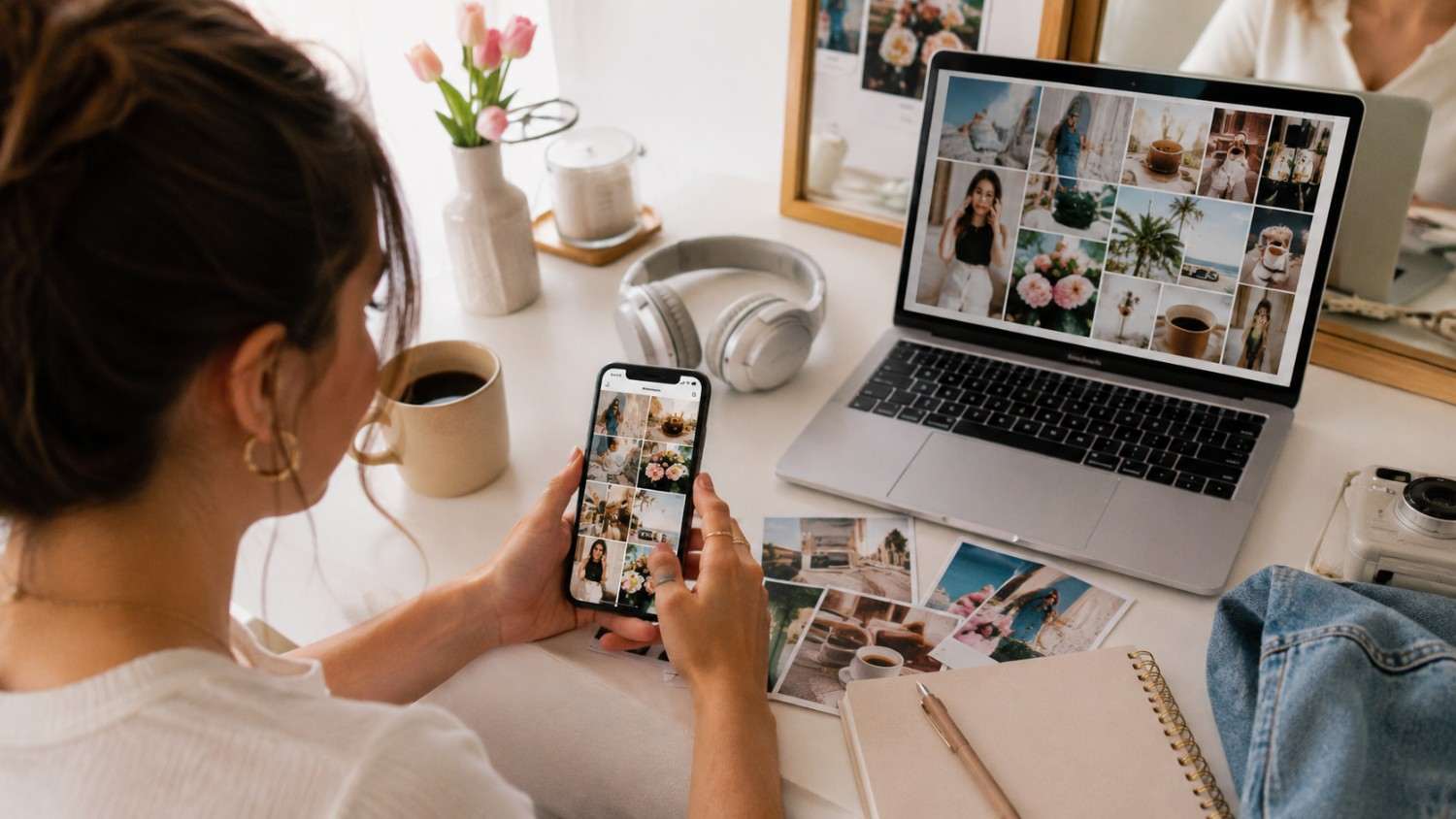
Best photo dump templates and layout ideas
Here are some layout ideas that work well.
The chronological dump. Photos from one day, in order. Morning coffee, afternoon walk, evening sunset. Simple and effective. This works great for travel days or weekend recaps.
The mood board. Mix of textures, colors, and vibes that represent a feeling. Think: cozy autumn, summer travel, minimal aesthetic. This is more about vibes than storytelling.
The contrast dump. Mix opposite vibes together. A messy room next to a beautiful sunset. A casual selfie next to a professional headshot. The contrast creates interest and keeps people swiping.
The detail dump. Close-ups of small things. A book page, a latte art, a flower petal, a handwritten note. These feel intimate and personal. People love detail dumps because they feel like peeking into someone’s private world.
The travel dump. Photos from one trip, mixing landscapes, food, selfies, and random moments. People love travel dumps because they feel like a mini vacation. The more random, the better.
The “week in my life” dump. 7 photos from one week, one per day. This works really well for storytelling. People love seeing the rhythm of someone’s daily life.
Creative photo dump ideas for Instagram and TikTok
Here are 30 ideas that actually get saves.
- Morning routine dump — alarm, coffee, outfit, mirror selfie
- Desk setup dump — workspace, laptop, coffee, plants
- Weekend vibes dump — lazy morning, brunch, walk, sunset
- Travel dump — airport, hotel, food, scenery, selfie
- Food diary dump — breakfast, lunch, dinner, snack, dessert
- Outfit dump — flat lay, mirror selfie, detail shot, full body
- Book dump — covers, quotes, cozy reading spot, bookmarks
- Nature dump — flowers, trees, sky, water, textures
- City dump — streets, architecture, crowds, neon signs
- Beach dump — sand, waves, sunset, shells, footprints
- Cozy dump — blankets, candles, hot drink, rain on window
- Workout dump — gym, gear, sweat, post-workout glow
- Pet dump — sleeping, playing, cute moments, close-ups
- Art dump — drawings, paintings, color palettes, studio
- Music dump — vinyl records, concert photos, headphones, playlists
- Fashion dump — closet, accessories, shoes, outfit details
- Home decor dump — plants, candles, furniture, textures
- Coffee shop dump — latte, pastry, ambiance, book
- Festival dump — outfits, crowds, stages, neon lights
- Self-care dump — skincare, bath, candles, journal
- Throwback dump — old photos, memories, nostalgia
- Mood dump — aesthetic shots that capture a feeling
- Behind the scenes dump — workspace, process, messy moments
- Seasonal dump — fall leaves, summer beach, winter snow, spring flowers
- Date night dump — outfit, restaurant, food, dessert
- Market dump — flowers, produce, colors, textures
- Library dump — bookshelves, cozy corners, reading nooks
- Golden hour dump — sunset shots, warm tones, silhouettes
- Mirror dump — reflections, creative angles, self-portraits
- Random dump — literally anything from your camera roll that feels right
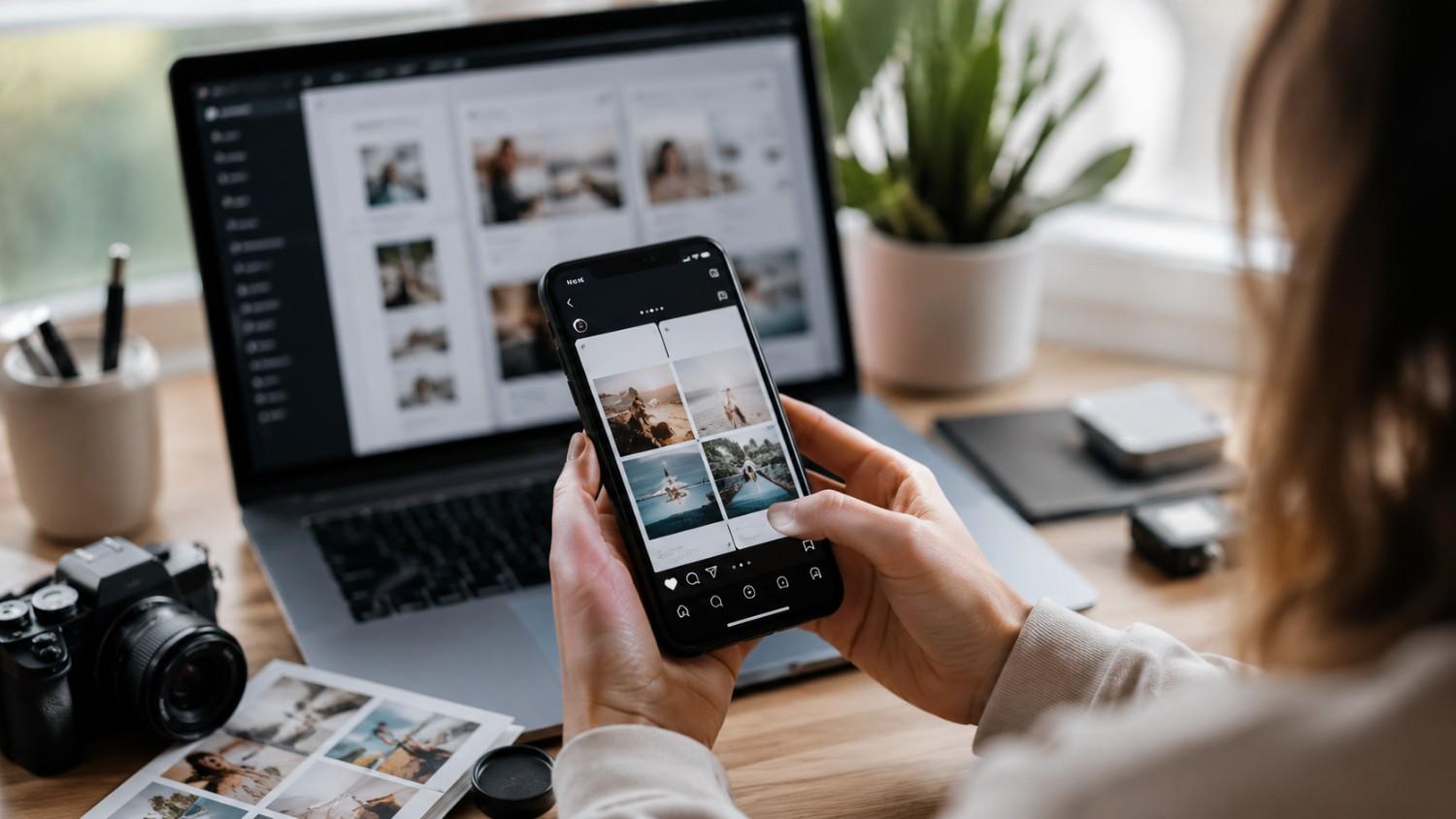
How to make an engaging Instagram Story photo dump
Story photo dumps are different from feed photo dumps. Here’s how to make them engaging.
Keep it short. 5 to 7 photos max. Stories are quick — don’t overwhelm people. If you post 20 photos in a Story, people will skip through it.
Use the layout feature. Instagram’s built-in layout tool lets you combine multiple photos into one Story frame. This creates a collage effect that looks great. It’s the easiest way to make a photo dump Story.
Add music. Pick a song that matches the vibe. Music makes Stories feel more alive. I usually pick something chill and atmospheric for photo dump Stories.
Use interactive stickers. Add polls, questions, or emoji sliders. This turns your photo dump into a conversation. When people interact with your Story, it boosts your visibility.
Post throughout the day. Instead of dumping everything at once, spread your photos across 3 to 4 Stories posted at different times. This keeps people coming back to your profile.
The best Story photo dumps feel like a day in your life. Not curated. Not perfect. Just real moments shared casually.
Best captions for Instagram photo dumps
Photo dump captions should match the casual vibe. Here are some that work.
Short and sweet:
- “a little bit of everything”
- “recent moments”
- “the ordinary stuff”
- “life lately”
- “camera roll favorites”
Conversational:
- “the things I don’t post”
- “a day in my life (unedited)”
- “my favorite right now”
- “the stuff that matters”
- “no filter needed”
Funny:
- “proof I have a life outside my phone”
- “my camera roll is chaos”
- “the aesthetic version of my life”
- “plot twist: this is my actual life”
- “lowkey obsessed with these”
Aesthetic:
- “soft moments”
- “golden hour diaries”
- “the quiet stuff”
- “small joys”
- “things that make me happy”
The best captions feel effortless. Don’t overthink it. If you’re staring at the caption box for 10 minutes, you’re trying too hard.
Photo dump synonyms and alternative caption ideas
If “photo dump” feels overused, here are alternatives.
Carousel compilation Visual diary Moment collection Life snapshot Quick pics Photo mashup Visual journal Snap collection Picture parade Image roundup
For captions, try these alternatives:
- “a collection of small moments”
- “my visual diary this week”
- “the things I’ve been loving lately”
- “a few of my favorite things”
- “the unfiltered version”
The word “dump” is fine though. It’s become the standard term and everyone knows what it means. Don’t overthink the naming — focus on the content.
The connection between photo dumps and content pillars
Here’s something most people miss. Photo dumps work best when they align with your content pillars.
If your content pillar is “travel,” your photo dumps should feature travel moments. If your pillar is “fitness,” your photo dumps should include workout content. If your pillar is “lifestyle”, your photo dumps should reflect your daily life.
This consistency helps the algorithm understand what your account is about and show your content to the right audience. When you post random photo dumps about everything, the algorithm gets confused. When you post photo dumps that match your pillars, the algorithm knows who to show them to.
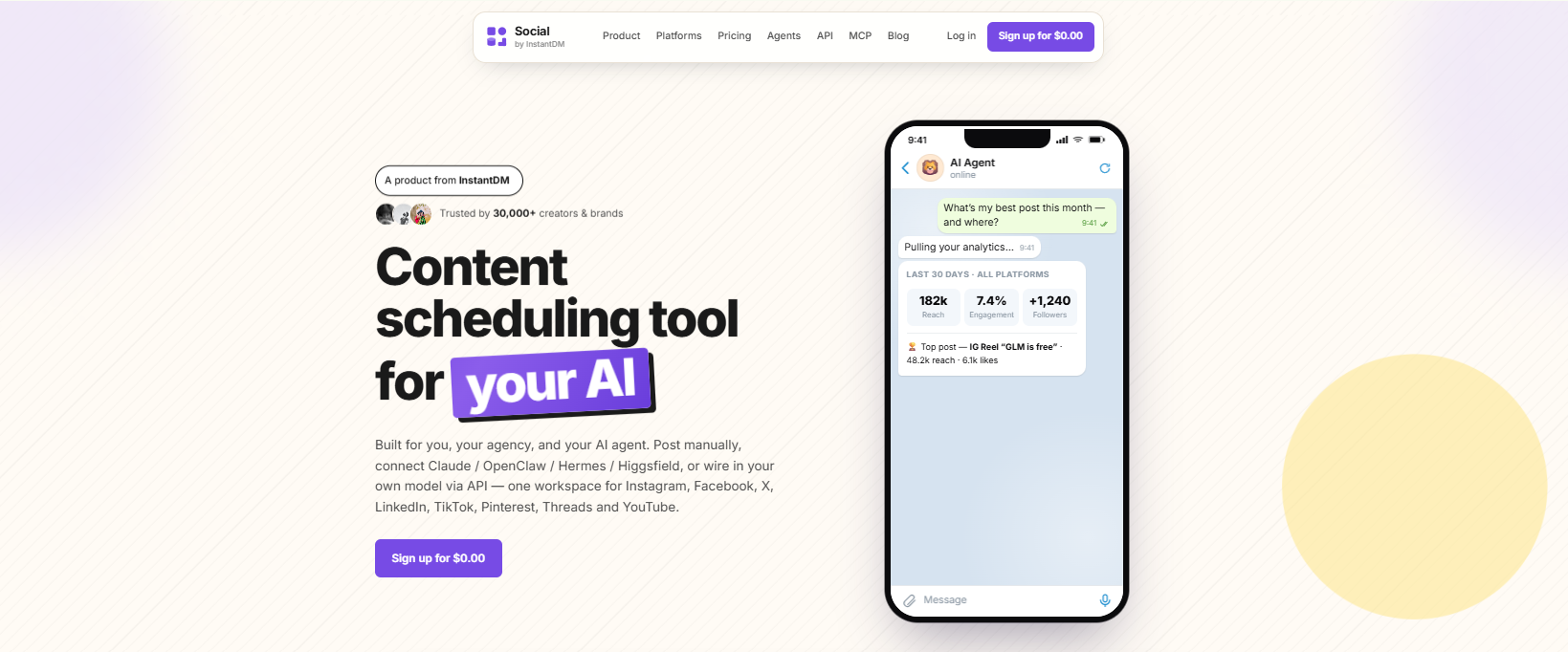
Tools like Social by InstantDM make this easier. You can schedule pillar-based photo dumps across multiple platforms and maintain a consistent posting rhythm.
Common photo dump mistakes
I see people make these mistakes all the time.
Too many selfies. A photo dump with 8 selfies isn’t a photo dump — it’s a selfie collection. Mix in other shots.
No visual cohesion. If every photo has a different filter, different lighting, and different colors, it looks chaotic. Pick a style and stick with it.
Bad cover photo. If your first photo is boring, nobody swipes. Make the cover count.
Too many photos. 10 is the max. More than that and people get tired of swiping.
No story. A photo dump should have a clear structure. Even if it’s random, there should be a loose narrative.
Ignoring the algorithm. Post your photo dumps when your audience is most active. Check your analytics for peak times.
How to repurpose photo dumps across platforms
Here’s the thing: photo dumps don’t have to live only on Instagram. You can repurpose them across multiple platforms.
TikTok. Turn your photo dump into a slideshow with music. Add text overlays for context. TikTok loves this format in 2026.
LinkedIn. Share professional photo dumps – office moments, conference photos, and team celebrations. LinkedIn audiences appreciate authenticity too.
Pinterest. Split your photo dump into individual pins. Each photo becomes a separate pin that drives traffic back to your Instagram.
X (Twitter). Share the best photo from your dump with a caption. Tease the full dump on Instagram.
Facebook. Post the full dump as an album. Facebook audiences love photo albums.
Tools like Social by InstantDM make cross-platform scheduling easy. Create your photo dump once, schedule it everywhere.
Frequently asked questions
How many photos should be in a photo dump? 5 to 10 photos works best. Fewer than 5 feels incomplete. More than 10 can feel overwhelming. The sweet spot is 7 to 8 photos.
Do photo dumps need to be edited? Not heavily, but a consistent edit style helps. Apply the same filter or editing style to all photos. This creates visual cohesion even when the subject matter varies.
What’s the best time to post a photo dump? Photo dumps perform well during peak engagement hours — typically 11 AM to 1 PM and 7 PM to 9 PM. Test different times and see what works for your audience.
Can I repost old photos in a photo dump? Absolutely. Photo dumps are perfect for recycling old photos that never made it to your feed. Mix old and new — it adds depth to the story.
How do I get more saves on my photo dumps? Create content people want to revisit. Aesthetic shots, relatable moments, and useful content (like outfit ideas or decor inspiration) tend to get the most saves.
The bottom line
Photo dumps are one of the most engaging content formats on Instagram and TikTok in 2026. They feel authentic, they look great, and they get saves because people relate to them.
The key is balance — mix candid moments with aesthetic shots, keep a consistent edit style, and tell a story with your carousel. Use the 30 ideas in this post as inspiration, but don’t be afraid to get creative.
If you want to schedule your photo dumps across multiple platforms, Social by InstantDM makes it easy. Create once, publish everywhere.
Frequently asked questions
How many photos should be in a photo dump?
5 to 10 photos works best. Fewer than 5 feels incomplete. More than 10 can feel overwhelming. The sweet spot is 7 to 8 photos.
Do photo dumps need to be edited?
Not heavily, but a consistent edit style helps. Apply the same filter or editing style to all photos. This creates visual cohesion even when the subject matter varies.
What's the best time to post a photo dump?
Photo dumps perform well during peak engagement hours — typically 11 AM to 1 PM and 7 PM to 9 PM. Test different times and see what works for your audience.
Can I repost old photos in a photo dump?
Absolutely. Photo dumps are perfect for recycling old photos that never made it to your feed. Mix old and new — it adds depth to the story.
How do I get more saves on my photo dumps?
Create content people want to revisit. Aesthetic shots, relatable moments, and useful content (like outfit ideas or decor inspiration) tend to get the most saves.