How I Actually Schedule Instagram Stories in 2026 (Music, Links, Polls, and Everything Else)
I tested every way to schedule Instagram Stories in 2026. Here's what actually works — music, links, polls, stickers, and auto-publish.

TL;DR:
I spent far too many hours last month testing every single way to schedule Instagram Stories. I tried Business Suite, three or four third-party apps, and a few workarounds I found buried in Reddit threads. I wanted a straight answer to a question I kept seeing everywhere: can you actually schedule a story with music, a poll sticker, or a link, and have it just go live on its own?
The short answer is yes and no, depending on what you mean by scheduling. There are real limits here that have nothing to do with which tool you pick, and once I understood why those limits exist, the whole thing made a lot more sense. So I’m going to walk through exactly what I found, what works, what doesn’t, and the little workaround that most people never figure out on their own.
Can you actually schedule a story with music or stickers?
Here’s the part that trips everyone up. You cannot schedule an Instagram Story that has music, a poll, a question box, or an emoji slider attached to it, no matter which app you use. I tried three different scheduling tools thinking maybe one of them had cracked it. None had. It turns out this isn’t a limitation of the tool at all, it’s baked into how Instagram’s own API works. Interactive stickers can only be posted through the app itself.
That was a little annoying to accept, honestly. But once I stopped fighting it, I found a workaround that takes about thirty seconds and actually works every time.
You schedule the plain version of your story, the photo or video with no interactive elements, through whatever tool you’re using. It goes out automatically at whatever time you picked. Then, right before it’s due to publish or right after, you open Instagram on your phone and add the music, the poll, the sticker, whatever you wanted on there. Thirty seconds, and you’ve got the best of both worlds, automation for the heavy lifting and a manual touch for the fun stuff.
Just to be clear on what you can and cannot get away with automating:
You can schedule and auto-publish: Link stickers, though only a handful of tools support this Location stickers Mention stickers Hashtag stickers
You cannot schedule or auto-publish, ever, with any tool: Music stickers Poll stickers Question boxes Emoji sliders Quiz stickers
Once that clicked for me, I stopped wasting time hunting for a tool that “finally” cracked interactive stickers. It doesn’t exist, and it won’t exist unless Instagram opens up that part of its API.
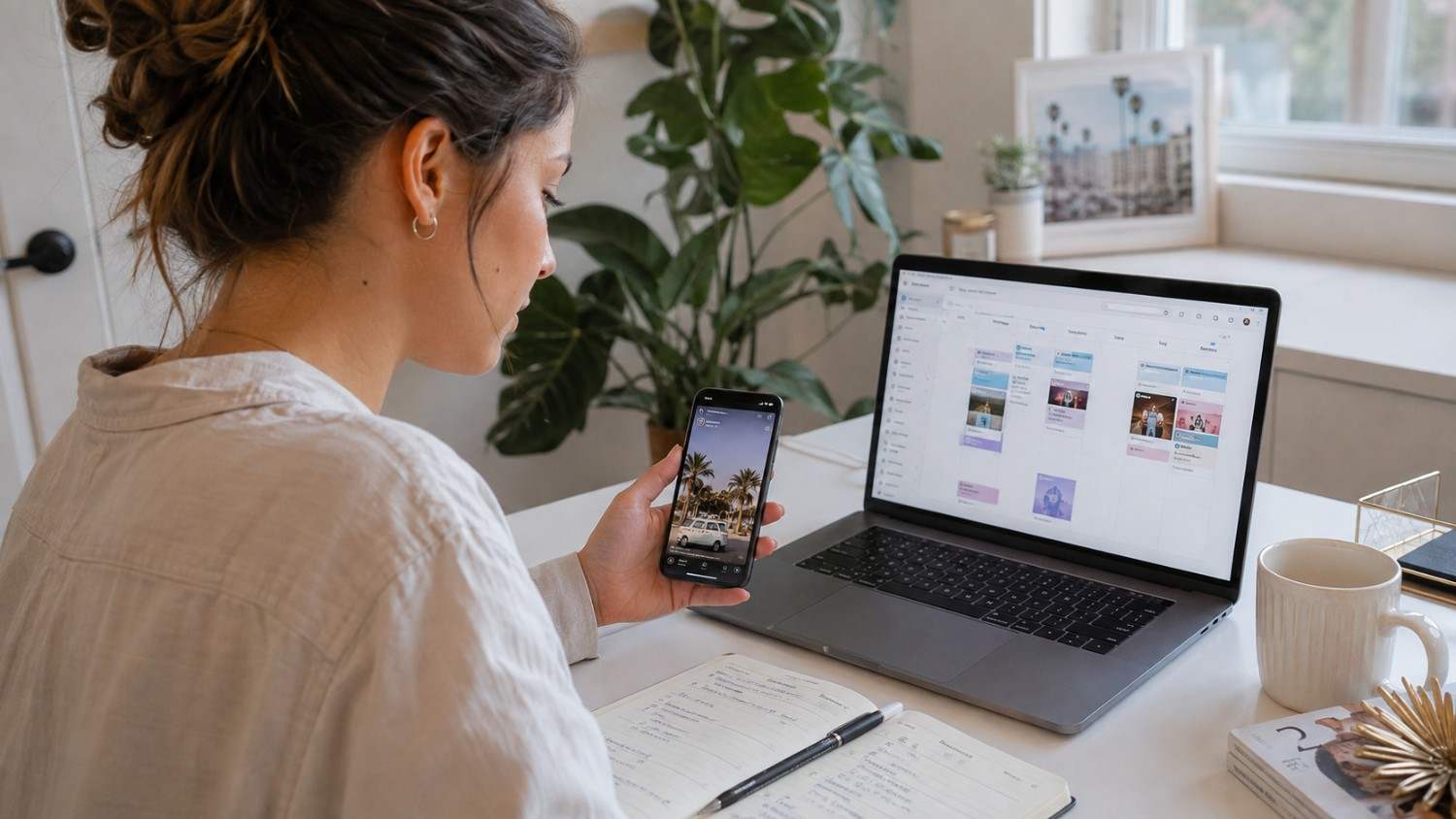
What story duration actually means and why it matters more than you think
This one surprised me a bit. Every story you post has a built-in duration that Instagram controls, not you, at least not directly. A photo story sits on screen for five seconds by default. A video can run up to sixty seconds, and if your clip is longer than that, Instagram will just chop it into separate sixty-second chunks automatically.
If you’re posting a Story with several slides, each slide gets its own timer. So a five slide photo Story adds up to twenty five seconds of total viewing time before someone reaches the end.
Duration ends up mattering more for engagement than I expected. Quick announcements do better with short slides, three to five seconds each, because people are scrolling fast and don’t want to sit through a wall of text. Tutorials and step by step content need more breathing room, closer to ten or fifteen seconds a slide, so people actually have time to read or follow along. My own sweet spot has ended up being around five to seven seconds per slide for most everyday content. It should be long enough for people to read it without feeling rushed, but short enough that they don’t tap away out of boredom.
Can you change the duration after you’ve already scheduled it?
Not directly, no. Once a Story is scheduled, the duration is locked to whatever the content itself dictates. A photo is five seconds. A video runs its full length. There’s no slider in any scheduling dashboard that lets you stretch or shrink that after the fact.
What you can do instead is delete the scheduled post and redo it with different content, or edit the trim length on your video before you ever upload it. I use CapCut for this now, mostly out of habit, though InShot and iMovie do the same job. If you know you want a Story to run exactly eight seconds, trim it to that length before it ever touches your scheduling tool. Trying to fix duration after scheduling is a headache. Fixing it before is a five second edit.

Auto-publish and reminder scheduling are not the same thing
This confused me for longer than I’d like to admit, so let me save you the trouble. There are two completely different things people lump together under “Story scheduling”, and they behave nothing alike.
‘Auto-publish’ means the tool posts your Story for you at the time you picked. You set it up once, walk away, and it goes live without you touching your phone. That’s real scheduling.
Reminder scheduling is something else entirely. The tool just pings you when it’s time to post, and you still have to open the app and hit publish yourself. It’s better than nothing, sure, but it’s not automation, it’s a to do list notification with extra steps.
Here’s roughly how the tools I tested split across those two categories. Meta Business Suite auto publishes basic photo and video Stories but won’t touch anything with interactive elements. Later auto publishes basic Stories too, same limitation on interactive content. Hootsuite does auto publishing but you need a paid plan for it. Buffer, at least when I tested it, only sends reminders and doesn’t actually post Stories for you.
I ended up mostly using Social by InstantDM once I found it, since it auto publishes basic Stories across eight different platforms rather than just Instagram, and it supports link stickers on top of that, which not every tool bothers with. It’s got a free plan too, which made it an easy thing to test without committing to anything.
So, can you schedule music, links, polls, and stickers, or can’t you?
Let me just lay out the full picture in one place since I know this is what most people actually came here for.
Music: no tool can auto publish a Story with music attached. This is Instagram’s restriction, not a gap in the software. Add music manually in app before it goes live.
Links: some tools handle this fine. Social by InstantDM supports link stickers, and so does Meta Business Suite. Plenty of other tools skip this feature entirely, so check before you commit to one.
Polls: not automatable, period. Add manually.
Question stickers: same story, manual only.
Emoji sliders: manual only.
Quiz stickers: manual only.
The same pattern holds for every tool I tried. Plain content, photos, videos, basic text, can be automated end to end. Anything interactive needs a human hand on it before it publishes. Once you accept that pattern, planning your content calendar gets a lot simpler because you know exactly what to prep ahead of time and what to save for the morning.
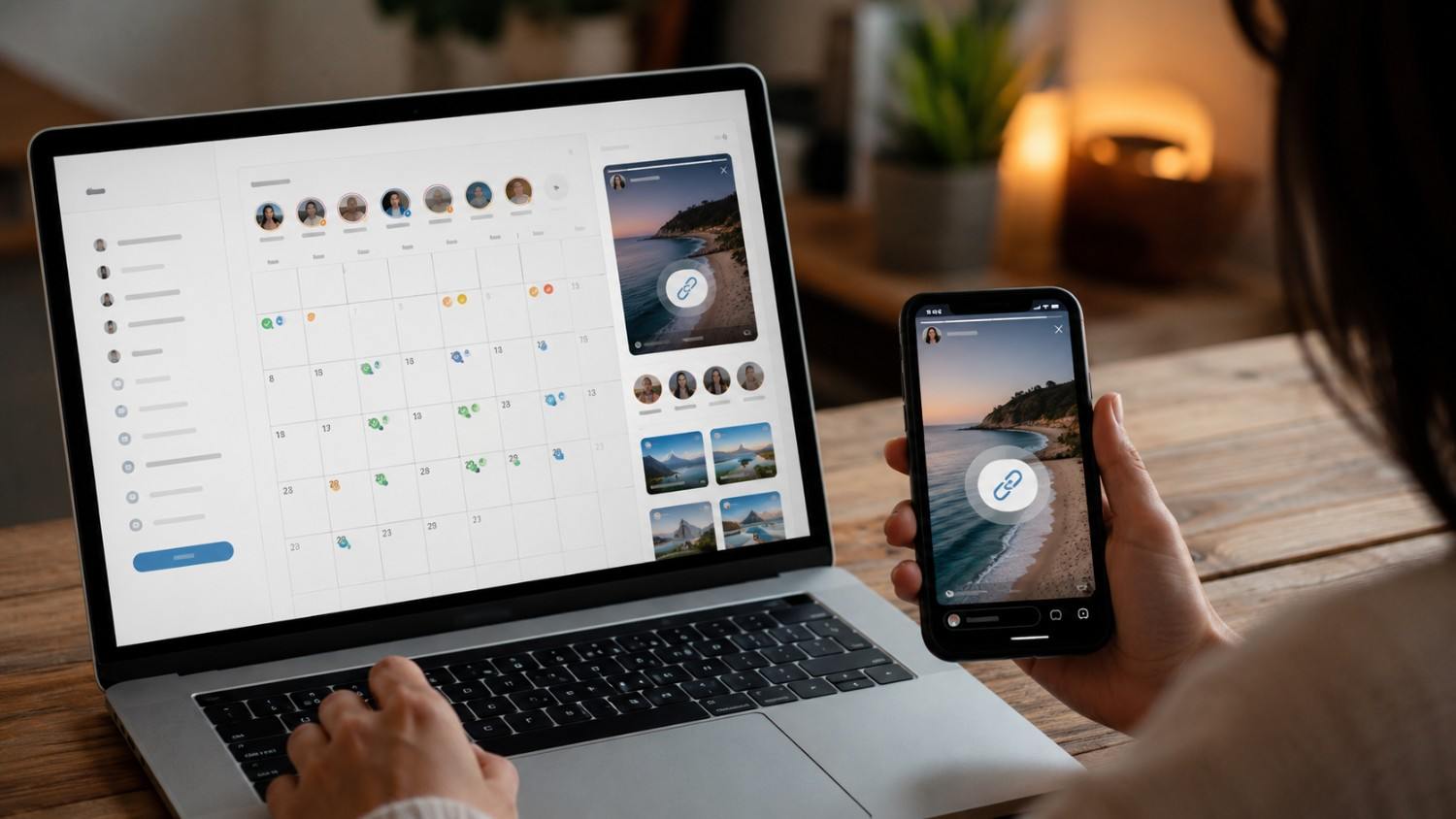
Why your scheduled story never actually posted
This has happened to me, and it’s genuinely frustrating when you’ve done everything right and the Story just… doesn’t show up. Here’s what I’ve learned about tracking down the cause.
First, check your account type. Scheduling only works with Business or Creator accounts. A personal account won’t let any tool post on its behalf, no matter how well configured it is. You can switch account types in your Instagram settings in a couple of taps if this is the issue.
Second, permissions can quietly expire. The scheduling tool needs ongoing permission to post on your behalf, and sometimes that connection breaks without much warning. Disconnecting and reconnecting your account in the tool’s settings usually fixes this in under a minute.
Third, formatting matters more than people realize. Photos want to be 1080 by 1920 pixels, and videos should be in MP4. Get the format wrong and some tools will just quietly fail to publish rather than throwing an obvious error.
Fourth, timing conflicts are a real thing if you’ve got multiple Stories scheduled close together. I try to space mine at least fifteen minutes apart now after running into a couple of overlapping posts that never went out.
Fifth, keep both the Instagram app and whatever scheduling tool you’re using updated. An outdated app version has caused more publishing failures for me than anything else on this list, honestly.
And last, Instagram does cap how many Stories an account can post in a day. It’s not an official published number, but most accounts seem fine well below a hundred posts a day. If you’re posting a huge volume and things start failing, that ceiling might be why.
Scheduling a sequence of stories that actually flow together
A sequence is just several Stories designed to play one after another and tell something like a mini narrative, a behind the scenes look, a product launch, a day in the life. It’s a nice way to hold attention for longer than a single slide would.
Here’s how I put one together now. I start by shooting or gathering all the photos and video for the whole sequence in one sitting, rather than trying to piece it together over several days. Then I upload the whole batch into my scheduling tool at once. Social by InstantDM lets me queue multiple Stories and set the order, which makes this part painless.
For timing, I space each Story five to fifteen minutes apart so the sequence feels natural rather than dumping everything on someone at once. Once the first one goes live, I open Instagram and layer in music, polls, or stickers on each following Story before its turn comes up. And afterward, I actually look at the analytics to see where people dropped off or engaged most, and I use that to shape the next sequence. It’s a small feedback loop but it adds up over a few weeks.

You don’t need your phone to schedule stories
A lot of people assume Story scheduling only happens from a phone. It doesn’t, and honestly scheduling from a laptop is far more efficient once you get used to it.
Meta Business Suite works fine from business.facebook.com. You pick your Instagram account, build the Story right in the browser, and set a future time. It’s the simplest starting point if you haven’t scheduled anything before.
Social by InstantDM works the same way from any browser, phone, tablet, or desktop, and I’ve found the dashboard genuinely flexible for uploading a batch and organizing it before anything goes out. Later has a clean desktop interface too if you want something more visual. Hootsuite supports desktop scheduling as well, mostly aimed at teams working from a shared dashboard.
The real advantage of working from a laptop is speed. Uploading ten Stories at once, arranging them in order, and setting all the timing without switching between apps on a tiny phone screen saves a genuine chunk of time compared to doing it all from your pocket.
Free versus paid, and what you actually need
I tested both ends of this and here’s roughly where things land.
On the free side, Meta Business Suite costs nothing, auto publishes basic Stories, and supports link stickers, though it’s limited to Instagram and Facebook. Social by InstantDM has a free plan with unlimited Story scheduling across eight platforms plus some AI agent features built in, which is more than I expected from something with no price tag. Buffer’s free plan covers three channels but only sends reminders rather than posting for you.
On the paid side, Later runs about $25 a month and adds a grid preview along with auto-publishing. Hootsuite runs closer to ninety-nine dollars a month, aimed more at teams that need approval workflows and deeper reporting. Social by InstantDM also has paid tiers if you want unlimited posting volume, more AI features, or API access for something custom.
My honest take after testing all of it: if you just want to get basic Stories out the door on autopilot, the free tools cover that completely. You only really need to pay once you’re managing multiple platforms at volume or want the extra analytics and team features that come with the paid plans.
Previewing, editing, and rescheduling before anything goes live
I always preview before I let anything publish, no exceptions, because catching a typo or a bad crop after something’s already live is a much bigger headache than catching it beforehand.
In Meta Business Suite, you can tap into any scheduled post from the content calendar to see exactly how it’ll look, and from there you can edit the caption, swap the image, or push the time back. Social by InstantDM shows a preview right in the dashboard too, and you can adjust the content or the schedule, or just delete it outright if you change your mind. Later works much the same way through its own calendar view.
The habit I’d recommend is simple. Before anything gets scheduled, actually look at how it renders, check that the text is readable against the background, and double check the time you’ve set, especially if you’re working across time zones or planning something for early morning.

Batching an entire week of stories in one sitting
This is the single biggest time saver I’ve adopted, and it took me a while to actually commit to it properly.
I start by roughly planning the week’s themes before I shoot anything. Something like a behind the scenes look on Monday, a tip or short tutorial Tuesday, a poll or question Wednesday, a product highlight Thursday, and something more personal on Friday. Having that rough shape decided ahead of time makes the actual content creation faster because I’m not staring at my camera roll wondering what to post.
Then I create everything for the week in one sitting rather than spreading it across seven separate days. Photos, video, captions, all of it, done in one focused stretch rather than piecemeal.
From there I upload the whole batch into Social by InstantDM and schedule it across the week in one go. I try to pick posting times based on when my audience is actually most active, which I check through the analytics rather than guessing. Each morning I still open Instagram briefly to add music or a poll to that day’s Story, but that’s a thirty second task at most. And at the end of the week I look back at what performed well and let that shape the following week’s plan.
Doing it this way takes me roughly two hours on a Sunday, and it saves me somewhere around thirty minutes every single day during the week that follows. That trade has been worth it every time.
The little touches that keep scheduled stories from feeling scheduled
A few small things make a real difference in how a Story feels, even the parts that are technically automated.
Text overlays should stay readable above everything else. It’s easy to get carried away with a font that looks nice but disappears against a busy background, so I’ve learned to keep contrast high and size generous. Sticking to consistent brand colors across your Stories builds a kind of visual recognition over time, people start to know it’s you before they even read the caption. Music, when I add it manually, gets matched to the mood, something upbeat for an announcement, something calmer for a behind the scenes moment. Interactive stickers genuinely do boost responses when I use them, polls especially tend to pull people in. Filters get kept consistent across posts rather than switched around randomly. And the layout feature for combining several photos into one frame has become a nice option when I want something that feels a bit more collage like than a single straight shot.
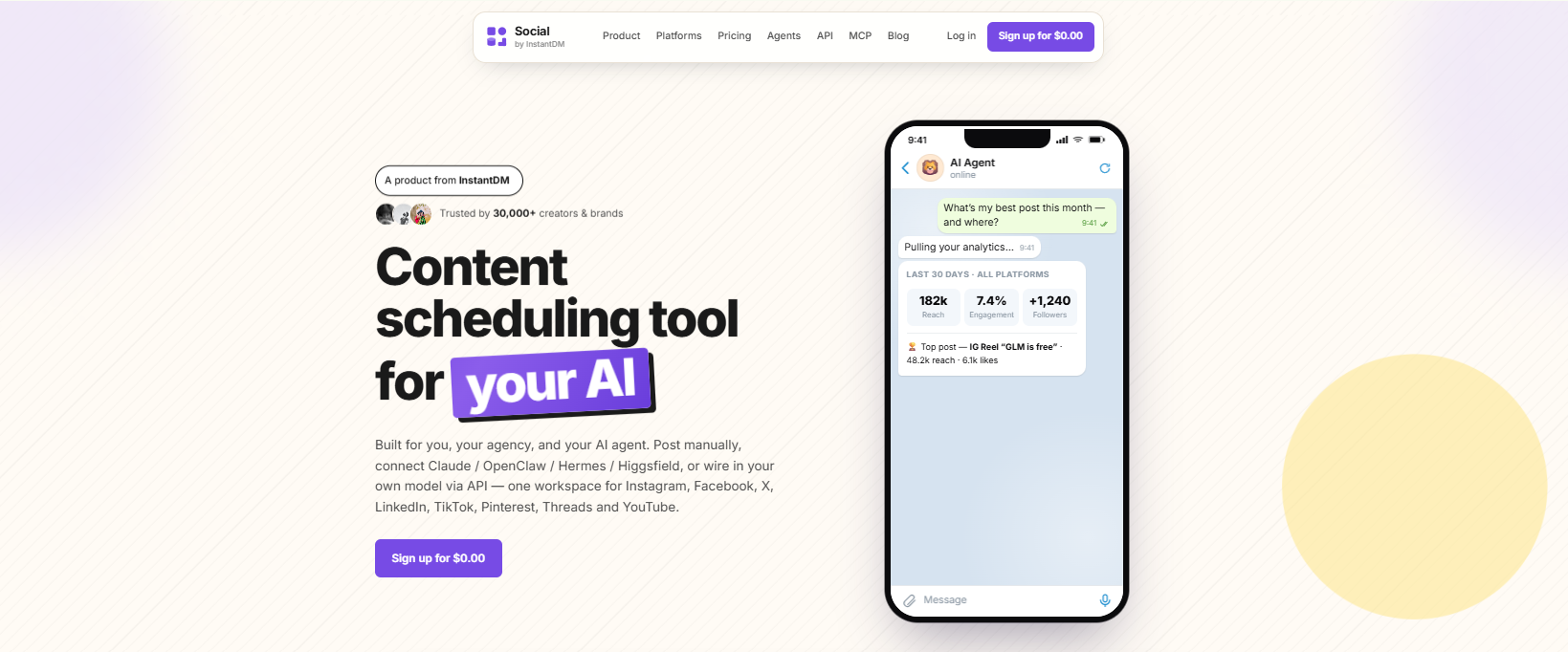
The tools I actually tried, ranked by what they’re good at
Social by InstantDM ended up being the one I use most, mostly because it covers eight platforms rather than just Instagram, includes link stickers, and has AI agent features that the free tools generally skip. Meta Business Suite is the best pick if you want something free and don’t need more than Instagram and Facebook. Later suits people who care a lot about how their grid looks visually, since the preview feature is genuinely nice. Hootsuite makes the most sense for teams that need approval steps built into the workflow. Buffer is the simplest of the bunch if all you want is a clean interface and clear pricing, though remember it only reminds you rather than posting automatically.
None of these are universally “the best.” It really comes down to whether you’re solo or on a team, how many platforms you’re juggling, and whether AI features or a nicer visual calendar matter more to you.
Frequently asked questions
Can you schedule Instagram Stories with music in 2026?
No. Instagram’s API doesn’t let any tool auto-publish a Story with music attached. Add it manually in the app right before it goes live.
What’s the best tool for scheduling stories?
For me, Social by InstantDM has been the best tool, mainly because of its eight-platform coverage and AI features. If you want something free and simple, Meta Business Suite covers the basics well.
Can you schedule from a computer?
Yes, easily. Meta Business Suite, Social by InstantDM, Later, and Hootsuite all support scheduling from a browser, no phone required.
How many Stories can you post in a day?
There’s no official published number, but most accounts seem fine posting anywhere up to around fifty to a hundred a day. Go much higher and you risk your Stories getting suppressed.
Why didn’t my scheduled Story post?
Most often it’s an account type issue, a broken connection between the app and Instagram, a formatting mismatch, or two Stories scheduled too close together. Working through that list usually turns up the culprit.
The conclusion
Scheduling Instagram Stories in 2026 works, but it comes with a real ceiling. Anything basic, a photo, a video, plain text, can run entirely on autopilot. Anything interactive, music, polls, question boxes, sliders, needs a human hand on it before it goes live, and no amount of searching for a better tool is going to change that.
The workflow that’s actually stuck for me is scheduling the base version of a Story through Social by InstantDM and then spending thirty seconds adding the fun parts manually right before it publishes. It’s not full automation, but it’s close enough that it saves real time every single day while still giving me full creative control over the parts that matter most. For anyone managing Stories across a team or a busy content calendar, automating the basics alone is still worth hours back every week, even before you factor in the thirty seconds of manual polish on top.