Instagram Story Dimensions & Safe Zones 2026 (Free Templates)
Instagram Story dimensions are 1080x1920 at 9:16. Here is the exact safe zone and free template to avoid cut-offs.
TL;DR
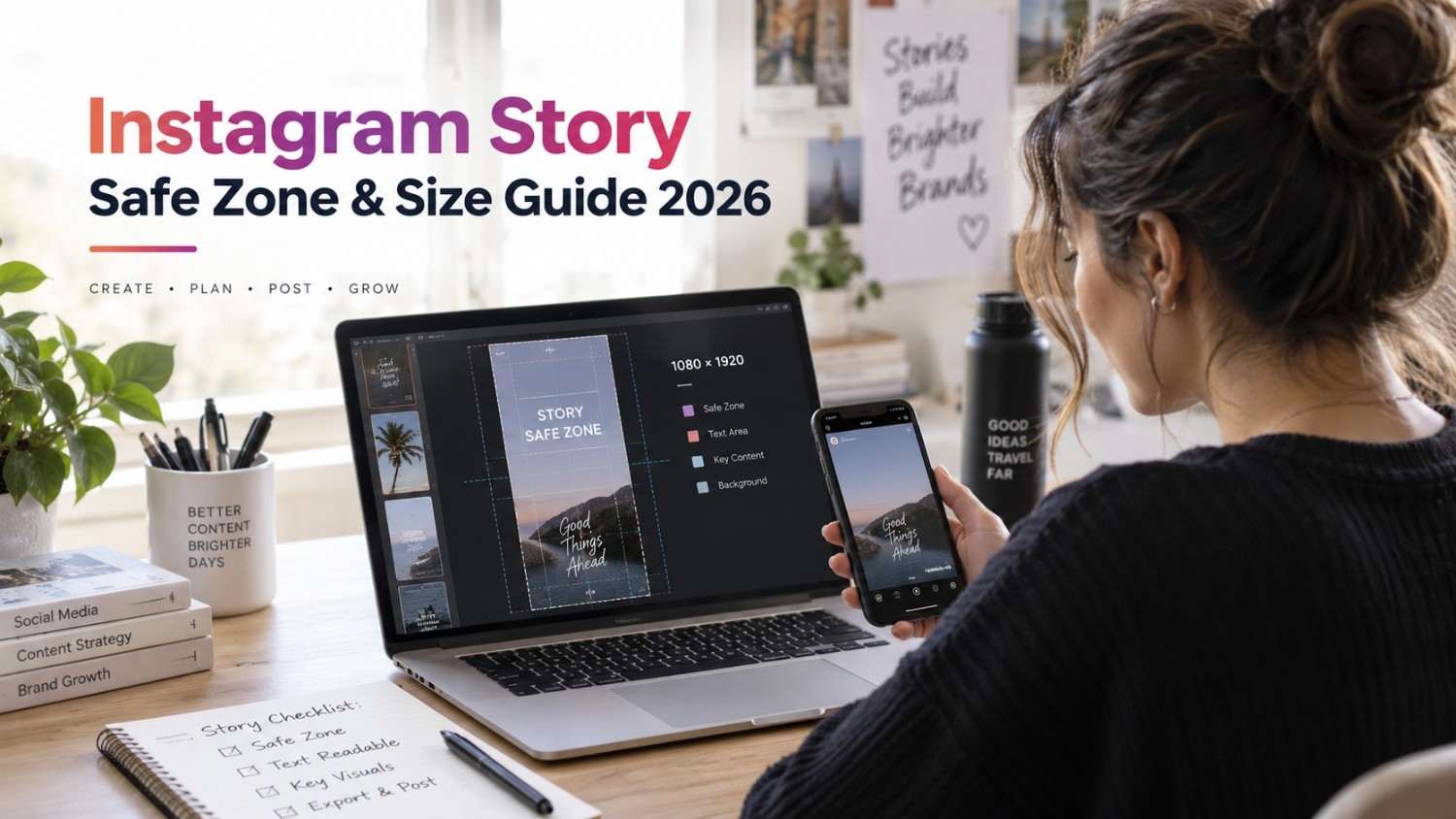
Instagram Stories measure 1080 by 1920 pixels at a 9:16 aspect ratio. But the actual safe zone is smaller, sitting at approximately 1080 by 1420 pixels. Instagram’s interface covers roughly the top 250 pixels, where the username and timestamp sit, and the bottom 250 pixels, where the reply bar and link stickers live.
If text, faces, or CTAs end up in either of those unsafe zones, they get covered or cut off, which directly hurts both readability and engagement.
Bottom line, if your Stories keep having text cut off or CTAs covered, the underlying problem is almost always your dimensions and safe zone placement, not the actual content itself. This guide gives you the exact specs and a clear framework to fix it permanently.
Introduction
A surprising number of Instagram Stories get their most important line of text covered by a timestamp, or their carefully framed CTA button hidden behind the reply bar the second the Story actually publishes. It is one of those small design mistakes that happens constantly, usually because the person designing the Story never accounted for the fact that Instagram’s own interface sits directly on top of the content, covering real estate the designer assumed was fully visible.
This issue is not really a creativity problem. It is a specs problem, and specs problems have exact, fixable answers. Instagram Stories follow a specific canvas size, and within that canvas is a smaller safe zone where content stays visible without interference. Anything placed outside that safe zone risks getting obscured by the username, the timestamp, the reply bar, or a link sticker, no matter how good the design itself looks in isolation.
This guide breaks down the exact dimensions, the safe zone boundaries, and the placement rules for text, stickers, and CTAs, along with the tools worth using to get all of it right the first time.
Instagram Story Size & Dimensions in 2026
Instagram Story dimensions themselves have not changed much over the years, but the safe zone has become more important as Instagram’s interface has continued to evolve with new stickers, buttons, and overlays.
Here are the current 2026 specs in full.
The canvas size is 1080 by 1920 pixels. The aspect ratio is 9 by 16, full screen and vertical. The safe zone measures roughly 1080 by 1420 pixels, centered within the canvas. The unsafe zone at the top runs about 250 pixels, covering the username and timestamp. The unsafe zone at the bottom also runs about 250 pixels, covering the reply bar and link stickers. The maximum file size is 30MB for images and 4GB for video. Accepted formats include JPG, PNG, MP4, and MOV. Video length can run up to 60 seconds per segment.
The key rule worth internalizing is simple. Always design on the full 1080 by 1920 pixel canvas, but keep everything that actually matters specifically within the 1080 by 1420 pixel safe zone.
https://youtu.be/XhsEPzVgkGI?si=1QBMMjlOWJN_DQC3
What Is the Instagram Story Safe Zone?
The safe zone is the portion of a Story that stays visible without any obstruction from Instagram’s own interface. That interface sits directly on top of your content, covering specific parts of the screen regardless of what you design underneath it.
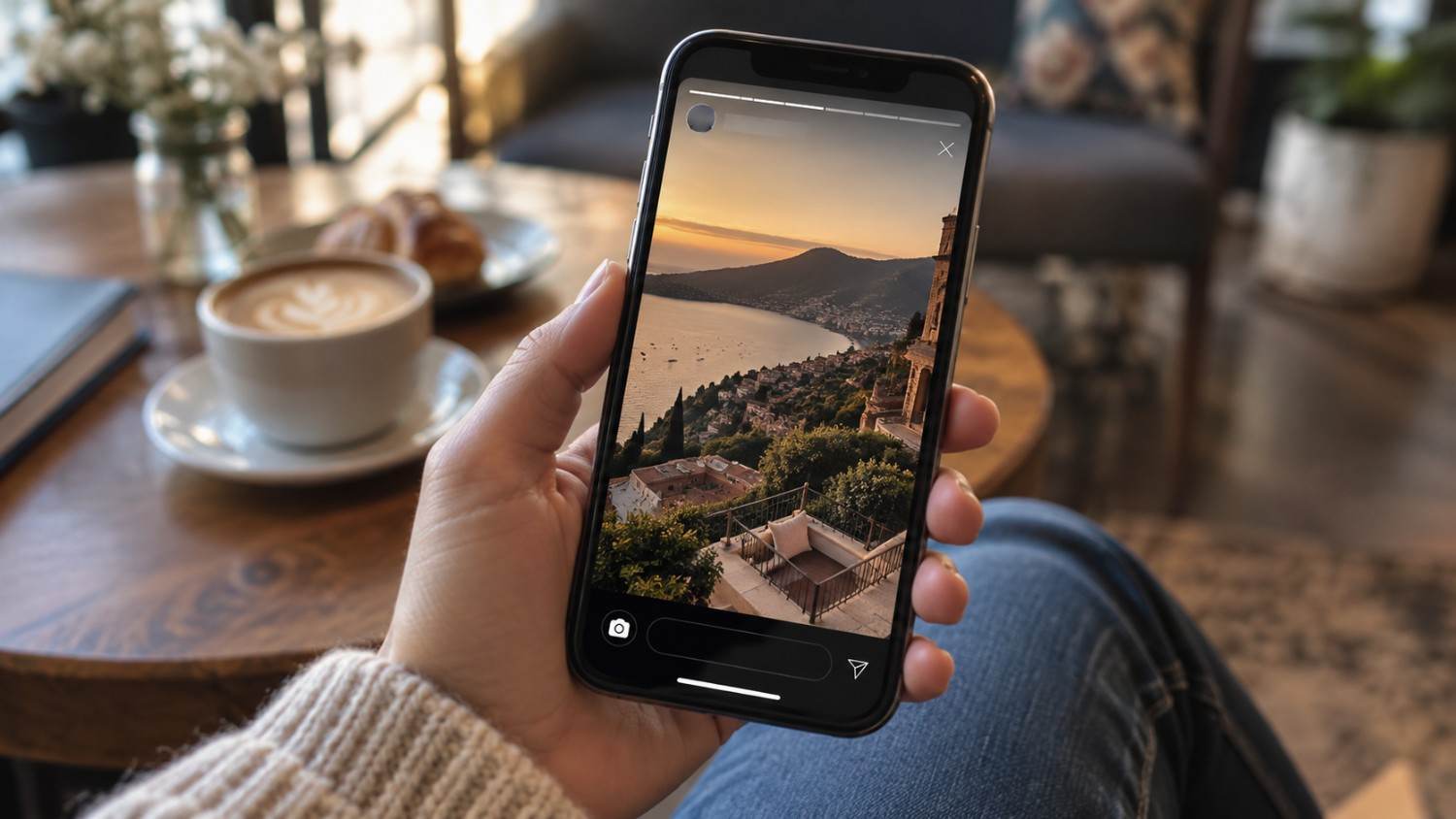
The top safe zone boundary sits about 250 pixels down from the very top of the canvas. Instagram displays the username, timestamp, and the Your Story label in that space, right over whatever content happens to be underneath.
The bottom safe zone boundary sits about 250 pixels up from the very bottom of the canvas. Instagram displays the reply bar, link stickers, and navigation controls in that space instead.
The center safe zone, measuring roughly 1080 by 1420 pixels, is the area where content stays fully visible without any interference at all.
The rule to follow is straightforward. Keep text, faces, and CTAs within that centre safe zone specifically. Anything important placed in either unsafe zone risks getting covered the moment the Story actually goes live.

Instagram Story Safe Zone Template: Where to Keep Text, Stickers & CTAs
Here is exactly where to place different elements within a Story to keep everything visible.
For text, headlines work best centred within the safe zone, roughly between the 460 and 960 pixel mark vertically. Body text should sit below the headline, still comfortably inside the safe zone boundaries. Text should never be placed within the top 250 pixels or the bottom 250 pixels under any circumstance.
For stickers, polls, questions, quizzes, and countdown stickers should all be placed toward the centre of the safe zone rather than pushed toward either edge.
For CTAs, swipe up prompts or link stickers work best toward the bottom of the safe zone, just above where the reply bar sits. DM me text tends to work well centered within the safe zone. Tap the link prompts should stay comfortably above the bottom unsafe zone rather than crowding it.
For faces and other key visuals, placing them toward the center of the safe zone avoids awkward cropping. Faces should never be cropped right at the top or bottom edges of the frame, and key visual elements in general should stay within that 1080 by 1420 pixel area.
Exact Instagram Story Pixel Size, Aspect Ratio & Resolution
Here is the complete technical spec laid out clearly.
Width comes to 1080 pixels. Height comes to 1920 pixels. The aspect ratio is 9 by 16. Resolution sits at standard high definition, vertical orientation. The file size limit is 30MB for images and 4GB for video. Video duration can run up to 60 seconds per segment. Accepted formats include JPG, PNG, MP4, and MOV.
The core spec is genuinely straightforward, 1080 by 1920 pixels at a 9 by 16 ratio. What actually matters for good design beyond that baseline spec is the safe zone specifically.

Where Instagram UI Covers Your Story Content
Instagram’s interface covers a few specific, predictable areas of every single Story, regardless of what content sits underneath it.
Top 250 pixels
The top 250 pixels of every Story get covered by the username and profile picture, the Your Story label, the timestamp, and the close button, represented by an X in the corner. Anything placed here risks getting partially or fully hidden behind these elements.
Bottom 250 pixels
The bottom 250 pixels get covered by the reply bar, any link stickers present, navigation arrows, and the general send message area. This zone tends to catch more accidental placements than the top zone, since CTAs naturally want to sit lower on the screen.
Left and right edges
Some phones crop the extreme left and right edges of a Story slightly differently depending on screen shape and aspect ratio variations across devices. Keeping genuinely important content away from those extreme edges avoids inconsistent cropping across different phones.
The key point worth remembering is that the top and bottom 250 pixels represent the real danger zones. Keeping all important content within the center 1420 pixels avoids almost every common Story design mistake.
Instagram Story Safe Zones for Text, Polls, Links & Buttons
Different elements benefit from slightly different placement within the broader safe zone.
For text placement, headlines generally work well roughly between 460 and 960 pixels vertically, sitting near the center. Subheadlines tend to work well just below that, roughly between 960 and 1200 pixels. Body text overall should stay somewhere between roughly 600 and 1300 pixels to remain comfortably within the safe zone throughout.
For poll stickers, placing them toward the center of the safe zone works best, avoiding both the top and bottom edges and staying clear of any text elements nearby to avoid visual clutter.
For link stickers, placing them above the bottom unsafe zone matters most, keeping at least 250 pixels of distance from the very bottom edge to make sure the sticker stays fully visible and tappable.
For buttons and CTAs specifically, a swipe up style prompt tends to work well toward the bottom of the safe zone, roughly between 1400 and 1600 pixels vertically. A tap here prompt tends to work well centered, and a DM me prompt tends to work equally well centered within the safe zone.
How to Design Instagram Stories Without Important Content Getting Cut Off
Here is the actual design process worth following every time.
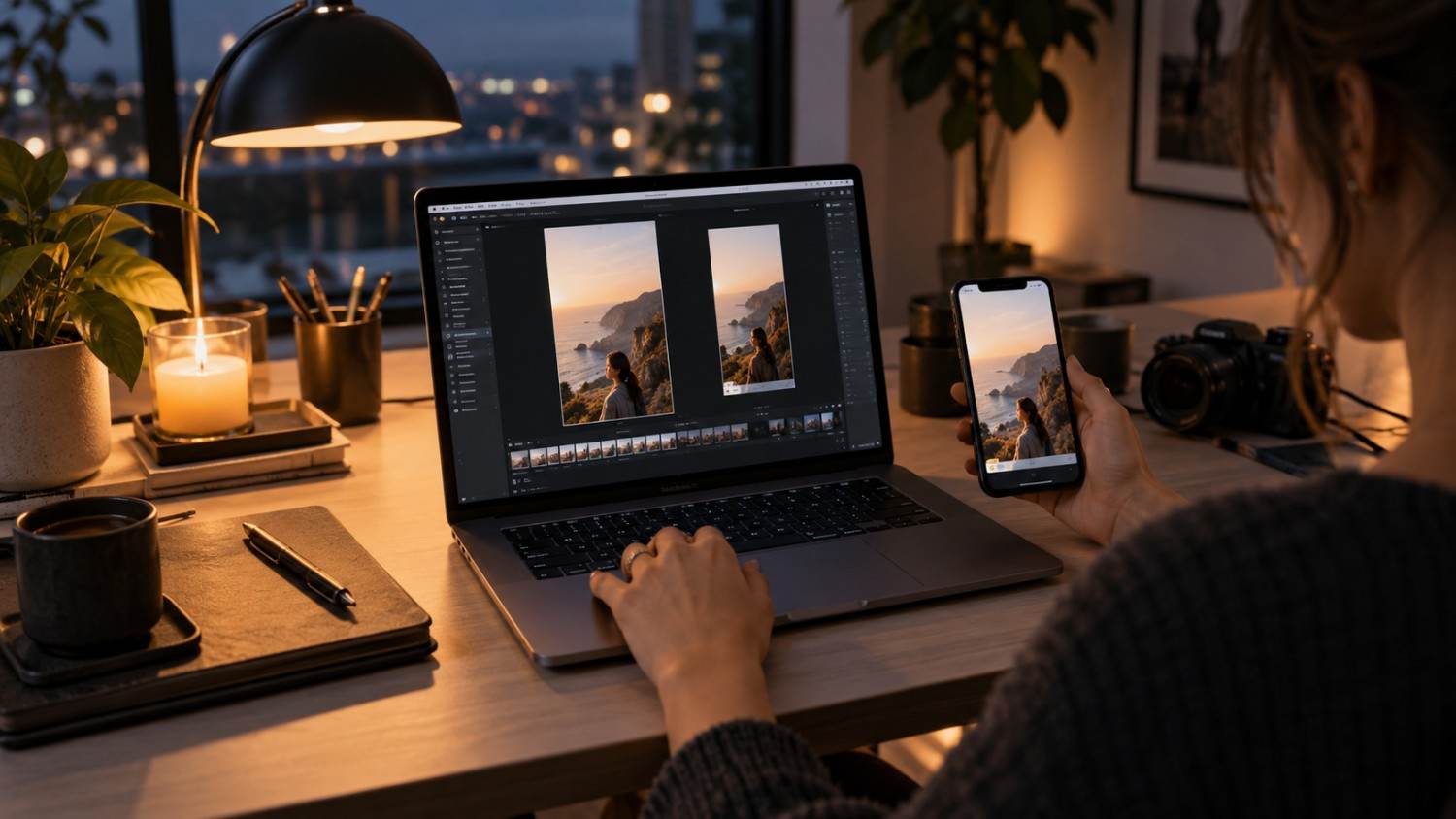
Step 1 is starting with a full 1080 by 1920 pixel canvas, which represents the entire Story size regardless of where the safe zone eventually sits.
Step 2 is marking the safe zone clearly, drawing a rectangle running roughly from the 250 pixel mark down to the 1670 pixel mark. This becomes your genuine working area for anything important.
Step 3 is placing all important content within that marked safe zone. Text, faces, and CTAs, essentially everything that actually matters to the viewer, belongs here specifically.
Step 4 is using the unsafe zones purely for background elements. Background colors, patterns, or secondary decorative elements can safely extend into the unsafe zones since they are not carrying any critical information.
Step 5 is testing the design on multiple devices before publishing, since different phones display Stories slightly differently depending on screen size and shape. Checking a design on at least two to three different devices catches issues that a single preview might miss entirely.
https://youtu.be/WXfMlTzZmLU?si=ed2CPAtV2ztJB6ZD
Instagram Story Size vs Reels vs Feed Posts
Different content formats on Instagram follow different specs, and mixing them up leads to awkward cropping or letterboxing that undermines an otherwise solid piece of content.
Instagram Stories
Instagram Stories measure 1080 by 1920 pixels at a 9 by 16 aspect ratio, with a safe zone of roughly 1080 by 1420 pixels and a maximum duration of 60 seconds per segment.
Instagram Reels
Instagram Reels share the exact same 1080 by 1920 pixel size and 9 by 16 aspect ratio as Stories, along with the same roughly 1080 by 1420 pixel safe zone, but allow for a longer duration of up to 90 seconds.
Instagram Feed Posts
Instagram Feed Posts follow entirely different ratios depending on the format chosen. A square post runs at 1080 by 1080 pixels, with a 1 to 1 ratio. A portrait post runs 1080 by 1350 pixels at a 4 to 5 ratio. A landscape post runs 1080 by 566 pixels at roughly a 1.91 to 1 ratio.
The key takeaway is that Stories and Reels genuinely share the same 9 by 16 format, which means a design built for one generally works for the other with little adjustment. Feed posts require a completely different approach given their entirely different aspect ratios.
Best Tools for Creating Correctly Sized Instagram Stories
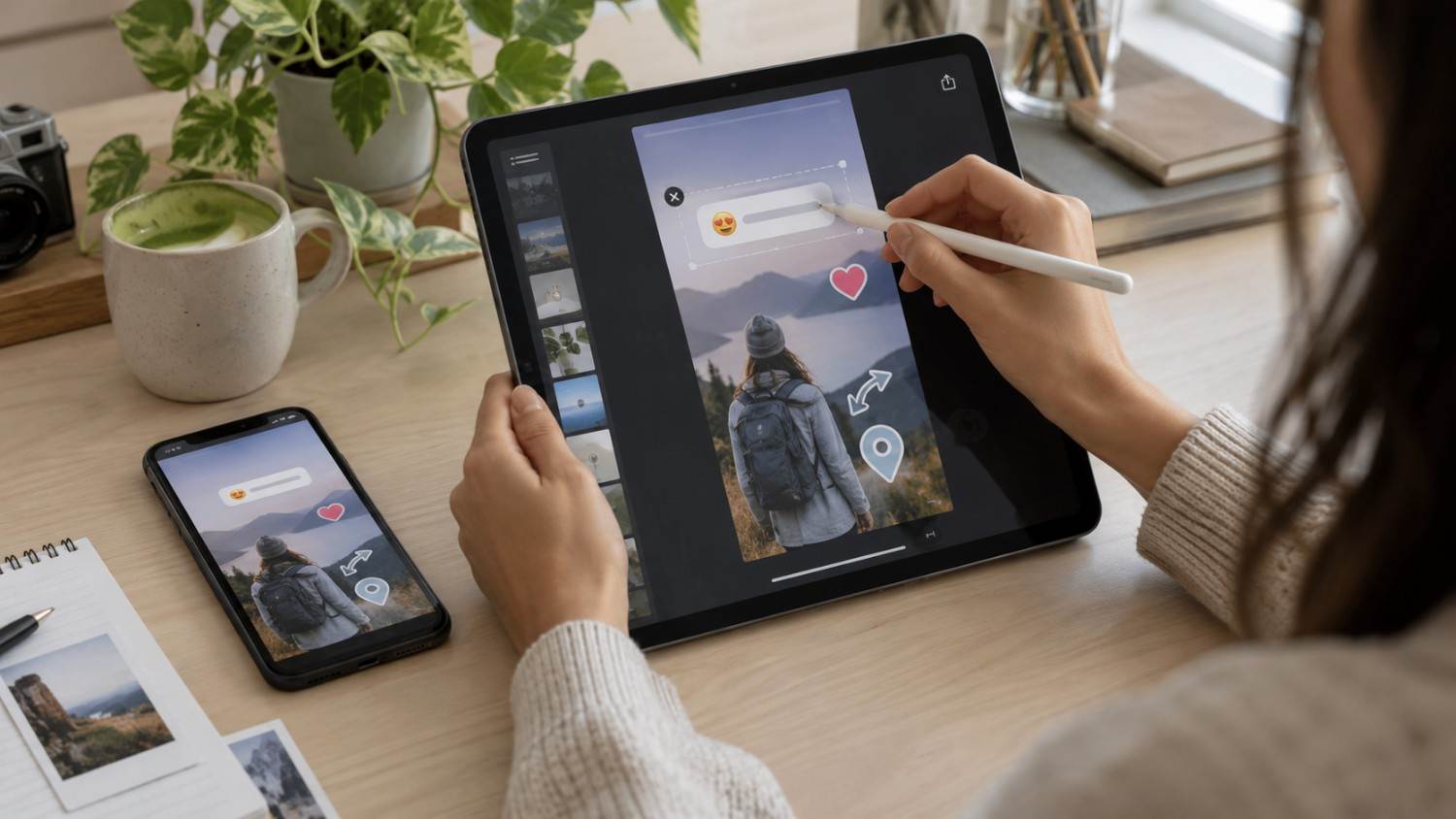
Here are the tools worth using to make sure a Story comes out at the correct dimensions from the very start.
Canva
Canva offers free templates already built at the correct 1080 by 1920 pixel size, with a drag and drop interface and built in safe zone guides that make it hard to accidentally place something important in the wrong spot.
Adobe Express
Adobe Express provides professional templates that already come at the correct dimensions, along with brand kit support that helps keep a consistent look across a whole series of Stories rather than each one looking slightly different.
InShot
InShot handles mobile video editing specifically, offering Story templates and exporting cleanly at the correct 1080 by 1920 pixel size, which suits creators who film and edit entirely from their phone.
Unfold
Unfold focuses on minimalist Story templates with a clean, understated aesthetic, all built at the correct dimensions from the start so there is little risk of exporting at the wrong size by mistake.
Common Instagram Story Design Mistakes That Hurt Readability & Engagement
These mistakes quietly hurt Story performance, often without the creator realizing exactly why engagement dropped off.
Mistake 1: Placing text in the unsafe zones. Text sitting at the very top or bottom gets covered by Instagram’s own interface elements.
Mistake 2: Cropping faces at the edges. Faces cut off awkwardly at the top or bottom of the frame tend to look unprofessional and distracting.
Mistake 3: Ignoring the safe zone entirely. Designing without ever considering the 1080 by 1420 pixel safe area tends to produce content that looks fine in an editor but breaks once actually published.
Mistake 4: Using the wrong dimensions altogether. Designing at a ratio other than 9 by 16 causes awkward cropping or letterboxing once uploaded.
Mistake 5: Placing CTAs too low on the screen. A swipe up prompt placed below the safe zone gets covered directly by the reply bar.
Mistake 6: Skipping device testing. Different phones display Stories slightly differently, so always testing across multiple devices before publishing catches issues a single preview would miss.
Mistake 7: Overloading the safe zone with too much content. Cramming too much text or too many elements into the safe area makes a Story genuinely hard to read at a glance.
How Social by InstantDM Fits Into Story Design
Getting the dimensions and safe zone right solves the technical side of a Story, but it still needs to be filled with content worth posting in the first place. Social by InstantDM can help with that part specifically, since its AI generates Story content ideas that account for correct dimensions from the start, helping make sure whatever gets suggested actually fits comfortably within the safe zone rather than requiring a redesign afterward to avoid cut off text or hidden CTAs.
The Bottom Line
Instagram Story dimensions are 1080 by 1920 pixels at a 9 by 16 aspect ratio, but the safe zone is what matters most for good design. Keeping important content within the roughly 1080 by 1420 pixel safe area avoids nearly every common Story mistake.
In 2026, the safe zone has become more critical than ever as Instagram’s interface has continued to evolve with new stickers and overlays. Text, faces, and CTAs sitting in the unsafe zones still get covered or cut off exactly the same way they always have.
Start designing with the safe zone in mind today. Mark it clearly on your canvas. Place everything important within it. Test the result across multiple devices before publishing. That is genuinely how well-designed Stories actually come together.
Sources Used for This Guide:
References:
https://snappa.com/blog/instagram-story-dimensions/
Frequently asked questions
What are the Instagram Story dimensions for 2026?
Instagram Stories measure 1080 by 1920 pixels at a 9 by 16 aspect ratio. The safe zone comes to roughly 1080 by 1420 pixels. Keep anything important within that area specifically.
What is the Instagram Story safe zone?
The safe zone is the area of a Story that stays visible without any obstruction. It measures roughly 1080 by 1420 pixels, centered within the full 1080 by 1920 pixel canvas. Keep text, faces, and CTAs within that specific area.
Why is my Instagram Story text getting cut off?
Your text is likely sitting in one of the unsafe zones. Instagram's interface covers roughly the top 250 pixels and bottom 250 pixels of every Story. Moving text toward the center of the safe zone generally resolves this.
What size should Instagram Story text be?
Text should be large enough to read comfortably on a mobile screen. Headlines generally work well somewhere between 40 and 60 points. Body text generally works well between 24 and 32 points. Keep all of it within the 1080 by 1420 pixel safe zone.
Can I use the same design for Stories and Reels?
Yes. Both Stories and Reels use the same 1080 by 1920 pixel size at a 9 by 16 ratio, which means the same underlying design generally works for both formats without much adjustment needed.