10 Best Instagram Story Schedulers That Actually Auto-Post (2026)
I tested 10 Instagram Story schedulers to find which ones actually auto-publish. Here are the best options for 2026.
TL;DR
I spent a good chunk of a week connecting ten different scheduling tools to my Instagram account just to figure out which ones genuinely post your story for you and which ones just buzz your phone and leave the rest to you. The honest answer is that most tools claiming to schedule Stories are really just reminder apps in disguise. The ones that actually auto-publish are Meta Business Suite, which is free; Social by InstantDM, which also has a solid free plan; Sked Social, and Buffer for its basic tier. None of them, not one, can auto-publish a story that has music, a poll, or a question sticker attached. Those still need thirty seconds of your own time in the app before they go live. If you want the fullest free option, Social by InstantDM covers scheduling across eight platforms with AI features baked in.
Introduction
I got tired of the vague claims. Every scheduling tool out there says something like “schedule your Instagram Stories” right on the homepage, but after using a handful of them I started noticing that half of them were just sending me a push notification and leaving me to do the actual posting myself. That’s not scheduling in any meaningful sense; that’s a to-do list reminder wearing a nicer outfit.
So I decided to actually test the process properly rather than take any tool’s word for it. I connected ten different apps to a real Instagram account, one at a time, and watched whether the Story genuinely went live without me touching my phone or whether I ended up doing the work manually anyway. What follows is everything I found, including which tools actually deliver on the promise, what you can and can’t automate regardless of which tool you pick, and a straightforward comparison so you don’t have to repeat the testing yourself.
What does “auto-post” mean for Instagram Stories?
Let me start with the basics, because this distinction matters more than people realise. Auto posting means the tool genuinely publishes your Story at the time you picked. You don’t open Instagram. You don’t tap anything. It just goes live on its own.
Reminder scheduling is something else entirely. The tool sends you a notification when it’s time to post, and from there you’re still the one opening Instagram and hitting publish yourself. The tool is really just nudging you, not doing the work for you.
Here’s the issue I ran into repeatedly. A lot of tools that market themselves as story schedulers are actually reminder-based under the hood. They’ll send a push notification and expect you to finish the job, and plenty of people don’t realise that’s the deal until they’ve already signed up and set something up expecting full automation.
True auto publishing requires the tool to connect through Instagram’s official API and push the content live without you lifting a finger. Surprisingly few tools actually manage this, which is exactly why I decided to test ten of them properly rather than trust the marketing copy on any single pricing page.
How we tested these Instagram Story schedulers
I connected each tool directly to my own Instagram account and tried scheduling a Story through every one of them. There were three things I specifically checked along the way.
First, does it genuinely auto-publish? Some tools claim to but really just fire off a notification instead. I confirmed whether the story actually went live on its own, with zero manual steps required from me.
Second, what features each tool actually supports. Can you schedule a plain photo, a video, and a link sticker? Does it even attempt music or polls, and if it claims to, does that claim hold up?
Third, what the free plan actually gives you. How many stories can you realistically schedule before hitting a wall, and how generous or stingy that free tier turns out to be in practice?
Here’s everything that turned up once I ran all ten through the same process.
10 best Instagram Story schedulers that actually auto-post
1. Meta Business Suite
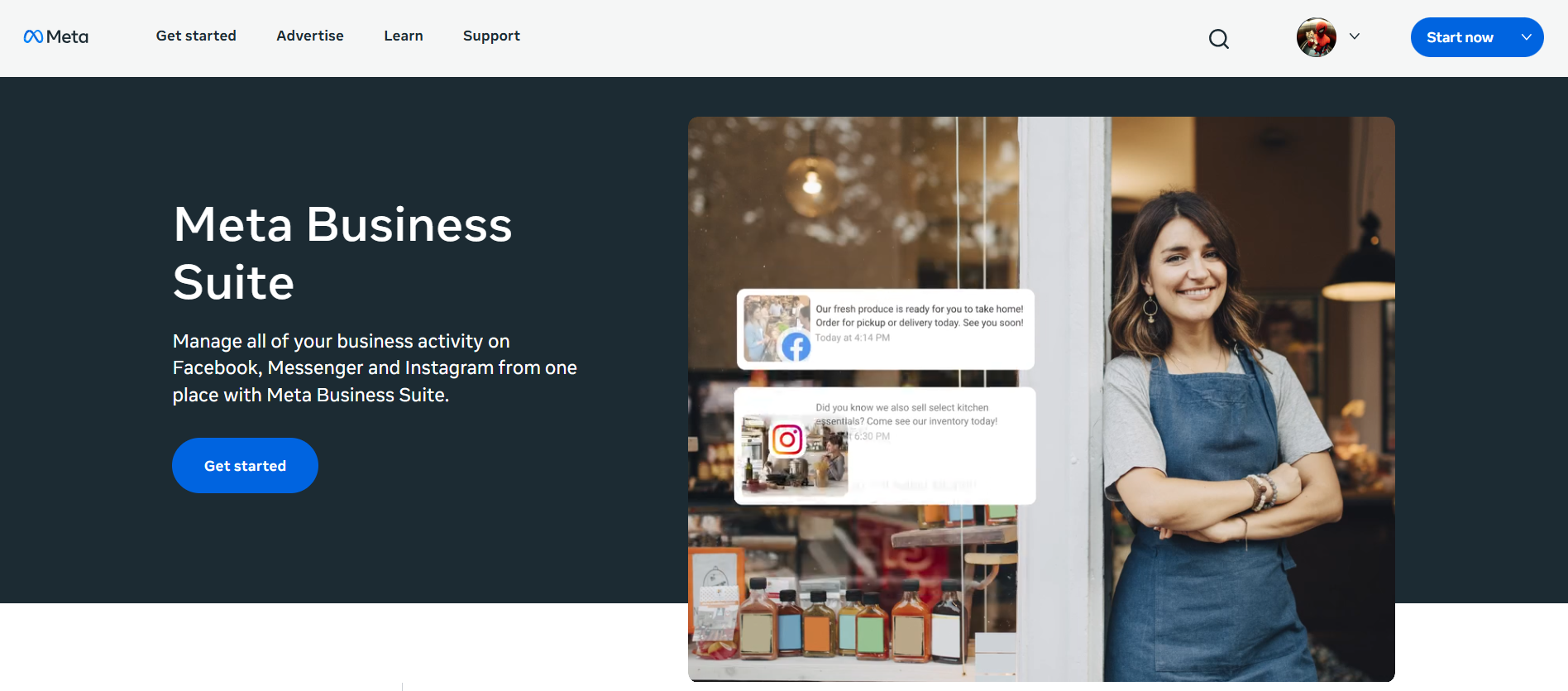
This is Instagram’s own built-in scheduling tool, and it costs nothing to use. You can plan stories as far out as 75 days in advance, which is more runway than most people will ever actually need.
Auto publishing works reliably for basic Stories, meaning plain photos and videos, and it also handles link stickers without issue. The catch is that it only covers Instagram and Facebook, so if you’re managing anything beyond those two platforms, you’ll need something else alongside it.
The free plan allows up to 25 posts and the full 75 day scheduling window. It’s the tool I’d point a total beginner toward first, mainly because there’s genuinely nothing to pay and nothing complicated to learn.
2. Social by InstantDM
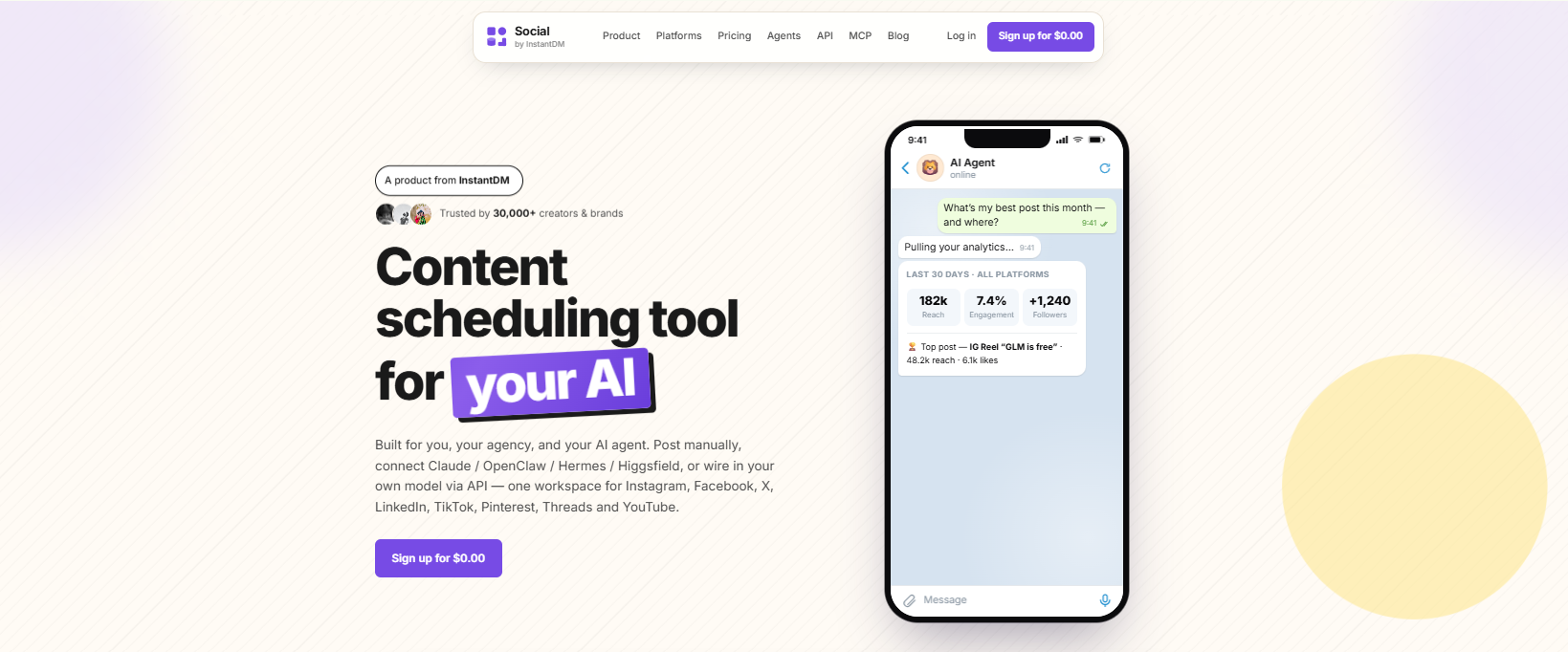
Social by InstantDM is the tool I’ve personally been using for the past few weeks, and it turned out to be the only free scheduler in my whole test that auto-publishes stories across eight separate platforms rather than just Instagram.
The free plan comes with unlimited scheduled Stories along with AI agent integration built right in. You can describe roughly what you want the story to say in plain language and have it drafted and scheduled without writing the caption yourself.
The AI agent piece is really what set it apart from everything else I tried. You can connect it to Claude or ChatGPT through their MCP server, and from there the AI handles caption drafting, hashtag suggestions, and the actual scheduling on your behalf.
Between the unlimited posting, the eight-platform coverage, and the AI features, this is the one I’d point most people toward if AI-assisted scheduling is what you’re after.
3. Sked Social
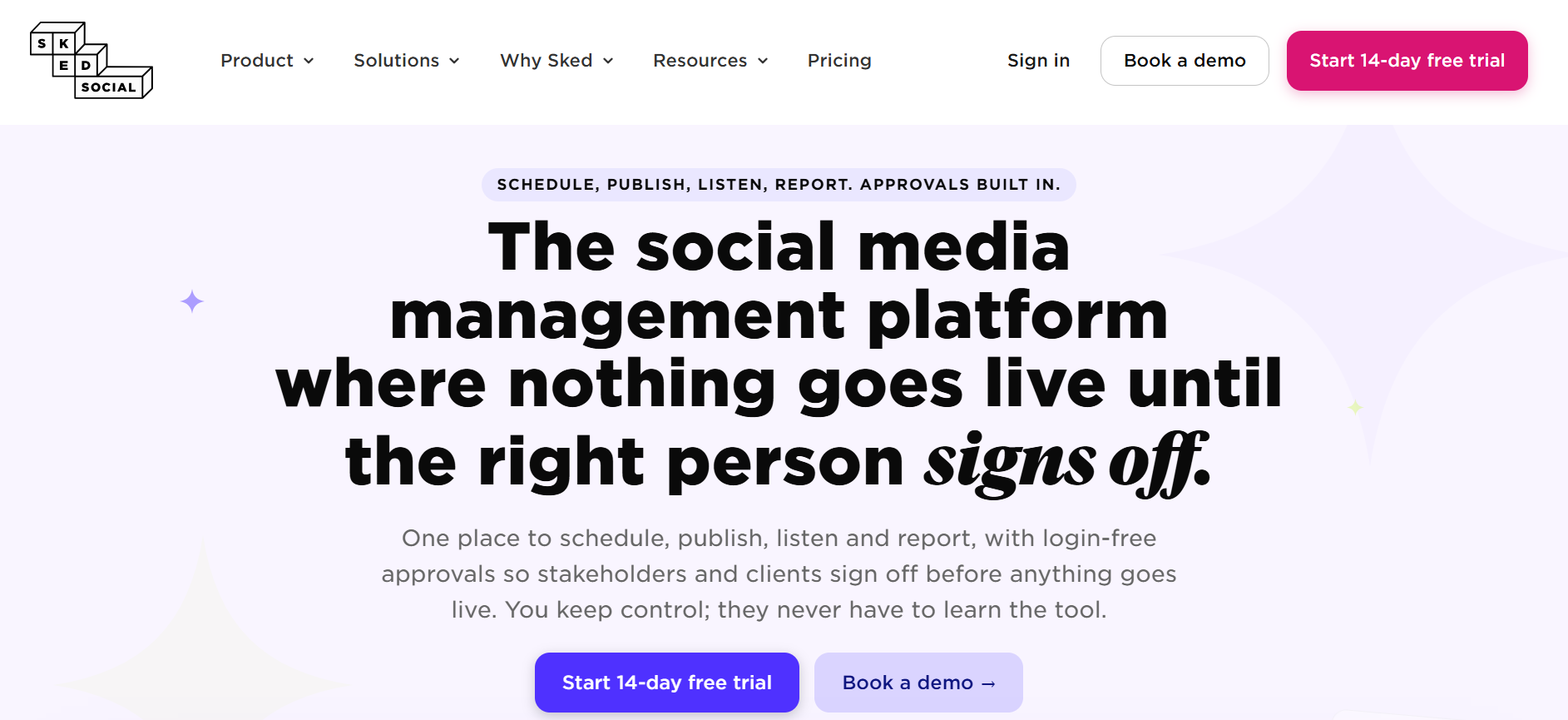
Sked Social stood out as one of the only tools I tested that reliably auto-publishes Stories with link stickers attached, which turns out to be a rarer feature than you’d expect given how commonly people ask for it.
The paid plan starts at $59 a month, which is genuinely steep next to most of the others on this list. That said, the actual story scheduling functionality behind that price tag is well built and worth it specifically if link stickers are a core part of your strategy.
4. Buffer
Buffer lets you schedule Stories, but under the hood it’s reminder-based rather than truly automated. You’ll get a notification once it’s time to post, and from there you’re still opening Instagram and publishing it yourself.
The free plan covers three channels with ten scheduled posts on each, which is fine for testing the waters but limited if you’re posting frequently.
Buffer earns its place here mainly for anyone who just wants a simple nudge system rather than full automation and who doesn’t mind the extra manual step each time.

5. Later
Later, auto-publishes basic Stories, but only once you’re on a paid plan. The free tier here is fairly thin these days, since Later no longer offers a genuinely permanent free option the way it once did.
Where Later really shines is the grid preview feature, which lets you see how your whole Instagram feed will look before anything goes live. If the visual layout of your profile matters to your brand, that alone makes Later worth a look.
6. Hootsuite
Hootsuite handles auto publishing for Stories, but again only on its paid tiers. Pricing starts at $99 per user each month, which is a lot to justify for a solo creator but reasonable enough once you’re talking about an agency managing several accounts.
The approval workflows and deeper analytics make more sense in a team context than a solo one, so I’d really only point individual creators toward Hootsuite if budget genuinely isn’t a concern.
7. Storrito
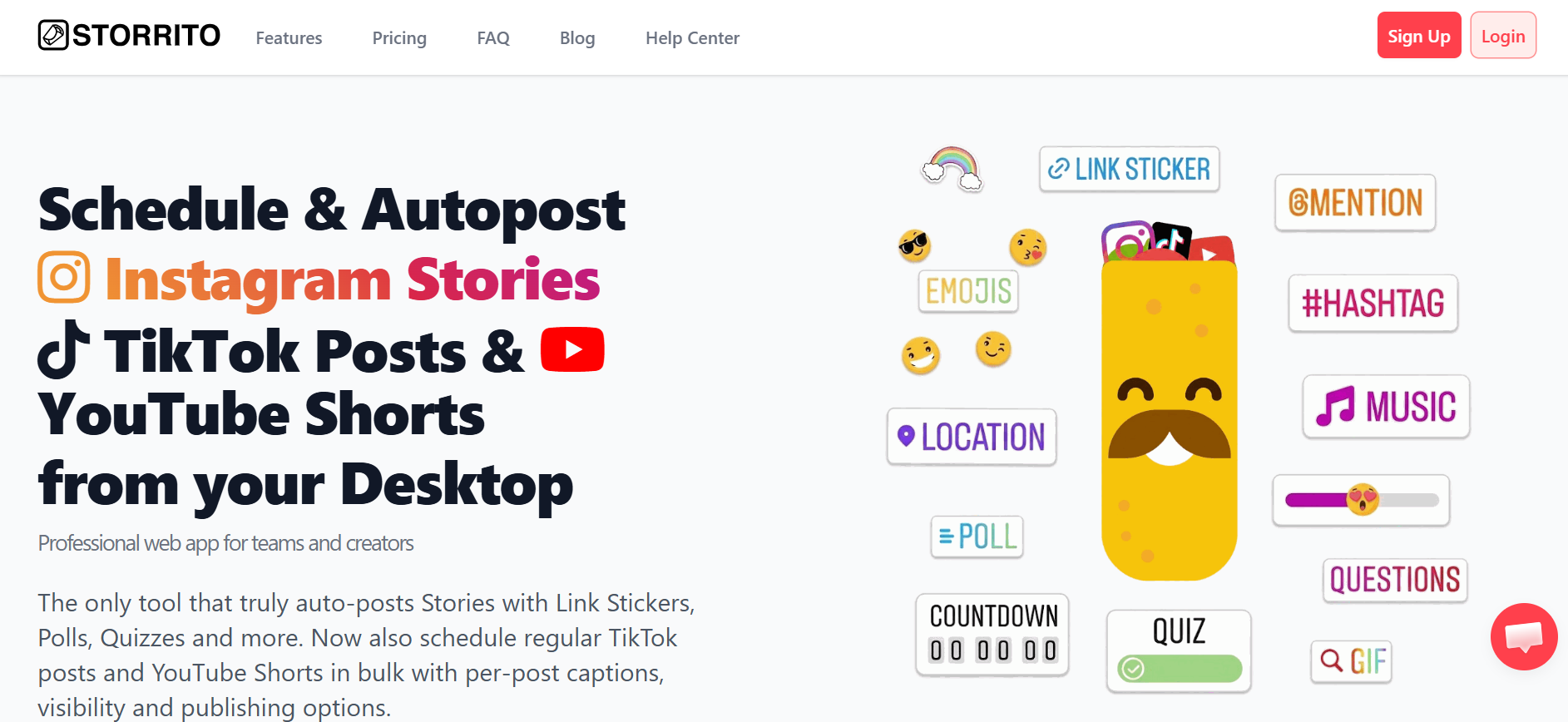
Storrito is built specifically around story scheduling rather than trying to cover every content type under one roof, and it does support auto-publishing for stories with link stickers attached.
Pricing starts at $5.99 a month for a batch of 100 Story credits, which puts it toward the more affordable end of the tools I tested, especially for anyone who’s mainly focused on Stories rather than feed posts or Reels.
8. Planable
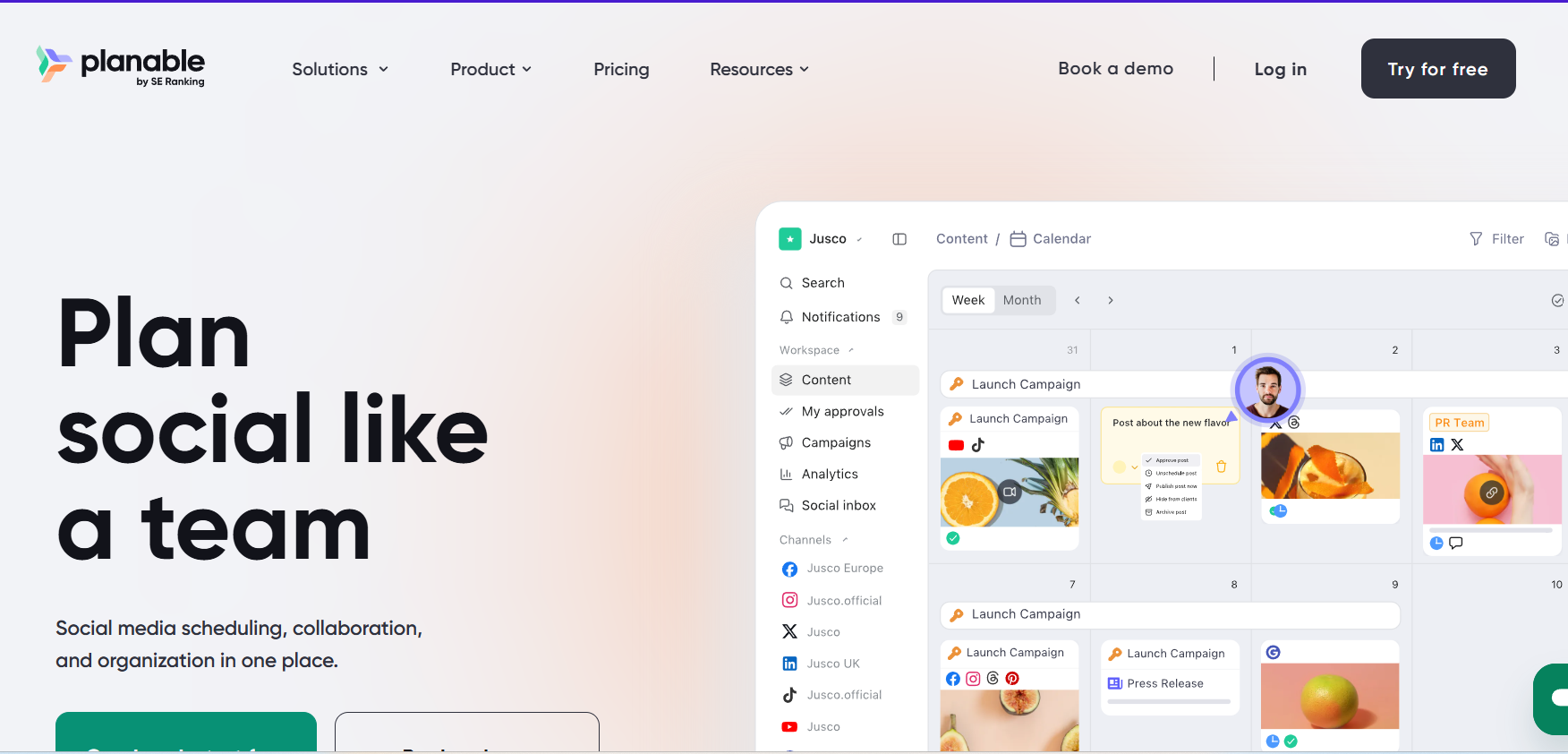
Planable supports story scheduling with genuine auto-publishing, though again that’s locked behind a paid plan. Where it really pulls ahead is the visual approval workflow, which makes it a strong pick if you’re working with a team that needs to sign off on content before it goes out.
The free plan gives you one workspace and 50 posts a month, which is a reasonable amount of room to test whether the collaboration features actually fit how your team works before committing to a paid tier.
9. SocialPilot
SocialPilot supports story scheduling once you’re on a paid plan, starting at $30 a month for a single user with room for ten connected accounts.
It’s a solid pick if you’re managing scheduling across several platforms at once and want everything centralised in one dashboard, though it doesn’t stand out in any single area like some of the more specialised tools on this list do.
10. Metricool
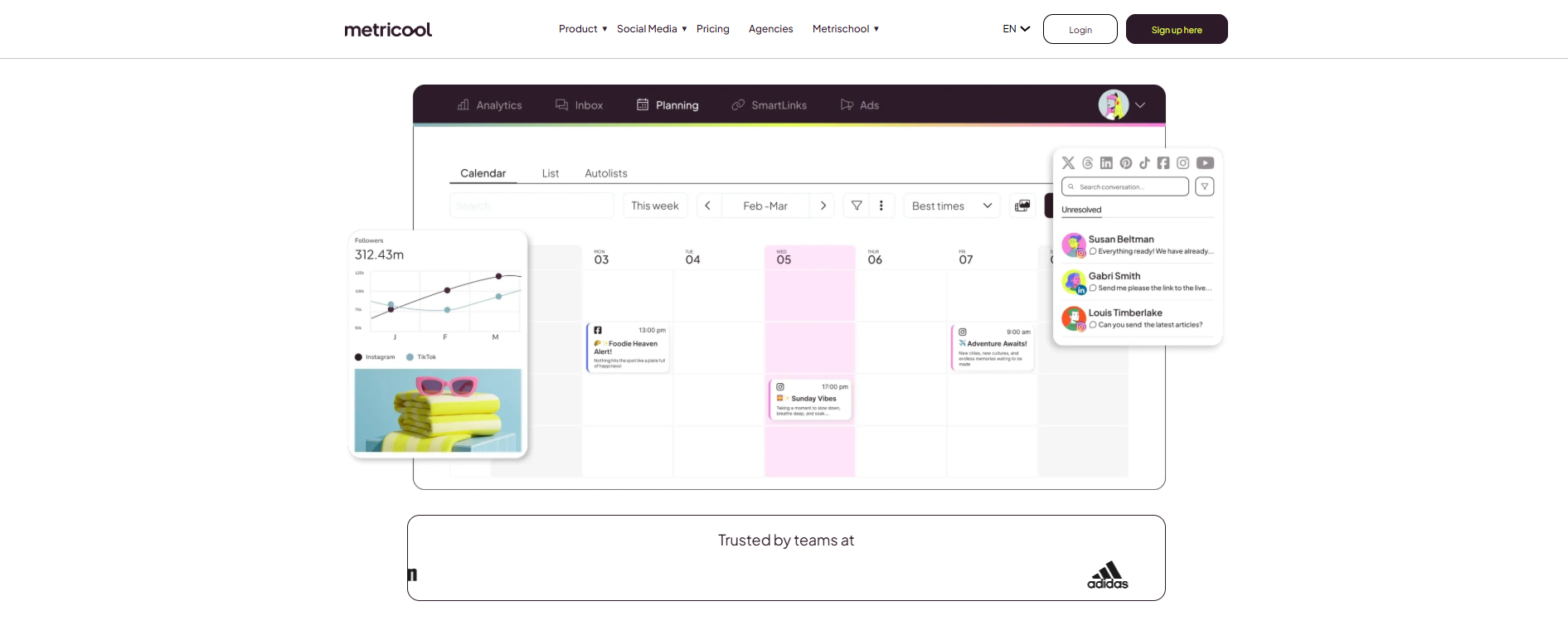
Metricool includes story scheduling right on its free plan, which covers one brand with scheduling available across every platform it supports.
For anyone watching their budget closely, this is one of the more generous free tiers I came across, and the analytics that come with it hold up reasonably well considering there’s no charge attached.
Instagram Story scheduler comparison table
Here’s everything laid out side by side so you can compare at a glance rather than scrolling back through each writeup.
| Tool | Auto Publish | Free Plan | Link Stickers | Price |
|---|---|---|---|---|
| Meta Business Suite | Yes | Yes, 25 posts | Yes | Free |
| Social by InstantDM | Yes | Yes, unlimited | Yes | Free / Paid |
| Sked Social | Yes | No | Yes | $59/month |
| Buffer | Reminder only | Yes, 3 channels | No | $6/channel/month |
| Later | Yes, paid only | Trial only | No | $25/month |
| Hootsuite | Yes, paid only | No | No | $99/user/month |
| Storrito | Yes | $2 trial credits | Yes | $5.99/month |
| Planable | Yes, paid only | Yes, 50 posts | No | $33/month |
| SocialPilot | Yes, paid only | Limited | No | $30/month |
| Metricool | Yes | Yes, 1 brand | No | $22/month |
Looking at it laid out this way, the pattern becomes obvious pretty quickly. Genuinely free auto publishing is rare, and Social by InstantDM is really the only one offering it without any real ceiling on volume.
Best free Instagram Story schedulers
Here are the free options I tested that actually deliver on what they promise.
Meta Business Suite costs nothing, auto-publishes basic Stories reliably, and supports link stickers, though it’s boxed into Instagram and Facebook only.
Social by InstantDM offers a free plan with unlimited Story scheduling spread across eight platforms, plus the AI agent integration mentioned earlier included at no extra cost.
Buffer’s free plan covers three channels, though it’s worth remembering it only sends reminders rather than actually publishing Stories for you.
Metricool’s free plan covers one brand with scheduling across every platform it supports, and genuinely includes Story scheduling rather than gating it behind a paid tier.
Planable’s free plan gives you one workspace and 50 posts a month, which is decent if you’re testing whether its team features are worth paying for down the line.
Out of everything I tested, Social by InstantDM came out as the strongest free option by a clear margin. Unlimited posting, eight platforms, and AI features baked in is a combination nothing else on this list came close to matching for free.
Auto-publish vs reminder-based Story scheduling
This distinction trips up more people than almost anything else in this space, so let me spell it out clearly one more time.
Auto publish means the tool genuinely posts your Story at the scheduled time with no action required from you. Reminder based means the tool pings you and you’re still the one doing the posting yourself.
Here’s how each tool I tested actually breaks down on this point. Meta Business Suite auto publishes basic Stories without issue. Social by InstantDM auto publishes across all eight of its supported platforms. Sked Social auto publishes and includes link sticker support. Buffer only sends reminders. Later and Hootsuite both auto publish, but only once you’re on a paid plan.
The real difference here comes down to automation versus mere convenience. Genuine auto publishing actually gives you time back. Reminder based scheduling is better than nothing, sure, but it still leaves the manual work sitting on your plate.
Which Story features can be auto-published?
Here’s the full breakdown of what’s actually possible, regardless of which tool you end up choosing.
What can be auto published includes plain photo Stories, video Stories, link stickers on the tools that support them, location stickers, mention stickers, and hashtag stickers.
What cannot be auto published under any circumstances includes music stickers, poll stickers, question stickers, emoji sliders, and quiz stickers.
The pattern holds true across every single tool I tested, without exception. Basic content can run entirely on autopilot. Anything interactive needs a human hand on it before it goes live, and no tool on the market has found a way around that limitation.
How to schedule and auto-publish Instagram Stories
Here’s the workflow I’d actually recommend based on everything I found during testing.
Start by picking a tool that fits your situation, Meta Business Suite if you want something free and simple, Social by InstantDM if AI features matter to you, or Sked Social specifically if link stickers are a priority.
Next, put your Story together, whether that’s a photo or a recorded video, and keep it sized at 1080 by 1920 pixels so nothing gets distorted or rejected.
Then upload it into whichever scheduling tool you’ve chosen and add a caption if the Story needs one.
From there, set your posting time. Most audiences tend to be most active somewhere around 11 in the morning to 1 in the afternoon, or again from 7 to 9 in the evening, so aim for one of those windows if you’re not sure.
Finally, once the Story has gone live, open Instagram yourself and layer in any music, polls, or interactive stickers you wanted included.
The whole process takes roughly five minutes per Story once you’ve got a rhythm going. Tools like Social by InstantDM make this noticeably faster thanks to the AI powered scheduling built into the workflow.

Why your scheduled Instagram Story didn’t auto-post
This has happened to me directly, so let me walk through the usual culprits and how I’ve fixed each one.
Account type is the first thing to check. Scheduling only works with a Business or Creator account. A personal account simply won’t support it no matter which tool you’re using.
App permissions can quietly lapse too. The scheduling tool needs ongoing permission to post on your behalf, and disconnecting and reconnecting your account in the tool’s settings usually clears this up fast.
Connection issues between the tool and Instagram happen occasionally as well. Reconnecting your account tends to resolve this the same way it fixes permission problems.
Content format matters more than people expect. Photos should sit at 1080 by 1920 pixels and videos should be in MP4 format, since the wrong format can quietly cause a scheduled post to fail without much explanation.
And timing conflicts are worth watching for if you’ve got several Stories queued close together. Spacing them out avoids the kind of overlap that can cause one or both to fail.
How do I add music or stickers to scheduled Instagram Stories?
You genuinely can’t schedule a Story with music or interactive stickers through any third party tool, and this isn’t a gap in any specific app, it’s a restriction built directly into Instagram’s own API.
The workaround that actually works is straightforward though. Schedule the plain version of the Story through your tool of choice, then open Instagram yourself and add the music, poll, or sticker manually right before it’s due to go live. This whole step takes about thirty seconds.
What you can schedule directly includes link stickers, location stickers, mention stickers, and hashtag stickers.
What you cannot schedule under any circumstances includes music, polls, question stickers, emoji sliders, and quiz stickers.
What are the best tools to schedule multiple Instagram Stories?
If you’re regularly posting several Stories at once rather than just one at a time, here’s how the tools I tested stack up specifically for that use case.
Social by InstantDM stands out overall, with eight-platform coverage, AI agent integration, and unlimited posting on the free plan.
Meta Business Suite is the strongest free option if you’re sticking to just Instagram and Facebook, since it auto publishes basic Stories reliably at no cost.
Sked Social is the clear pick if link stickers specifically are a priority for you, since it’s one of the few tools that handles them well, even though it starts at $59 a month.
Later suits visual brands thanks to its grid preview feature, and it starts at $25 a month.
Hootsuite fits teams best, given its approval workflows and enterprise level features, starting at $99 a month.
Which Instagram Story scheduler is best for you?
Here’s my honest recommendation broken down by the kind of user you might be.
If you’re just getting started, Meta Business Suite is free, straightforward, and reliably auto publishes basic Stories without any learning curve.
If AI powered scheduling appeals to you, Social by InstantDM offers a free plan with AI agent integration and unlimited posting, which is hard to beat at that price point.
If link stickers are non negotiable for your strategy, Sked Social is really the only tool in this test that handles them consistently well.
If you’re a visual brand that cares deeply about how your feed looks, Later’s grid preview makes it worth the monthly cost.
And if you’re managing a team, Hootsuite’s approval workflows and deeper analytics are built with exactly that scenario in mind.
Frequently asked questions
Can you auto-publish Instagram Stories in 2026? Yes, though with real limits. Basic photo and video Stories can be auto published through Meta Business Suite, Social by InstantDM, and Sked Social. Anything with music, polls, or question stickers still requires manual posting.
What is the best free Instagram Story scheduler? Social by InstantDM offers the most generous free plan out of everything I tested, with unlimited Story scheduling across eight platforms and AI agent integration included. Meta Business Suite is the strongest choice if you only need Instagram coverage.
Can I schedule Instagram Stories with music? No. This is a restriction on Instagram’s own API, not a limitation of any specific tool, so music always needs to be added manually inside the app before your Story goes live.
Why didn’t my scheduled Instagram Story post? The most common causes are having the wrong account type, a broken connection between the tool and Instagram, a content format issue, or two Stories scheduled too close together. Working through that checklist usually turns up the answer.
How many Instagram Stories can I schedule per day? Most tools don’t enforce a hard daily cap themselves, but Instagram may start suppressing your Stories if you post an excessive number in a single day. Staying somewhere around 5 to 10 Stories a day is a safe range to work within.
The bottom line
Auto publishing Instagram Stories in 2026 genuinely works, but it comes with a ceiling that no tool has managed to break through. Basic Stories, plain photos and videos, can run entirely on autopilot. Anything interactive still needs your own hand on it before it publishes.
The workflow that’s actually stuck for me after testing all ten of these is scheduling the base version of each Story through Social by InstantDM and then spending about thirty seconds adding music, polls, or stickers manually right before it goes live.
For anyone managing Stories across a team or a genuinely busy content calendar, automating even just the basics saves real hours every single week. The thirty seconds of manual polish on the interactive elements is a small price to pay for getting the rest of that time back.