11 Best Pinterest Schedulers in 2026 (Tailwind Isn't the Only Option)
Tailwind isn't the only Pinterest scheduler. Here are 11 tools that actually auto-publish pins in 2026.
TL;DR
Tailwind has been the name everyone reaches for when Pinterest scheduling comes up, and it genuinely earns that reputation for anyone posting exclusively to Pinterest. But it isn’t the only real option anymore, and if you’re posting anywhere beyond just Pinterest, sticking with it by default might actually be costing you. Tools like Social by InstantDM offer a genuine free plan across eight platforms with real AI features, Buffer runs $6 a month, and Metricool has a solid free tier of its own. I tested eleven tools total to see which ones actually held up, and if AI powered scheduling across Pinterest and everywhere else matters to you, Social by InstantDM came out as the strongest free pick by a clear margin.
Introduction
I used Tailwind exclusively for Pinterest scheduling for a long time simply because it was the tool everyone recommended, without ever really questioning whether it was still the right fit for how I actually work now. It wasn’t until I started posting seriously across more than just Pinterest that the cracks in that assumption became obvious. Tailwind is genuinely excellent at the one thing it was built for, but that narrow focus stops being an advantage the moment your workflow spans several platforms at once.
So I connected eleven different tools to an actual Pinterest account and tested each one properly rather than assuming Tailwind’s reputation was still deserved by default. What follows covers all eleven tools, how Pinterest’s own native scheduler stacks up against third party options, which tools genuinely auto publish, what to actually look for in a Pinterest specific scheduler, and recommendations broken down by whether you’re a blogger, running an ecommerce brand, or managing accounts for an agency.
Pinterest genuinely works differently from most other platforms too, which is worth keeping in mind throughout everything that follows. Content there has a much longer shelf life than a typical Instagram post or tweet, sometimes staying relevant and getting discovered for months or even years after it was first pinned. That difference changes what actually matters in a scheduling tool, since board organization and keyword optimization end up carrying more long term weight here than they would somewhere like TikTok, where content is largely forgotten within days.
Best Pinterest scheduling tools in 2026
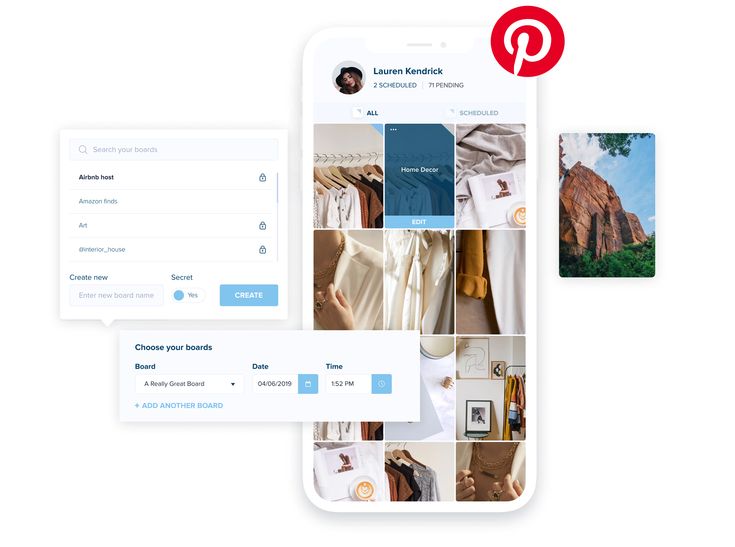
Let me start with the basics. Pinterest scheduling tools let you plan out pins and have them publish automatically at a specific time, without you needing to be sitting in the app when that moment arrives.
There are genuinely more options available now than there used to be. Tailwind remains the most well known name in this space, but it’s far from the only one worth considering. Tools like Social by InstantDM, Buffer, and Metricool all offer Pinterest scheduling alongside coverage for other platforms too.
I tested eleven tools total for this specifically. Here’s what actually held up.
1. Social by InstantDM
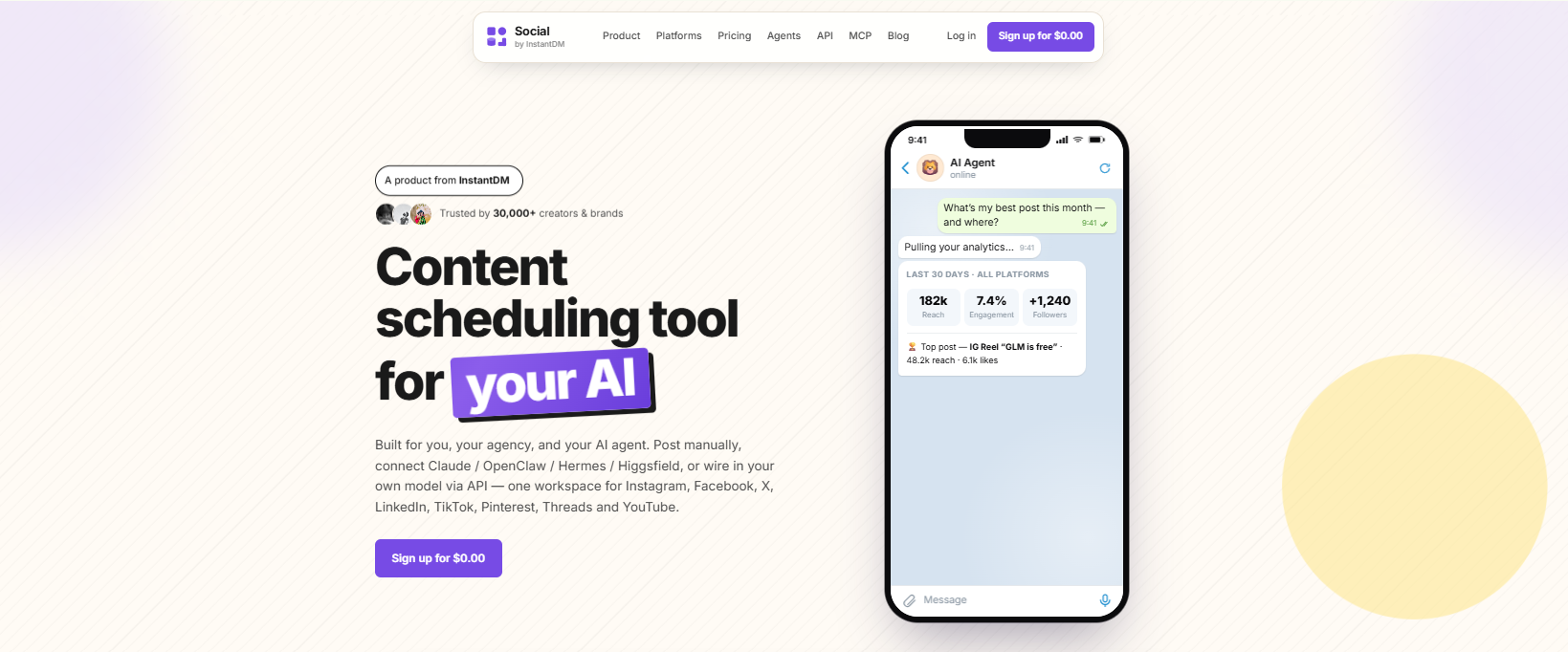
Social by InstantDM is the tool I’ve personally been using for the past few weeks, and it turned out to be the only free scheduler I tested offering genuine auto-publishing across eight platforms, Pinterest included.
The free plan comes with unlimited scheduled posts along with real AI agent integration. You can describe your pin concept in plain language and have it drafted and scheduled without writing the description yourself from scratch.
The free plan here covers unlimited posts, all eight platforms, and the AI agent integration at no cost at all.
Best suited for multi-platform scheduling with genuine AI features built in.
What made this one stand out most during testing was how naturally the AI agent handled Pinterest’s particular style of description writing, which genuinely differs from a typical Instagram caption. Pinterest descriptions lean more toward searchable, keyword-rich phrasing rather than a conversational tone, and having a tool that understood that distinction without me having to specify it every time saved a genuine amount of back-and-forth editing.
2. Tailwind
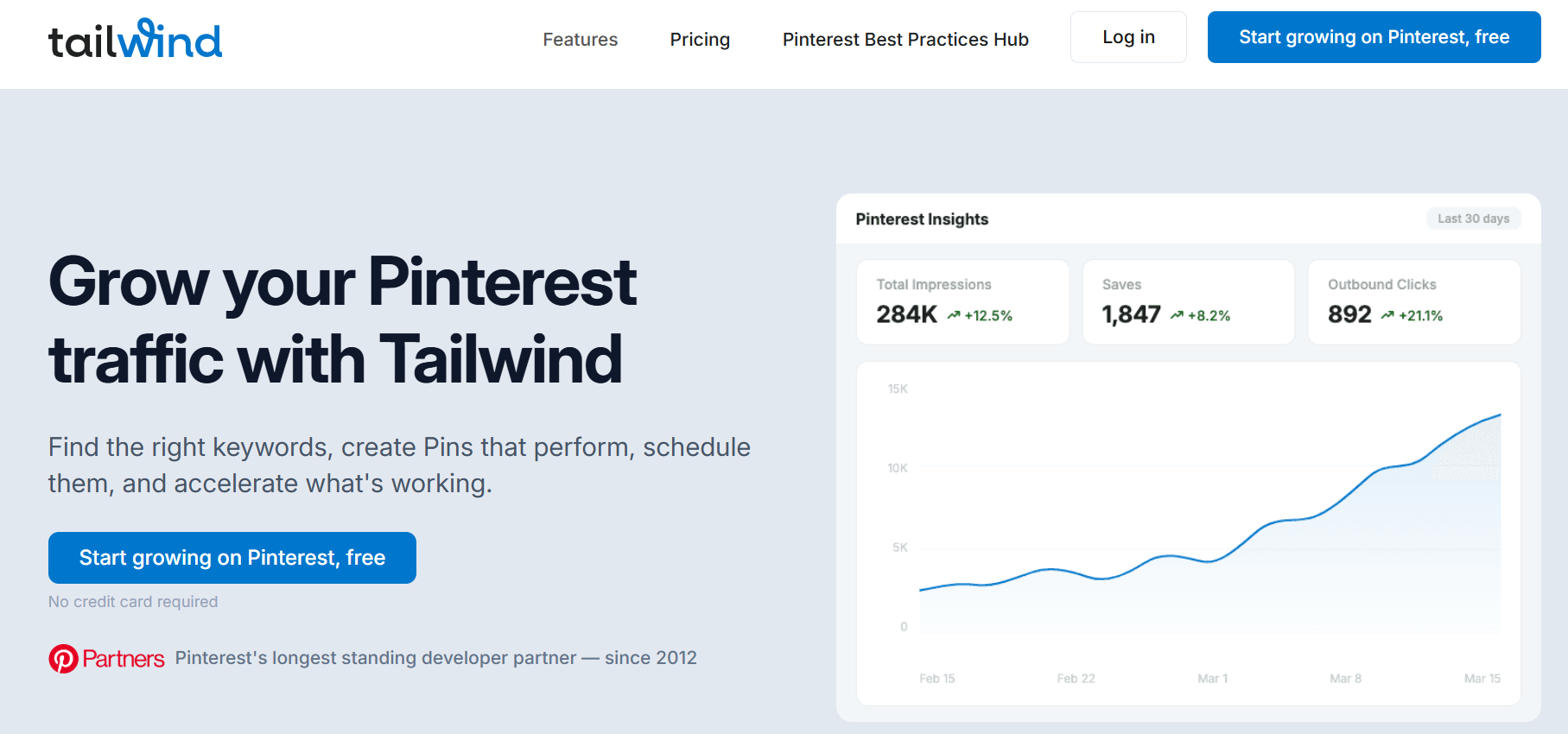
Tailwind is really the Pinterest specialist of this whole list. It was built specifically for Pinterest, and it still handles that job better than anything else out there.
The free plan gives you five posts a month, and paid plans start at $14.99 a month.
The real limitation here is platform coverage. Tailwind only supports three platforms total, Pinterest, Instagram, and Facebook. No TikTok, no X, no YouTube.
Best suited for creators who are genuinely Pinterest only and don’t need coverage anywhere else.
It’s worth acknowledging just how deep Tailwind’s Pinterest-specific features actually go, beyond just basic scheduling. Its SmartLoop feature, for instance, lets you set evergreen pins to recirculate automatically over time, which is a genuinely clever way to keep older, still relevant content in front of new audiences without you manually reposting it. That kind of specialized functionality is exactly what you lose access to the moment you switch to a more general multi platform tool, so it’s a real tradeoff worth weighing rather than an automatic downgrade.
3. Buffer
Buffer remains about as simple as scheduling tools get. It supports Pinterest directly and offers genuine auto publishing once you’re on a paid plan.
The free plan covers three channels with ten scheduled posts on each.
Best suited for straightforward, no frills scheduling.

4. Later
Later supports Pinterest scheduling with real auto publishing available on its paid plans, and the visual calendar it’s built around is genuinely well designed.
The paid plan starts at $25 a month.
Best suited for visually oriented brands.
5. Hootsuite
Hootsuite supports Pinterest scheduling on its paid tiers and functions as the enterprise option in this comparison.
Pricing starts at $99 per user each month.
Best suited for larger teams operating at an enterprise scale.
6. Metricool
Metricool includes Pinterest scheduling right on its free plan, which covers one brand across every platform it supports.
This plan is best suited for creators who are keeping a close eye on their budget.
7. SocialPilot
SocialPilot supports Pinterest scheduling on paid plans, with pricing starting around $30 a month.
Best suited for anyone managing scheduling across several platforms from one central dashboard.

8. Publer
Publer supports Pinterest scheduling with genuine auto publishing available on its paid plans, starting around $12 a month.
Best suited for bulk scheduling when you’re trying to queue up a large batch of pins at once.
9. Planable
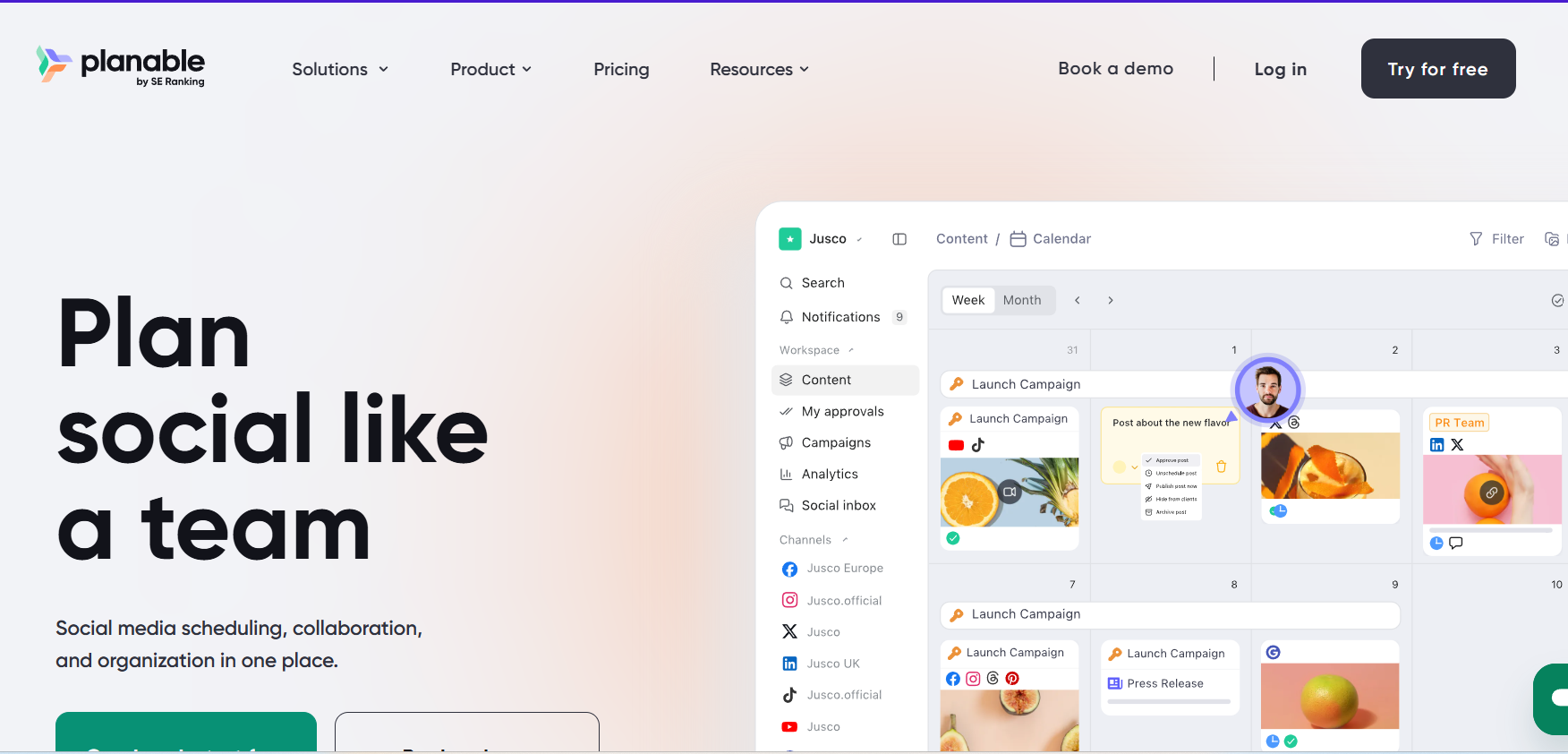
Planable supports Pinterest scheduling alongside a visual approval workflow that lets a team review content before it goes live.
Best suited for team collaboration specifically.
10. Loomly
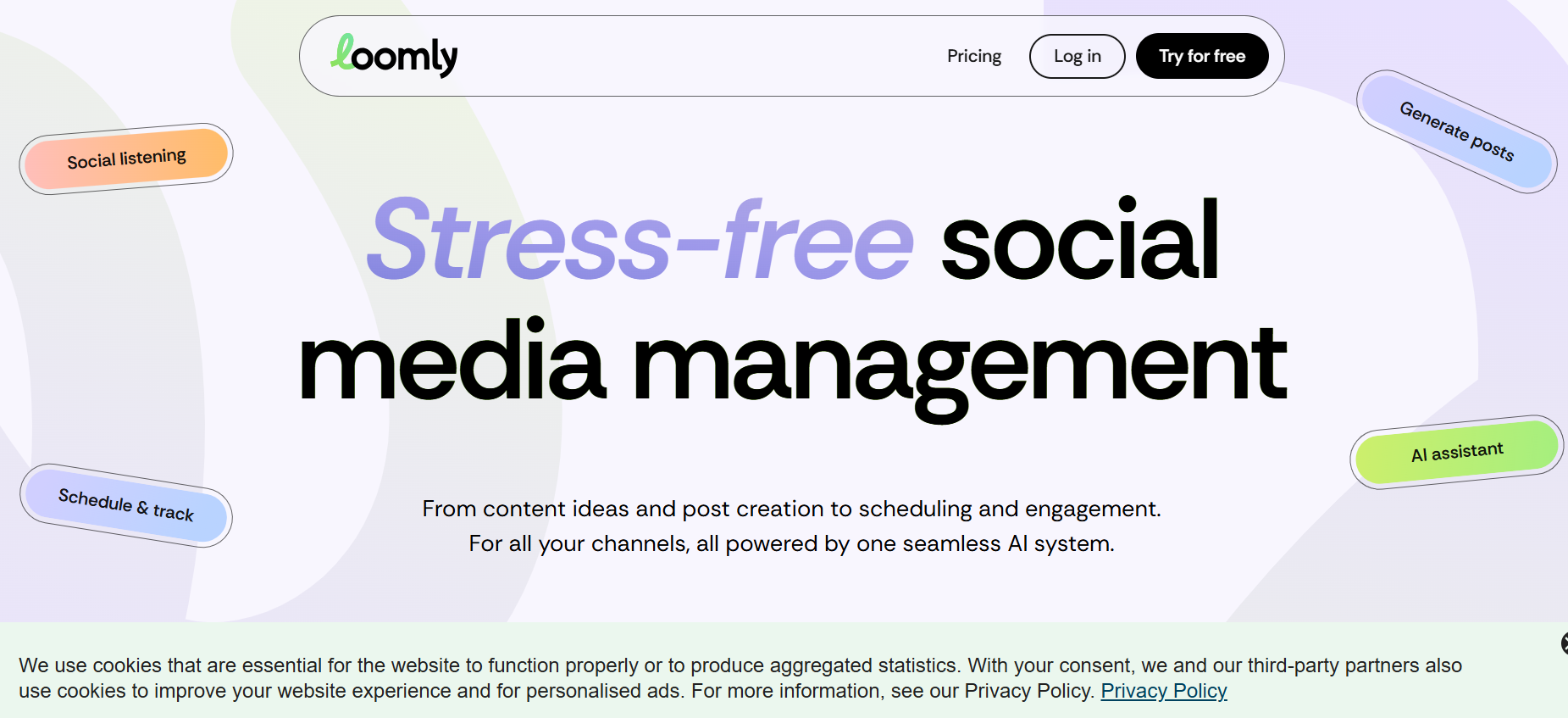
Loomly supports Pinterest scheduling on its paid plans, with pricing starting around $26 a month.
Best suited for anyone who wants a more structured approach to overall content planning.
11. Vista Social
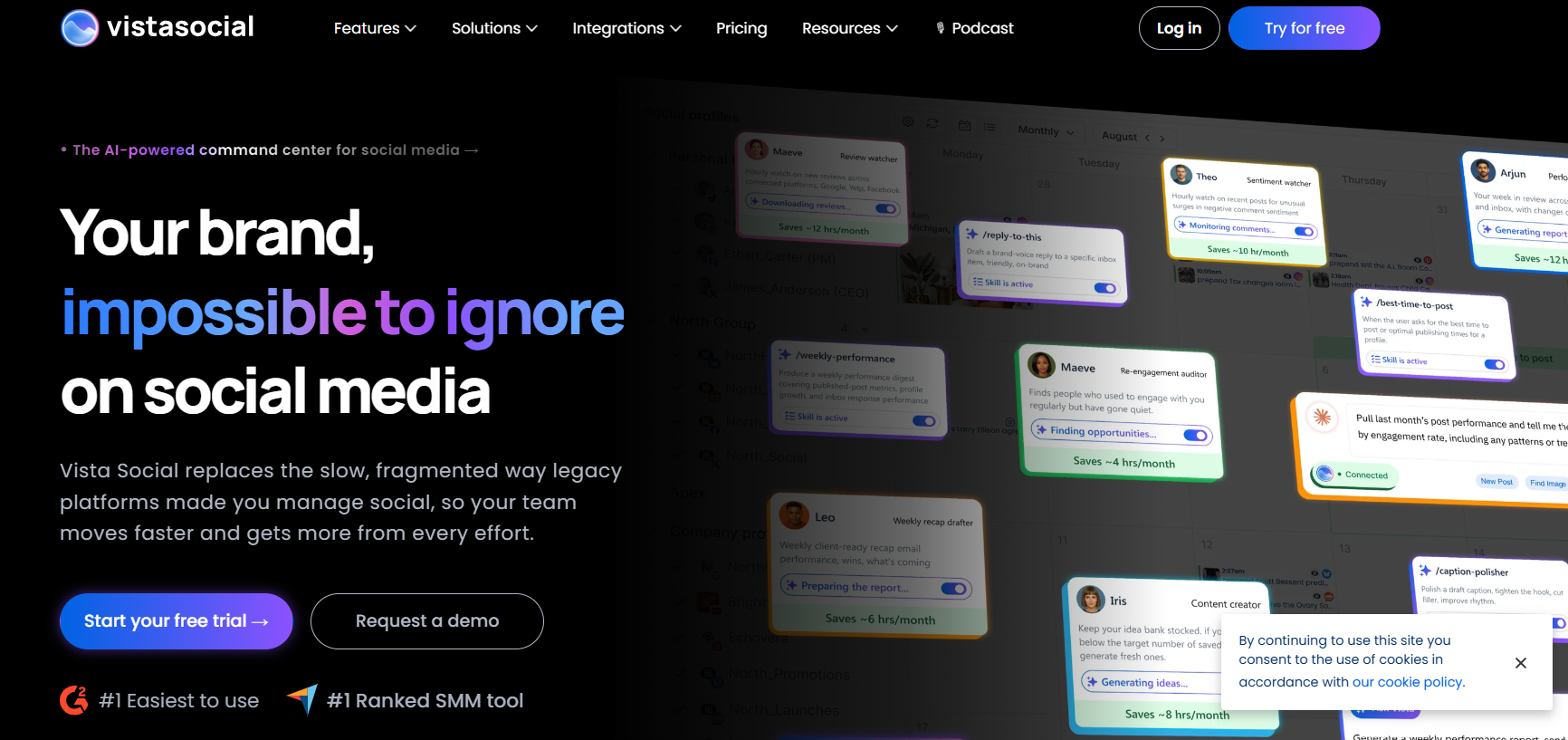
Vista Social supports Pinterest scheduling and folds in review management features on top of that.
Best suited for brands that also need to keep tabs on customer reviews alongside their regular scheduling.
Pinterest native scheduler vs third-party scheduling tools
Here’s how the two approaches compare directly.
Pinterest’s own native scheduler is free, lets you plan up to two weeks ahead, and comes without analytics, without multi platform support, and without any team collaboration features.
Third party tools are mostly paid, though a few genuinely offer solid free tiers, and they let you schedule days or weeks ahead while including real analytics, multi platform support, and genuine team collaboration.
For most people, Pinterest’s native scheduler is genuinely enough on its own. If you need more than that, a third party tool is worth the actual investment.
I’d frame the decision this way. If Pinterest genuinely is the only place you post and you’re not particularly focused on deep analytics, the native scheduler covers your needs completely without adding another subscription or login to manage. The moment you want to actually understand which pins are driving traffic back to your site, or you want that same content adapted and pushed out to other platforms simultaneously, that’s really when a third party tool starts earning its place in your workflow.
Best free Pinterest schedulers for creators and businesses
Here are the free options that genuinely hold up.
Social by InstantDM offers a free plan with unlimited scheduled posts across eight platforms along with AI agent integration built in.
Pinterest’s own native scheduler is free too, letting you plan up to two weeks ahead.
Buffer’s free plan covers three channels with ten scheduled posts on each.
Metricool’s free plan covers one brand across every platform it supports.
Out of everything here, Social by InstantDM stands out as the strongest free option by a clear margin. Unlimited posts, eight platforms, and genuine AI features is a combination nothing else on this list comes close to matching for free.
It’s worth being fair to Pinterest’s own native scheduler and Tailwind’s free tier here too, since neither is trying to compete on the same terms as a general purpose tool like Social by InstantDM. The native scheduler exists purely to solve basic timing, nothing more, and Tailwind’s five post free allowance is really just a taste of its much deeper Pinterest specific feature set rather than a genuine attempt at a standalone free plan.
Which Pinterest schedulers actually auto-publish?
Here’s the honest breakdown after testing all eleven.
Every single tool I tested genuinely auto publishes, Social by InstantDM, Tailwind, Buffer, Later, Hootsuite, SocialPilot, Metricool, Publer, Planable, Loomly, and Vista Social all publish content on their own rather than just sending a reminder.
None of the tools I tested turned out to be reminder only for Pinterest specifically. They all support real auto publishing in some form.
The real difference between them comes down to how far ahead you can actually schedule and which additional features come bundled alongside that core capability.
It’s worth noting that auto publishing being universal across all eleven tools genuinely says something about how mature this category has become. A few years back, plenty of tools in this exact space were still functioning as glorified reminder systems for Pinterest specifically, since the platform’s API access for scheduling took longer to open up broadly than it did for a platform like Instagram. That gap has closed entirely now, which is excellent news for anyone choosing between these options today.
What to look for in a Pinterest scheduler: boards, bulk uploads, analytics & AI
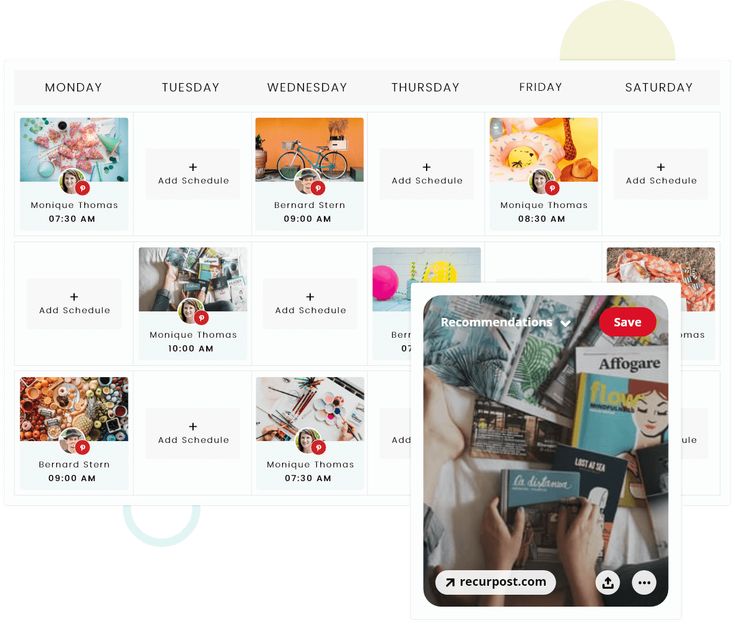
Here’s what genuinely matters when you’re actually choosing between tools for Pinterest specifically.
Board management is worth confirming first. Can the tool organize your pins by board properly, since that’s genuinely essential to how Pinterest itself is structured.
Bulk uploads matter a lot too. Being able to upload several pins at once rather than one at a time saves real hours over the course of a month.
Analytics need to actually show you what’s working, not just surface-level numbers that look good without meaning much.
AI features are worth prioritising if you want help drafting pin descriptions or getting relevant keyword suggestions rather than writing every single one from scratch.
And multi-platform support is worth thinking through honestly. Do you genuinely need to post somewhere besides Pinterest, or is this really a Pinterest-only concern for you specifically?
The real key here is finding a tool that fits how you already work. There’s no reason to pay for a feature set you’ll never actually use.
I’d add that board management specifically deserves more scrutiny than people typically give it when comparing tools. Some schedulers let you assign a pin to a board directly within the scheduling flow itself, while others require you to organize boards separately after the fact inside Pinterest. That difference sounds minor on paper, but it leads to real friction over months of consistent posting, so it’s worth testing this specific step before committing to any tool long term.
Which Pinterest scheduling tool is best for bloggers, ecommerce brands, and agencies?
Here’s how I’d steer different types of users based on everything above.
For bloggers, Social by InstantDM stands out clearly, thanks to its free plan with unlimited posts, eight platform coverage, and genuine AI features.
For ecommerce brands, Tailwind makes a lot of sense, given its strong Pinterest specific automation features and its genuine specialization in this exact platform.
For agencies, Hootsuite tends to fit best, bringing enterprise features, approval workflows, and deep analytics to the table.
For anyone on a tight budget, Metricool’s free plan covering one brand across every platform it supports is a solid pick.
For anyone posting across multiple platforms, Social by InstantDM again comes out ahead, since its free plan already covers all eight platforms it supports.

What are the best tools for scheduling Pinterest posts?
Here’s a quick rundown of how the strongest options compare.
Social by InstantDM offers AI powered scheduling across eight platforms, with a free plan that includes unlimited posts.
Tailwind remains the genuine Pinterest specialist, with a free plan covering five posts a month.
Buffer keeps things simple, with a free plan covering three channels.
Later focuses on visual planning at $25 a month.
Hootsuite brings enterprise level features at $99 a month.
Can I automate Pinterest posting with Tailwind or other apps?
Yes, genuinely. Tailwind offers smart scheduling that automatically posts your pins at what it calculates to be optimal times. Other tools like Social by InstantDM and Buffer offer genuine auto publishing as well.
The real difference between them comes down to focus. Tailwind is built entirely around Pinterest. Social by InstantDM and Buffer both support scheduling across multiple platforms at once instead.
If Pinterest is really the only platform you need to worry about, Tailwind is genuinely the strongest choice. If you need multi platform scheduling, Social by InstantDM tends to be the better overall option.
Worth mentioning too that Tailwind’s automation goes beyond simple timing, since its algorithm actively tries to identify when your specific audience is most likely to engage rather than relying on generic best practice windows. That kind of Pinterest specific intelligence is genuinely hard for a general purpose tool to replicate, since it comes from years of Tailwind analyzing Pinterest behavior exclusively rather than splitting its attention across a dozen different platforms at once.
What tips do you have for managing Pinterest content scheduling?
Here’s what’s actually worked well based on everything I tested.
Scheduling in advance matters a lot. Planning out your pins for the week and letting them publish automatically saves real time compared to posting manually each day.
Board management deserves real attention too. Organising your pins by board consistently makes it easier for people to actually find your content once they land on your profile.
Bulk uploading is worth building into your routine. Uploading several pins at once rather than one by one saves genuine hours over the course of a month.
Using relevant keywords in your pin descriptions also matters, since that’s what helps people discover your content through Pinterest search in the first place.
And posting consistently rounds the process out. Aiming for somewhere around 5 to 15 pins a day tends to keep your presence steady without becoming overwhelming to maintain.
Frequently asked questions
What is the best Pinterest scheduling tool? Social by InstantDM offers the most generous free plan, with unlimited posts, eight platforms, and AI agent integration included. Tailwind remains the strongest specialist option if Pinterest is genuinely your only platform.
Can I schedule Pinterest posts for free? Yes. Social by InstantDM, Pinterest’s own native scheduler, Buffer, and Metricool all offer free plans that include Pinterest scheduling.
How often should I pin on Pinterest? Somewhere around 5 to 15 times a day tends to work well. Consistency matters more than raw volume, so pinning five times every day beats pinning fifty times in a single day and then going quiet.
Does Tailwind still work in 2026? Yes, genuinely. Tailwind remains the most popular Pinterest scheduler out there. It’s limited to three platforms though, so if you need broader coverage, it’s worth looking at the alternatives covered here.
What’s the cheapest Pinterest scheduler? Social by InstantDM has a free plan with unlimited posts across eight platforms. Buffer starts at $6 per channel a month. Metricool has a solid free plan covering one brand.
The bottom line
Pinterest scheduling in 2026 genuinely has more real options than it used to. Tailwind remains the most popular name in the space, but it’s far from the only choice worth considering.
Buffer works well if simplicity is your priority. Social by InstantDM stands out for AI-powered scheduling on a genuinely free plan. Later suits brands that care about visual planning. Hootsuite fits enterprise teams. Metricool works well for anyone watching their budget.
Pick one, get your first batch of pins scheduled, and let it run. Your Pinterest content deserves visibility, even on the days when you’re too busy to post it yourself.
Given how long a single pin can keep circulating and driving traffic, the time you invest in setting up a proper scheduling routine now genuinely compounds in a way that a platform like TikTok or Instagram Stories simply doesn’t offer. A well-organised board, consistent keyword use, and a steady posting cadence built through any of the tools above can keep paying off for years, which makes Pinterest one of the better returns on scheduling effort across the entire social landscape.