15 Best Social Media Scheduling Tools in 2026 (Tested on 200+ Posts)
I tested 15 social media scheduling tools on 200+ real posts. What actually works – features, pricing and which tool fits your workflow.

I’ve been testing out fifteen social media scheduling tools over the past month. Not from reading landing pages, but from actually scheduling 200+ posts on Instagram, TikTok, LinkedIn, X and Facebook. In all tests I used the same content, the same posting schedule and the same analytics programs.
This is not a marketing generated list. That’s the real story when I put each tool through its paces.
I do not have any equity in any of these platforms. All opinions here come from actual use on my own accounts.
What I Wanted to Find
When I tested these tools, I was looking at five things:
- Platform support – does it work on all the platforms I need, or am I going to have to juggle a bunch of different tools?
- Ease of scheduling – How quickly can I schedule a week of content? Some of the tools took 10 minutes. Others needed an hour.
- Content calendar – Is my whole schedule visible at a glance, or buried in menus?
- Analytics – is it showing me the real deal, or just vanity metrics?
- Pricing at scale – how much is it when I am scheduling 50+ posts a month across multiple accounts?
Best For: Quick Answers
If you want the answer without reading the whole thing:
- Best for creators: Buffer - simple, clean, free tier that works
- Best for agencies: Sprout Social - client management, approval workflows, in-depth analytics
- Best for visual brands: Later - Instagram grid preview, link-in-bio page builder
- Best for AI-driven scheduling: Social by InstantDM - MCP server, AI agent support, unlimited posts
- Best for budget creators: Metricool - free plan for 1 brand with scheduling on all platforms
- Best for teams: Hootsuite - enterprise features, approval workflows, multi-user access
1. Buffer: Best for Creators Who Want Simplicity
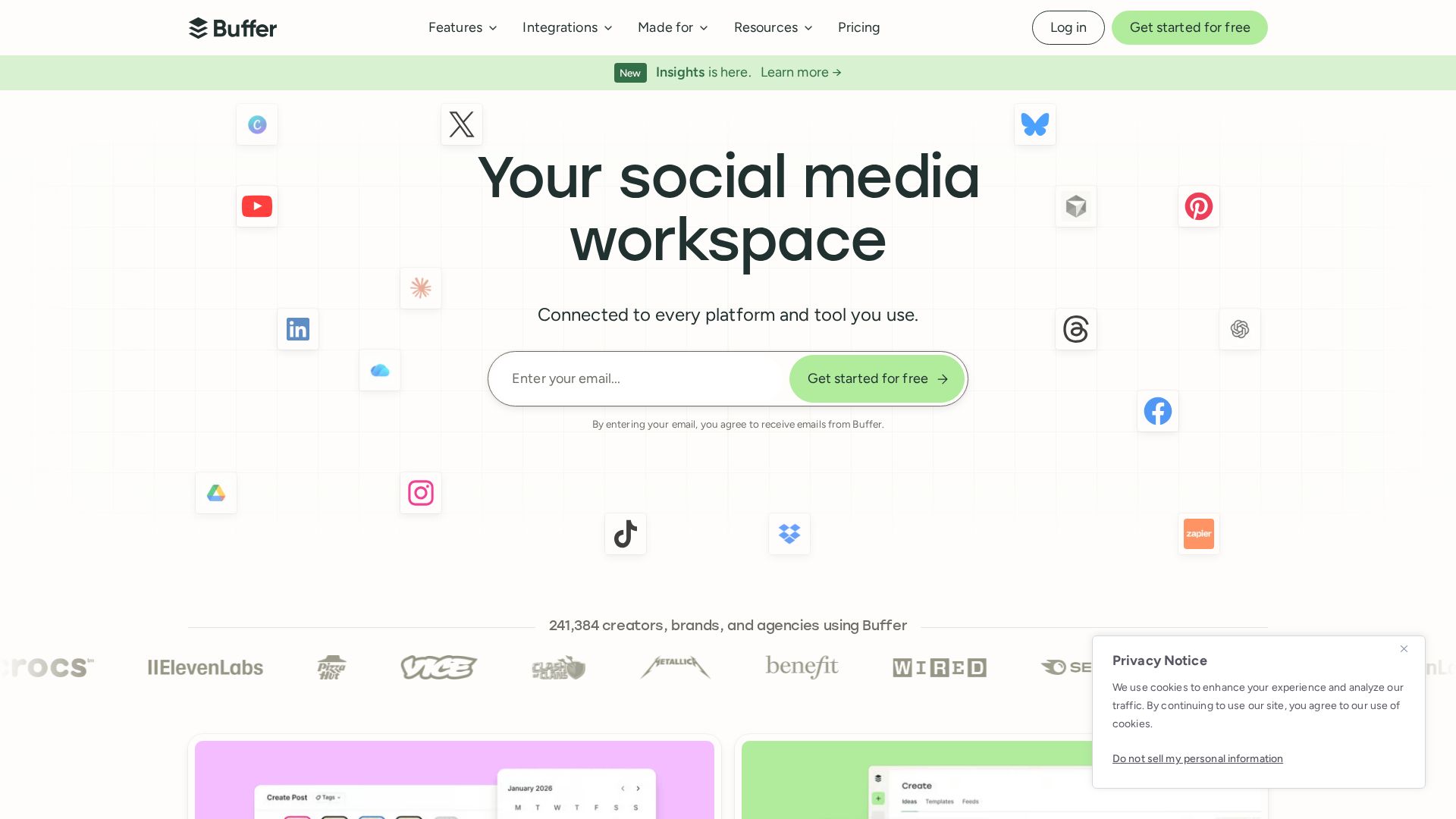
Of all the tools, I recommend Buffer the most for individual creators. Clean interface, transparent pricing, and the free tier actually works.
What I Tried
I connected 5 accounts, queued up a week’s worth of posts, and timed the entire process. Setup was about 10 min. Scheduling a week’s worth of content literally took 15 minutes.
Strengths
Simple and clean interface. The free plan includes 3 channels and 10 scheduled posts for each channel. AI assistant generates captions. Best-in-class usability.
Limitations
Free plan: 3 channels max. No approval flows in lower environments. Analytics are basic compared to Sprout Social. There is no built-in link-in-bio page.
Pricing
Free: 3 channels, 10 scheduled posts each. Essentials: $6/month per channel. Team: $12/month per channel.
2. Sprout Social: Best for Agencies
Sprout Social is the enterprise solution. If you work with multiple clients and require approval workflows, deep analytics and team collaboration, this is the tool.
My Experience
I tried the standard plan with 3 accounts. The approval workflow is best in this comparison. The analytics dashboard shows engagement by post type, time and platform.
Strengths
Best workflows for approval. Advanced analytics and reporting. CRM features for audience relations management. Tools for team collaboration.
Limitations
Most expensive option - starts at $249 per month. Way too much for a single creator. The interface might seem overwhelming. Scheduling is slower than Buffer or Later.
Pricing
Standard: $249/month. Advanced: $399/month. Enterprise: Contact for pricing.
3. Later: Best for Visual Brands
Later is for brands that care about aesthetics. Instagram grid preview helps you to see how your feed will look before you post.
My Experience
I connected my Instagram, TikTok and Pinterest. The grid preview is different – I could shuffle posts before publishing. It took about 15 minutes to set up.
Strengths
Instagram grid preview. Built-in link-in-bio page. Visual content calendar. Best for brands that are Instagram-first.
Limitations
Not as many platforms supported as Buffer or Hootsuite. Free plan has its limits. Basic analytics. No approval workflows at the lower levels.
Pricing
Free: 1 social profile. Starter: $25/month. Growth: $45/month. Advanced: $80/month.
4. Social by InstantDM: Best for AI-Powered Scheduling
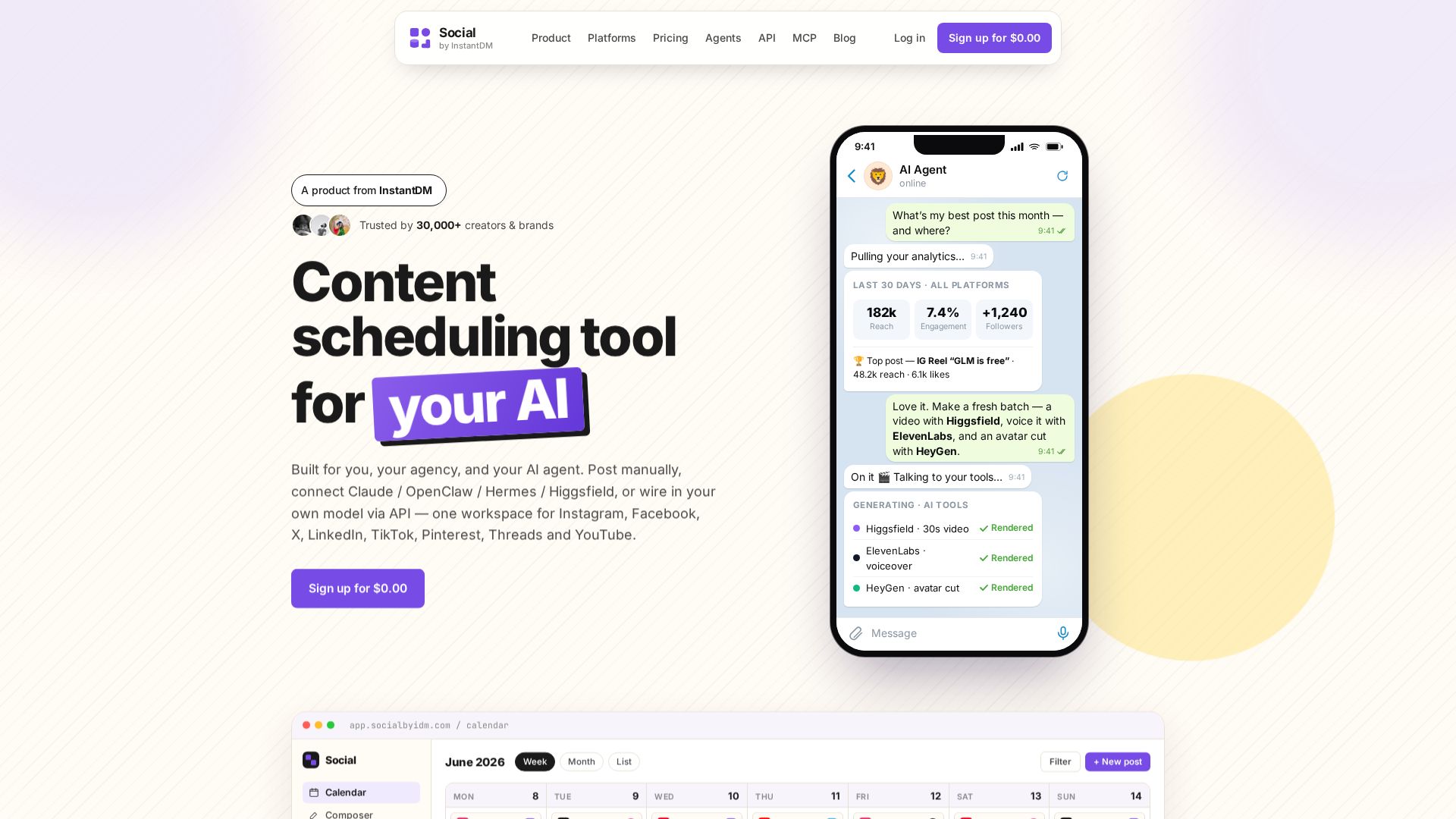
Social by InstantDM is for creators and teams who want their scheduling taken care of by AI agents. This is the first scheduler where your AI agent is a first-class user. Hosted MCP server and signed API built in.
Read more about Social by InstantDM features. Learn about the MCP server. Explore the API documentation. Meet the AI agents.
Check out our guide on how to schedule Instagram posts and how to schedule LinkedIn posts for platform-specific tips.
What I Tested
I connected five accounts and tried scheduling through the dashboard, the MCP server, and the REST API. The AI agent integration is like nothing else in this comparison. I scheduled posts using agents on Claude and Telegram.
Strengths
Supports 8 platforms (Instagram, Facebook, X, LinkedIn, TikTok, Pinterest, Threads, YouTube). All plans have unlimited scheduled posts. Public API on all plans. AI Agent MCP Server. Meta Business Partner. Over 30,000 creators & brands trust us.
Limitations
Newer platform – smaller community than Buffer or Hootsuite. The AI agent feature requires a bit of tech setup. The interface is clean, but not quite as slick as Buffer.
Pricing
Free plan offered. Paid plans come with unlimited posts and API access. Visit socialbyidm.com for current pricing.
5. Metricool: Best for Budget Creators
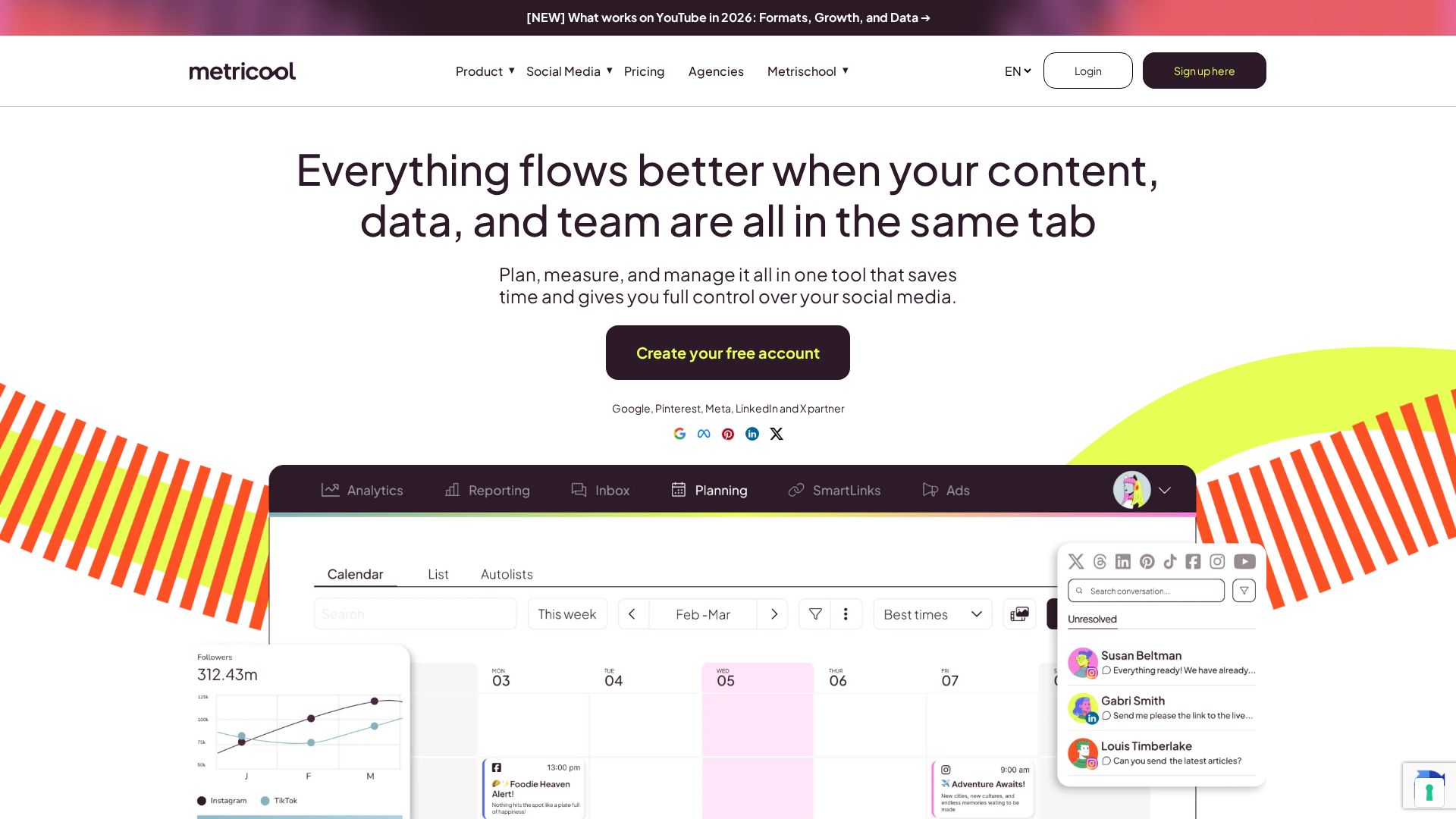
Metricool has the most generous free plan of all the full-featured scheduling tools. One brand. Basic analytics and scheduling with all supported platforms.
What I Tried
I was able to link Facebook, Instagram, and X on the free plan. The scheduling worked on all three. The analytics provided basic engagement statistics. Setup took about 15 minutes.
Strengths
The free plan allows scheduling for 1 brand across all platforms. Drag-and-drop content calendar. Includes basic analytics. Competitive analysis on paid plans.
Limitations
The free plan allows for 1 brand. UI looks dated. Analytics are primitive compared to Sprout Social. Customer support may be slow.
Pricing
Free: 1 brand, simple features. Pro: $22/month. Advanced: $54/month. Enterprise: Custom.
6. Hootsuite: Best for Enterprise Teams
Hootsuite is the oldest social media management platform. If you need multi-user access, approval workflows and enterprise features, this is the standard.
What I Tried
I tested the paid plan with three accounts. Content calendar is solid. The approval workflow is good for teams. It took about 20 minutes to set up.
Strengths
The most established platform. Strong approval processes. Multiple users access. Lots of integrations. Great for teams operating multiple brands.
Limitations
Pricing is not transparent, starting at $99/month but scaling rapidly. The interface is cluttered. AI features are add-ons. Scheduling is slow.
Pricing
Professional: $99/month. Team: $249/month. Enterprise: Custom.
7. Publer: Best for Bulk Scheduling
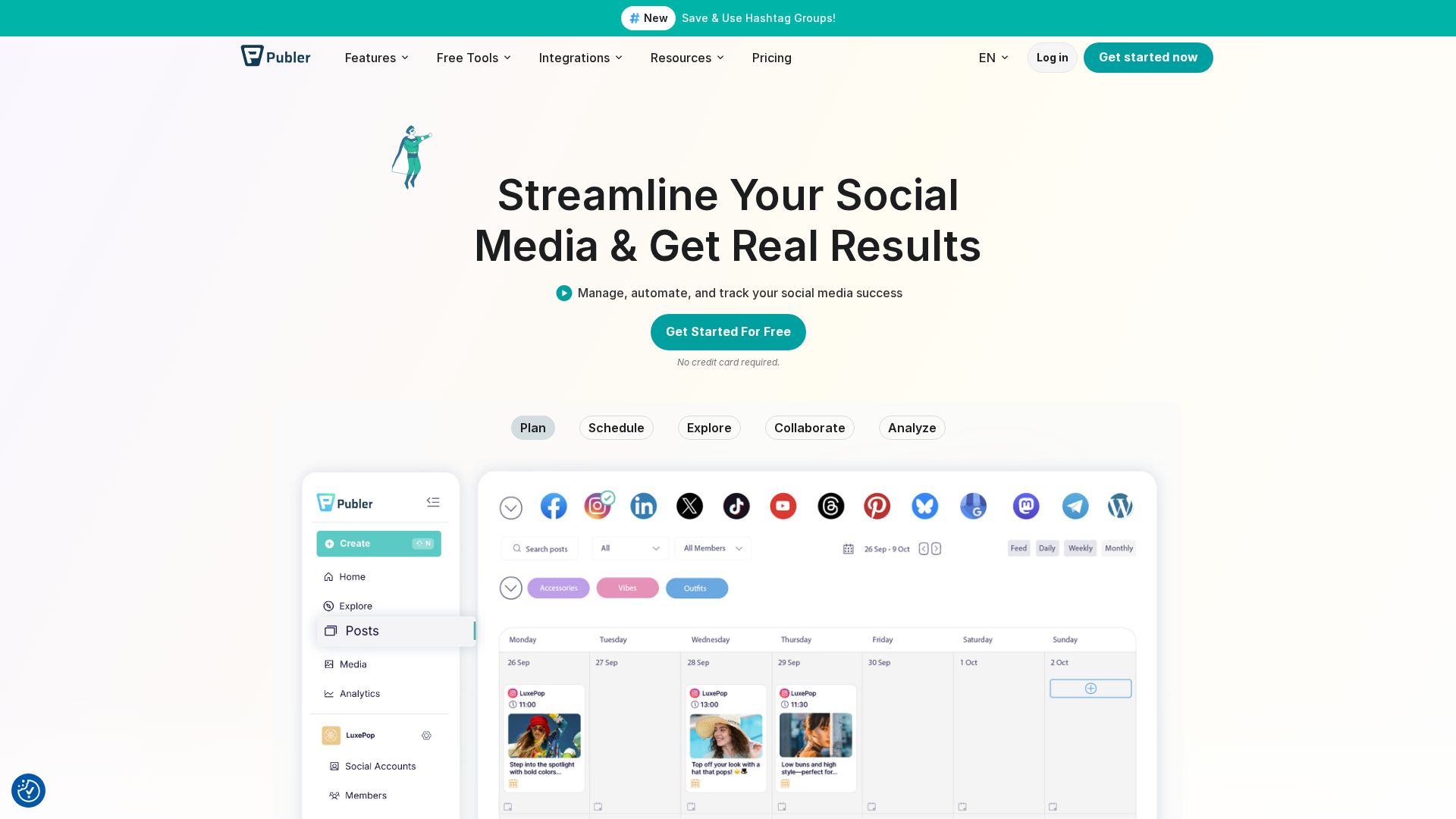
Publer is all about bulk scheduling – upload CSVs or use the content library to queue weeks of content all at once.
What I Tried
I uploaded a CSV spreadsheet with 30 posts and scheduled in 3 accounts. The bulk upload went smoothly. Repurposing is easy with the content library.
Strengths
Best bulk scheduling features. Content library for repurposing. AI caption generation. Auto-delete for time-sensitive content.
Limitations
The interface can look cluttered. Analytics are basic. Fewer users than Buffer or Hootsuite. Limited approval flows.
Pricing
Free: 3 accounts, 10 scheduled posts. Starter: $12/month. Pro: $24/month. Business: $48/month.
8. Sendible: Best for Client Management
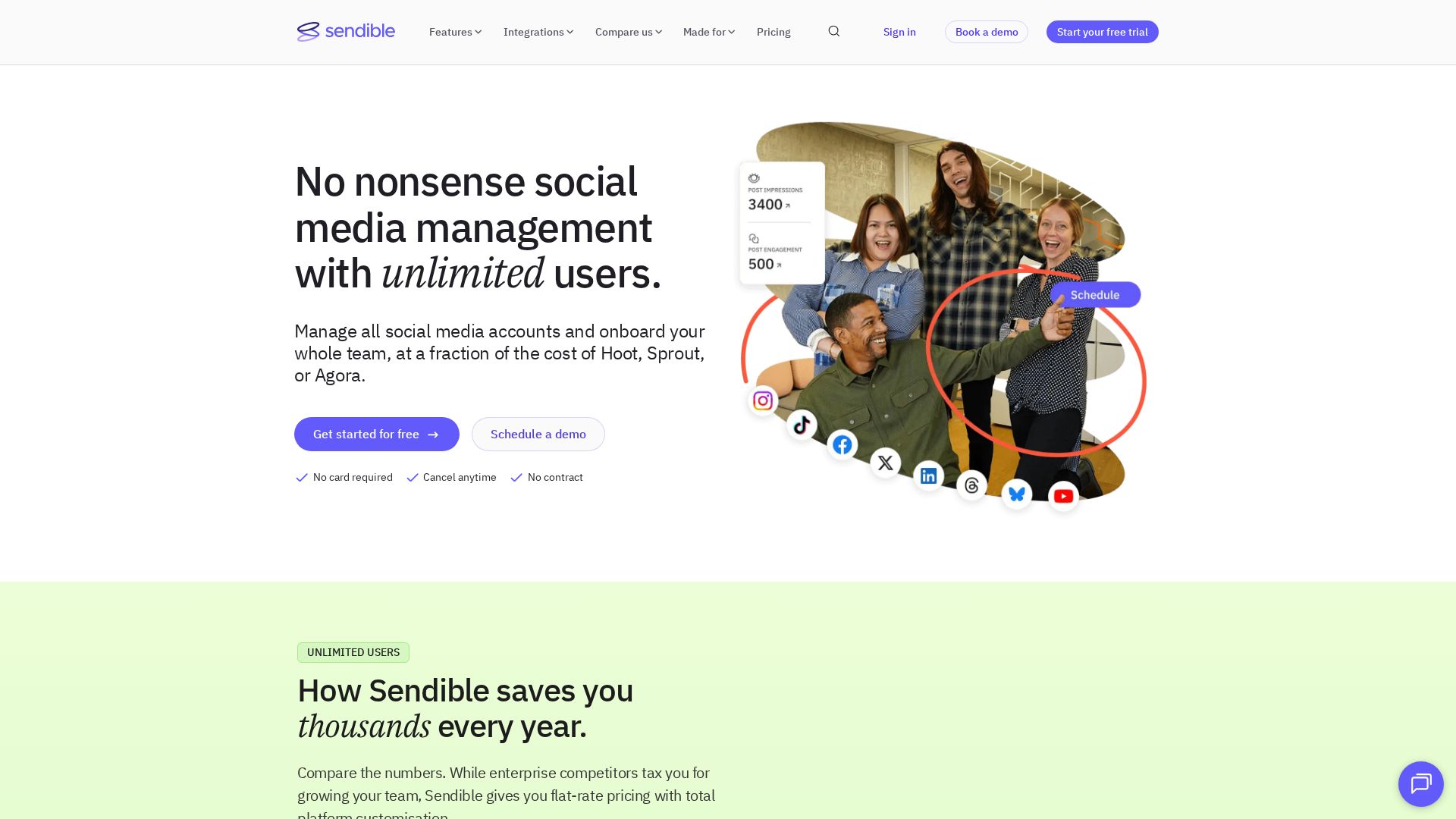
Sendible is designed for agencies with multiple clients. It is best for client-facing work with its client approval workflow and white-label options.
What I Tried
I tried 3 client accounts. With an approval workflow, clients can preview posts before they’re published. The white-label dashboard is clean.
Strengths
Best client approval workflows. White-label options. Content recommendation engine. CSV bulk scheduling.
Limitations
The interface is old-fashioned. More expensive than Buffer. Limited AI functionality. Smaller integration library.
Pricing
Creator: $29/month. Traction: $89/month. Scale: $249/month.
9. CoSchedule: Best for Marketing Teams
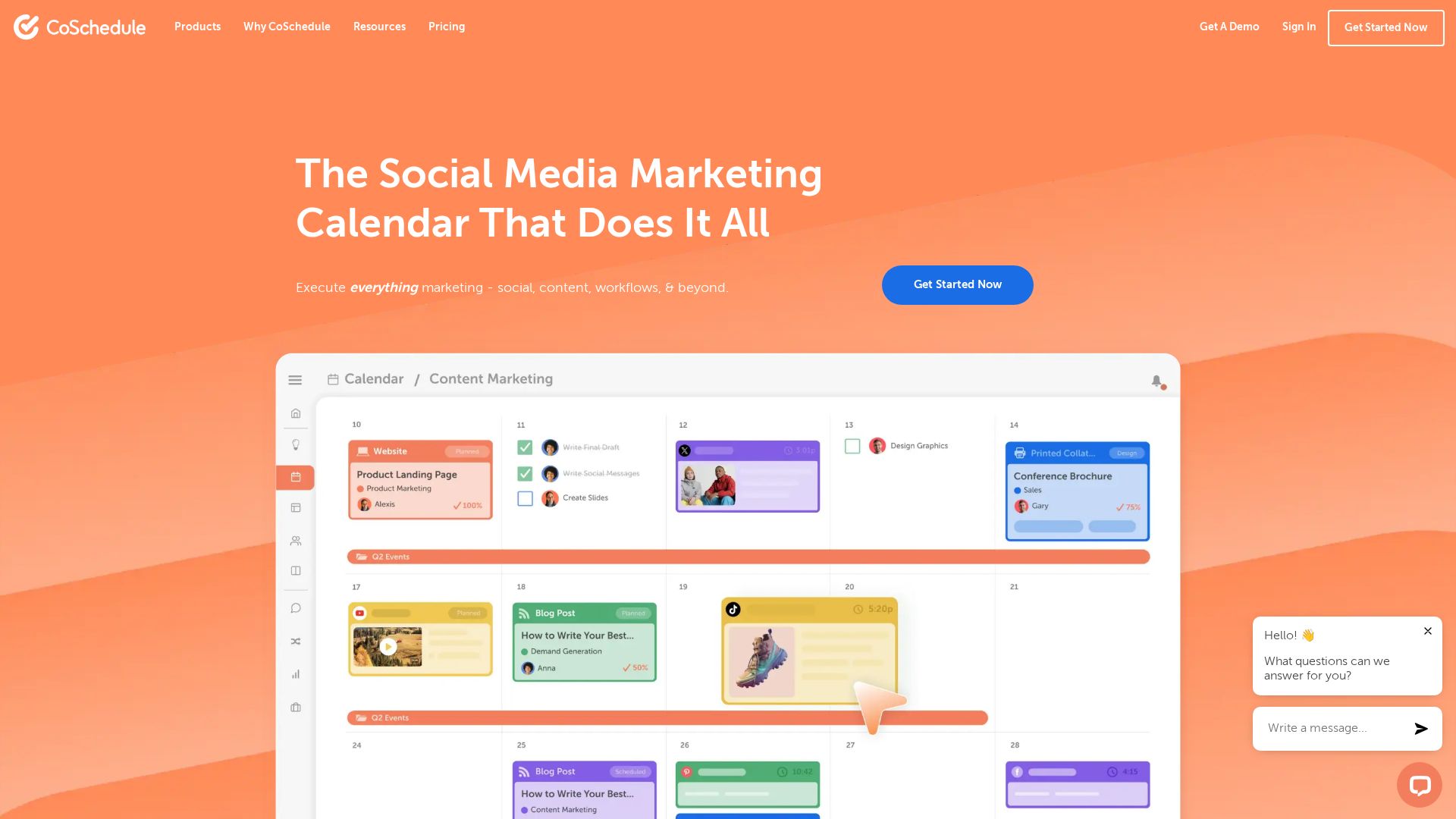
CoSchedule is designed for marketing teams who need a single calendar for social media, blog posts and email campaigns.
What I Tried
I linked social accounts and tested the marketing calendar. A unique integration of Social, Blog, and Email. It took about 20 minutes to set up.
Strengths
Unified marketing calendar. Best for teams with lots of content. ReQueue suggests the best times to post. Built-in headline analyzer.
Limitations
Limited support of social platforms. The pricing is high. The social features aren’t as strong as Buffer or Hootsuite. AI features are rudimentary.
Pricing
Free: Marketing calendar only. Pro: $29/month. Social + Marketing Calendar: $59/month.
10. Loomly: Best for Content Ideation
Loomly is more than just a scheduling tool. It helps you come up with content ideas based on trending topics and what your audience is interested in.
What I Tried
I tried out the content idea generator. It provided me with suggestions for posts that were trending in my niche. The scheduling workflow is clean.
Strengths
Content idea generation. Post optimization tips. Clean content calendar. Team approval processes.
Limitations
Less support for smaller platforms than Buffer. The price is $42/month and up. Analytics are basic. Limited integration.
Pricing
Base: $42/month. Standard: $80/month. Advanced: $175/month. Premium: $369/month.
11. MeetEdgar: Best for Content Recycling
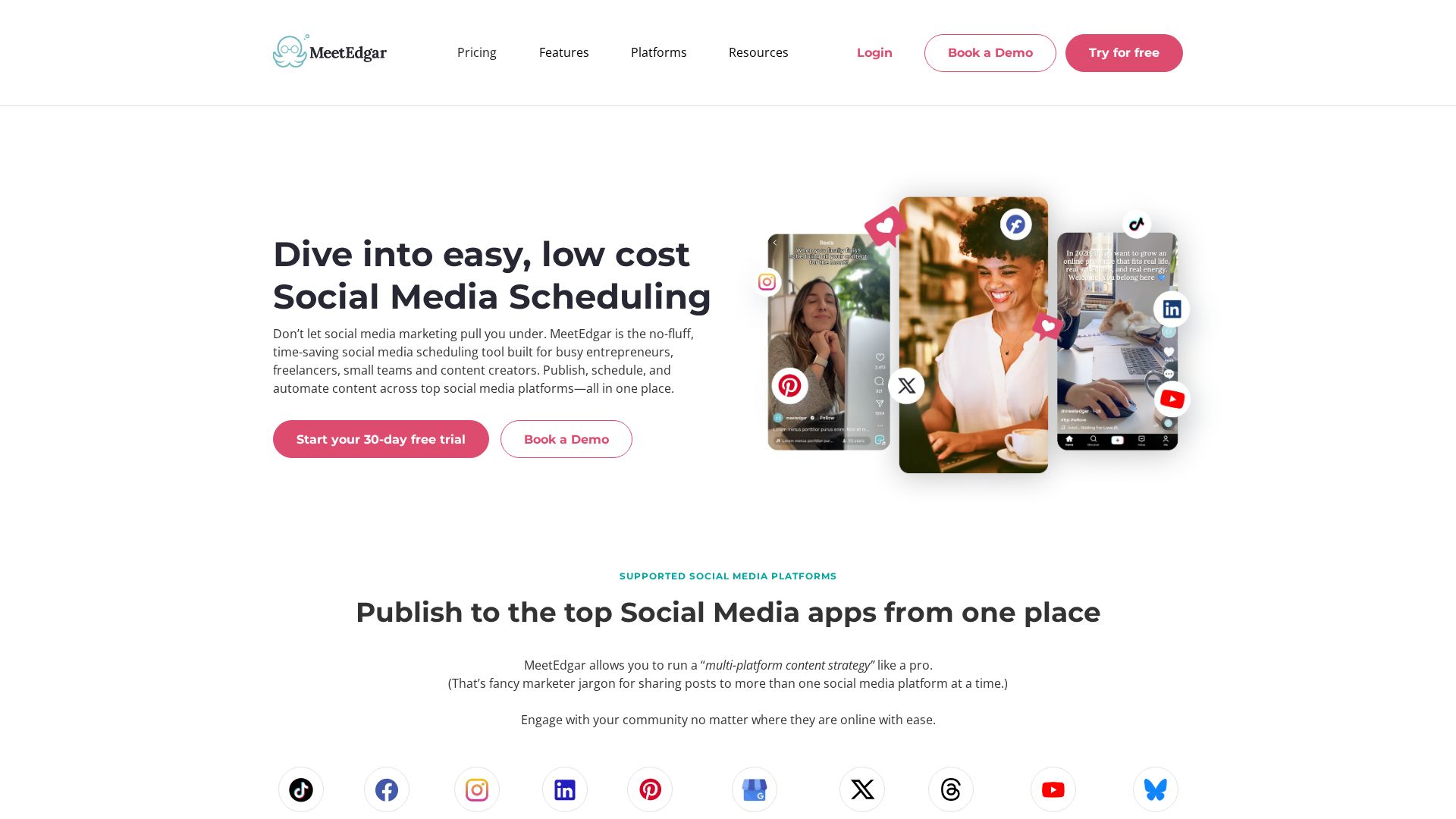
MeetEdgar will automatically re-share your best posts on a schedule. This is the only tool that does it right.
What I Tried
I built a content library and set Edgar to automatically schedule recycled posts. It found my best content and re-shared it at the best times.
Strengths
Automatic content repurposing. Evergreen content repository. A/B testing post variations. Set it and forget it schedule.
Limitations
Limited support on platforms. Plans begin at $24/month. The interface is very basic. Bad analytics.
Pricing
Individual: $24/month. Team: $49/month.
12. SocialBee: Best for Content Categorization
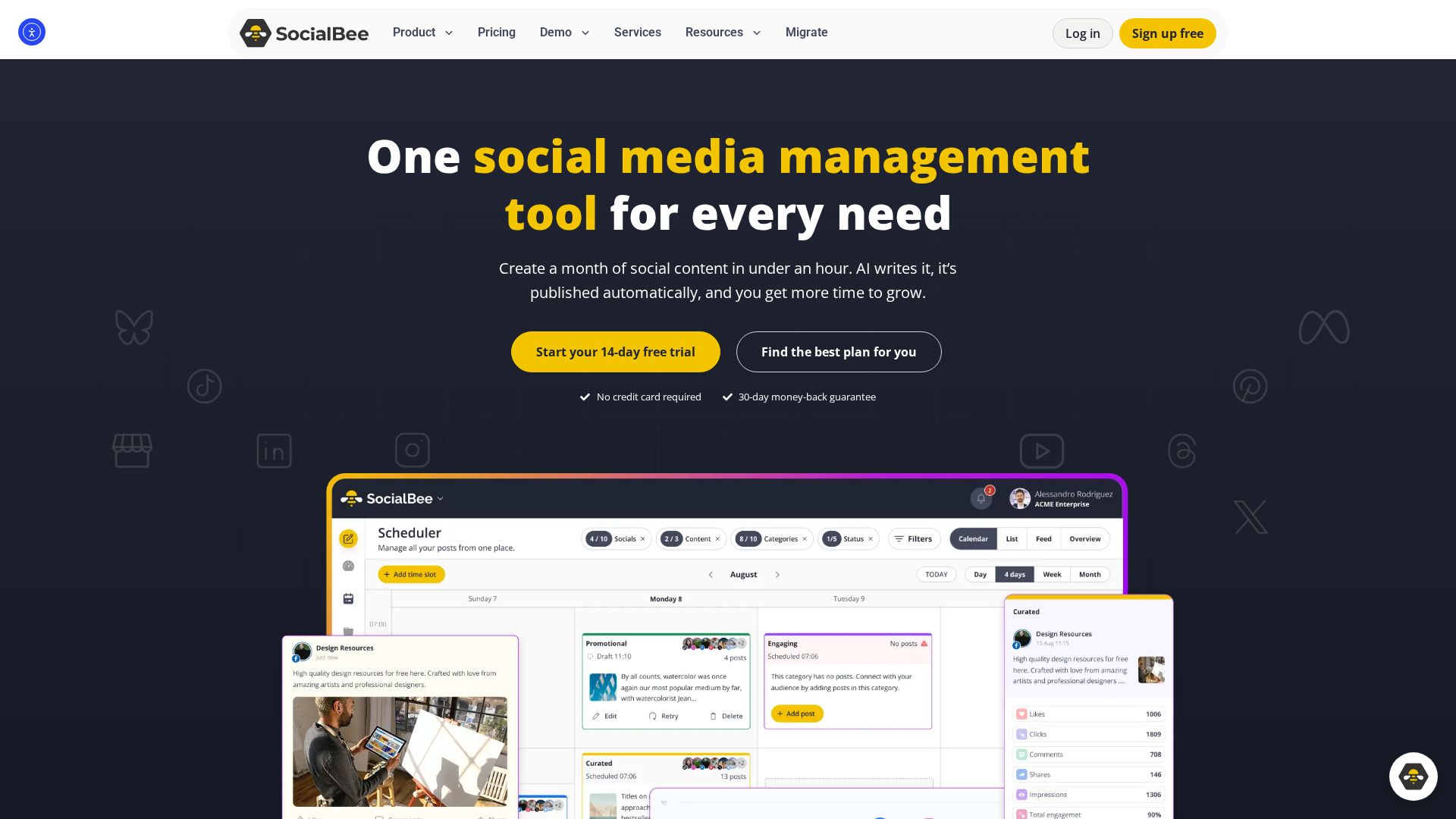
SocialBee allows you to organize your content into categories such as educational, promotional, or entertaining and schedule from each category on a rotation.
What I Tried
I set up categories and a posting rotation. The category system is unique – it ensures a balanced content mix. Setup took about 20 min.
Strengths
Content classification system. Balanced posting rotation. AI caption generation. Evergreen content recycling.
Limitations
The interface is somewhat complicated. The price starts at $29/month. Analytics: Limited. Smaller community than Buffer.
Pricing
Bootstrap: $29/month. Accelerate: $79/month. Pro: $139/month.
13. Planable: Best for Content Collaboration
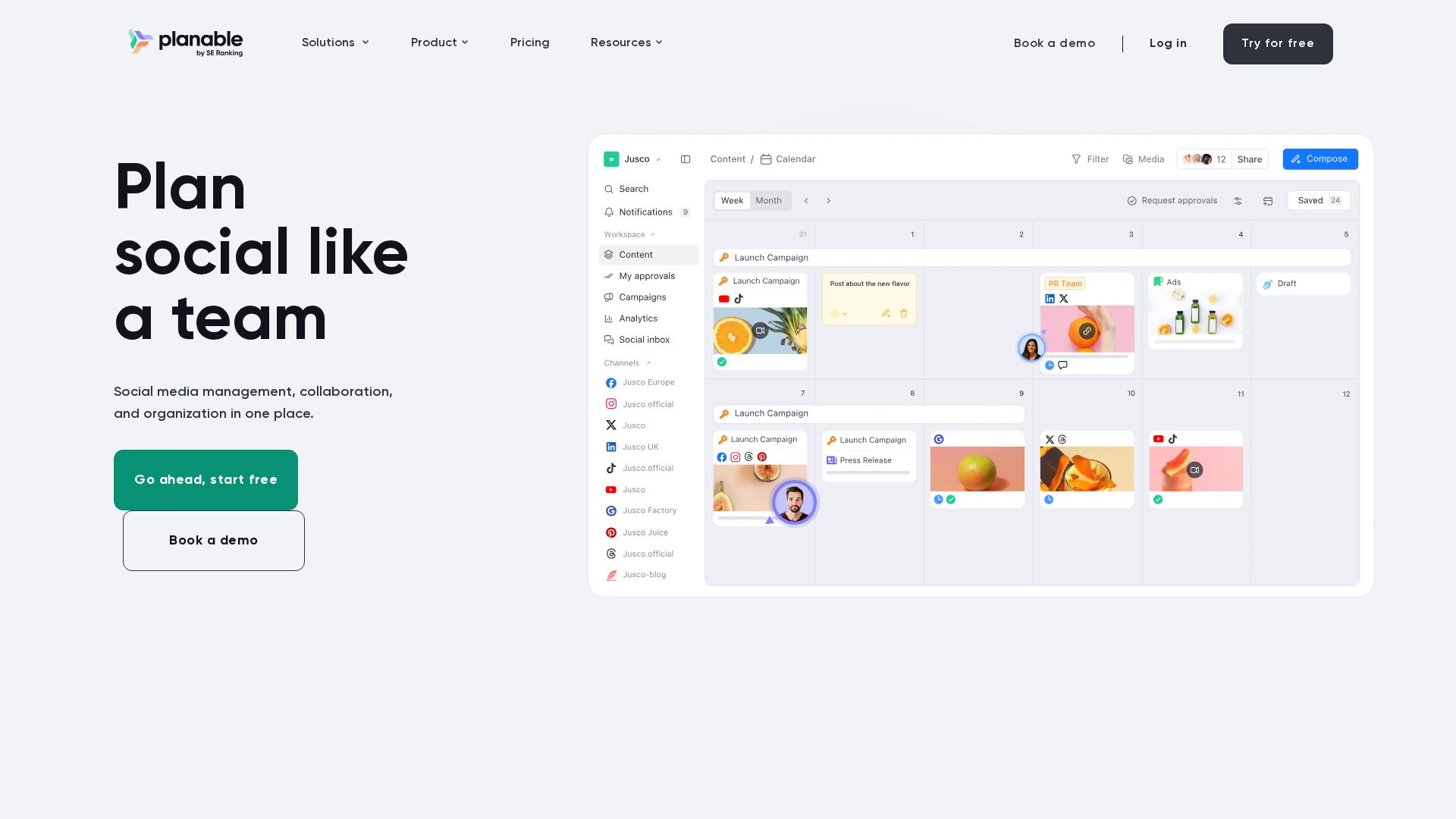
Planable is made for teams that want to work together on content before it goes live. The visual approval workflow is best in this comparison.
What I Tried
I tested collaboration features with a team. The visual approval workflow shows everyone precisely how the posts will look. Setup was about 15 minutes.
Strengths
Best visual approval process. Work together in real-time. Content calendar with several views. Preview the mockup before publishing.
Limitations
Sprout Social works better for analytics. Pricing begins at $33/month. Platform support limited. No AI features are included.
Pricing
Free: 1 workspace, 50 posts per month. Pro: $33/month. Enterprise: Custom.
14. ContentStudio: Best for Content Discovery
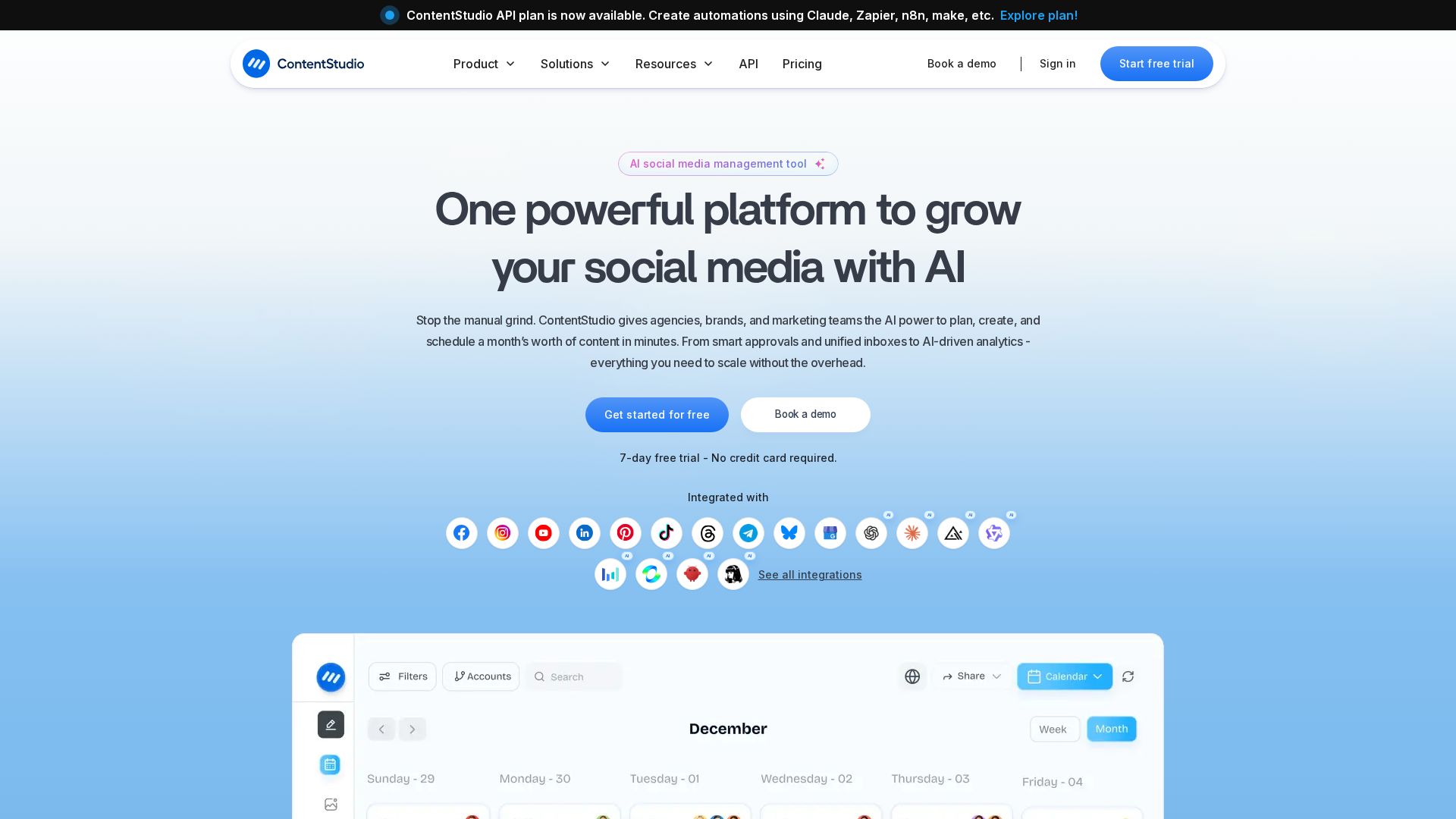
With ContentStudio you can find the most trending content in your niche and schedule it with your own content.
What I Tried
I tried the content discovery feature. It found trending articles in my niche that I could add to my original content. The scheduling workflow is nice and neat.
Strengths
Content Discovery Engine. Curated Content Stream. Blog and social, one calendar. AI caption generation.
Limitations
The interface is a little busy. Prices starting at $25/month. Analytics are basic. Limited approval process.
Pricing
Pro: $25/month. Agency: $50/month. Enterprise: Custom.
15. SocialPilot: Best White Label for Agencies
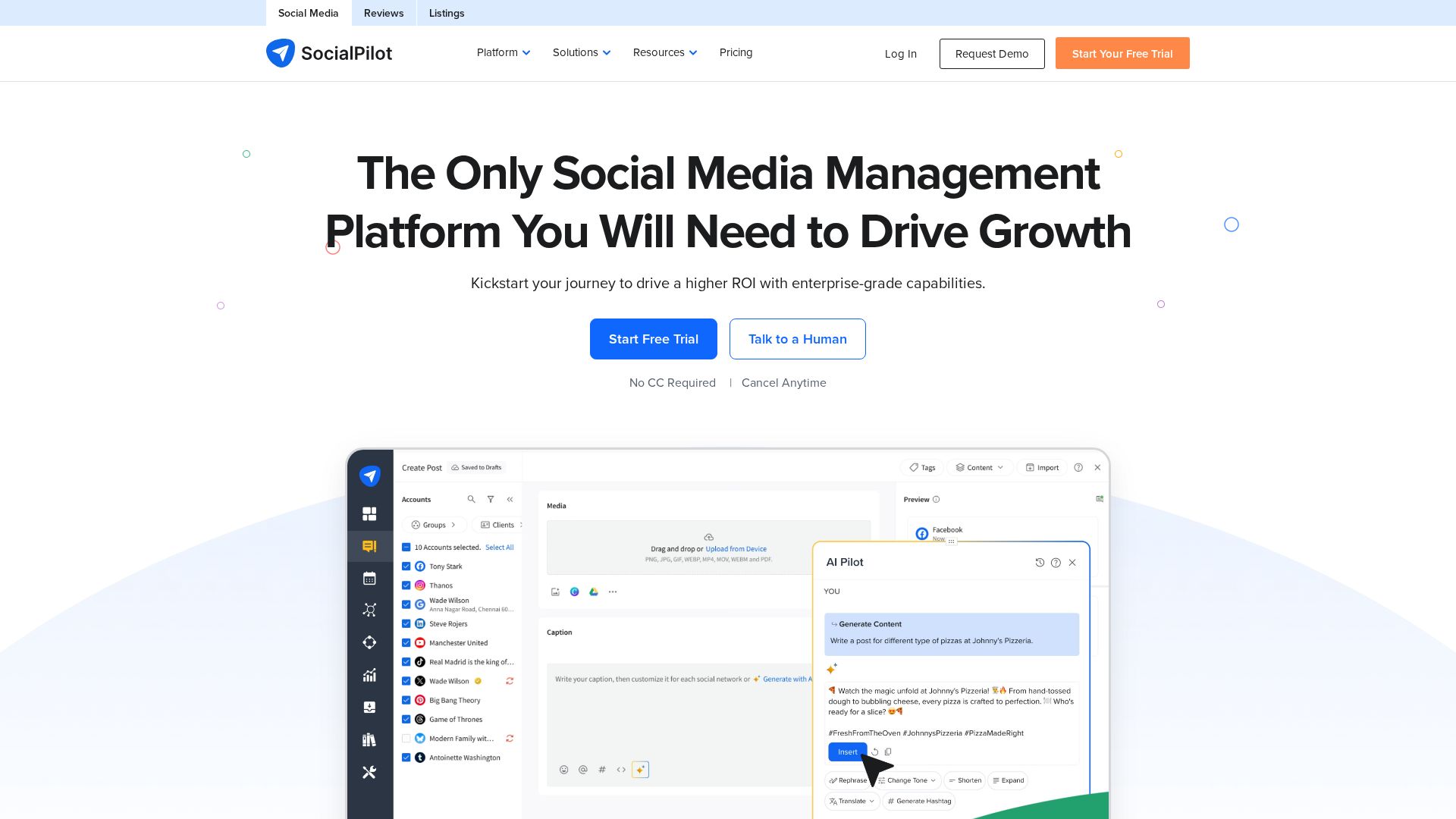
SocialPilot has white-label options at a lower price point than Sendible. Great for agencies that need branded client dashboards.
What I Tried
I tested the white label dashboard with 3 client accounts. The branded interface is clean. The workflow for scheduling is easy.
Strengths
White label at lower price point. Client management features. Bulk scheduling. Content suggestions.
Limitations
The interface feels old. Sprout Social is way better for analytics. Limited AI capabilities. Smaller integration library.
Pricing
Professional: $30/month. Studio: $50/month. Agency: $100/month. Enterprise: Custom.
Head-to-Head: Buffer vs Social by InstantDM

This is the battle for creators. The battle of simplicity vs AI-powered scheduling.
- Buffer: Free / $6/month, 10 platforms, capped posts, basic AI assistant, API Enterprise only
- Social by InstantDM: Free plan, 8 platforms, Unlimited posts, MCP server and AI agents, API on each plan
Buffer is the best if you want the easiest scheduling experience. Social by InstantDM wins if you want AI agents and access to the API on all plans.
Learn more about Social by InstantDM.
Pricing at Realistic Scale (50 Posts/Month, 5 Accounts)
| Tool | Price |
|---|---|
| Buffer | $30/month |
| Social by InstantDM | Free / Paid plan |
| Metricool | $22/month |
| Publer | $24/month |
| Hootsuite | $99/month |
| Sprout Social | $249/month |
Buffer and Metricool are the cheapest option for individual creators. Sprout Social is the agency investment.
Common Mistakes That Destroy Your Scheduling Workflow

Planning Without Strategy
Posting consistently is not enough. You need a mix of educational, promotional and entertaining content. Most tools allow the creation of categories or queues. Use them.
Analytics Ignored
Every tool gives you data on what’s working. If a post type is getting more engagement, do more of that. If you get better results posting at 9 AM than 6 PM, switch up your schedule.
Not Previewing Before Publishing
Later’s grid preview, and Planable’s mockup view are not for nothing. What looks great in the editor may look horrible in the feed. Preview everything.
Paying for Features You Do Not Use
Most creators don’t need the enterprise features of Sprout Social. Start with the free tier from Buffer or Metricool. Upgrade only when you hit a real limit.
How to Decide: Decision Framework

By Budget
- Free: Buffer, Metricool, Social by InstantDM
- Under $30/month: Metricool, Buffer or Publer
- $30-$100/month: Hootsuite or Later
- $100+/month: Sprout Social or Hootsuite Enterprise
By Goal
- Easy Scheduling: Buffer
- AI-powered workflows: Social by InstantDM
- Client management: Sprout Social or Sendible
- Visual Content: Later
- Bulk scheduling: Publer
- Content recycling: MeetEdgar
The Final Word
What is the best social media scheduling tool for you? It depends on your goals. Buffer for simplicity. Social by InstantDM for AI-driven workflows. Sprout Social for agencies. Later for visual brands. Metricool for budget creators.
Pick the tool that fits your current phase. Try the free tier first. Plug in your first week’s worth of content. Then decide to upgrade or try a different tool.
For more comparisons, check out our Buffer alternatives, Later alternatives, and Sprout Social alternatives guides.
A product from InstantDM. Social by InstantDM.
Frequently asked questions
What is the best free social media scheduler?
Buffer's free plan is the most user-friendly and includes 3 channels. Metricool has the most generous free plan, and it includes scheduling for all platforms for 1 brand.
How many posts can I schedule per month?
Depends on the tool. Free plan: Buffer limits to 10 scheduled posts per channel. Social by InstantDM offers unlimited scheduled messages. You can schedule on all platforms with Metricool on the free plan.
What is the best scheduling platform for Instagram?
Later is the best Instagram experience with grid preview and link-in-bio. The simplest option is Buffer. Social by InstantDM offers AI agent scheduling for Instagram.
Can I schedule posts to multiple platforms at once?
Yes. All of these tools let you schedule for multiple platforms. The simplest are Buffer, Social by InstantDM and Metricool.
What is the cheapest social media scheduling tool?
Buffer's free plan is the cheapest at $0. For paid plans, Metricool starts at $22/month, Publer at $12/month, and Buffer Essentials at $6/month per channel.
Which tool is best for agencies managing multiple clients?
Sprout Social offers the best client management features with approval workflows and analytics. Sendible and SocialPilot also offer white-label options for agencies.
Do these tools support TikTok scheduling?
Yes. Most tools now support TikTok including Buffer, Hootsuite, Later, Metricool, Publer, and Social by InstantDM. Check each tool's platform support for the latest list.
What is the difference between a social media scheduler and a social media manager?
A scheduler focuses on planning and publishing content. A social media manager includes scheduling plus analytics, engagement, team collaboration, and reporting. Most tools now combine both functions.
How do I choose between Buffer and Hootsuite?
Buffer is best for individual creators who want simplicity and a free tier. Hootsuite is better for enterprise teams needing multi-user access, approval workflows, and advanced analytics.
Are there any AI-powered scheduling tools?
Yes. Social by InstantDM offers AI agent scheduling with MCP server support. Buffer has an AI assistant. Hootsuite has OwlyWriter AI. Metricool includes AI caption generation.