Instagram Broadcast Channels: Community Building Strategy (2026)
Instagram Broadcast Channels let you send one-way messages to followers. Here's how to create one and build community in 2026.
TL;DR
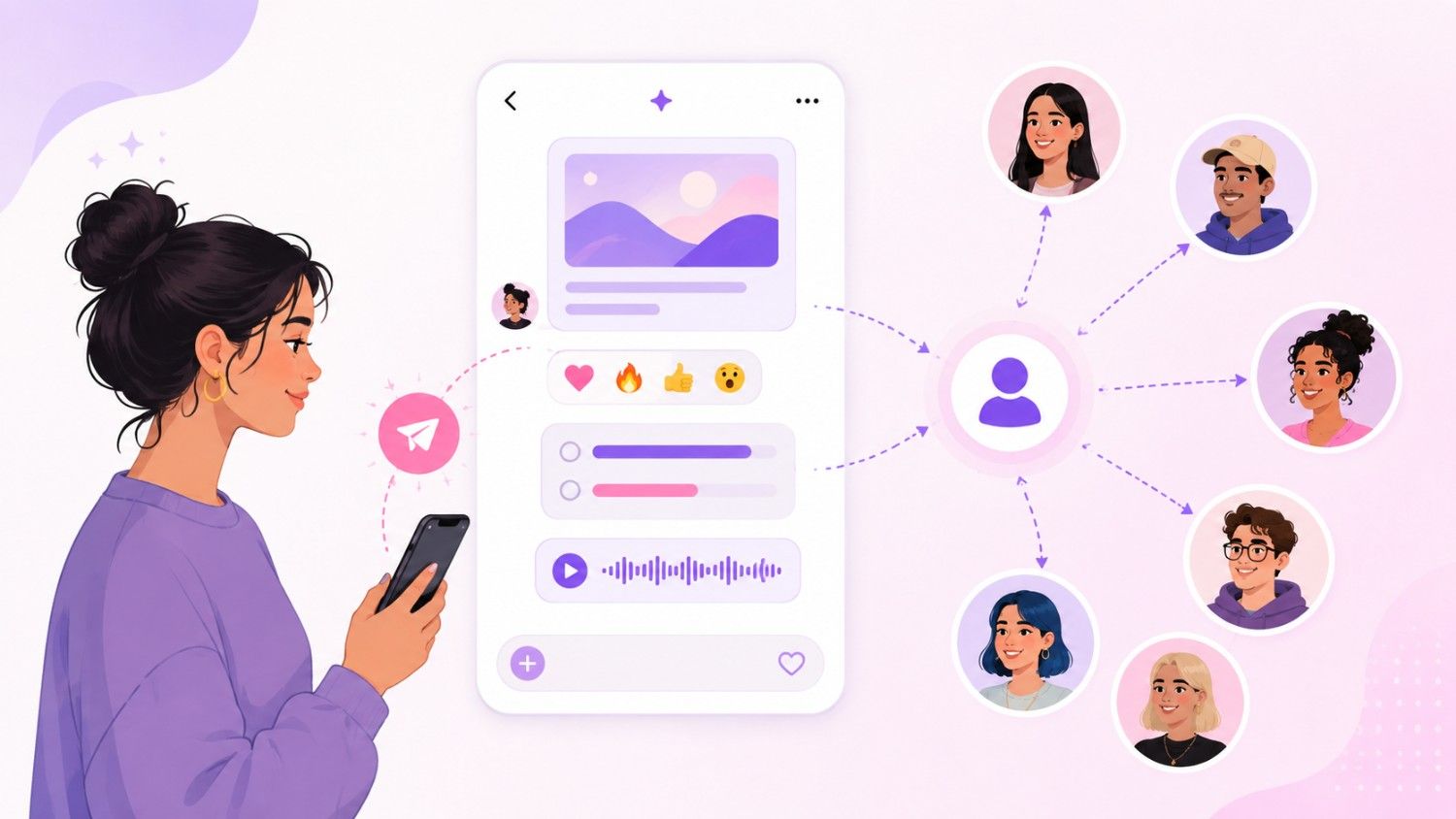
Instagram Broadcast Channels are basically a newsletter that lives inside Instagram’s DM inbox instead of an email inbox. You create a channel, your followers join it, and from that point on, anything you send — text, photos, voice notes, polls, links — drops straight into their DMs. It only goes one way. They can react to what you post and vote in your polls, but they can’t message you back inside the channel, which is honestly the whole point. No chaos, no spam, just you talking to the people who actually chose to hear from you.
Any public account can start one, whether you’ve got 100 followers or 100,000. Setup takes about two minutes. There’s no native scheduling yet, so you’re sending messages manually or leaning on third-party tools to help you plan ahead. If you’re trying to build a more loyal, more engaged corner of your audience in 2026, this is one of the more underrated tools Instagram has handed creators and brands in a long time.
Introduction
I’ll be honest, when Broadcast Channels first rolled out, I didn’t pay much attention. I filed it under “another Instagram feature that’ll get buried in three months. ” I was wrong, and I don’t say that lightly because I’m usually pretty sceptical of anything Instagram launches with a big announcement and a shiny new icon.
What changed my mind was watching how differently people behave in their DMs compared to how they behave scrolling their feed. On the feed, people are half paying attention and gone in two seconds. In the DMs, something shifts — people actually read what’s there. It feels personal, even when it’s not, and that’s exactly why broadcast channels work as well as they do.
I started running one for my own account about six months ago, mostly as an experiment, and the engagement numbers genuinely surprised me. So I want to walk you through everything I’ve learnt — what a broadcast channel actually is, who can use one, exactly how to set it up, and how to get people to join and stay engaged once they do. Let’s get into it.
What is an Instagram Broadcast Channel and how does it work?
Okay so let me start with the basics. An Instagram Broadcast Channel is a one-way messaging channel inside Instagram. You create it, followers join, and you send them messages directly in their DMs.
Here’s how it works in practice. You create a channel and give it a name. Your followers see the channel and can join it. Once they join, every message you send appears in their DM inbox.
The key difference from regular DMs: broadcast channels are one-way. You send messages, followers can react and vote in polls, but they can’t message back. This keeps the conversation focused and prevents the channel from becoming chaotic.
Think of it like a newsletter, but inside Instagram. Instead of email, your updates land in DMs. Instead of a subscriber list, you have followers who chose to join.
I started using Broadcast Channels about six months ago. The engagement is insane compared to regular posts. People actually read DMs. Open rates are way higher than feed posts.
What I didn’t expect, going in, was how different the tone of the relationship feels once someone joins. On the feed, you’re broadcasting to strangers who happen to be following you. In a Broadcast Channel, everyone made an active choice to be there — they tapped join. That’s a small action, but it changes the psychology of the whole thing. You’re not shouting into a crowd anymore, you’re talking to a room of people who raised their hand and said “keep me posted.” It’s also low-maintenance for you as the sender: because it’s one-way, you’re not pulled into replying to fifty comments or managing a group chat that spirals into unrelated tangents. You post, people react, you move on.
Who can create an Instagram Broadcast Channel in 2026?
In 2026, most Instagram accounts can create Broadcast Channels. Here’s who qualifies.
Creators with any follower count. You don’t need a minimum number of followers to create a channel. Even accounts with 100 followers can start one.
Business accounts. Yes, business accounts can create Broadcast Channels. This is important for brands and local businesses.
Creator accounts. Yes, creator accounts can create Broadcast Channels.
The main requirement: you need a public account. Private accounts can’t create Broadcast Channels because the whole point is sharing content with followers who opt in.
I tested this with a brand new account that had 50 followers. The Broadcast Channel feature worked perfectly.
What surprised me here is how low the bar actually is. I half expected some hidden follower threshold, the way there used to be with Instagram Live or swipe-up links. There isn’t one. If you’re a small local business with a few hundred followers, or a creator who just started posting last month, the option is sitting there waiting, same as for someone with a million followers. That matters, because it means you don’t need to “earn” the right to build a closer relationship with your audience — you can start on day one, before you have a huge crowd to manage.
One small caveat: account restrictions or community guideline flags can temporarily block access to the feature, so if you’re not seeing the option, it’s worth checking for pending flags before assuming it’s a glitch.
How to create an Instagram Broadcast Channel step by step
Here’s the exact process for creating a Broadcast Channel.
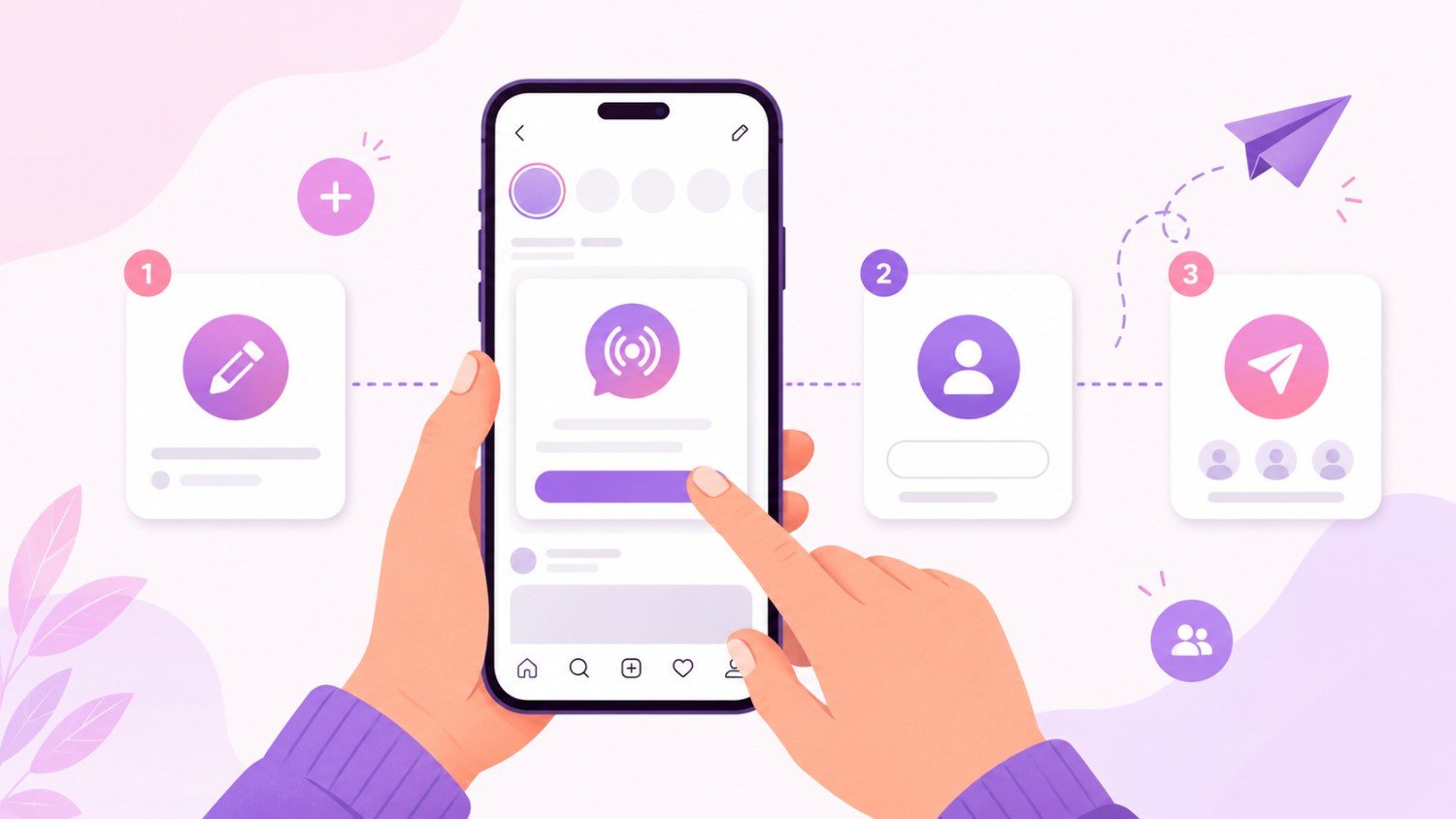
Step 1: Open Instagram and go to your DMs. Tap the paper airplane icon or swipe left.
Step 2: Tap the ”+” icon in the top right corner. This opens the option to create a new channel.
Step 3: Select “Create broadcast channel.”
Step 4: Give your channel a name. Choose something that describes what subscribers will get. “Behind the Scenes” or “Weekly Tips” work well.
Step 5: Write a description. Tell people what they’ll get by joining. Be specific.
Step 6: Tap “Create.” Your channel is live.
Step 7: Share the channel. Share it to your Stories, add it to your bio, and mention it in your posts.
The whole process takes about 2 minutes. It’s one of the simplest features Instagram has launched.
A few things I’d add on top of the raw steps, because the naming and positioning is where people trip up. When picking a name in Step 4, resist the urge to get cute or vague. Something like “The Good Stuff” sounds fun but tells a potential subscriber nothing about what they’re signing up for. “Weekly Tips” or “Behind the Scenes” might feel less exciting, but they set a clear expectation.
Same logic applies to Step 5. A lot of people leave the description blank or write something generic like “join for updates,” which is a wasted opportunity. Followers make a split-second decision when they see the join button, and a specific, benefit-driven description tips that decision in your favor — something like “get first access to new drops and the occasional voice note when I’m testing something new” does far more work than “updates.”
And don’t skip Step 7. I’ve talked to people who created a channel, told nobody about it, and then wondered why it had twelve members three months later. Instagram doesn’t push your channel in front of followers automatically. You have to actively point people toward it, more than once, in more than one place.
Instagram Broadcast Channels for business: best use cases
Here are the best ways businesses can use Broadcast Channels.
Exclusive announcements. Share product launches, sales, and events with your most engaged followers first.
Behind-the-scenes content. Show your team, your process, your workspace. This builds connection and trust.
Early access. Give Broadcast Channel subscribers first access to new products, limited editions, or special offers.
Customer support. Use the channel to share FAQs, troubleshooting tips, and updates about your business.
Community building. Create a space where your most loyal followers feel special. They’re getting content that regular followers don’t see.
The key is to make the channel feel exclusive. If subscribers get the same content they see on your feed, there’s no reason to join.
Let’s dig into a couple of these, because “use cases” lists tend to stay pretty surface-level.
Take early access. This is probably the single highest-converting use of a Broadcast Channel I’ve seen. When a subscriber gets a message 24 hours before a product officially drops, that’s not just a nice gesture — it’s a direct incentive to stay subscribed and to actually open your next message instead of ignoring it. A generic sale announcement everyone sees on the feed doesn’t create that same feeling of getting something extra.
Customer support is the one businesses tend to underuse. If you’re fielding the same five questions in your DMs or comments, a Broadcast Channel is an efficient way to get ahead of that — post a short update about a shipping delay or a common fix before it becomes fifty separate conversations.
And on the “make it feel exclusive” point — that’s the difference between a channel that grows and one that quietly dies. If you’re just cross-posting your captions word for word, subscribers will notice and stop opening your messages. It needs to feel written specifically for the people who joined, not recycled from somewhere else.
How to get more people to join your broadcast channel
Here are the strategies that work.
Promote it in your Stories. Share the channel link to your Stories with a call to action. “Join my Broadcast Channel for exclusive updates.”
Add it to your bio. Include a link to your broadcast channel in your bio. This makes it easy for new followers to join.
Mention it in your posts. Reference your broadcast channel in your captions. “I shared the full story in my Broadcast Channel — link in bio.”
Collaborate with other creators. Invite other creators to post in your channel. Their audience might join too.
Offer incentives. Give subscribers something exclusive — early access, discounts, or behind-the-scenes content that’s not available anywhere else.
Tools like Social by InstantDM can help you promote your broadcast channel across multiple platforms.
Growth here isn’t a one-and-done announcement, and this is where most people give up too early. You can’t post about your channel once and expect a steady stream of new members. It needs to become a recurring mention, almost background noise in your regular content.
Stories are probably your highest-leverage tool here because of frequency. If you’re already posting daily, adding a “join my channel” sticker once or twice a week costs almost nothing and keeps the option visible to people who missed it the first ten times. Don’t be afraid of repeating yourself — most of your audience isn’t seeing everything you post.
The collaboration angle is underrated too. Cross-promoting to other creators’ channels, even informally, can bring in subscribers already primed for this kind of content. And on incentives, be specific about what makes joining worth it. “Exclusive content” is vague. “I’ll post the full breakdown of how I priced this collection before I share it anywhere else” is specific, and specific is what actually moves people to tap join.
What can you post in an Instagram Broadcast Channel?
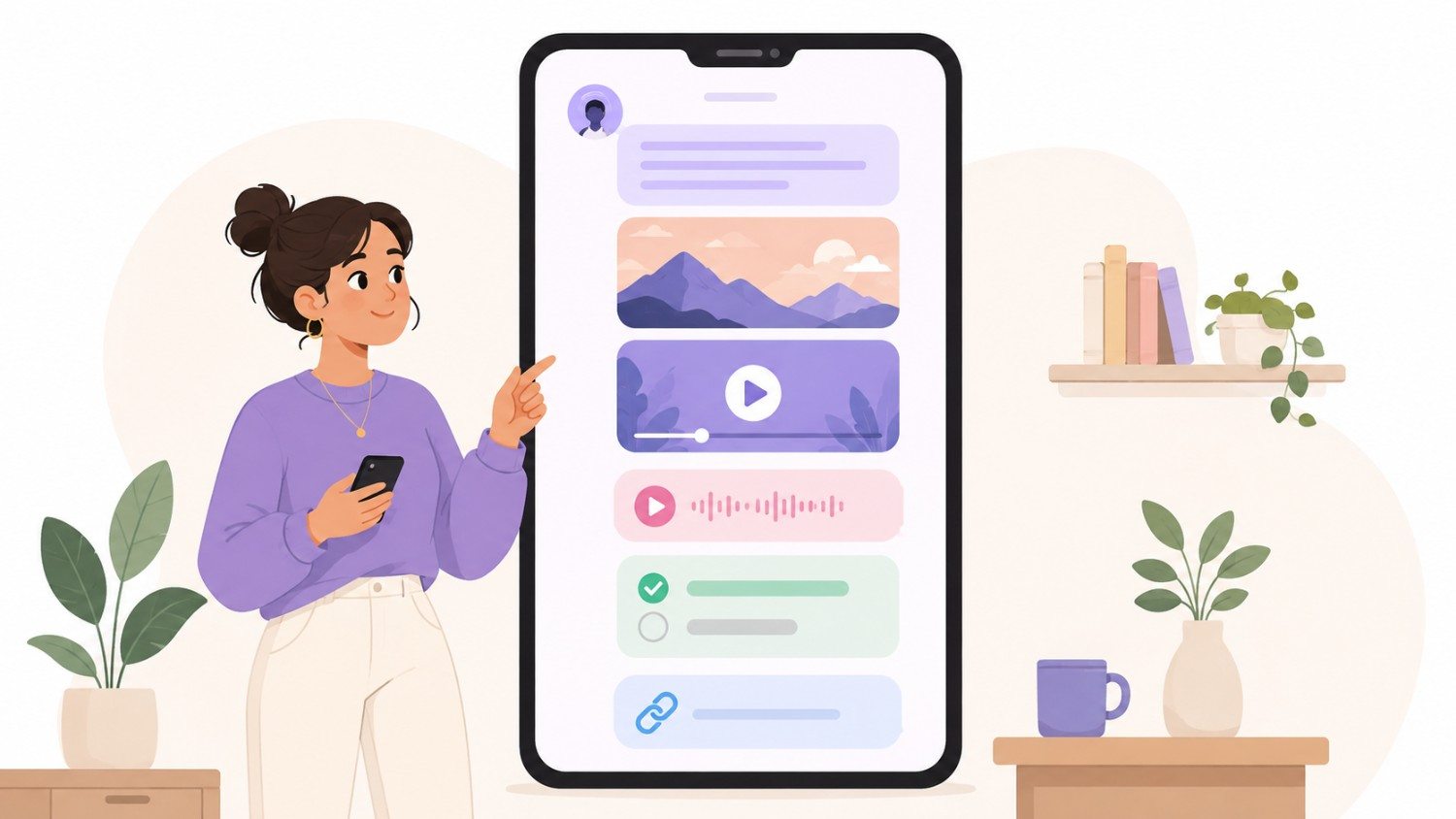
Here’s what you can share in a Broadcast Channel.
Text messages. Simple text updates, announcements, or thoughts.
Photos. Share images directly to the channel.
Videos. Short video clips or updates.
Voice messages. Record a voice note and send it to the channel. This feels personal and authentic.
Polls. Create polls to let subscribers vote on topics. This drives engagement.
Links. Share links to your website, blog posts, or products.
The best channels mix different content types. Text updates, photos, polls, and voice messages keep things interesting.
Out of all of these, voice messages are the one I’d encourage people to use more. There’s something about an actual voice, imperfect and unscripted, that reads as far more personal than another polished photo. It doesn’t need to be produced — the rougher it sounds, the more human it feels.
Polls are the easiest way to keep a “two-way feeling” alive even though the channel is technically one-way. A quick poll asking which of two product colors people prefer gives subscribers a small way to participate, and gives you real data instead of guesswork.
I’d also push back on the idea that every message needs to be a big content moment. Some of my highest-performing sends have just been a short text update — “just shipped the last of the pre-orders, thanks for being patient” — nothing fancy. It worked because it felt like a real update from a real person, not a marketing message. Mix in the low-effort, high-authenticity stuff alongside the bigger pieces.
Broadcast Channels vs Group Chats vs Stories
Here’s how Broadcast Channels compare to other Instagram features.
Broadcast Channels. One-way messaging. You send, followers react. Unlimited subscribers. Great for announcements and exclusive content.
Group Chats. Two-way messaging. Everyone can participate. Limited to 250 members. Great for community discussion.
Stories. Ephemeral content. Disappears after 24 hours. Public. Great for daily updates and casual content.
The key difference: Broadcast channels are one-way. Group chats are two-way. Stories are public.
For community building, broadcast channels are the best option. They let you reach unlimited followers with exclusive content without the chaos of a group chat.
It’s worth thinking about these three as different tools for different jobs rather than competing options. Stories are your daily, low-stakes, casual layer. Group chats are your high-touch, small-scale space for real back-and-forth, but they cap out at 250 people. Broadcast channels sit in between — more permanent and intentional than a Story, but scalable in a way a group chat isn’t.
I’ve seen people use all three in layers: stories for the daily stuff, a broadcast channel for curated opt-in updates, and a small group chat reserved almost like a VIP tier for their closest, most engaged fans.
Broadcast channel app
Some third-party apps claim to help you manage broadcast channels. Here’s what you need to know.
As of 2026, Instagram doesn’t offer native scheduling for broadcast channel messages. You need to send them manually.
Third-party tools can help you draft messages and schedule reminders, but they can’t auto-publish to broadcast channels. Instagram’s API doesn’t allow it.
The best approach: draft your messages in advance, set reminders, and send them manually when the time is right.
Tools like Social by InstantDM can help you draft content and schedule reminders across platforms.
This lack of native scheduling trips a lot of people up since we’re used to scheduling everything else — feed posts, Stories, even Reels. It’s a gap Instagram will probably close eventually, but for now, you can’t set it and forget it.
In practice, this isn’t as painful as it sounds once you build a small routine. I keep a running doc of drafted messages written a few days ahead, with calendar reminders for when to hit send. It takes maybe ten minutes a week and means I’m never scrambling to write something on the spot. If you’re managing this across a team, a third-party tool that centralizes drafts and reminders can save time, even without true auto-publishing.
Why can’t I make a broadcast channel on Instagram?
Here are the most common reasons.
Your account is private. You need a public account to create a Broadcast Channel. Switch to public in your account settings.
You’re using an outdated app. Update Instagram to the latest version. The Broadcast Channel feature may not appear on old versions.
Your account is restricted. If you’ve violated Instagram’s community guidelines, your account may be temporarily restricted from creating channels.
Technical issues. Sometimes the option simply doesn’t appear. Try force-closing Instagram and reopening it. If that doesn’t work, restart your phone.
I had this issue once. The option disappeared for no reason. I force-closed Instagram, reopened it, and it was back.
If you’ve gone through this list and you’re still stuck, check one more thing: regional rollout. Instagram has historically rolled features out gradually by region, so if you’re in a market where it launched later, that could explain the gap even if everything else checks out — it usually resolves within a matter of weeks. Also, if you recently switched account types or went from private to public, give it a little time. Those settings can take a short while to fully propagate.
How to make a broadcast channel on Instagram
The process is simple. Here’s the quick version.
Open Instagram. Go to your DMs. Tap the ”+” icon. Select “Create broadcast channel.” Give it a name and description. Tap “Create.” Share it to your Stories and bio.
That’s it. The whole process takes about 2 minutes.
The technical setup is genuinely the smallest part of doing this well — anyone can tap through those steps in two minutes. What separates a channel that actually grows from one that fizzles out is everything covered above: the name, the description, the promotion, and showing up consistently once it’s live.
Frequently asked questions
What is an Instagram Broadcast Channel? A broadcast channel is a one-way messaging channel inside Instagram. You send messages to followers who opt in. They can react and vote in polls, but they can’t message back.
Who can create a broadcast channel? Most public Instagram accounts can create broadcast channels. You need a public account and the latest version of Instagram.
How do I get more people to join my broadcast channel? Promote it in your Stories, add it to your bio, mention it in your posts, collaborate with other creators, and offer exclusive content that’s not available anywhere else.
What can I post in a broadcast channel? Text messages, photos, videos, voice messages, polls, and links. Mix different content types to keep subscribers engaged.
Can I schedule broadcast channel messages? Not natively. As of 2026, Instagram doesn’t offer scheduling for broadcast channel messages. You need to send them manually. Third-party tools can help with reminders.
The bottom line
Instagram Broadcast Channels are one of the best community-building tools in 2026. They let you send exclusive content directly to your most engaged followers.
The setup is simple. The engagement is high. The potential is huge.
If you want to promote your broadcast channel across multiple platforms, Social by InstantDM (https://socialbyidm.com) makes it easy. Schedule announcements across 8 platforms and use AI to draft promotional content.
Start your broadcast channel today. Your most engaged followers are waiting.
Frequently asked questions
What is an Instagram Broadcast Channel?
A broadcast channel is a one-way messaging channel inside Instagram. You send messages to followers who opt in. They can react and vote in polls, but they can't message back.
Who can create a broadcast channel?
Most public Instagram accounts can create broadcast channels. You need a public account and the latest version of Instagram.
How do I get more people to join my broadcast channel?
Promote it in your Stories, add it to your bio, mention it in your posts, collaborate with other creators, and offer exclusive content that's not available anywhere else.
What can I post in a broadcast channel?
Text messages, photos, videos, voice messages, polls, and links. Mix different content types to keep subscribers engaged.
Can I schedule broadcast channel messages?
Not natively. As of 2026, Instagram doesn't offer scheduling for broadcast channel messages. You need to send them manually. Third-party tools can help with reminders.