Install the Social by InstantDM Skill on Hermes
hermes skills install github:instant-dm/agent-mode/skills/social-by-idm — then MCP in config.yaml. What the skill teaches Hermes, how to reload, how it differs from OpenClaw's ClawHub line.
What is the Hermes install command for this skill?
hermes skills install github:instant-dm/agent-mode/skills/social-by-idmGitHub source, not ClawHub. Hermes does not use ClawHub as its primary registry. The portable unit is the folder. We tell Hermes to clone the same SKILL.md OpenClaw gets from @sanjaykhanssk/social-by-idm. Same policy: drafts, offsets, no key-hunting. Different loader.
I am the vendor. We sell the scheduler. The skill is documentation the model reads. It cannot publish. MCP publishes. If you only run this one command and never touch config.yaml, you taught Hermes manners and gave it no fork.
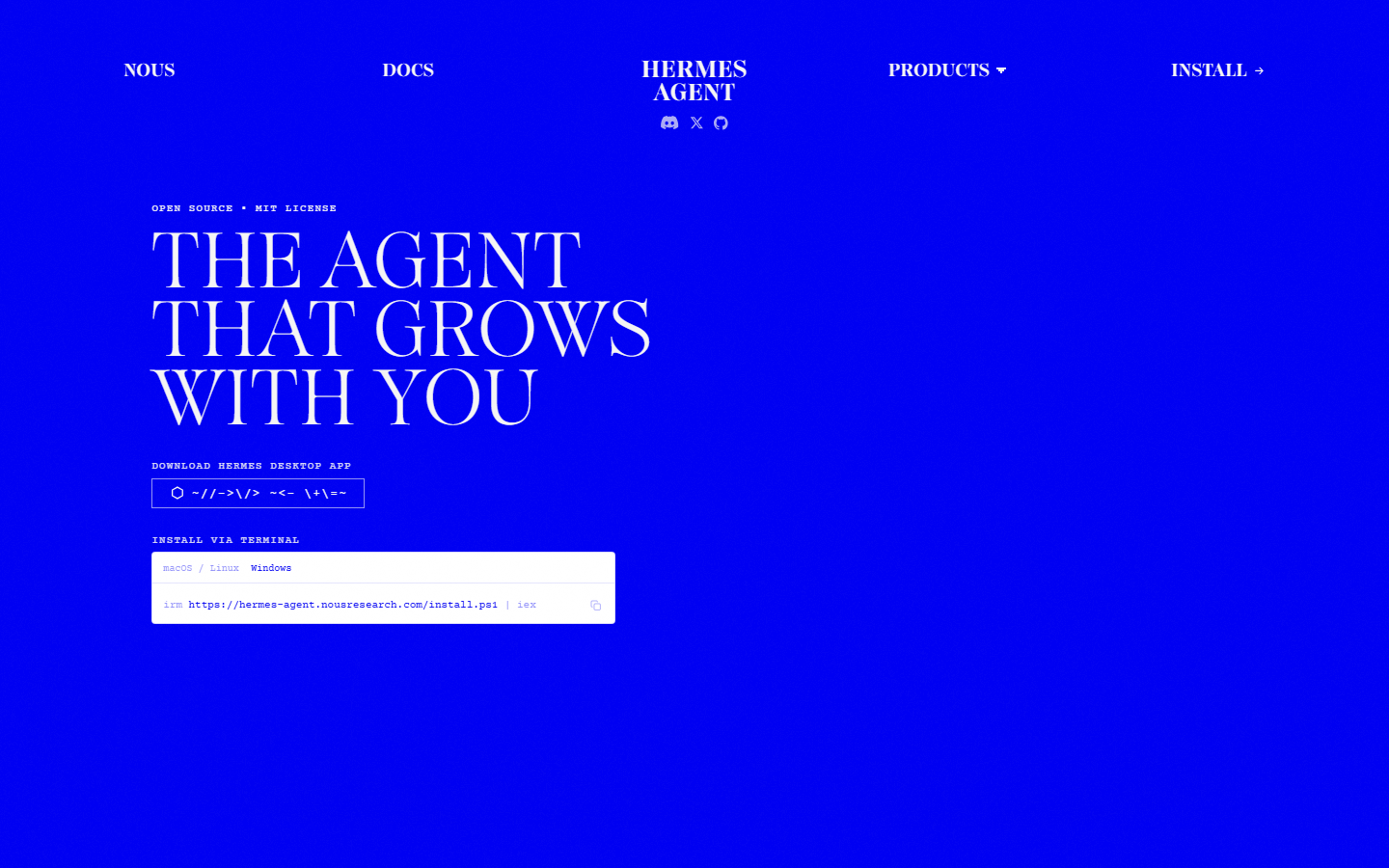 hermes-agent.nousresearch.com. Notice skills are part of a learning-loop runtime, not a marketplace-first catalog. That is why we install from GitHub and why you must pin what works.
OpenClaw’s line, so you do not paste the wrong one into a Hermes shell:
openclaw skills install @sanjaykhanssk/social-by-idmFull posting guide once the skill and MCP are up: How to let Hermes Agent post to social media. Format: SKILL.md explained. OpenClaw sibling: ClawHub install.
Why GitHub and not ClawHub?
Hermes can load the agentskills.io folder format. It does not depend on clawhub.ai. Some skills are mirrored; some Hermes users install from git. A ClawHub star count does not apply to this runtime. ClawHub also has a 2026 malicious-skill history (ClawHavoc) that is OpenClaw’s supply chain. Hermes’s supply chain is “whatever git URL you typed” plus “whatever the agent wrote itself last Tuesday.”
GitHub as source of truth means:
- You can
git logthe skill. - You can read
SKILL.mdin the browser before install: github.com/instant-dm/agent-mode. - You are not one typosquat away from
@sanjaykhansk. - Update is re-clone / re-install, not a registry promote you did not notice.
It also means you must type the org and path correctly: instant-dm/agent-mode/skills/social-by-idm. A fork with a “Prerequisites” curl is still a program. Ours has no install-time shell. If Hermes prompts you to run curl during install, abort.
Hermes’s headline feature is that it writes skills. That is the architectural bet: depth over catalog. Reddit’s complaint about OpenClaw is “I had to write every skill by hand.” Hermes’s complaint is the opposite: a skill overfits the first invoice layout, then silently fails on the second. A publishing skill that overfits is a 3am tweet. Pin the vendor skill. Put law in SOUL.md. Let Hermes write “how we turn a changelog into five bullets,” not a second publisher.
Where does the skill land, and what else is already in that folder?
Typically:
~/.hermes/skills/social-by-idm/SKILL.mdProject-local skills/ if you installed inside a workspace. After hermes claw migrate, also:
~/.hermes/skills/openclaw-imports/Do not keep two competing social skills. They will both match “schedule a post.” One will remember draft: true. The other will remember the week you said “just post it.” Keep the GitHub vendor copy. Delete or disable the import if it is a publisher.
Open the file. You want frontmatter like:
---
name: social-by-idm
description: >
  Create, schedule, and manage social media posts across Instagram, Facebook,
  X/Twitter, LinkedIn, and TikTok via the Social by InstantDM API and MCP server.
---
You want body rules:
- Stop if the API key is missing — do not hunt
.env, do not dumpconfig.yamlinto a caption. list_accountsbefore any write.- Prefer
draft: trueunless you said “publish now.” - Timezone offset on
scheduledAt(no offset = workspace TZ, not UTC). get_post_statusafter publish; honorpartial.- No fake likes, no duplicate caption+image across IG accounts.
Grep for curl, publishNow, .env. If you see a curl to a host that is not social-api.instantdm.com, you have the wrong tree.
Pin:
# if your build has curator pin:
hermes curator pin social-by-idm
If the command does not exist yet on your version, the SOUL redundancy is the pin. SOUL.md is the constitution. Skills are statutes. Policy in MEMORY.md vanishes on compaction.
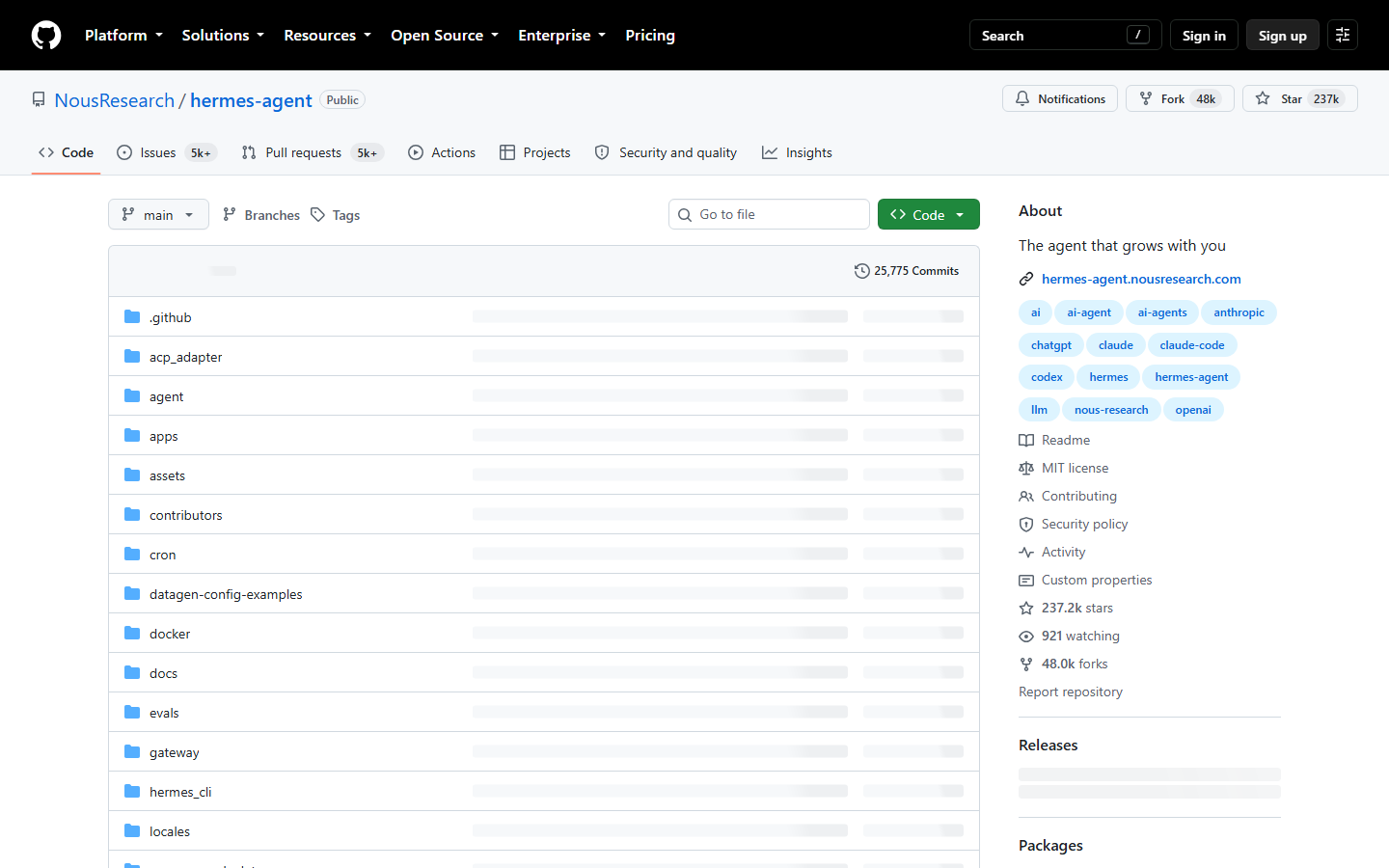 github.com/NousResearch/hermes-agent. Notice this is the runtime, MIT, Python. Our skill is not in this repo. It is in instant-dm/agent-mode. Do not hunt a social publisher inside Nous’s tree.
What must sit next to the skill or it is a lecture?
~/.hermes/.env:
SOCIAL_BY_IDM_API_KEY=sk_live_YOUR_KEYchmod 600 ~/.hermes/.env~/.hermes/config.yaml MCP block:
mcp_servers:
  social-by-idm:
    url: "https://social-api.instantdm.com/mcp"
    headers:
      X-Api-Key: "${SOCIAL_BY_IDM_API_KEY}"
    enabled: true
Some builds want Authorization: Bearer ${SOCIAL_BY_IDM_API_KEY}. If tools/list is empty, try the other header — do not rotate the key first.
Then:
/reload-mcpor restart hermes gateway. The gateway process must see .env. A CLI that lists tools and a gateway that does not is two different environments. Telegram talks to the gateway.
URL-only fallback:
https://social-api.instantdm.com/mcp?key=sk_live_YOUR_KEYTreat it as a secret. Prefer headers.
Scoped key in the dashboard: accounts:read, posts:read, posts:write, media:write. Optional analytics:read. platform:proxy off. Workspace at social-app.instantdm.com with OAuth’d accounts. Skill cannot connect Instagram for you.
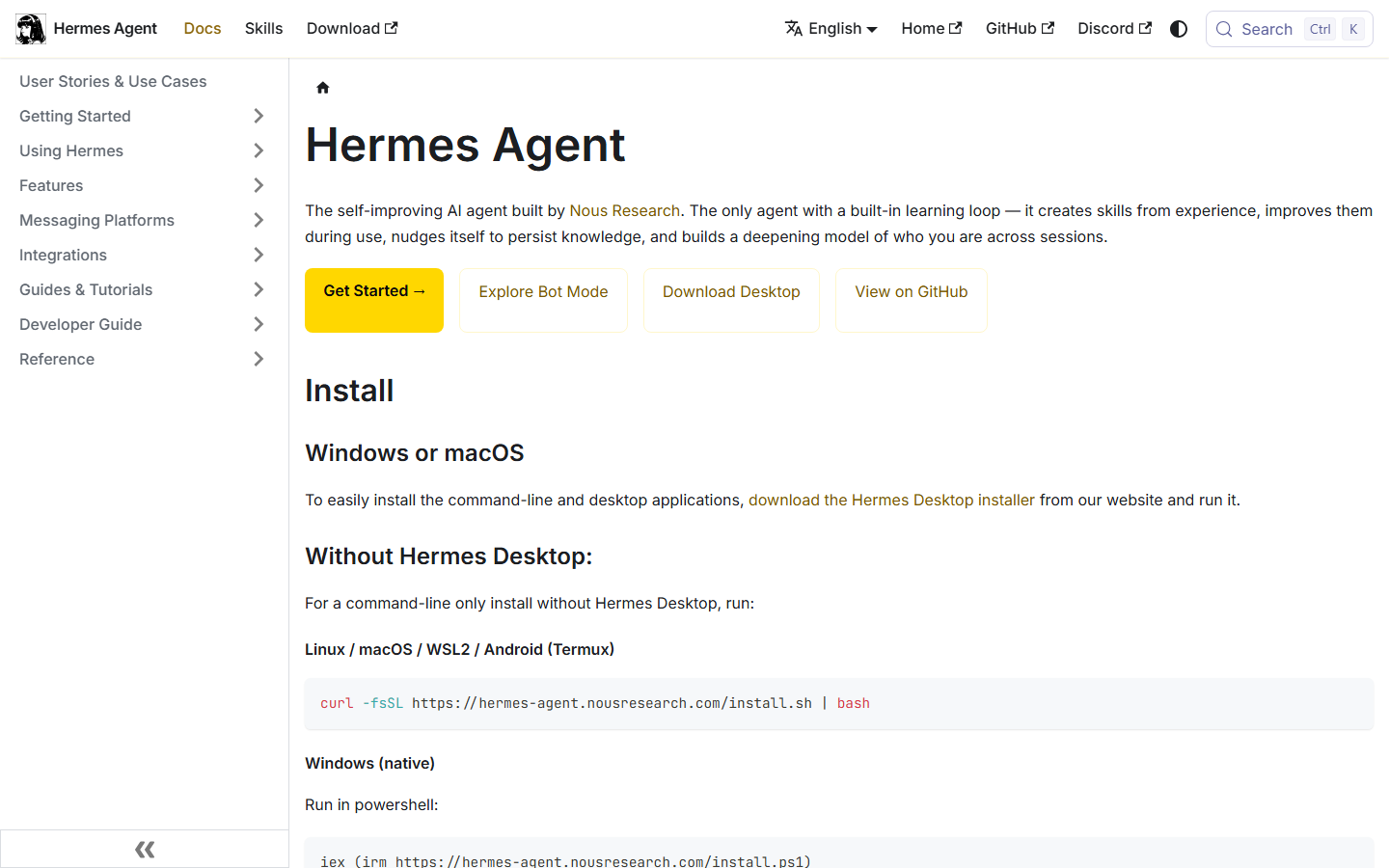 Hermes docs. Notice MCP servers are YAML and skills are folders. Installing social-by-idm does not add the URL. You still paste https://social-api.instantdm.com/mcp into config.yaml.
How do you verify, in the exact prompts that catch a bad load?
In CLI or Telegram:
Load the social-by-idm skill. List accounts. Do not post.
That sentence does two jobs. “Load the skill” puts the markdown in context on builds that route lazily. “List accounts” forces list_accounts. “Do not post” is the test of whether a homemade skill still wants to be helpful.
If it asks you to paste a key in chat, you misconfigured env — and the skill should have refused to search disk. That refusal is load-bearing. Do not “helpfully” relax it. Rotate the key if it already appeared in Telegram.
Next:
What social tools do you have, and what is the first call you will make?
Tools come from MCP (16 names). First call should be list_accounts — that comes from the skill. If the first call is create_post / publishNow, the vendor skill lost to a self-authored one or SOUL.md is empty.
Then a real draft:
Using social-by-idm, draft an X post and a LinkedIn post from these bullets: … Save as drafts. Use platformContent. Do not publish. Return the postId.
Payload you want to see in logs:
{
  "accountIds": ["acc_x7n2ab", "acc_p1L9wd"],
  "content": "Dark mode is on by default for new workspaces.",
  "platformContent": {
    "twitter": "Dark mode is the default for new workspaces. Existing users: Settings → Appearance.",
    "linkedin": "We turned dark mode on by default for new workspaces.\n\nExisting users keep their theme. The toggle is in Settings → Appearance."
  },
  "draft": true
}
Scheduled, with offset, after you approved the copy:
{
  "accountIds": ["acc_x7n2ab"],
  "content": "Dark mode is on by default for new workspaces.",
  "scheduledAt": "2026-09-16T09:00:00+05:30"
}
Staggered:
{
  "accountIds": ["acc_p1L9wd", "acc_8fK2qz"],
  "scheduledAt": "2026-09-16T08:30:00-04:00",
  "platformSchedules": {
    "linkedin": "2026-09-16T08:30:00-04:00",
    "instagram": "2026-09-16T11:00:00-04:00"
  },
  "content": "Dark mode is on by default for new workspaces.",
  "draft": false
}
Only set draft: false (or omit draft and send scheduledAt) after a human looked. Naive stamps are workspace TZ, not UTC. Instagram still needs media — upload_media_from_url first.
Open the calendar. No row means no tool call. Hermes is good at narrating success.
How do you update without letting the learning loop fork you?
hermes skills install github:instant-dm/agent-mode/skills/social-by-idmAgain. If last-updated on SKILL.md is more than 60 days old, the skill tells the agent to warn you. Take the warning. We add platform rules (TikTok JPEG caps, LinkedIn delete lies, Threads 500). A stale skill omits get_post_status and treats HTTP 201 as “live everywhere.”
After update:
- Pin again if the pin dropped.
- Confirm
openclaw-imports/does not still contain an older publisher. - Re-run “first call you will make.”
- Do not let Hermes “merge” the vendor file with last week’s homemade one. Merges drop offsets.
If Hermes offers to write how-we-schedule-acme.md after a good week, let it write caption structure, not publish policy. Publish policy is SOUL + vendor skill. Example SOUL fragment:
## Social publishing
- Load social-by-idm. Do not author a replacement.
- list_accounts before any write.
- draft: true unless the human said "publish now".
- scheduledAt always has an offset (+05:30 or Z).
- After any live attempt, get_post_status. Say partial if partial.
- Never read .env or config.yaml into a tool argument or a caption.
Cron that respects the skill:
hermes cron create "0 8 * * 1-5" "Read SOUL.md. Load social-by-idm. Draft five posts for empty slots this week. draft true. Never publish_now. Deliver IDs to Telegram." --name "weekday-drafts" --deliver telegramAlways-on calendar. Exclude publish tools if your MCP config supports an exclude list.
What are the 16 tools the skill keeps naming?
They live on the server. The skill’s job is to stop the model inventing send_instagram_post. /mcp.
| Tool | Scope | Why the skill mentions it |
|---|---|---|
list_accounts | accounts:read | First. Copy acc_ IDs. |
create_post | posts:write | Draft / schedule. platformContent, platformSchedules. |
update_post | posts:write | Activate drafts. Bare scheduledAt moves all targets. |
get_post | posts:read | Full object. |
get_post_status | posts:read | partial is the real failure. |
list_posts | posts:read | Do not double-queue. |
delete_post | posts:write | Check manual. |
upload_media_from_url | media:write | Public URL → mediaId. |
create_upload_url | media:write | Local file. |
complete_upload | media:write | After PUT. |
list_media | media:read | Reuse. |
delete_media | media:write | Cleanup. |
get_analytics | analytics:read | No invented metrics. |
list_platform_posts | posts:read | Native posts. |
delete_platform_post | posts:write | Where APIs allow. |
platform_request | platform:proxy | Off on day one. |
If Hermes lists none of these, MCP is down. Re-read YAML, /reload-mcp, try the other header. The skill cannot open a socket.
What goes wrong — 401, 403, empty tools, empty accounts, agent publishes anyway?
| Symptom | Likely cause | Fix |
|---|---|---|
| Wrong install line | Pasted the ClawHub @sanjaykhanssk/… into Hermes | Use the GitHub form above. |
| Two skills | openclaw-imports/ + GitHub | Keep one. Pin it. |
| Skill loaded, no tools | No mcp_servers / forgot reload | YAML + /reload-mcp. |
| Empty tools, YAML ok | Header name; gateway env | Bearer vs X-Api-Key. Restart gateway. |
| 401 | Key typo, quotes in .env, revoked | Recopy, no quotes, mode 600. |
| 403 | Missing scope | Add posts:write etc. Do not rotate first. |
| Empty accounts | OAuth / wrong workspace | Dashboard. |
| Asks for key in chat | Skill ignored; env missing | Fix env. Do not paste. |
| Publishes anyway | Homemade skill; cron prompt; no SOUL | Pin vendor. draft: true. Rewrite cron. |
| Wrong hour | Naive timestamp | Offset. Workspace TZ ≠ UTC. |
partial reported as success | Stale skill | Update. Force get_post_status. |
| Curator deleted the skill | Unpinned | hermes curator pin. Restore from GitHub. |
| Install wanted shell | Lookalike / fork | Abort. Read instant-dm/agent-mode. |
{ "error": { "code": "unauthorized", "message": "Missing or invalid API key." } }{ "error": { "code": "forbidden", "message": "Key lacks posts:write." } }On those, stop. Do not retry live. Hermes’s instinct after a 400 on a draft-shaped body is sometimes publishNow: true. The skill exists to kill that instinct.
How do you migrate from OpenClaw without inheriting a second publisher?
hermes claw migrate --dry-run
hermes claw migrate
Dry-run first. SOUL.md, memories, skills, allowlisted keys copy. Multi-agent OpenClaw is not a full clone. MCP JSON does not become YAML. Re-add the mcp_servers block. Put the key in ~/.hermes/.env, not in a leftover openclaw.json.
Then inspect ~/.hermes/skills/openclaw-imports/. If social-by-idm is there and you ran the GitHub install, you have two. Delete the import (or the duplicate). Pin the one you keep. /reload-mcp. First prompt: list accounts, do not post.
OpenClaw posting and ClawHub install remain valid on the old machine. Running both agents against one posts:write key is how two writers double-book LinkedIn. Pick one writer. OpenClaw vs Hermes. OpenClaw skill install.
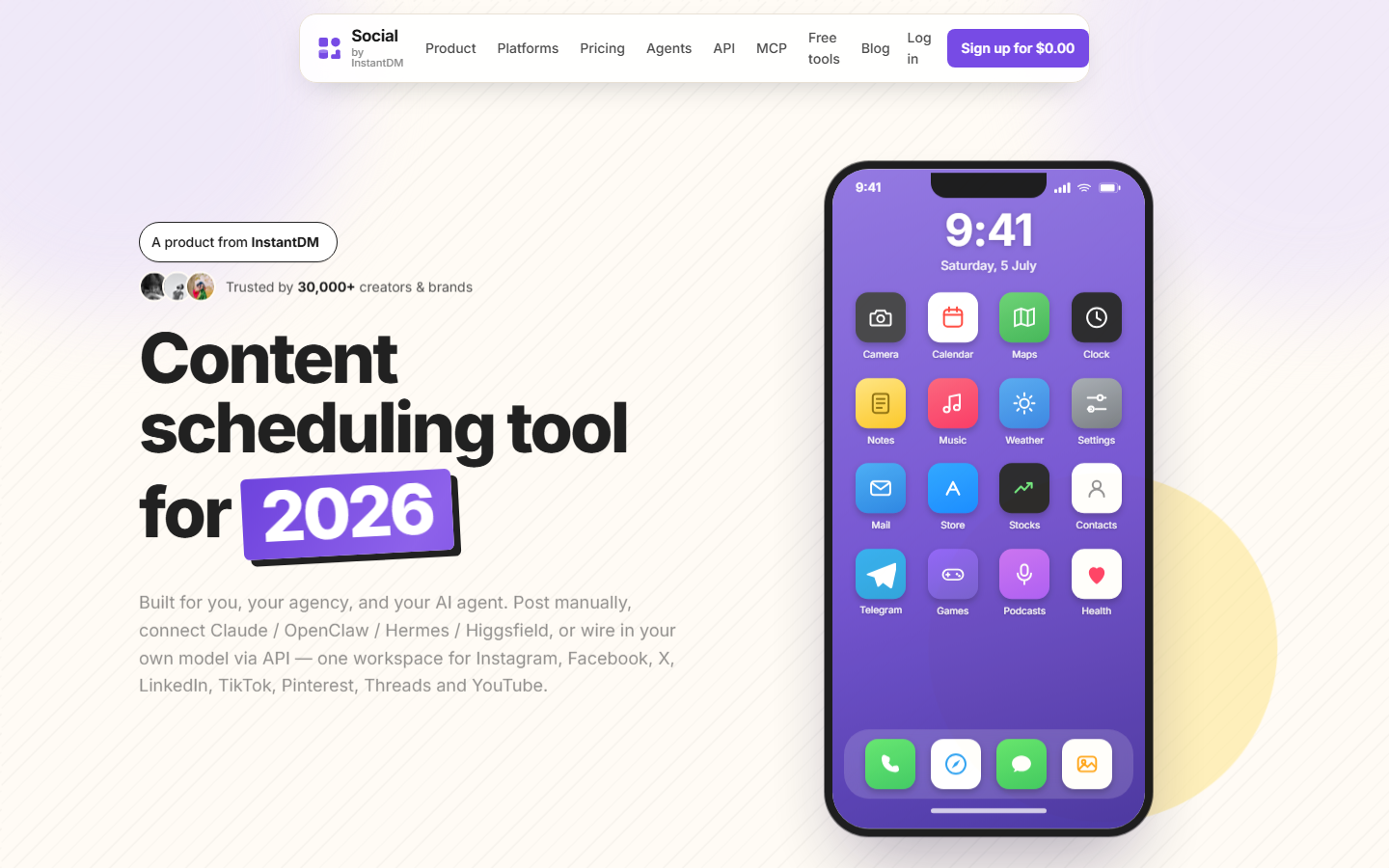 socialbyidm.com. Notice we are the scheduler the skill documents. Hermes remains Nous’s runtime. The skill is the contract between them.
What should never sit next to this skill?
- A self-authored
publisher.mdthat omits offsets - Cron with
publish_now - The API key in Discord “for the team”
- ClawHub grow-overnight packs copied into
~/.hermes/skills/“because the format is the same” - Browser automation against Instagram
platform:proxyon the same key the weekday cron uses- The same caption+image targeted at three IG accounts
Freeze:
Freeze social. Do not create, schedule, or publish. Confirm the queue is untouched.
Practice it once. Put it in SOUL.md.
Claude / ChatGPT do not install this skill. They use a connector UI against the same MCP URL. Schedule from Claude or ChatGPT. What an MCP server is. Hermes is the YAML-and-cron sibling.
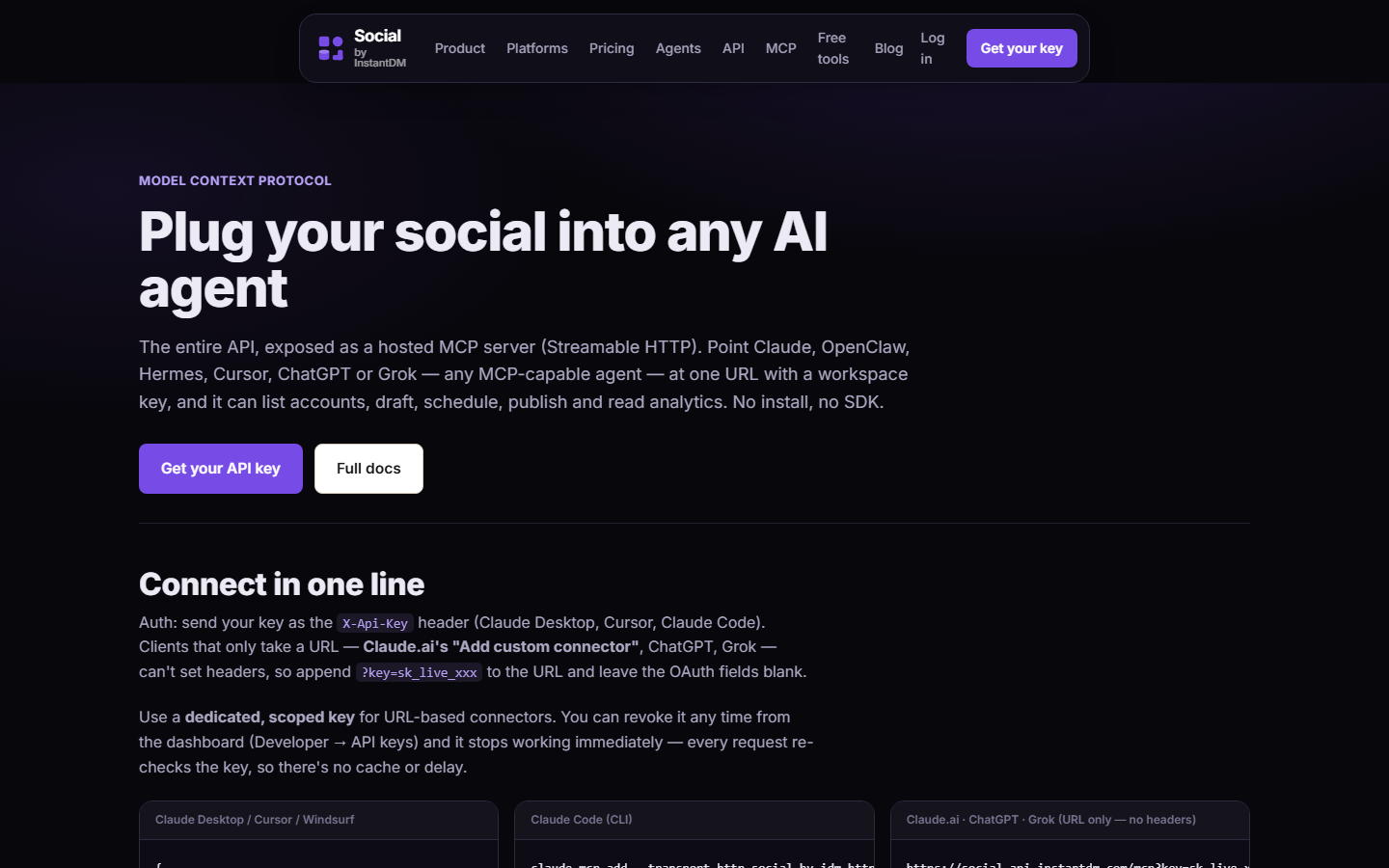 socialbyidm.com/mcp. Notice 16 tools and the Streamable HTTP URL. If Hermes cannot see those tools, the skill is not the bug — config.yaml is.
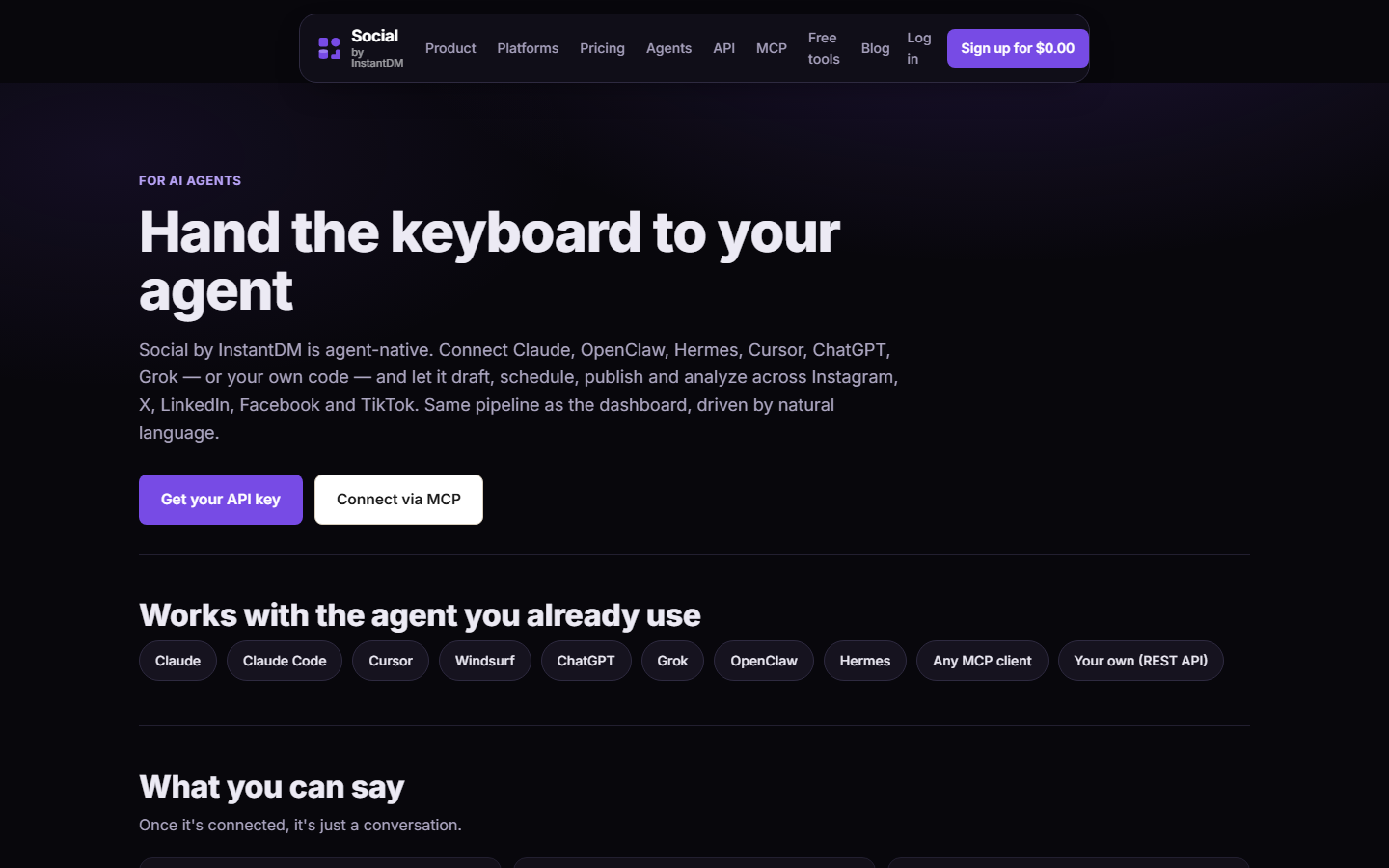 socialbyidm.com/agents. Notice OpenClaw and Hermes are both listed as clients of the same pipeline. The GitHub skill is how Hermes behaves; the YAML block is how it connects.
How do you audit the install on disk, including Windows?
macOS / Linux:
ls -la ~/.hermes/skills/social-by-idm/
ls -la ~/.hermes/skills/openclaw-imports/ 2>/dev/null
rg -n "curl|publishNow|draft|scheduledAt" ~/.hermes/skills/social-by-idm/SKILL.md
Windows (PowerShell):
Get-ChildItem -Force $env:USERPROFILE\.hermes\skills\social-by-idm
Get-ChildItem -Force $env:USERPROFILE\.hermes\skills\openclaw-imports -ErrorAction SilentlyContinue
Select-String -Path $env:USERPROFILE\.hermes\skills\social-by-idm\SKILL.md -Pattern 'curl|publishNow|draft'
Two trees after hermes claw migrate is the default foot-gun. If both social-by-idm and openclaw-imports/something-social match “schedule,” the learning loop will pick whichever description ranks hotter this week. Delete the import copy of the publisher. Pin the GitHub copy.
hermes doctor after install should stay clean. A doctor that is already red on MCP or env is not a skill problem. Fix doctor, then reload.
What /reload-mcp does: re-reads config.yaml and re-runs tools/list against each mcp_servers entry. It does not re-clone the skill. Reloading MCP because the skill “isn’t working” wastes time. Restart the gateway if Telegram’s process never saw .env. Skill changes: start a new session so the router re-reads SKILL.md. Some builds cache descriptions until process restart.
Telegram versus CLI: Telegram talks to hermes gateway. The CLI may be a different process with a different cwd and a different env. Test the path you actually use. A CLI that lists 16 tools and a Telegram bot that lists zero is two environments, not a broken skill.
What does a bad homemade skill look like next to this one?
Hermes will try to write one. Here is the shape that has already bitten people — do not keep it:
---
name: how-we-post-tuesdays
description: Post the weekly social. Use when the user says schedule, post, or Instagram.
---
On Tuesdays at 9am, publish the five captions in MEMORY.md.
scheduledAt: 2026-09-16T09:00:00
publishNow if the draft looks good.
What is wrong, line by line: the description steals every social turn from social-by-idm; there is no list_accounts; the timestamp has no offset (workspace TZ, not UTC); “looks good” is the model grading its own homework; MEMORY.md is the wrong file for policy; publishNow is how last week’s hallucinated stat ships.
A helper skill that is allowed:
---
name: changelog-to-bullets
description: Turn a GitHub changelog or release notes into five platform-neutral bullets. Does not publish.
---
Read the changelog. Produce five bullets. Hand them to social-by-idm as input.
Never call create_post. Never read .env.
Keep helpers. Kill publishers. Grep ~/.hermes/skills for create_post and publishNow once a month. If a file you did not install can write, pin-disable it.
FTS5 memory search will surface “last Tuesday we posted at 9.” That is a memory, not a schedule. The vendor skill plus SOUL.md beat a remembered hour. If the agent cites MEMORY.md for a go-live time, tell it to use platformSchedules with an offset instead.
What media and platform rules is the skill trying to enforce?
The GitHub file is not a complete Graph SDK. It is a checklist the model forgets. Encode it once here so you can grep your copy.
- Instagram: media required. Caption ≤ 2,200. Carousel 2–10. Reels take
coverMediaIdorcoverOffsetMs. Text-only →422 content_invalid. - X / Twitter: 280 on free; longer needs Premium. Threads use
postType: "thread"andthread: [{ text, mediaIds? }]. Key inplatformContentistwitter. - LinkedIn: ≤ 3,000. One media.
articlefor link shares.documentfor PDF +documentTitle. Personal delete is not via API. - TikTok: JPEG photos ≤1920px, <10MB, or a video on a verified public domain. No API delete.
- Threads: 500 characters. One image per segment.
- Pinterest: image, board required, carousel max 5 with shared aspect ratio,
linkfor destination. - YouTube: video only.
youtubeTitle≤ 100. Caption becomes description. - Facebook: Page selected on Accounts. Edit and delete work.
Upload order the skill wants:
list_accountsupload_media_from_urlorcreate_upload_url→ PUT →complete_uploadcreate_postwithmediaIdsanddraft: true- You, in the calendar
update_postwithscheduledAtthat includes+05:30orZ- After go-live,
get_post_status— saypartialif partial
Local PUT is easy to skip. Hermes will attach md_… from create_upload_url before complete_upload. The create then 404s or 422s the media. Logs: if you never see a PUT to the presigned URL, the skill’s step 2 was skipped.
How should Telegram, CLI, and cron each load the skill?
CLI session you are watching:
Load the social-by-idm skill. List accounts. Do not post.
Telegram, after gateway restart:
Load social-by-idm. What is the first tool you will call? Then list accounts. Do not post.
If Telegram never “loads” skills unless they match the description, the list-accounts phrasing is what trips the router. Keep “list accounts” in the user message. Do not rely on the model to remember the skill name from last week; sessions compact.
Cron:
hermes cron create "0 8 * * 1-5" "Isolated session. Read SOUL.md. Load social-by-idm. List accounts. Draft five posts for empty slots. draft true. Never publish_now. Deliver IDs to Telegram." --name "weekday-drafts" --deliver telegramIsolated session is not optional. A thread that just argued with a customer will leak into a LinkedIn caption. --deliver telegram is the review surface. If your build can exclude MCP tools per cron job, exclude anything that publishes immediately. Otherwise the prompt and SOUL and the skill all say draft: true. Three layers is the point.
When cron is late: skip, do not burst. Put that sentence in the cron prompt itself.
How do you know you are done?
hermes skills install github:instant-dm/agent-mode/skills/social-by-idmhas been run.SKILL.mdis on disk, no curl, draft-first, offsets.- Pinned if your build allows.
- No second copy under
openclaw-imports/. .env+mcp_servers+/reload-mcp.- “Load the social-by-idm skill. List accounts. Do not post.” returns real
acc_IDs. - A draft appears in the calendar.
- Cron, if any, says
draft trueandNever publish_now.
Done is a draft, not a live post. I sell the last mile. The skill is how I keep Hermes from using that last mile like a slot machine. Pin it. Reload MCP. Make the first call list_accounts.
How do you read Hermes logs when cron “drafted” but nothing is in the calendar?
Cron will deliver a Telegram message that lists five titles. Those titles can be hallucinations. Demand IDs.
For each draft you claim, return the postId from create_post. If you did not call the tool, say so.
Then:
# gateway stdout, or your process manager
journalctl -u hermes -n 200 --no-pager
Grep for create_post and for publishNow. A weekday job that contains publishNow is a broken prompt, not a server bug. Curl the queue:
curl "https://social-api.instantdm.com/v1/posts" \
  -H "X-Api-Key: $SOCIAL_BY_IDM_API_KEY"
Match pst_ IDs. Missing IDs: the learning loop narrated. Extra live rows: freeze immediately.
OAuth errors show up as platform_error on a target, not as an MCP connect failure. Hermes should tell you which acc_ to reconnect in the dashboard. It should not ask for a Meta token in Telegram. If list_accounts is empty after a working tools/list, you connected MCP to the wrong workspace’s key.
YAML gotcha that looks like a skill bug: a second mcp_servers: key later in config.yaml overwrites the first. grep -n mcp_servers ~/.hermes/config.yaml should return one. Tabs mixed with spaces under headers: will drop X-Api-Key on some parsers. If /reload-mcp says enabled and tools/list is empty, dump the parsed config if your build has hermes config print (name varies) rather than staring at the skill file.
When two skills fight, the log will show tool calls that omit draft: true even though vendor SKILL.md requires it. That means the homemade skill won routing. Pin, delete the extra file, new session. Old sessions keep the old description list until they compact or you restart the gateway.
I sell the scheduler. The GitHub skill is how I keep Hermes from treating that scheduler like a loudspeaker. Pin it. Reload MCP. Make cron speak draft true out loud.
Product: /agents · /mcp · docs. Posting walkthrough: let Hermes post.
Frequently asked questions
What is the Hermes install command for Social by InstantDM?
hermes skills install github:instant-dm/agent-mode/skills/social-by-idm — GitHub source, not ClawHub. Add the MCP server in ~/.hermes/config.yaml or the skill has nothing to call.
Will Hermes rewrite this skill on its own?
It might try. Pin it. Put durable publishing law in SOUL.md so a self-authored 'how we posted Tuesdays' skill cannot override draft-first.
Where does the skill land on disk?
Typically ~/.hermes/skills/ after install. OpenClaw imports, if you migrated, land in ~/.hermes/skills/openclaw-imports/ — do not keep two competing social skills.
How do you update?
Re-run the same hermes skills install command. If last-updated on the SKILL.md is more than 60 days old, the skill instructs the agent to warn you.
Does the skill post without MCP?
No. The skill is policy. MCP is the tools. Put mcp_servers.social-by-idm.url at https://social-api.instantdm.com/mcp, set SOCIAL_BY_IDM_API_KEY, then /reload-mcp.
What is the first prompt after install?
Load the social-by-idm skill. List accounts. Do not post. If Hermes asks you to paste a key in chat, env is wrong and the skill should have refused to search disk.
How is this different from OpenClaw's ClawHub install?
Same SKILL.md. OpenClaw uses openclaw skills install @sanjaykhanssk/social-by-idm. Hermes clones from GitHub. Config is YAML vs JSON. Do not mix the two install lines.
What if I already migrated from OpenClaw?
Look in ~/.hermes/skills/openclaw-imports/. If a social skill is there, keep one copy only. Re-add MCP in config.yaml; migrate does not convert openclaw.json into YAML.
Can I pin the skill so the curator does not delete it?
Yes, if your build has hermes curator pin social-by-idm. If the command does not exist yet, SOUL.md is the pin: never publish_now, always offset, list_accounts first.
Which 16 tools should Hermes see after this?
list_accounts, create_post, update_post, get_post, get_post_status, list_posts, delete_post, upload_media_from_url, create_upload_url, complete_upload, list_media, delete_media, get_analytics, list_platform_posts, delete_platform_post, platform_request — from MCP, not from the skill file.